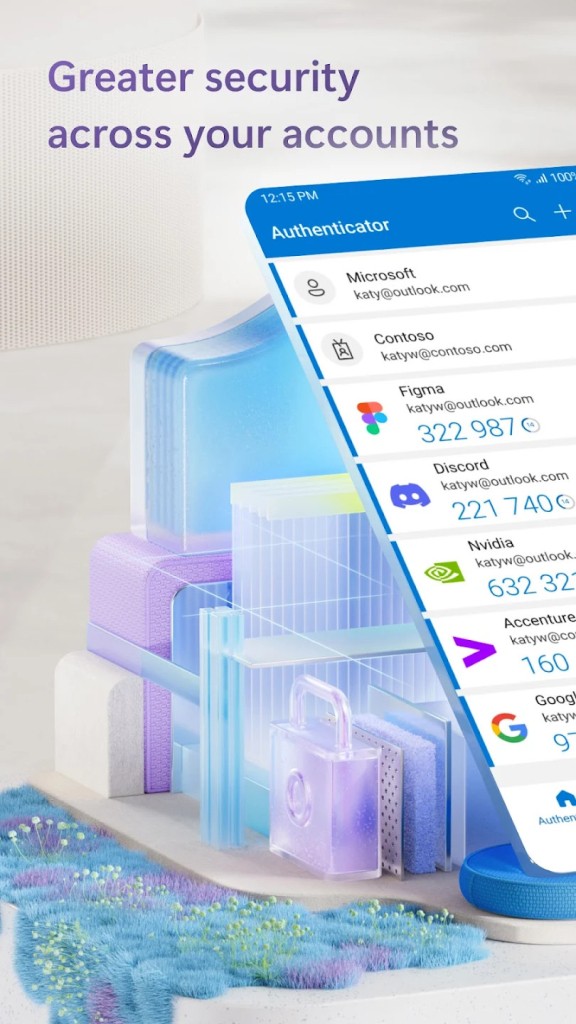
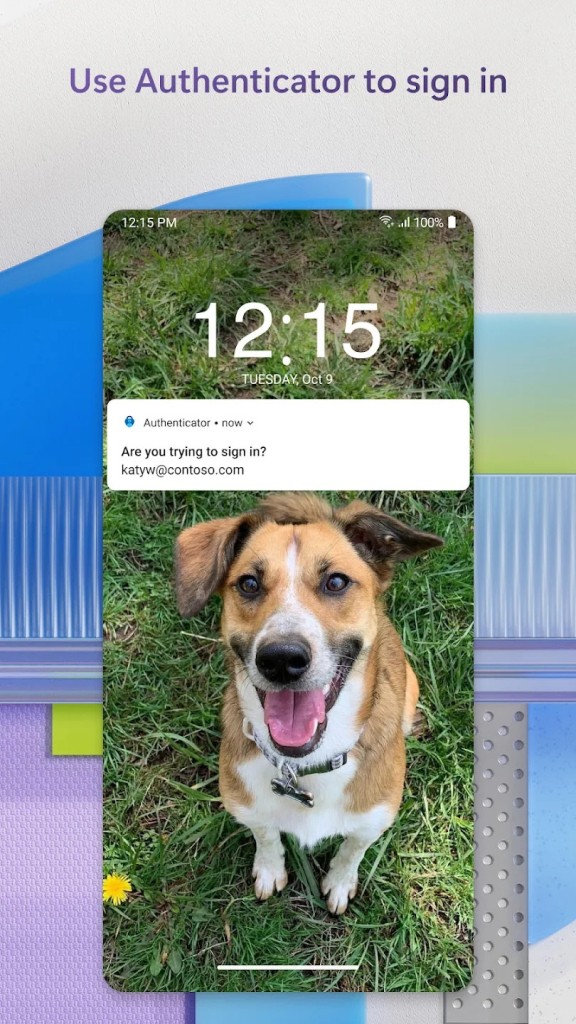
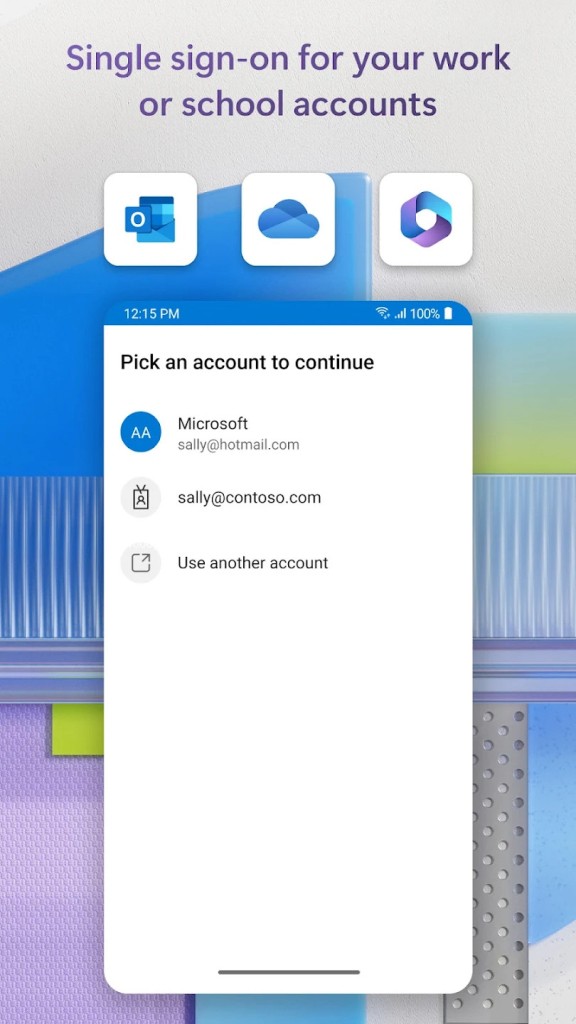
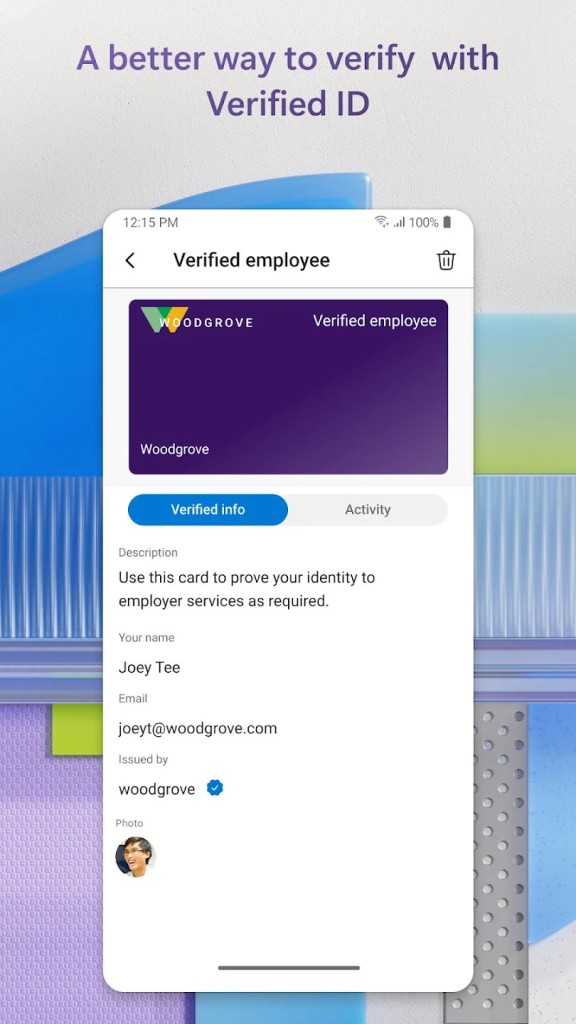
Microsoft Authenticator functions as a mobile application, providing users with protected online account access by employing two-factor authentication preferences. Instead of relying solely on passwords, Microsoft Authenticator implements a security enhancement that uses either temporary code generation or push-based authentication approvals for additional defense.
Microsoft Authenticator enables users to connect their Microsoft account and supports TOTP (time-based one-time password) and OTP-based logins across multiple third-party accounts, including Google, Facebook, Amazon, and others.
The mobile platform runs the application, which serves as dual authentication during service logins. Using Azure Active Directory for work applications, together with your Microsoft account, provides stronger security during authentication. The device requires either user verification of push notifications or the entry of rotating 30-second code changes.
The simple layout enhances usability, which is why users find this tool practical for day-to-day logging. It doesn’t try to be fancy. The application hides on your phone in a non-invasive manner as a backup security system that operates discreetly while waiting for your commands. Log-in processes in the app remain swift and uninterrupted because these events matter most to users seeking authentication tools.
The Microsoft Authenticator application is an essential service every user should install on their phone.
Why Should I Download Microsoft Authenticator?
Authentication technology has become our default mode today because users rely on passwords as their primary defense mechanism while enduring constant threats to sensitive data. Most users have either lost their password security or experienced data hacking incidents on their accounts.
Normal users seek this application to block unauthorized access to their personal and professional email and cloud storage accounts. Microsoft Authenticator stands out because of its ability to enhance security. Microsoft Authenticator lets you retain control while avoiding extra hassle. The application prevents unauthorized access by requiring a phone to authenticate login attempts using known passwords.
Regular users of Microsoft services will gain the highest utility from this application. Microsoft 365, together with Outlook, Azure Teams, and additional products, forms a perfect partnership with Microsoft Authenticator. This app provides exceptional value to people who work remotely or serve multiple accounts for the same organization.
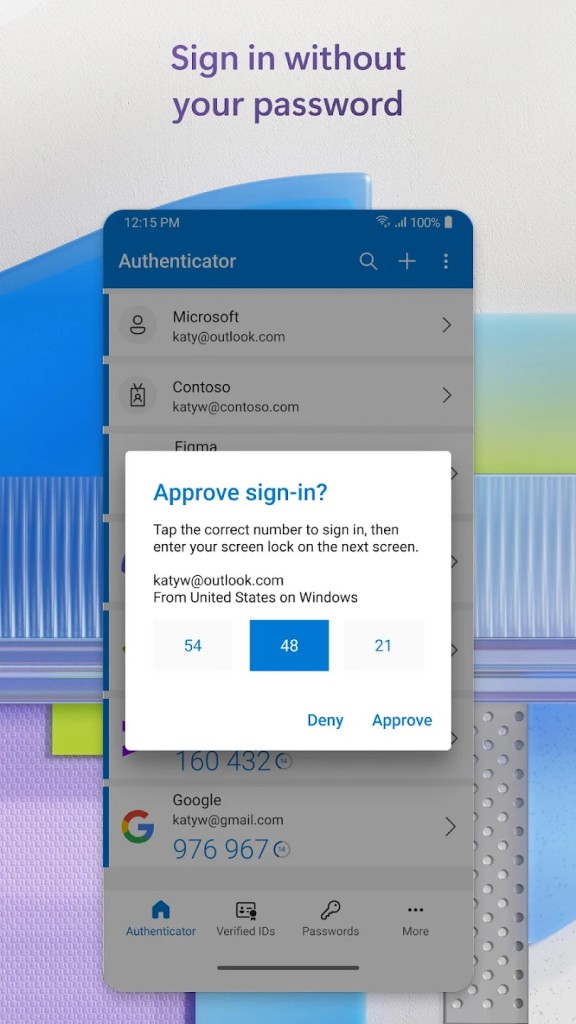
Users of Microsoft Authenticator can obtain security codes in addition to utilizing the app for passwordless authentication. You do not need to remember complicated password character combinations because the app lets you confirm notifications on your smartphone. The login process becomes faster with this method, which also enhances the user experience through a more responsive interface.
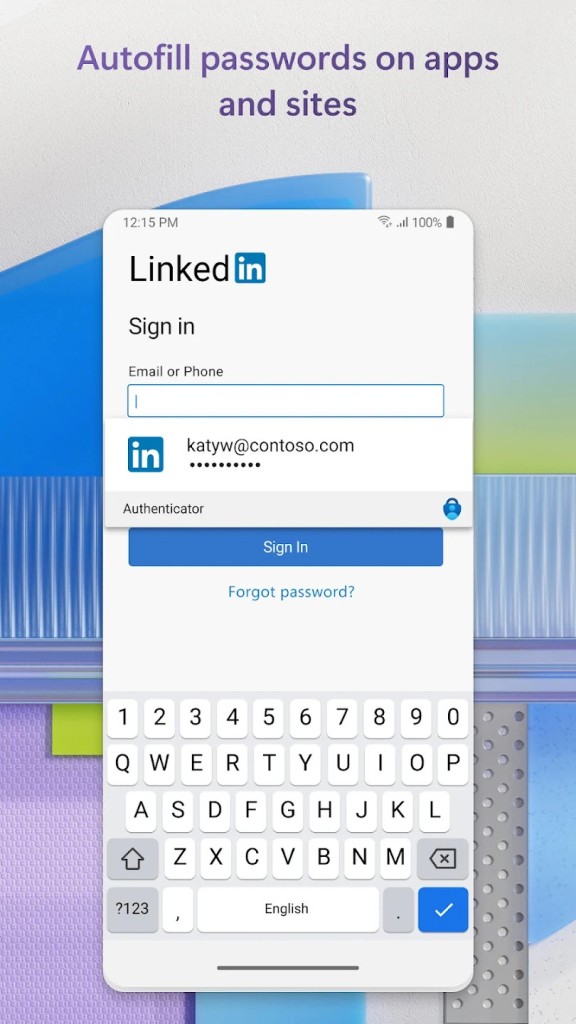
The password manager feature of Microsoft Authenticator lets you store your passwords and complete login entries. Verification of identity represents only one aspect of what this service provides. Your security routine develops this feature as its core element. The users wish to access their accounts before continuing with their daily activities.
The app operates equally smoothly when users work under Microsoft tools and browse shopping accounts online. The solution puts everything in a single place, giving users protection against the hassle of lost access during failures. This software provides users with a feeling of security above everything else. Despite password leakages, the safety of your account remains secure because Authenticator is in place. Quiet confidence like this has become rare to find in current times.
Is Microsoft Authenticator Free?
Users can use Microsoft Authenticator for free. Users receive authentication features completely free of charge through Microsoft Authenticator, without hidden subscription fees or in-app payments.
All verification solutions, such as push notifications and one-time codes, are available at no charge to all users who use Microsoft Authenticator for their personal and work account logins.
What Operating Systems Are Compatible with Microsoft Authenticator?
Users can install Microsoft Authenticator through the Android and iOS mobile stores. Users can download Microsoft Authenticator from the Google Play Store and the Apple App Store. The application performs efficiently on all smartphones without incurring substantial memory usage.
The application offers excellent performance benefits at all mobile device speeds. Users who choose mobile-only operations can link Microsoft Authenticator to their Microsoft browser-based logins on Windows, macOS, and Linux. The installation on your phone enables browser access to any platform through synchronized operation.
What Are the Alternatives to Microsoft Authenticator?
Other tools for two-factor authentication are available across the market, based on individual users' technical needs and personal preferences.
The most commonly used authentication substitute is Google Authenticator. Users have been using this tool for multiple years because it maintains essential functionalities. The code-generation capability of Microsoft Authenticator for account verification remains the same; it lacks push notifications and passwordless login. Users can rely on this program, but some individuals consider its interface basic and understated. Users may encounter issues with backup services and device synchronization when switching devices or experiencing device failures, since Microsoft Authenticator does not provide these features.
The authentication tool Authy is a widely recommended option for users. The latest version provides users with cloud backup, multiple-device synchronization, and token restoration in the event of phone loss. The service is beneficial to people who work with multiple devices and prefer to store their information through backup systems. Users who place their faith in cloud platforms find Authy to be an advanced solution, while those concerned about privacy avoid this service. People who need dependable backup systems with resilient authentication methods but prefer cross-platform freedom will find Authy their ideal solution.
Red Hat has developed FreeOTP as a totally open-source authentication solution. FreeOTP stands out as the most basic authentication application that runs on your device and avoids any cloud storage or hidden activity. The phone stores all data internally and requires no user registration, while avoiding background data collection. FreeOTP serves users who value complete control and basic functionality above all else. This platform offers simplicity as well as security during fast authentication, but lacks the glamorous look some users desire. It also doesn't provide push approval features.