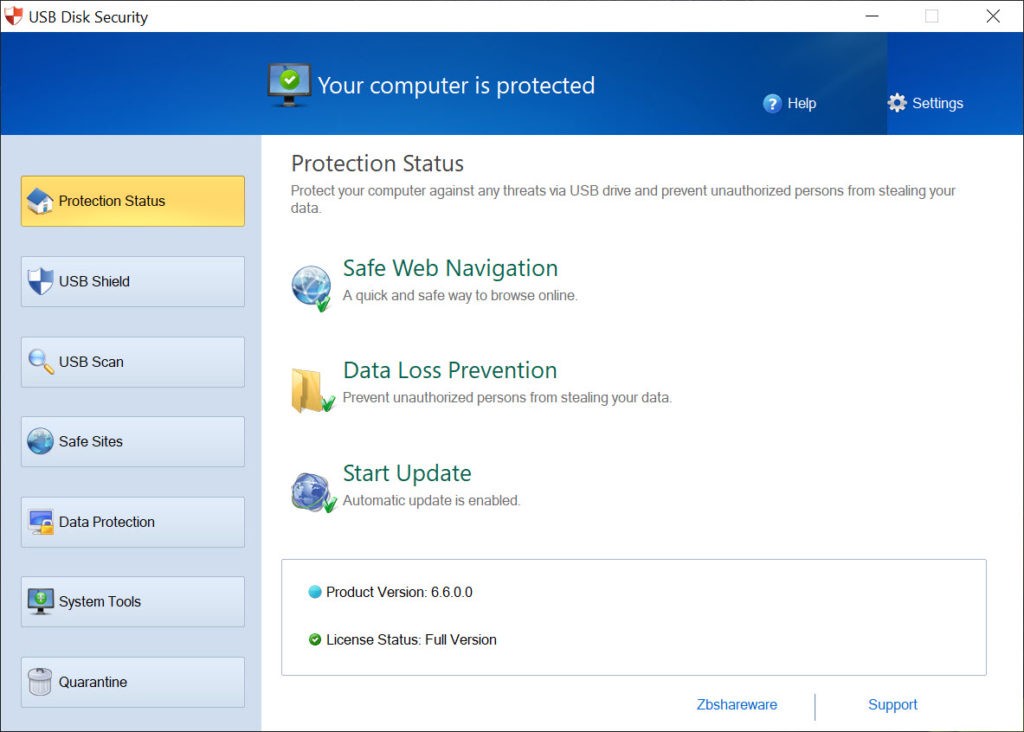
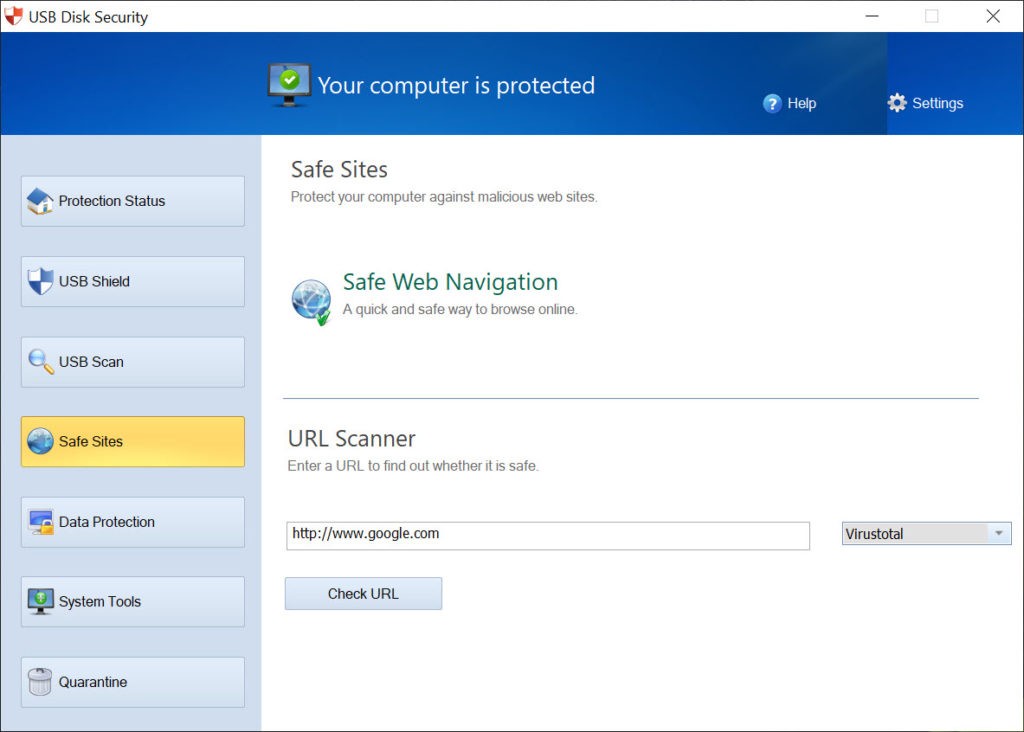
USB Disk Security focuses on one specific threat that most antivirus programs tend to underestimate: malware carried by USB drives and other removable storage devices. Standard antivirus suites cover a wide range of threats, but USB ports remain a blind spot in many security setups, especially in offices, schools, and shared workspaces where flash drives pass between machines regularly. USB Disk Security fills that gap by adding a dedicated layer of protection that monitors USB-connected devices the moment they are plugged in.
The program works in real time, scanning any drive as soon as it connects to your computer. It blocks unknown executables and hidden files from running without your permission, using automatic threat detection and behavior analysis to stop unauthorized file activity before it can reach your operating system. None of this requires any technical knowledge on your part. The interface is simple and clean, and after installation, USB Disk Security runs quietly in the background without slowing down your machine.
Over the years, the tool has earned a following among users who need protection against threats that slip past their main antivirus software, particularly malware, trojans, and worms that hide inside thumb drive contents. USB Disk Security works alongside your existing antivirus rather than replacing it, covering a vulnerability that many broader security tools do not prioritize.
Why Should I Download USB Disk Security?
Despite the focus that modern security software places on internet downloads, email attachments, and network threats, removable storage remains a surprisingly common vector for infection. Flash drives travel between machines constantly, picking up hidden files along the way and potentially delivering them to every computer they touch.
A single infected USB drive can introduce malware to your system before your main antivirus even gets a chance to react. If that antivirus is not set to scan removable devices on connection, or if the malware uses techniques designed to avoid detection, the threat can sit on your machine unnoticed until it causes serious damage. USB Disk Security is built to catch those threats at the point of entry, blocking harmful files before they have a chance to execute.
The app scans drive contents before you even open a file browser window, flagging anything suspicious right away. Auto-run files, which are a common method for launching malware from USB devices without user interaction, are automatically blocked. Beyond scanning, the program lets you quarantine suspicious files, run USB cleaning procedures, and track how connected devices behave over time, giving you a fuller picture of what is happening when external storage is plugged into your PC.
One particularly useful feature is that USB Disk Security works without an internet connection. Many modern antivirus programs depend on cloud-based definitions and online update servers, which means they lose effectiveness when your machine is offline. USB Disk Security stores its virus definitions locally and reacts quickly even without network access. That makes it a strong choice for remote workers, travelers, and anyone operating in environments where internet connectivity is not always available, such as field offices or isolated tech labs.
Ease of use is another strong point. You do not need a background in cybersecurity to get value from USB Disk Security. The interface avoids confusing options and obscure data displays, keeping everything organized in a clean, logical layout. Once installed, the program protects your USB ports automatically without requiring constant attention or manual updates. It runs alongside whatever antivirus you already have and acts as a focused supplement that covers the specific entry point that broader security suites often leave exposed. You can download USB Disk Security and have it running in minutes.
Is USB Disk Security Free?
USB Disk Security offers a free version that covers the basic protection features most personal users need, including real-time USB monitoring and threat blocking. Some advanced tools, such as repair utilities, system optimization options, and commercial licensing, are reserved for the paid Pro version.
For anyone who primarily wants to block USB-borne threats on a personal computer, the free edition is typically more than enough. The upgrade path is there if you need the additional functionality, but the core protection works well without paying anything.
What Operating Systems Are Compatible with USB Disk Security?
USB Disk Security is designed for Windows. It runs on versions from Windows XP through Windows 11, which covers the vast majority of machines still in active use today.
The program is lightweight enough to run smoothly on modern PCs, older desktops, and low-powered laptops alike. It does not demand much in terms of system resources, and setup is quick, with the software integrating into your operating system automatically after installation and requiring very little configuration.
Mac and Linux users will need to look elsewhere for USB-specific security tools, since USB Disk Security is built exclusively for the Windows platform.
What Are the Alternatives to USB Disk Security?
USBFix targets the same type of threat as USB Disk Security, focusing specifically on USB-borne malware. It includes scanning and repair tools that can detect and clean infected storage devices, removing autorun files, worms, and other harmful data from both flash drives and the computers they have been connected to. USBFix tends to dig deeper during scans and is often used by IT professionals who need to clean up devices that have already been compromised. If you are dealing with a known infection on a USB drive or working across multiple networked machines, USBFix brings the kind of targeted repair capability that goes beyond simple prevention.
Malwarebytes is not a USB-specific tool, but its full system scanning covers removable drives as part of a broader malware detection sweep. It catches trojans, spyware, and other threats that may evade standard antivirus software, and USB drives are included in those scans. Malwarebytes is a larger application than USB Disk Security and relies on cloud-based definitions for its detection database, but its reputation for catching threats that other tools miss makes it a strong companion for general system protection. For users who want a well-rounded security tool that also happens to cover USB threats, Malwarebytes is a solid option to download.
Major antivirus suites from vendors like Kaspersky, Norton, Bitdefender, and Avast also include built-in scanning for removable drives as part of their full protection packages. In most cases, automatic USB scanning is available but not enabled by default, so you may need to turn it on in the settings. These programs require an active internet connection for definition updates, and full scans can temporarily slow down system performance. If you already pay for one of these suites, adjusting its configuration to scan removable devices on connection may give you adequate USB protection without needing to install a separate tool.