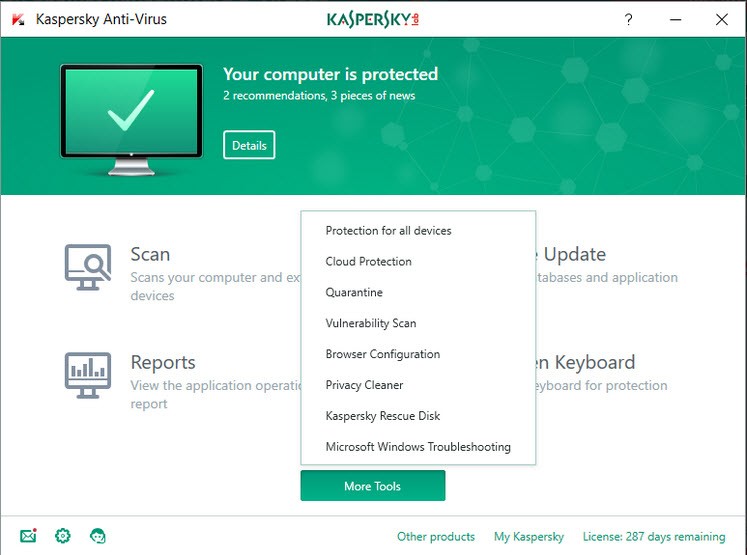
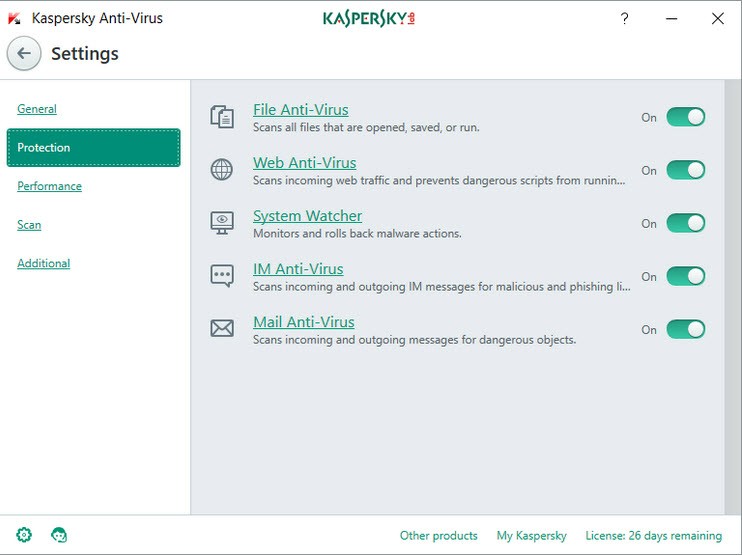
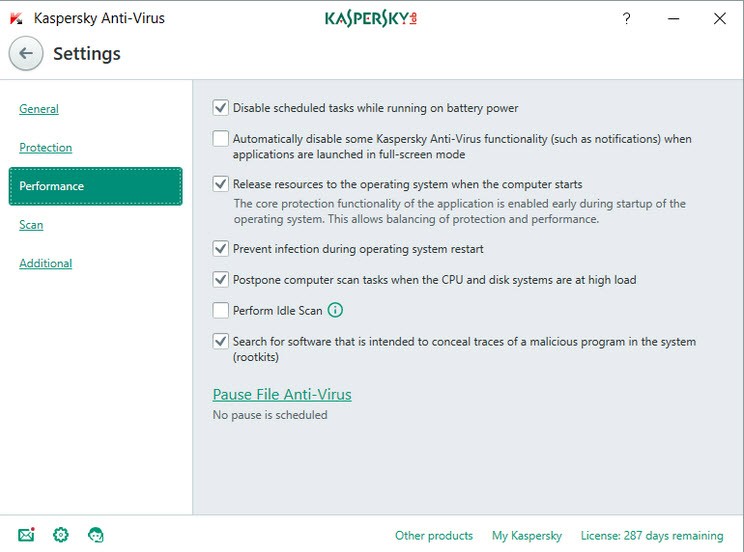
The Kaspersky Antivirus Standard solution is a security application that protects computers against all types of digital threats. The product maintains its primary function of malware detection while protecting users against virus attacks and spyware intrusion without presenting excessive add-ons or aesthetic features.
Your online activities of clicking links, downloading attachments, or browsing sites remain unpredictable to potential unidentified threats. This antivirus works its magic quietly, handling security tasks behind the user interface.
The software constantly monitors your system activities to identify and stop suspicious behavior during online tasks, including work and streaming. Kaspersky maintains its status for exceptional detection capabilities throughout all versions, including this standard release. The antivirus software performs quick scans, automatically updates itself, and provides alerts only when necessary.
You will not experience frequent interruptions from pop-ups or messages during your device use. The tool requires installation followed by an adjustment phase before being ready to provide the protection for which it was designed. The primary benefit of Kaspersky Antivirus Standard is a sense of peace rather than any visible action.
Why Should I Download Kaspersky Antivirus Standard?
Having something that protects the important data on your computer, including personal material alongside your work, makes perfect sense if that computer serves multiple purposes for both professional and private use. The absence of extra features in Kaspersky Antivirus Standard does not make the tool any less effective.
The program delivers efficient protection for computers by focusing on a single core function. This antivirus runs without slowing system performance as older protection tools do, and all users, from basic to advanced, can navigate the program easily. You can set up the installation quickly because the interface is clear, so you can simply keep working before returning to your tasks.
Kaspersky Lab warns you about viruses before they attack your system, prevents dangerous file downloads, and monitors suspicious links in your online activities. The system works perfectly because of its proactive protection, which will save you when threats attempt to access your computer. The security software operates quietly, allowing computer users to work through their tasks without experiencing software intrusions. The security program remains inactive yet effective in its work.
Anyone who uses online banking or shops on e-commerce platforms and checks email regularly faces genuine security threats. Your computer can accept harmful software without you becoming aware of it through scams such as email phishing, as well as keyloggers and trojans.
Kaspersky maintains a leading position in threat detection and prevents new unauthorized threats better than other security solutions on the market. Security experts recognize Kaspersky as dependable, with a strong track record of reliable performance. People repeatedly choose Kaspersky as their antivirus defense despite all market noise because it provides reliable security.
The software provides valuable support for verifying whether a particular file or USB drive contains hidden threats. A manual scan mode lets you verify the safety of any file for added protection. The automatic update feature ensures that the software maintains continuous threat defense through continuous development without requiring any manual effort from users. Kaspersky Antivirus Standard operates in the background and can be trusted, but does not need constant monitoring.
Is Kaspersky Antivirus Standard Free?
Users must pay for Kaspersky Antivirus Standard, but they occasionally have the opportunity to try it for free. A license is required to access Kaspersky Antivirus Standard features after the trial period ends.
What Operating Systems Are Compatible with Kaspersky Antivirus Standard?
The application delivers optimal functionality across most current Windows operating system releases. Users will encounter no operational issues when running Kaspersky Antivirus Standard on Windows 10 and Windows 11 systems. The product may support both Windows 8.1 and Windows 7, although Kaspersky does not prioritize these outdated operating systems.
The Kaspersky family provides Kaspersky Antivirus Standard functionality for macOS and iOS users through separate applications. Windows users benefit from the full range of features, while older hardware systems will run Kaspersky Antivirus Standard without difficulty.
What Are the Alternatives to Kaspersky Antivirus Standard?
The Kaspersky antivirus product doesn't suit everyone, so there are alternatives that customers trust as much as Kaspersky. Users who seek simplicity or need free protection options also have several choices available.
Bitdefender Antivirus Free serves as a lightweight, unobtrusive option for users. Your system runs smoothly with this software because all you need to do is install it, then let the program handle automatic management behind the interface. The detection capabilities of this antivirus compare to those of Kaspersky, yet it suits users who prefer an easy-going security solution. With a basic interface and limited controls, the program operates essential security functions flawlessly.
Avast Free Antivirus appears more prominent, with a louder, more functional approach. The interface design of this Mac security tool has been updated, and it now provides advanced notification features, network diagnostic tools, and automatic software updates. Many users prefer antivirus software that provides integrated multiple features. The protective features of Avast are presented as useful tools rather than security measures, which suit different user requirements. Users can start with the free basic functionality of this antivirus program and upgrade to paid features, but the basic service delivers more value than many anticipate.
ClamAV is a suitable antivirus solution for both computer experts and Linux users. The project is open-source software that operates under community direction, giving users a different experience from established antivirus toolsets. Its interface does not use a user-friendly graphical program; instead, commands are entered via a text screen, while the software demonstrates stability and performance. Systems administrators who prefer hands-on setup methods, interested in direct system management tend to select ClamAV. The software works best as a mail server protector in situations with limited resource availability.