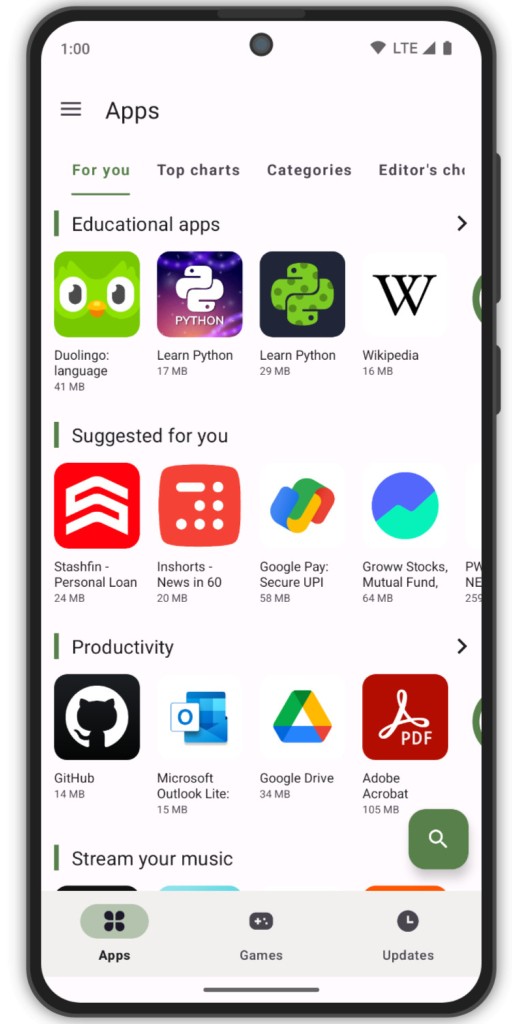
Aurora Store is an open-source alternative to the Google Play Store that comes pre-installed on most Android devices. It lets you download APK files and install apps on your Android phone or tablet, giving you access to the full Android app library even if you do not have the Play Store installed. The project exists to give Android users greater control over data management, app selection, and privacy.
Because it is open-source, Aurora operates without requiring Google Services on your device. It connects to Play Store APIs to pull application data without forcing you to hand over personal information or maintain a Google account. Whether or not your device supports Google Play Services, Aurora can fetch popular applications like WhatsApp, Instagram, and Spotify.
The interface will feel familiar to anyone who has used the Play Store, though the philosophy behind it is fundamentally different. You can browse and install apps without your activity being fed into advertising profiles or behavioral databases.
Aurora also lets you spoof device information and provides transparent installation logs that show exactly what is being placed on your phone. The platform appeals to users who want independence from traditional app store gatekeepers, and it has a strong following among developers and tinkerers who value transparency in how digital marketplaces operate.
Why Should I Download Aurora Store?
Most phone owners stick with whatever app store ships on their device and never question it. The Google Play Store works, but behind its convenient interface sits a tracking layer that records your searches, installs, and uninstalls. Aurora offers something different: access to the same apps with far less data collection.
The practical appeal starts with not needing to sign in. You can install everyday tools like calculators, weather apps, and messaging clients without agreeing to Google's terms of service. For people who care about minimizing their digital footprint, that alone is a significant draw.
A dedicated segment of the Android community runs de-Googled devices or custom ROMs such as LineageOS, GrapheneOS, or /e/OS. The Play Store will not function on these setups at all, which leaves users without a convenient way to install mainstream apps. Aurora bridges that gap by letting you browse and download Play Store apps without any dependency on Google's services.
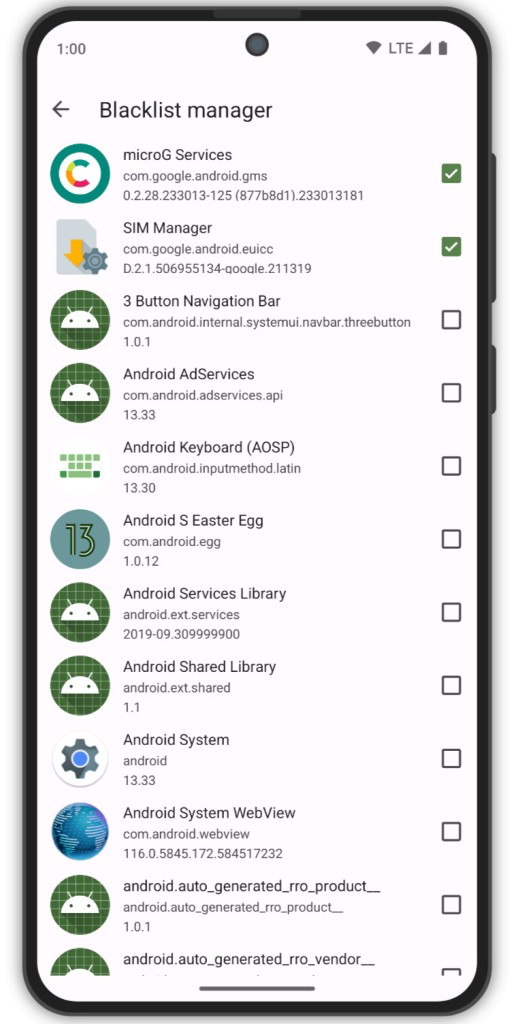
Device spoofing is a standout feature that the Play Store does not offer. By modifying your reported device information, you can install apps that the Play Store flags as incompatible with your hardware, even when they run perfectly well. This is especially useful for owners of older or less common devices.
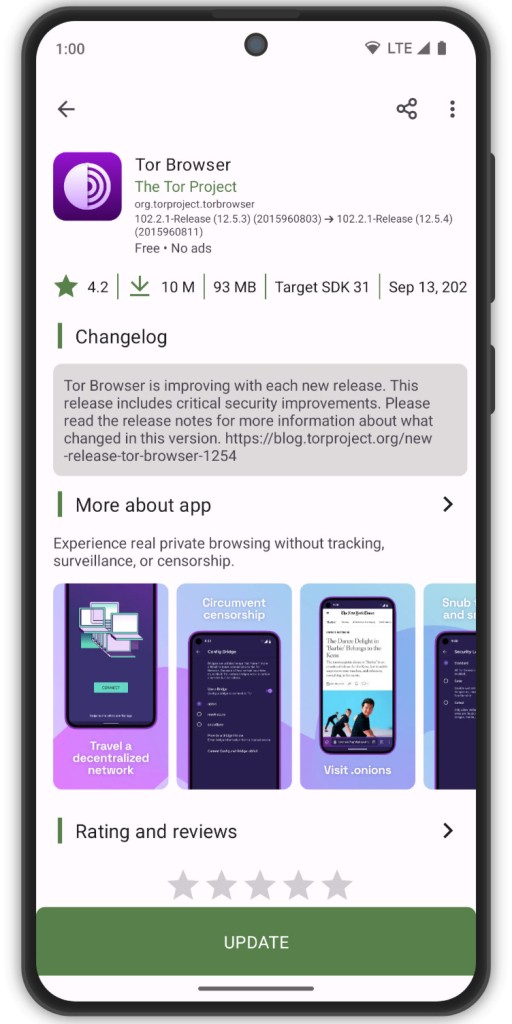
Version management is another practical advantage. Aurora lets you download previous versions of apps manually, which is invaluable when a recent update introduces bugs or removes features you relied on. Developers and power users who need to test across different versions find this particularly helpful.
Anonymous browsing means Google cannot harvest personal data from your activity. You can use Aurora without revealing any identifying information. If you do need access to paid apps or premium content, signing in with a temporary account is also an option.
The browsing and search experience is clean and mirrors the familiar Play Store layout, so the learning curve is minimal.
Is Aurora Store Free?
Aurora Store is completely free. The entire project is open-source, meaning anyone can inspect the code, contribute to development, or verify exactly what the app does before installing it. There are no hidden fees, no premium tiers, and no in-app purchases. The project runs on community support and volunteer contributions.
What Operating Systems Are Compatible with Aurora Store?
Aurora Store is built exclusively for Android smartphones and tablets. It works on devices running Android 5.0 (Lollipop) or later, including devices without Google Play Services.
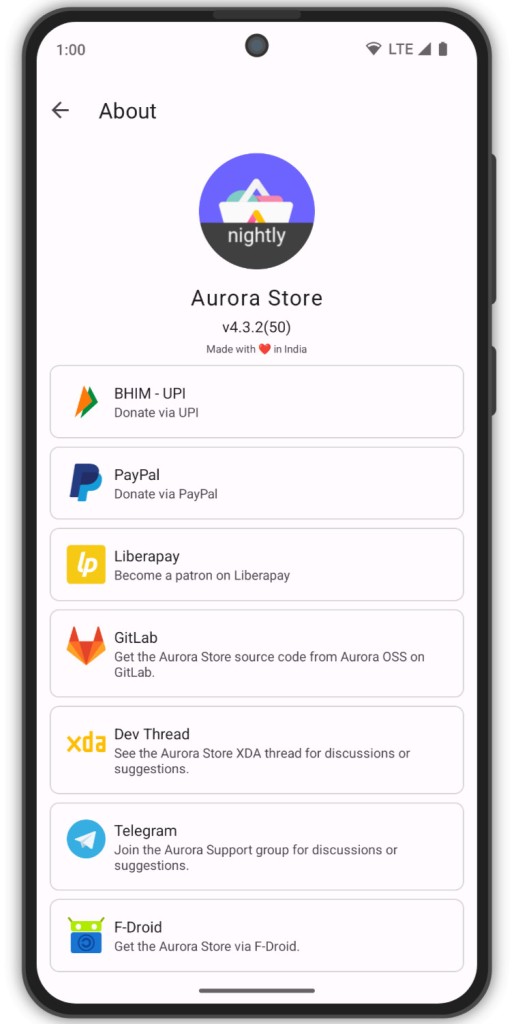
The app is particularly valuable on devices running custom ROMs, privacy-focused operating systems, or older phones that have lost Play Store access. You can download Aurora through F-Droid, directly from the official GitLab repository, or by sideloading the APK file.
Aurora does not support iOS or any other operating system, since it depends on Android-specific features for installation and package management.
What Are the Alternatives to Aurora Store?
Aurora occupies a niche, but a few other platforms offer similar independence from Google's default ecosystem.
Aptoide is one of the more established alternatives. It runs its own app repository and lets you download a wide range of apps without creating an account. Developers benefit from more relaxed publishing requirements compared to Google's review process. The tradeoff is that app curation and security verification can be inconsistent, so checking publisher credentials before installing is a good habit.
The Google Play Store itself is the obvious mainstream counterpart. It provides the largest app selection and a polished, well-secured interface with automatic updates and malware scanning. A Google account is required, and the platform collects significant amounts of usage data, which is precisely why privacy-focused users look elsewhere. For most people, the Play Store works reliably, but it does so at the cost of transparency about how your data is used.
F-Droid takes a different approach entirely, hosting only open-source applications. Every app on the platform has its source code available for inspection, and F-Droid builds and verifies each one independently. The selection is far smaller than what Aurora or the Play Store offers, and mainstream proprietary apps like Instagram or Netflix are not available. For users who prioritize software freedom and want to understand exactly what is running on their device, F-Droid is the gold standard.