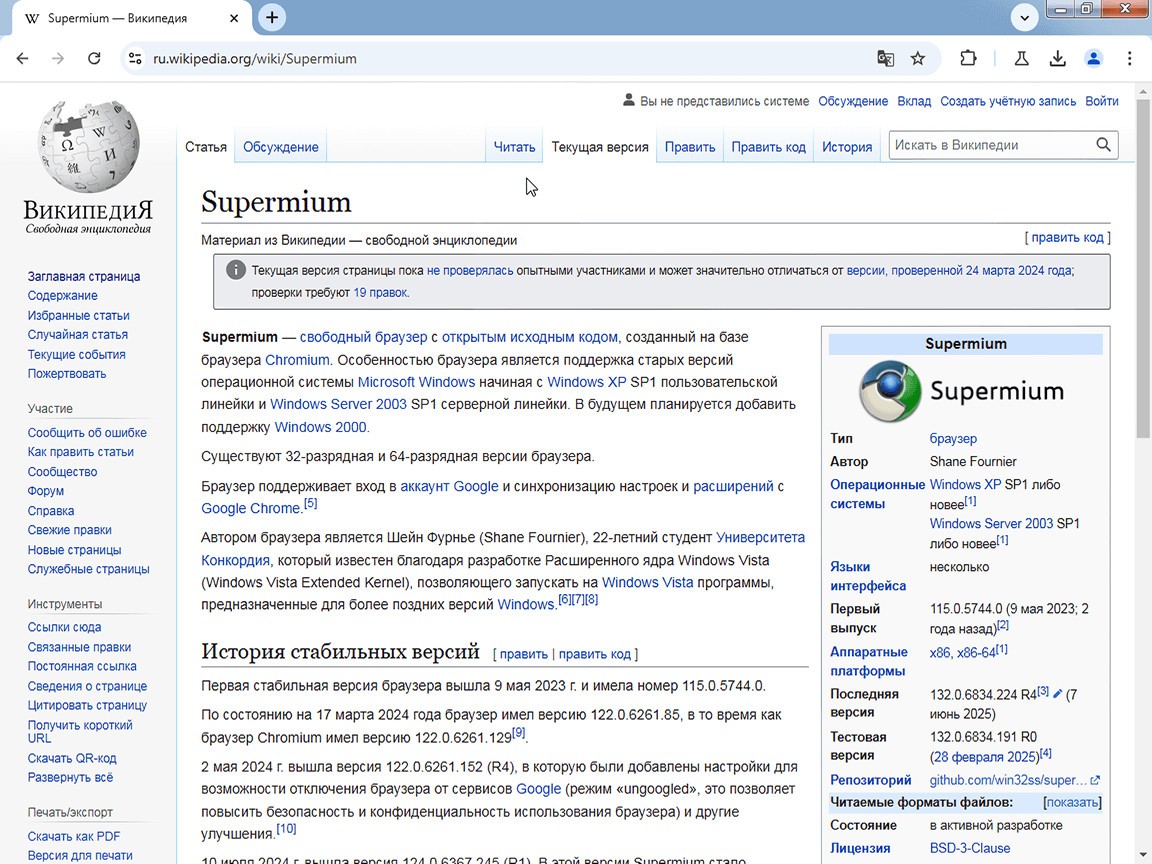
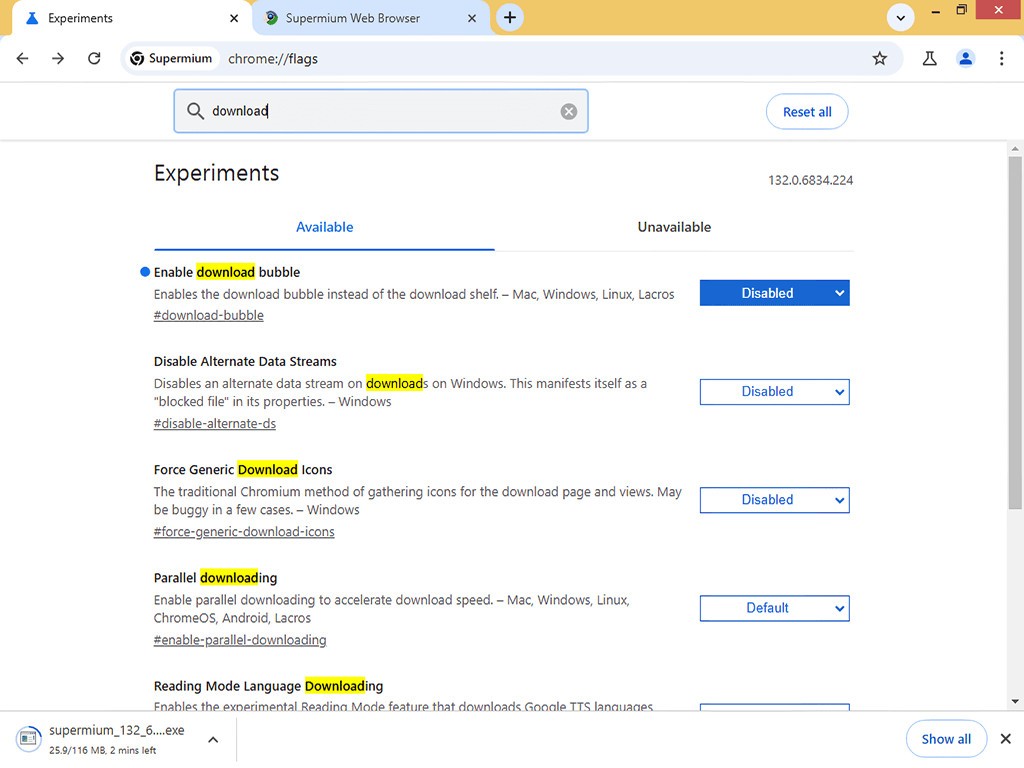
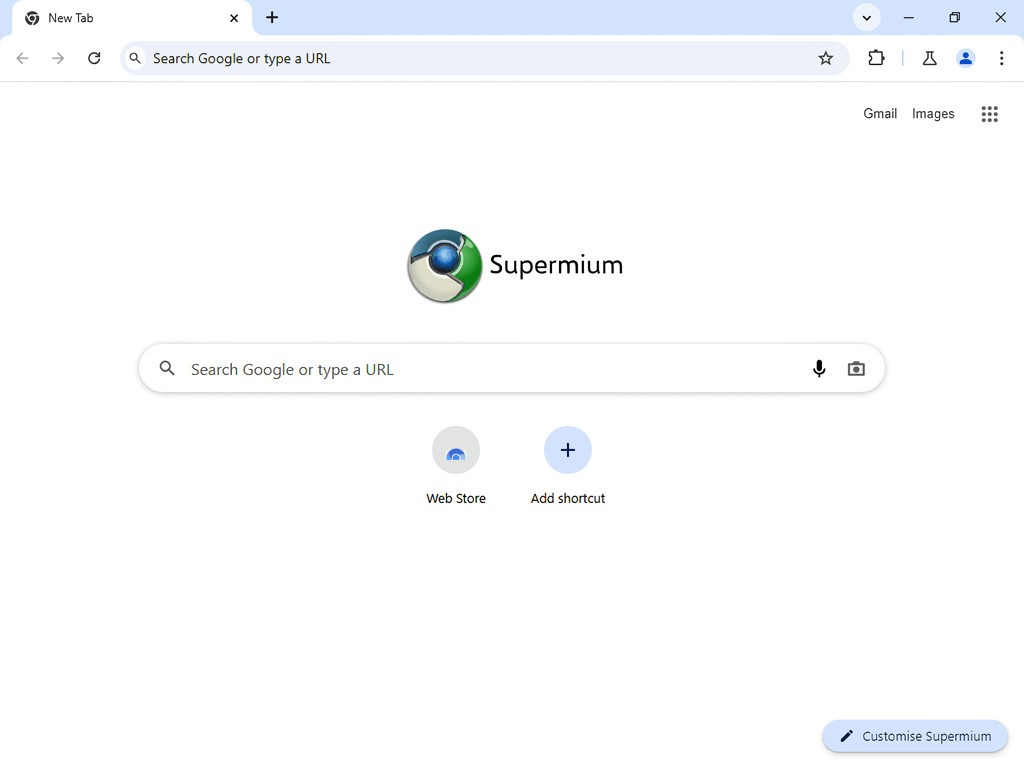
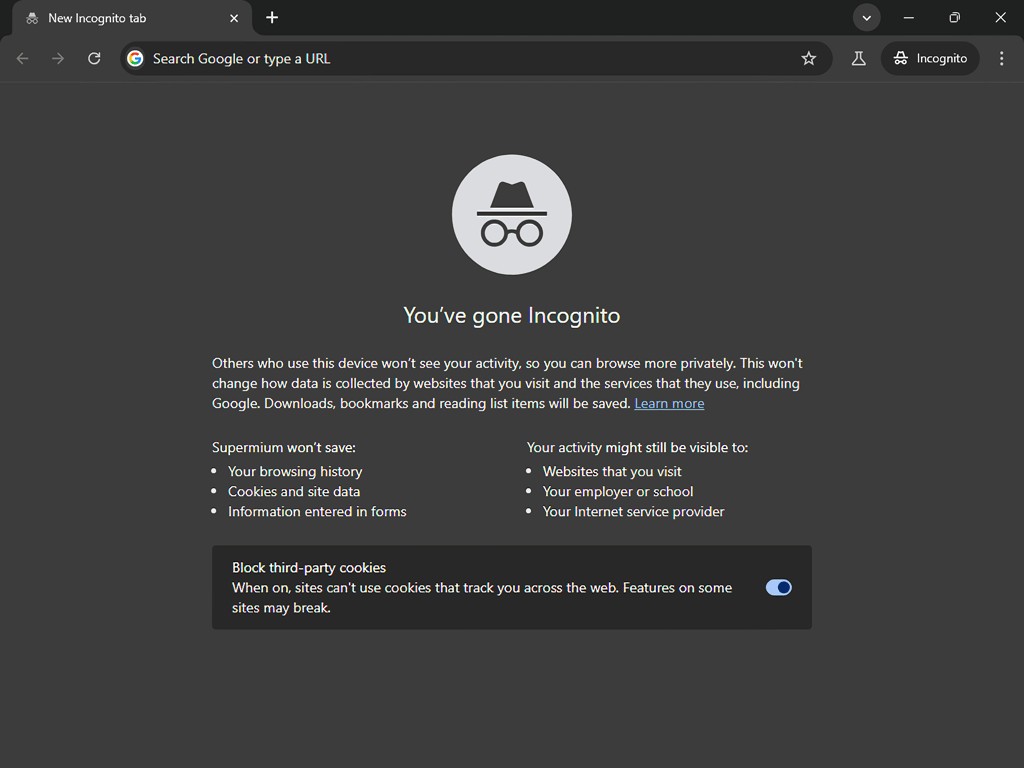
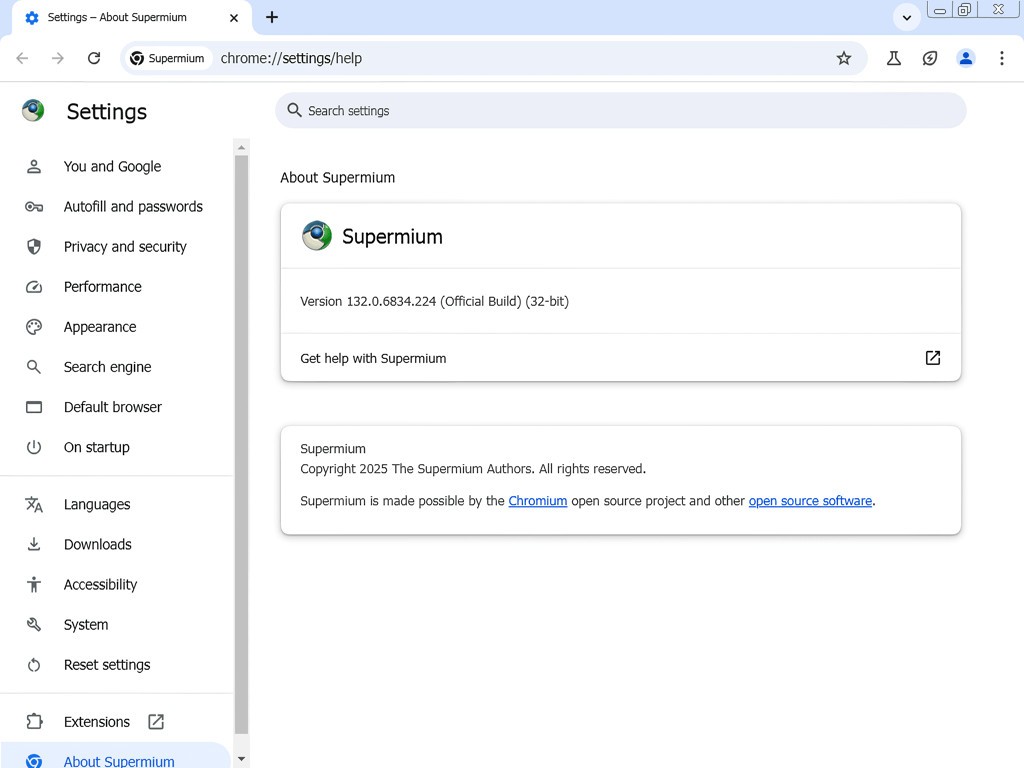
Supermium is a web browser that can serve as an alternative to your preferred browser, like Mozilla Firefox or Google Chrome. The main difference is that this is a solution used primarily for legacy PCs with outdated web browsers installed. With Supermium’s help, you can extend the life of your old machine. The browser is compatible with Windows XP, Vista, 7, 8, and more.
You can use Supermium as you would any other web browser. You don’t need to have a legacy OS to use it, as it is also compatible with modern machines. The browser supports common Chrome extensions like ad blockers and VPNs, so you can expect all the services you would get with a regular browser.
Supermium is an open-source program, relying on community support. The current version has features that the previous versions lacked, such as Google Sync.
Why Should I Download Supermium?
Though Supermium is available on modern computers, one of the main reasons people use it is to revive their older machines with legacy operating systems that don’t support most modern browsers. In either case, if you are looking for a modern Chromium browser, then Supermium is a solid choice.
Legacy operating systems like Windows XP or Windows Vista have found their browser in Supermium. With its help, you can visit modern websites, view animations, and run web apps. The browser boasts browser extension integrations, so you can run an ad blocker as well.
The user interface is friendly and intuitive, with a familiar design reminiscent of old Windows operating systems. If your computer runs Windows Vista or Windows 7, you can enjoy the familiar Aero Glass title bars. You can also change the tab shapes to give your browsing experience a vintage air.
Supermium brings back all the features of modern browsers you are looking for, such as Google accounts and bookmarking. You can log into your Google account and synchronize all of your bookmarks to access them from any computer. Supermium can bridge the gap between your current internet activities and an older machine that doesn’t natively have up-to-date features.
Is Supermium Free?
Yes, Supermium is a free tool. It is also open-source. You can download it and use it without any fees.
What Operating Systems Are Compatible with Supermium?
You can use Supermium on all modern Windows operating systems up to and including Windows 11. As the browser is built for legacy operating systems, you can use it on Windows XP, Windows Vista, Windows 7, Windows 8, and Windows 8.1, as well as server editions such as Windows Server 2003, 2008, and 2012.
Make sure your computer has at least 768 MB of RAM space, an Intel Pentium 4 processor (or newer), and SSE2 for 32-bit or SSE3 for 64-bit processors.
What Are the Alternatives to Supermium?
Supermium is an excellent solution for bringing your legacy computer back to life. If you’re looking for other alternative web browsers, here are some options to consider.
MyPal Browser is an alternative that’s built on Firefox. It is a great tool that works well for basic browsing, but it lacks some of the advanced features of Supermium that enable opening complex web pages. At the same time, MyPal doesn’t use up your computer resources the way Supermium does. When working with vintage and legacy operating systems that are not nearly as powerful as their modern counterparts, low resource usage is a big advantage.
R3dfox is based on Firefox. The platform uses very few resources, which is perfect for legacy machines. You can use it on Windows Vista, Windows 7, and other newer Windows operating systems. The user experience is very similar to that of the regular Mozilla Firefox web browser, so if Firefox is your browser of choice then you will appreciate R3dfox.
Pale Moon is an alternative that’s built on Goanna. The browser is not as efficient as Supermium, often having a hard time with newer websites and advanced animations. As the web continues to change and evolve, Pale Moon can lag behind. However, it does the job of loading regular web pages quite well. Because it’s not as powerful as Supermium, it also uses fewer computer resources. The browser is customizable, so you can change the interface to suit your needs.