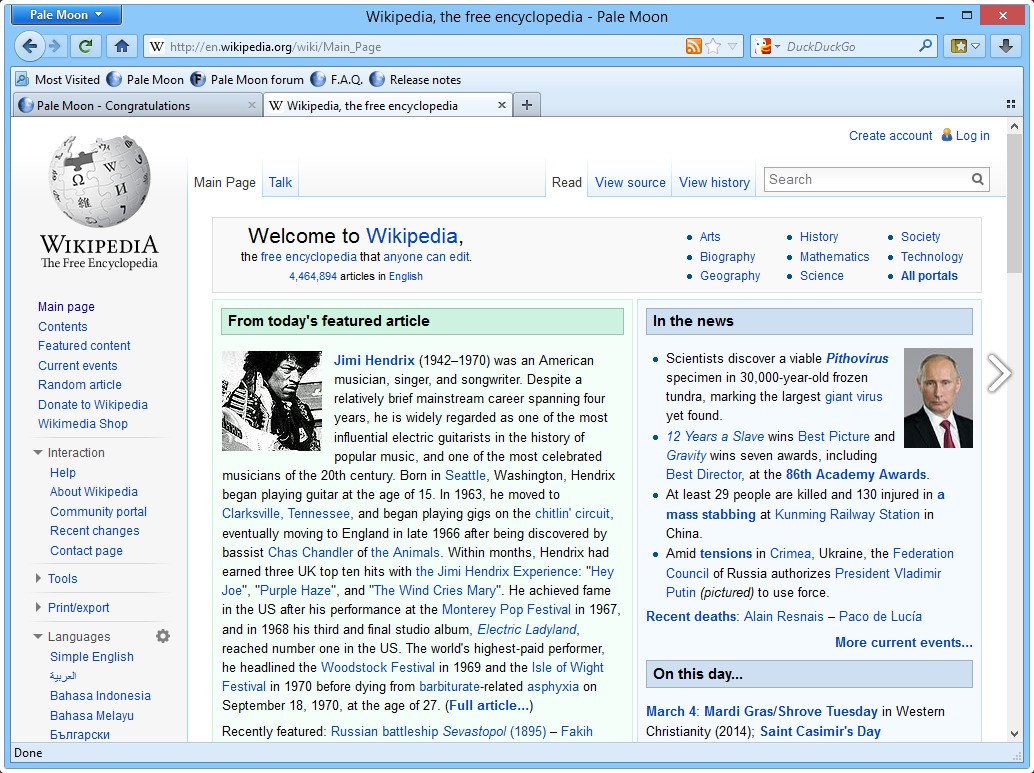
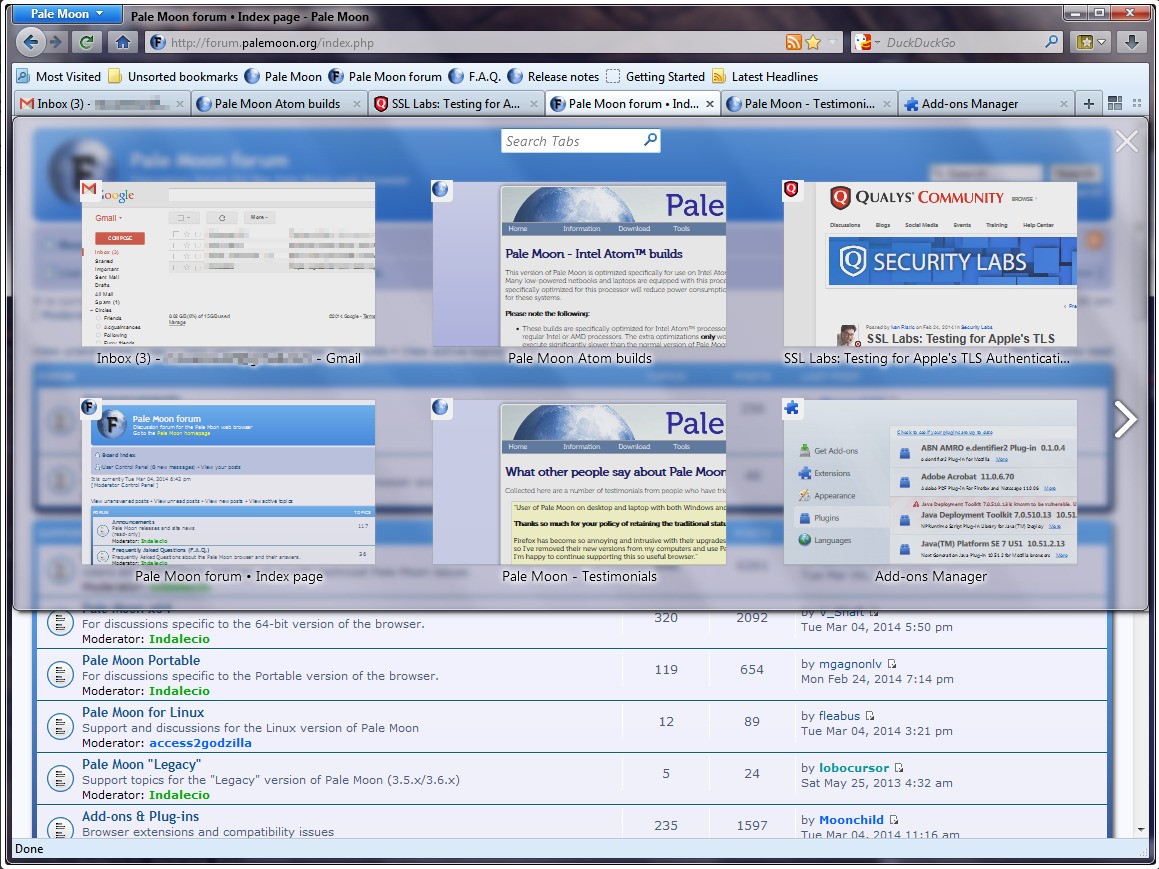
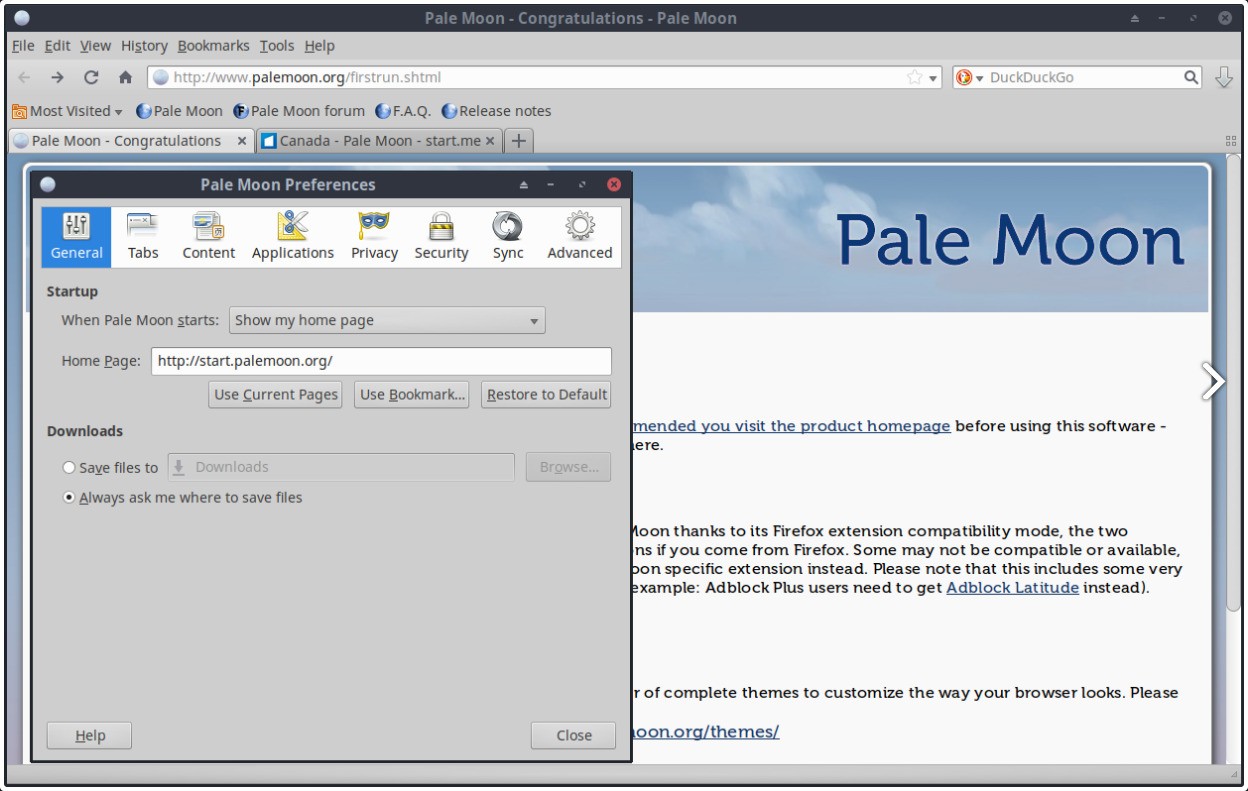
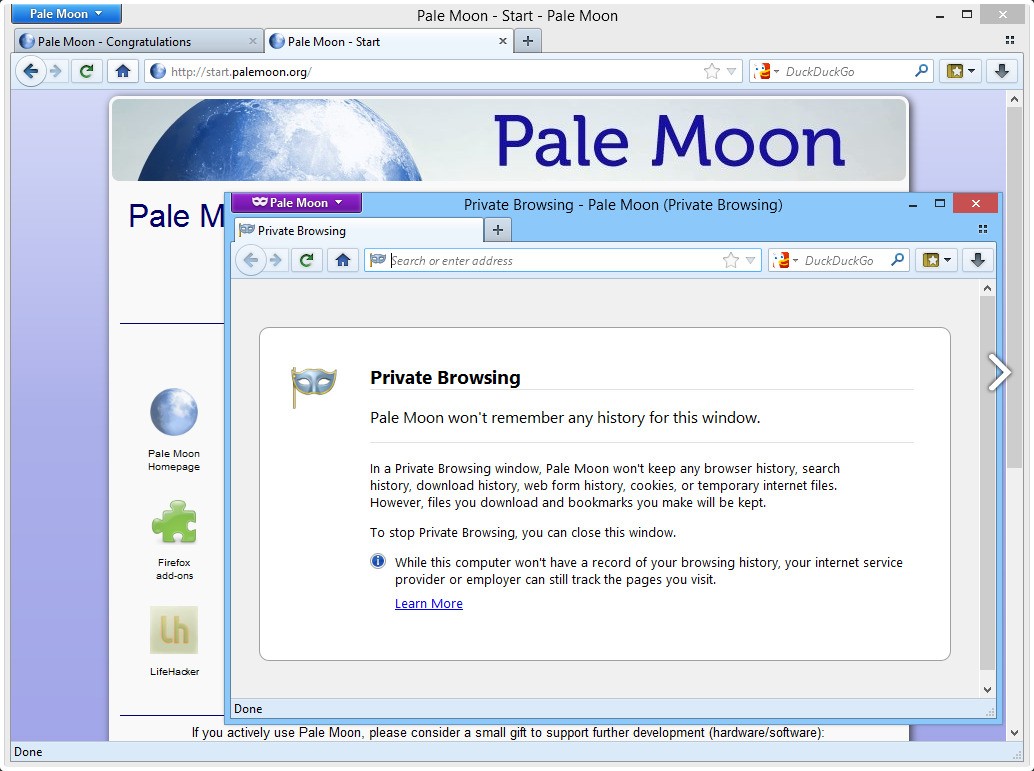
Pale Moon is a web browser, but definitely not the type of browser that’s chasing trends and is trying to copy the designs of the latest release. In fact, it is a fork of an earlier version of Firefox that was painstakingly reconstructed to prioritize stability, customization, and control by users.
As a result, Pale Moon may look and feel like any traditional browser, but instead it is designed for people who desire something efficient, lightweight, and that does not have features that they will never use. You can surf the Internet, use extensions, and manage your experience, but no one will force you to use the latest hot topics such as rounded tab corners or cloud-only states.
The browser operates with its own engine, named Goanna, which is a fork of the Gecko engine from Mozilla, yet it’s been reformed independently to fit Pale Moon’s goals better. It remains independent, it does not depend on the services of Google, and it does not attempt to track or collect your data. It doesn’t come pre-equipped with stuff you didn't wish for.
Therefore, if you are a person who needs something that blends the traditional, quick, and straightforward, but modern in how it operates, in terms of browsing experience, then Pale Moon does that for you. It’s particularly handy for older systems or individuals who simply want their browser to act as a browser should, without constantly altering its behavior.
Why Should I Download Pale Moon?
First, Pale Moon returns control to the user. Now, a lot of up-to-date browsers implement automatic updates, they change your settings without asking, or they simply get slow with too much customization. Pale Moon avoids that. You install it, adjust it the way you prefer, and it remains that way. It allows you to control the actions of tabs, their visual presentation, buttons, and extensions you use. It adheres to those choices, something that has been vanishing for many other browsers recently.
It also performs well. Because it lacks a lot of the additional stuff that newer browsers have incorporated, such as background processes for synchronizing tabs in the cloud or in-built cryptocurrency tools, it runs smoothly on systems that have fewer resources. It makes it a great option for older laptops or desktops that may have trouble with Chrome or newer versions of Firefox. You don’t have 5 different processes going for one open tab. It’s not heavy, but it does offer you enough features for comfortable browsing.
Pale Moon appreciates the classic design of the browser as well. Some people do not enjoy seeing a minimalist look in current browsers, where everything is streamlined and stripped back. In Pale Moon, you can position everything, even your toolbar, menu bar, and your download button, wherever you want. The interface is modifiable, and the extensions are not locked behind the rules of the web store.
Even some of those Add-ons that fail now on mainstream Firefox can still be found. That’s a huge deal for the people who structured workflows around them and whose workflow now would not work on any other browser.
Privacy is another reason people may engage in Pale Moon. There is no telemetry already included in it. It does not monitor your actions and transmit them to a central server. It also allows you to block scripts, cookies, trackers, or whatever else you do not want to load. But it neither imposes it on you. You decide how conservative or liberal you are. There is no system that mandates the browser to think for you. If you want a browser that just browses without doing anything with everything else, then Pale Moon is one of the very few left that operates under the foregoing principle.
Is Pale Moon Free?
Yes, Pale Moon is totally free to download and use. There is nothing hidden and nothing paid. There is no extra version, premium version, or additional fees. It is open source as well, meaning that people can see the code and understand exactly how it works. The team accepts donations, but you do not have to pay anything for using the full version of the browser.
What Operating Systems Are Compatible with Pale Moon?
Pale Moon operates on Windows and Linux. There is no official version for macOS as of now, but some users try running it through workarounds. It is meant to run well on both modern and older machines, so if you have a system that is a few years old or one that will struggle with anything, a heavy pale moon can be excellent for you. The setup is easy. You download the installer from their website, run it, and you are good to browse. It does not require additional tools, accounts, or any integrations. As long as you are running a supported version of Windows or Linux, it should be a plug-and-play.
What Are the Alternatives to Pale Moon?
If it’s not a sufficient replacement, but you are still interested in alternatives outside of mainstream browsers, there are some other roads to take.
Waterfox is one that shares some of the philosophy of Pale Moon. Waterfox is another fork of Firefox, designed to erase telemetry and give the user more control. It also supports old extensions and does not strain the old hardware. It still attempts to avoid all the tracking and overreach commonly found in major browsers, though in appearance it’s a bit more current than Pale Moon.
Another alternative is Chromium. Chromium is a Linux-based project and the open-source version of Chrome, the core on which Google Chrome is built. It’s not as bare as Pale Moon, but it provides more flexibility than Chrome does itself, and it lacks the Google tracking features by default. If you want more compatibility with the newest websites without being tied to the ecosystem of Google, Chromium is a middle ground. It’s quick, stable, and a bit more open than its commercial brother.
Slimjet is another interesting choice. It is also based on the Chromium engine, but it has been tweaked to minimize bloat and maximize speed. It comes with an in-built ad-blocking capacity, file downloader tools, and a photo compressor tool. Slimjet is essentially active like Chromium, but with additional tools that are included, targeted for people who desire speed and utility without requiring a lot of extensions. It’s a bit bloated in comparison with Pale Moon, but it’s more elegant compared to Chrome or Edge.