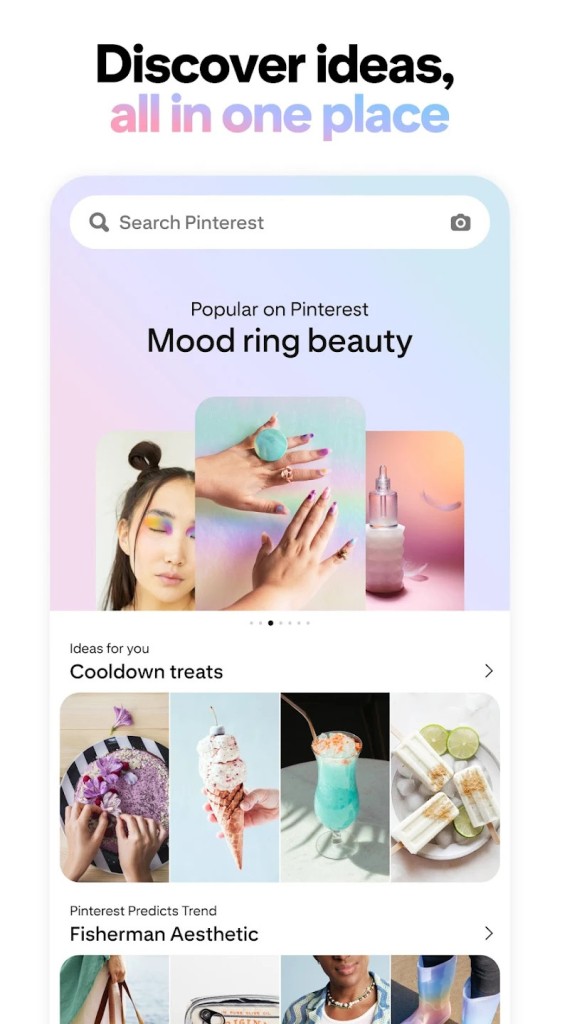
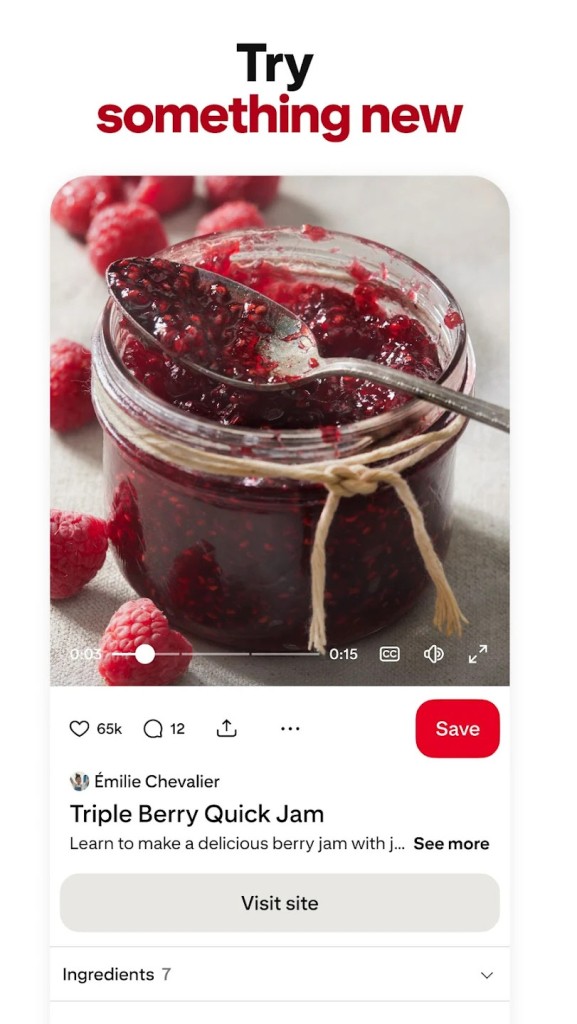
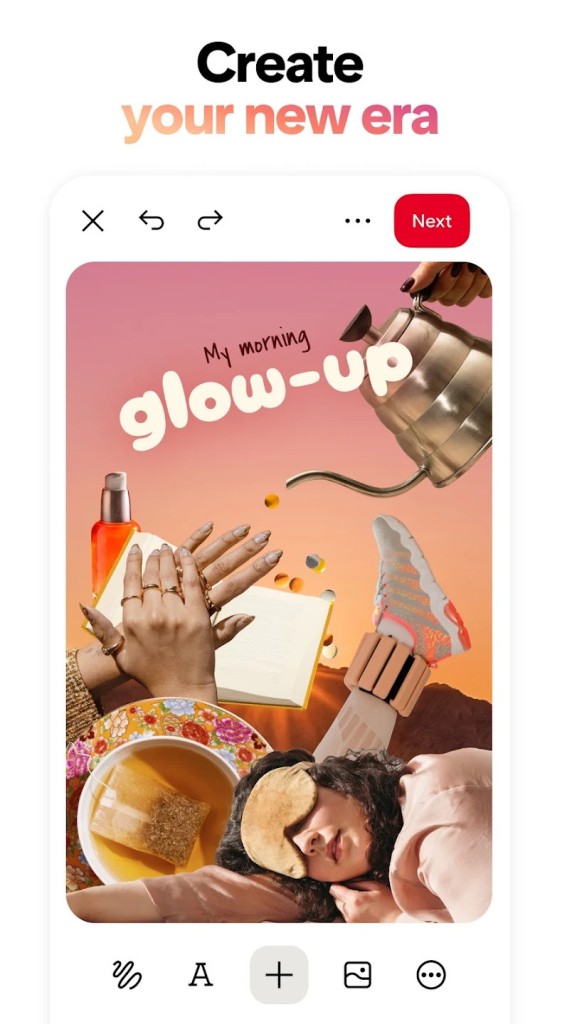
Pinterest is a visual discovery machine, which helps people search for ideas and inspiration in the manner of ‘look but don’t read.’ It’s not like a traditional social media, which you open up and scroll through to keep up with people’s updates or be inundated with the hullabaloo as to who liked what. Rather, Pinterest provides a cool place to discover things that you are interested in.
If it is home decoration for the room, tattoo art, recipe ideas, fashion, book quotes, or travel places that you have always wanted to see, Pinterest collects those little shreds and unites them in one place. You don’t just look—you pin.
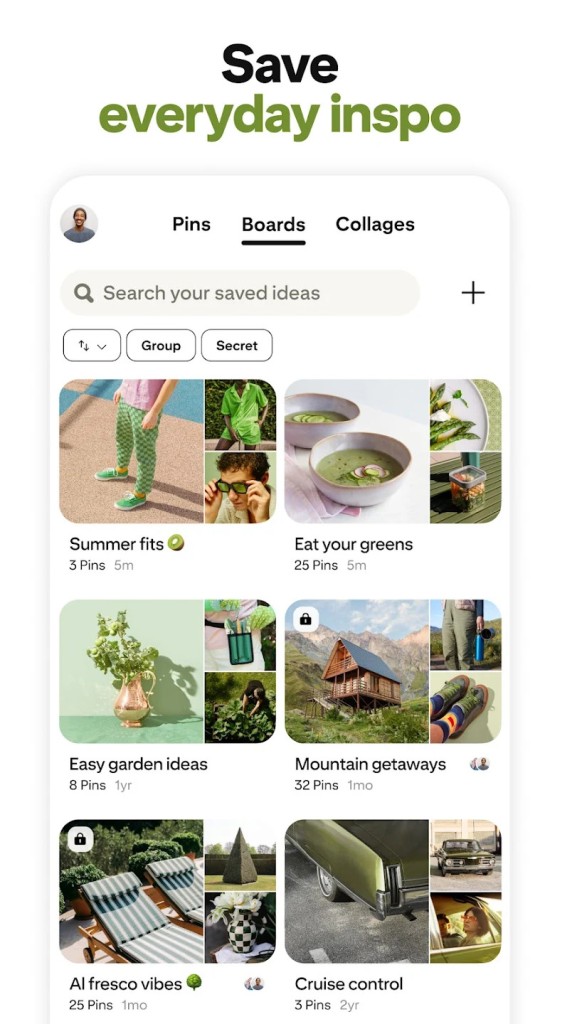
Those actions save the image or post to a board that you have made, so your boards end up being these collated stashes of thoughts, feelings, or schemes. It may be as simple as a recipe for dinner tonight or as complex as planning a whole wedding.
The platform is like a personal catalog that is composed of things that you opt to save and take a second look at. What makes it different is the visual nature of the tool—your experience is formed around images that do the speaking, and links, along with the context, are hidden behind them. For planners, creatives, or even people who would like to grab good ideas, Pinterest turns out to be a silent visual vault of inspiration.
Why Should I Download Pinterest?
Pinterest is a sort of social network, but on it, people share ideas in the form of pictures, tutorials, recipes, and more. You can create pinboards and pin on them any idea that you find interesting so you can come back to it later. The goal of Pinterest is to share ideas.
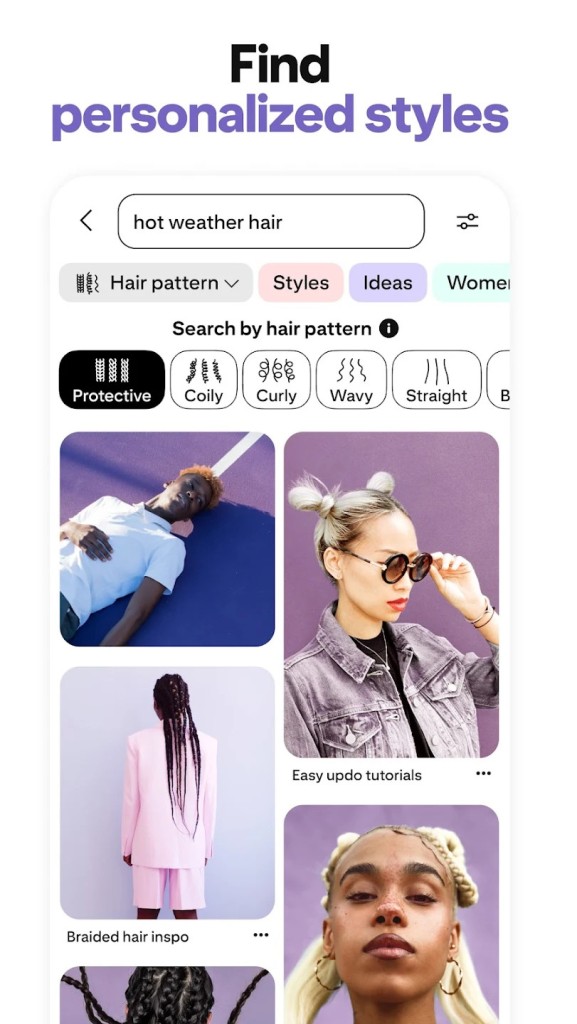
Scrolling is the way everyone uses the platform. Open it, enter a keyword for your search, and scroll through the results. You may end up spending a couple of minutes scrolling, encountering a picture of a room that looks like one that you had envisioned, tapping save, and continuing.
Quite surprisingly, this way of working is incredibly effective. You begin with one interest—perhaps DIY furniture or rainy day clothes—and the app starts serving up more images that jibe with that type of mood. You save the ones that catch your eye, and gradually your board comes into being.
Perhaps you will create another board to store your inspiration for your garden, as well as one for healthy meals. You do not need to share them. No one rates your pins. There is no number of followers that you need to have. It is only you and your ideas materializing in pictures.
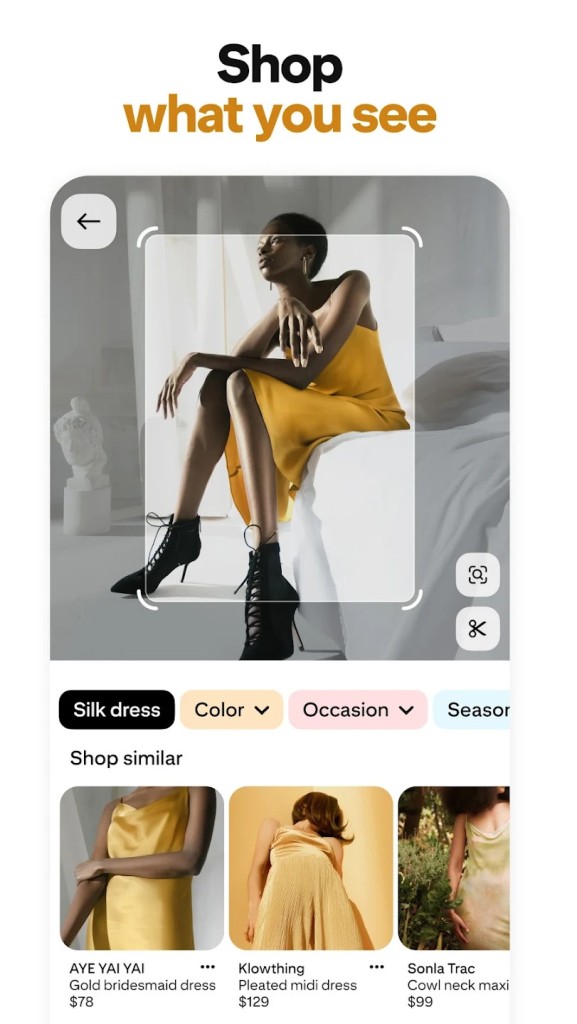
Pinterest is not only for hobbies. It’s useful in everyday life too. Planning what to cook. Coming up with ideas for kids’ birthday parties. Finding outfit inspiration for an upcoming event. Organizing visual reference for your next design project.
Not only people, but also businesses, use it to plan the aesthetics of their products, or to seek some inspiration when it comes to branding. Since each pin can take you to a website, it is not just a gallery; it is a place to start from. If something catches your attention, then you can always do more digging.
In a world that is obsessed with fast content, Pinterest provides you with a slower space where you can shape your thoughts through a visual medium. Downloading Pinterest gives you a creative tool that helps you develop what you’re interested in, providing serenity rather than noise.
Is Pinterest Free?
Well, the usage of Pinterest is free. Downloading the app and creating boards, as well as saving pins, are all free. You can browse, organize, and search at no cost, although some linked content can point to paid products or services outside the app.
What Operating Systems Are Compatible with Pinterest?
Pinterest is compatible with all the big systems. It is available in the app stores of iOS and Android devices. It also performs quite well in any modern web browser, which means that it can be accessed on Windows, macOS, and even on Linux computers. The app is updated sufficiently, quickly, and conveniently to use on phones, tablets, and desktops. Whether you choose casual scrolling on your phone or deep planning on a laptop, Pinterest works well on all platforms.
What Are the Alternatives to Pinterest?
If you are attracted to Pinterest but want to see what other visual facilities for organizing ideas are available, then there are a few, providing inspiration-based experiences with their own twists.
Pixelfed is one of them. Designed as a decentralized, privacy-centered alternative to image-sharing apps, Pixelfed allows you to share and discover photos without algorithms nudging content or any of your data into the hands of third parties. It has a basic interface, and it serves creatives who wish to have a neat visual stream. The app is still growing its community. If you appreciate open platforms and desire to have more control over your digital space, then Pixelfed may be the app for you.
Instagram is another natural comparison. It’s a more social app that’s based around interactions, but its visual design permits the creation of a unique aesthetic. You make grids, stories, and highlights instead of boards. It’s fast and more ‘out there,’ but it still offers space for inspiration if you follow the right creators or hashtags. Many people utilize Instagram the same way as Pinterest—bookmarking ideas, storing posts, or chasing themed accounts—but with more emphasis on engagement. It is more applicable to people who like both the visual and the social layer.
There is also VERO—True Social. This app was created to provide a much more real and ad-free social setting in which users can share things as diverse as books, movies, music, and links, all without any algorithms ruling what you get to see. It has a sleek design and content focused on popularity. Just like Pinterest, it is suited to personal interests and discovery, but with a broader range of media. Even though it might not be as deep in the pinning and the making of the boards, it gives you somewhere to collect and share the things that inspire you, in a more curated, personal way.