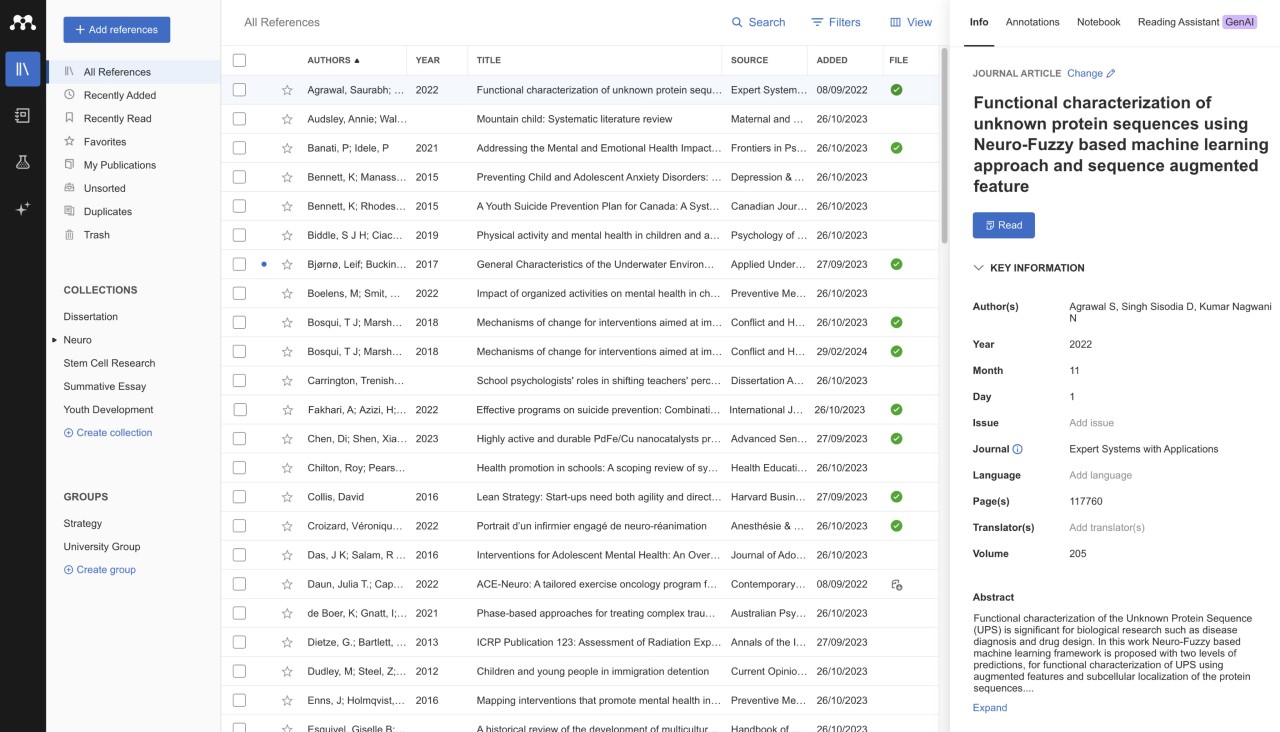
Mendeley is a platform for managing your research references. The tool is used by students, researchers, and academics in writing reports and papers, long or short. You can offload all of your citation needs to Mendeley, as it can create entire bibliographies in your desired format using your input.
One of the main functionalities of Mendeley is reference management. It can extract and store the necessary information from different documents to create a collection of references you can search through whenever you need to. You can also use the tool to create citations in the necessary format. If you’re writing in Word, then you will appreciate the Mendeley Word plugin.
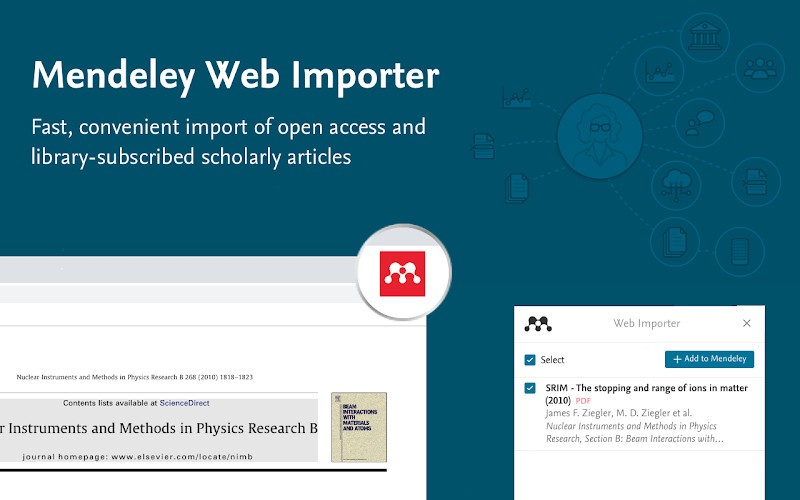
Mendeley’s browser extension allows you to stay on top of your research at all times. If you find an interesting article or web page while browsing the internet, you can clip it immediately using the tool. Other features of Mendeley include collaborative work, whereby you can share your writing with like-minded individuals and collaborate on papers, and PDF annotation tools.
Why Should I Download Mendeley?
You can benefit from everything Mendeley offers if you are in the business of writing research papers and need a tool to handle all of your reference needs. Mendeley is a free platform that helps you keep track of your references online, create citations and bibliographies, make notes, and share your work.
Mendeley is particularly useful for people who work in Microsoft Word. The Mendeley Cite plugin allows you to add citations while you’re writing. When you’re done, it can create a bibliography using the format you select, be it APA, MLA, or Harvard.
The Mendeley web extension allows you to save useful research while you surf the web. There is no need to create a separate document with links or bookmark every website you come across, as Mendeley will save all of your selected documents and web pages to your personal library.
If you’re working with PDF files, you can make notes directly in the files without disrupting your workflow. Highlight the information you want to come back to and add your own comments.
Mendeley is also a popular social platform among writers and researchers, where they get to share their papers with the world. You can do the same, or benefit from the papers shared on the platform. If you’re working on a collaborative project, Mendeley can be a useful tool for you and your colleagues or teammates.
Is Mendeley Free?
Mendeley has a free tier with a generous selection of features. You can use it to cite sources, organize your library of sources, and save useful texts. The free tier offers 2GB of cloud storage.
If you’d like to gain access to more storage and additional AI tools, you can upgrade to the paid version.
What Operating Systems Are Compatible with Mendeley?
Mendeley is compatible with Windows, macOS, and Linux computers. If you want to download the desktop app on your Windows computer, make sure it runs Windows 10 or higher with a 64-bit processor. For macOS, you’ll need macOS 10.15 or higher.
Those looking to take advantage of the Word plugin can do so with ease, provided they have a Microsoft Office subscription.
What Are the Alternatives to Mendeley?
If Mendeley isn’t exactly what you’re looking for and you’d like to explore other tools with similar features, here are some you can check out.
Zotero is a free and open-source alternative to Mendeley. In addition to a native Microsoft Word plugin, it also features a Google Docs plugin, which is suitable for a wider range of users. Unfortunately, its free storage capacity is limited to 300 MB, so you have to pay for more. It is worth noting that Zotero has a wider range of supported extensions that allow for a seamless workflow.
Paperpile is a cloud-based platform that is native to Google Chrome and Google Drive, so it’ll work best if you prefer Google Docs over Microsoft Word. The platform enables collaborative work and allows team members to create citations in a document at the same time. Paperpile is a paid app. Once you’ve purchased it, you have unlimited storage.
EndNote narrows down to citation formatting, making it a less all-encompassing tool. It is a paid platform, which creates a high barrier to entry for many. It also has a steep learning curve, but once you wrap your head around the platform, you can enjoy advanced features and detailed customization. Most importantly, EndNote is the best tool on the market when it comes to handling large volumes of citations without errors.