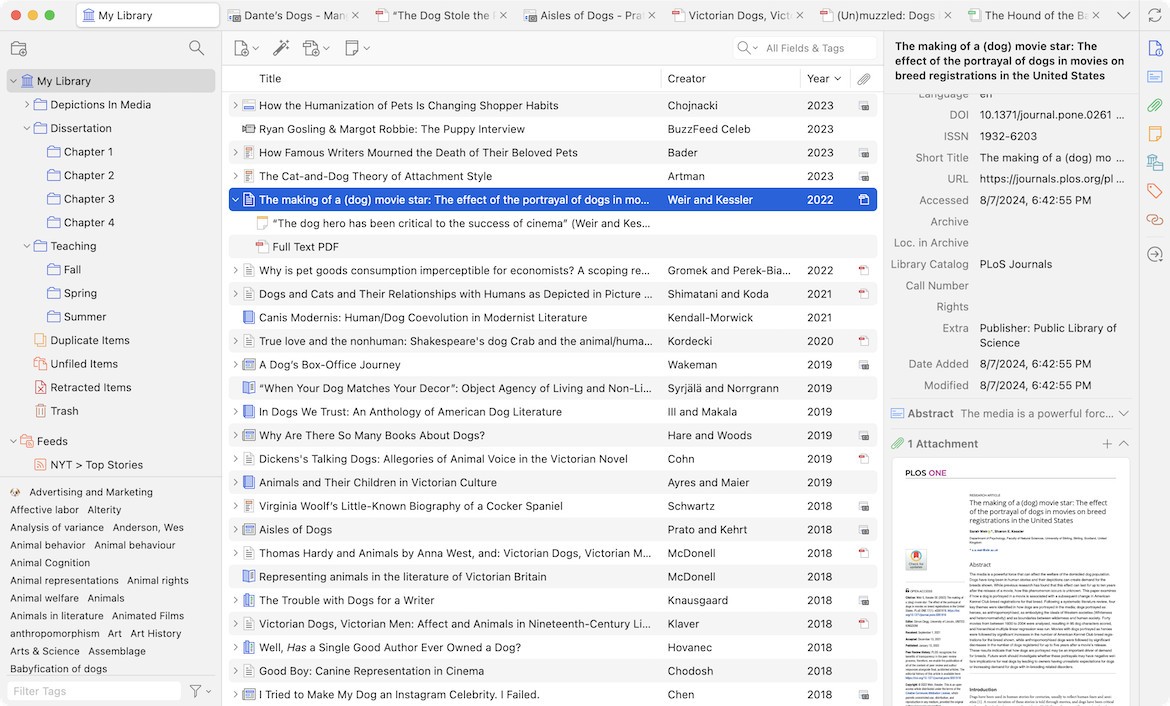
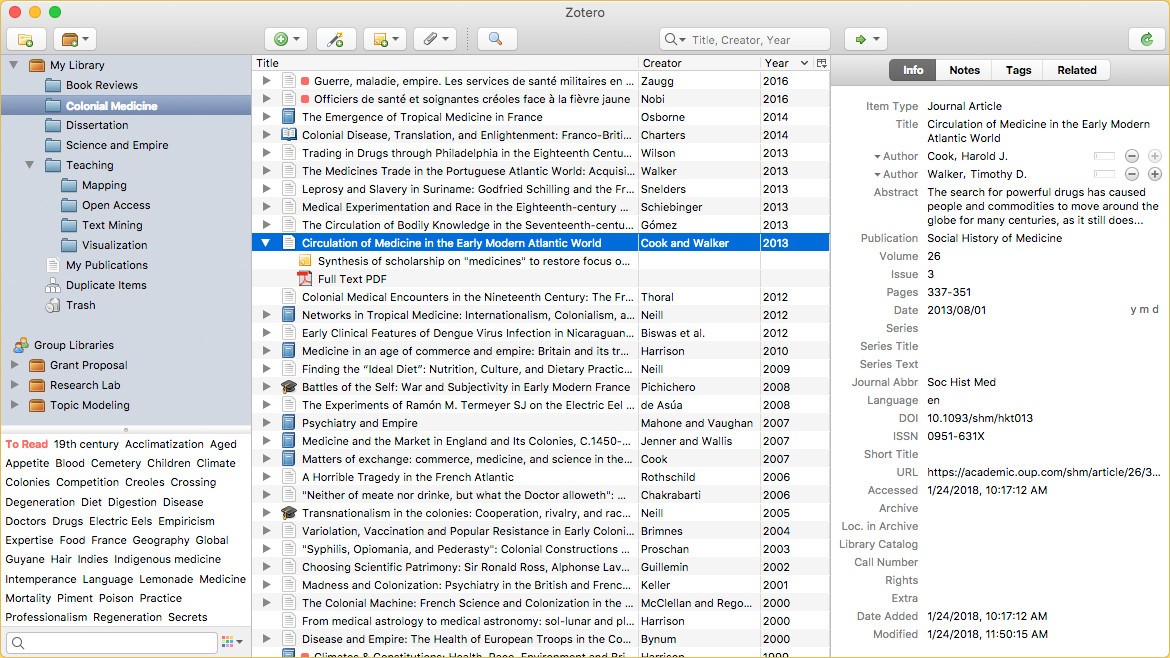
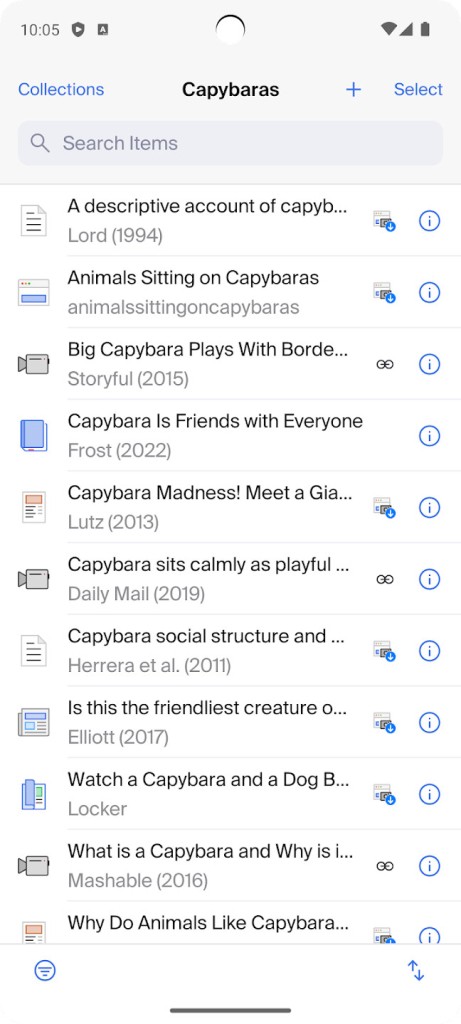
Zotero is a research manager for desktops and mobile devices. The software works to help you collect, compile, organize, share, and cite sources. You can use the browser extension to directly capture and save sources when you’re browsing the web. To make working with sources easier, you can organize them into different categories and add tags, so you can find what you’re looking for with ease.
To complete the cycle, Zotero can create in-text citations and footnotes for your research papers, and even generate full bibliographies. The tool supports various popular citation styles, including Chicago, MLA, and APA.
When you create an account with Zotero, all of your citations are saved. They can then be used again and again on different devices.
Why Should I Download Zotero?
You should use Zotero if you’re looking for a free and open-source tool to help with your research citations. It is often used by students and professionals in academia.
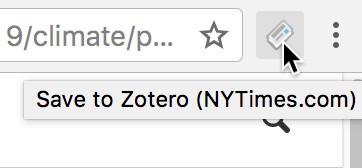
One of Zotero’s most useful tools is its browser extension that allows you to save sources into your library. With its help, you can save articles, websites, and PDFs when you encounter them online, and come back to them later if needed. It only takes one click.
Zotero can generate citations in your desired format, including Chicago, MLA, and APA, so you don’t need to do it by hand. Those can be in-text citations, footnotes, and even full bibliographies. You can input them into Google Docs, Microsoft Word documents, and LibreOffice documents.
All of your citations and sources can be sorted into different categories. You decide the topic by adding tags and using keywords to distinguish between them. This way, you can work on multiple projects at the same time and find the right citation when you need it, even as time goes by. All of your research sources are saved in your Zotero account and can then be accessed from any device using your credentials.
Zotero also enables working with text and PDF files. You can annotate them, make notes, and highlight text in the document through Zotero.
Is Zotero Free?
Yes, Zotero is a free and open-source tool. There are no premium features hidden behind a paywall. Zotero also does not share your personal data or allow tracking, so you can rest assured that your account is safe.
What Operating Systems Are Compatible with Zotero?
You can use Zotero on Windows, macOS, and Linux computers. For Windows, make sure your computer runs Windows 10 or later. Your macOS computer should run macOS 10.15 or later. Zotero has an official iOS app for iPhones and iPads. The tool is also accessible on Android mobile devices.
Zotero also offers browser extensions, named Zotero Connector and available for Chrome (and all Chromium-based browsers) and Firefox.
What Are the Alternatives to Zotero?
Paperpile is a research reference manager that’s popular among students, academics, and researchers. The tool is integrated into your browser, so you can save references as you go. It only takes a click to add an article or research paper from Google Scholar or PubMed to your personal library. Paperpile synchronizes with Google Drive, saving all of your documents there. It can also integrate with Microsoft Word and Google Docs to generate in-text citations, as well as full bibliographies, which removes the most tedious part of writing a research paper. The tool is available as a browser extension, as well as through any modern web browser, and on iOS and Android.
EndNote is another citation generator and reference management software for research papers. It functions as your very own reference library, through which you can browse to find the source you’re looking for. Import sources from well-known research databases like PubMed, or upload PDF files directly into the tool. EndNote can be integrated with Microsoft Word and Google Docs, so you can add sources to your paper during the writing process. The tool supports various citation styles, including MLA, Chicago, and APA.
Mendeley is free software for managing sources, but it also works as a social network. At its core, Mendeley helps users cite sources. It does so by scanning the PDF documents you feed it for key information, like year of publication and author name, and creating your own library of sources. Then, Mendeley Cite, a helpful plugin for Microsoft Word, comes in and creates citations directly in the document. You can use it to create in-text citations and bibliographies in the format you desire, including Harvard, APA, and Chicago. Mendeley enables collaboration with other users through sharing reading lists and sources.