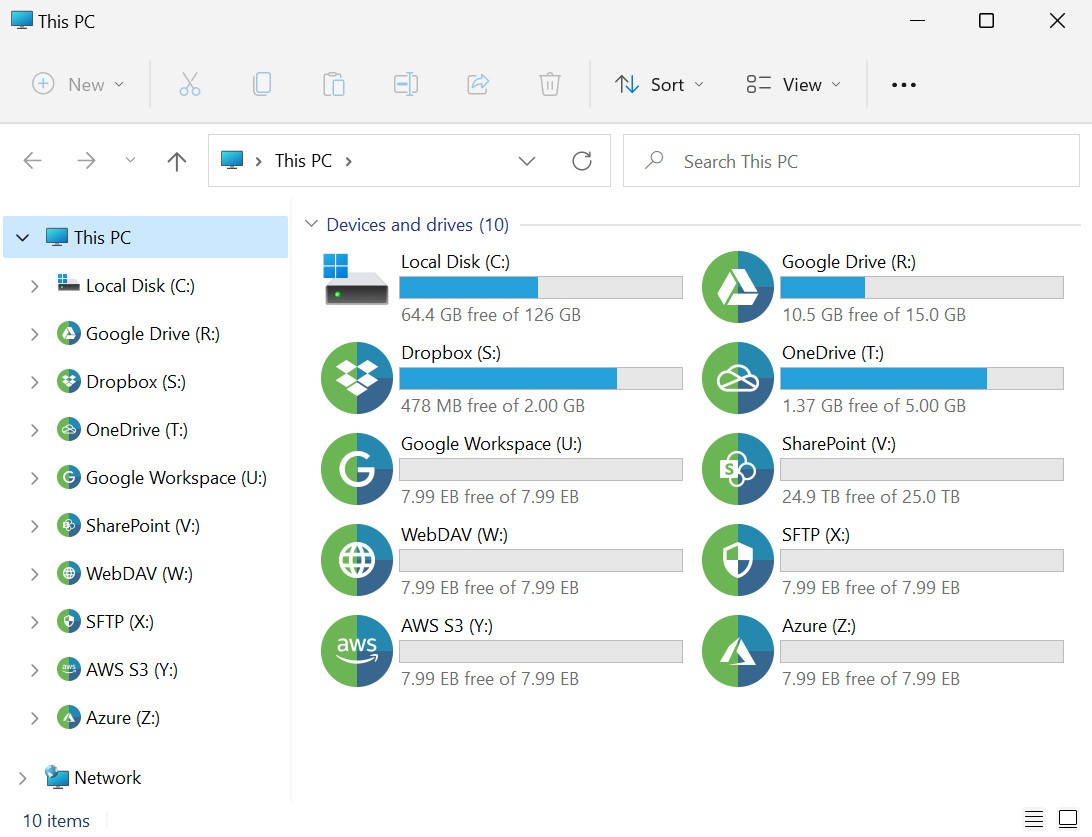
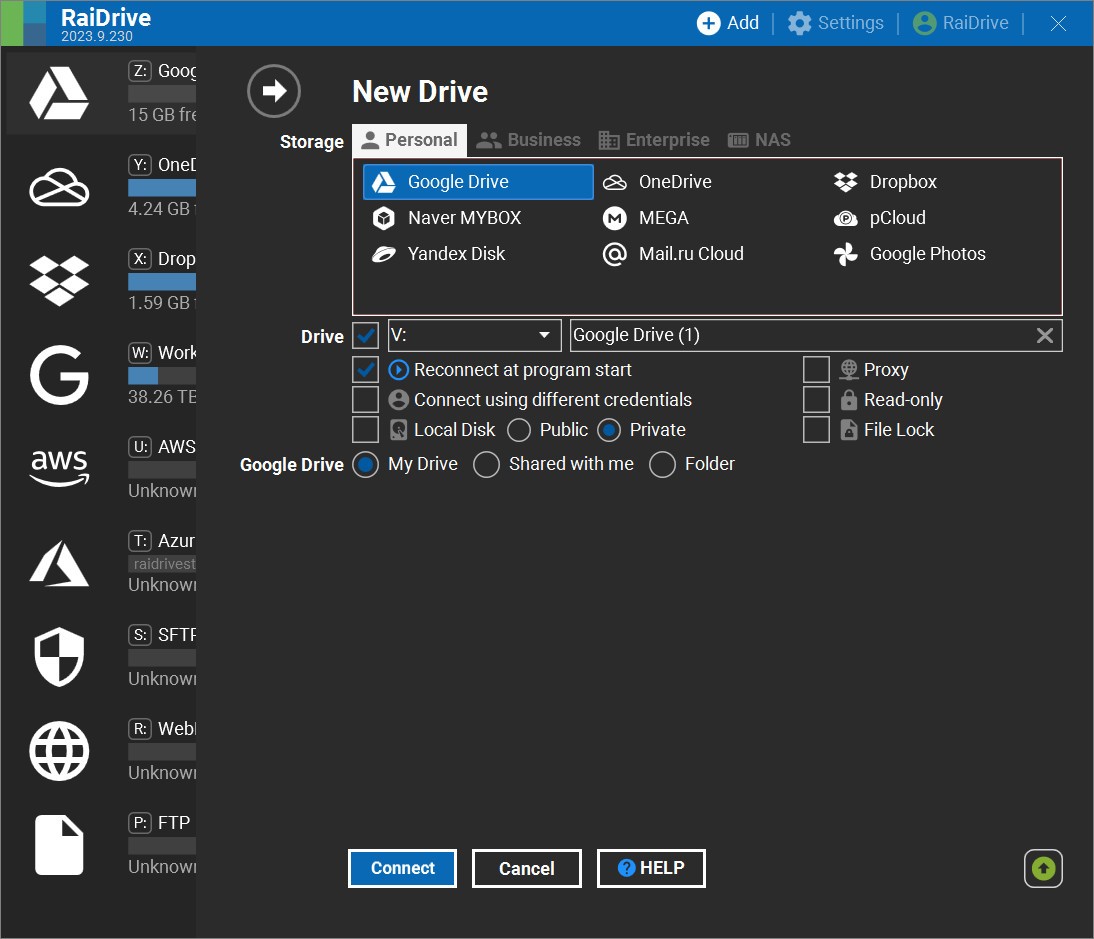
RaiDrive is a desktop tool that makes cloud storage be used more like a USB drive plugged into your computer. Instead of opening a browser or a separate sync client, you connect services such as Google Drive, OneDrive, or Dropbox, and then work with your cloud files within the Windows File Explorer or a Linux file manager.
You can open documents, save edits, and browse folders as if they were on a local disk, and even stream video from the cloud without downloading the entire file. This is particularly useful if you regularly deal with large files or project archives.
The app also has extra features such as file locking for shared documents, local disk options for public or private access, TLS/SSL, and cache encryption for security.
Why Should I Download RaiDrive?
RaiDrive is useful because it turns cloud storage into something that feels closer to a normal hard drive or USB. You connect a service, and then files can be opened, edited, and saved directly from the file manager on your desktop rather than having to be downloaded, edited, and copied back and forth. That makes it quite handy if you work with large folders, shared project files, or video files that you do not want to keep on your desktop because they take up too much space.
The app also supports a wide range of cloud storage types, from Google Drive, OneDrive, Dropbox, and MEGA to WebDAV, SFTP, FTP, and several business cloud services. RaiDrive also includes file locking, which can help prevent other users from overwriting a document while you are working on it. In addition, it supports 35 languages, which makes it a good fit for large or international teams and more complex workflows.
Is RaiDrive Free?
Yes, RaiDrive has a free option. The free version supports up to 8 drives, but also includes ads.
The paid plans remove ads and add extras such as unlimited drives, license sharing, faster file operations, bandwidth control, email support, and business support. Some of the paid tiers also add features like local disk mounting, file locking, and broader access for business accounts. The free tier is enough for basic personal use, but the paid plans are aimed more at people who use several accounts or manage cloud storage as part of regular work.
What Operating Systems Are Compatible with RaiDrive?
RaiDrive works on Windows and Linux. It is a way to connect cloud storage in Windows File Explorer or a Linux file manager and does not work with Mac.
It is a desktop app rather than a mobile app, and it is built for Windows or Linux rather than Mac or other operating systems. RaiDrive is also meant to sit in the background as part of your normal file workflow, rather than acting as a separate cloud app you open for browsing and sharing.
What Are the Alternatives to RaiDrive?
Mountain Duck is the closest alternative if you want a similar drive-mounting experience on desktop. It lets you mount server and cloud storage as a disk in Finder on macOS and File Explorer on Windows. Compared with RaiDrive, it feels a little more polished with desktop integration and cross-platform support, while RaiDrive leans harder into cloud breadth and simpler drive mapping.
NetDrive is another strong option for users who want cloud storage to act like a local drive. It supports mounting remote storage in Windows and macOS, background uploading, file locking, team drives, and access through Explorer or Finder, with a strong focus on collaborative work. Compared with RaiDrive, it feels more team-oriented and desktop-native, while RaiDrive comes across as the more flexible choice for people who want a wide range of services and protocols in one place.
Amerigo is the mobile-only alternative here. It is an iPhone and iPad file manager that links multiple cloud accounts, lets you search across local and cloud files, handles downloads, and includes built-in browsing and media tools. Compared with RaiDrive, it is much more about managing files on a phone or tablet, while RaiDrive is the better fit if you want cloud storage to sit inside your desktop file system.