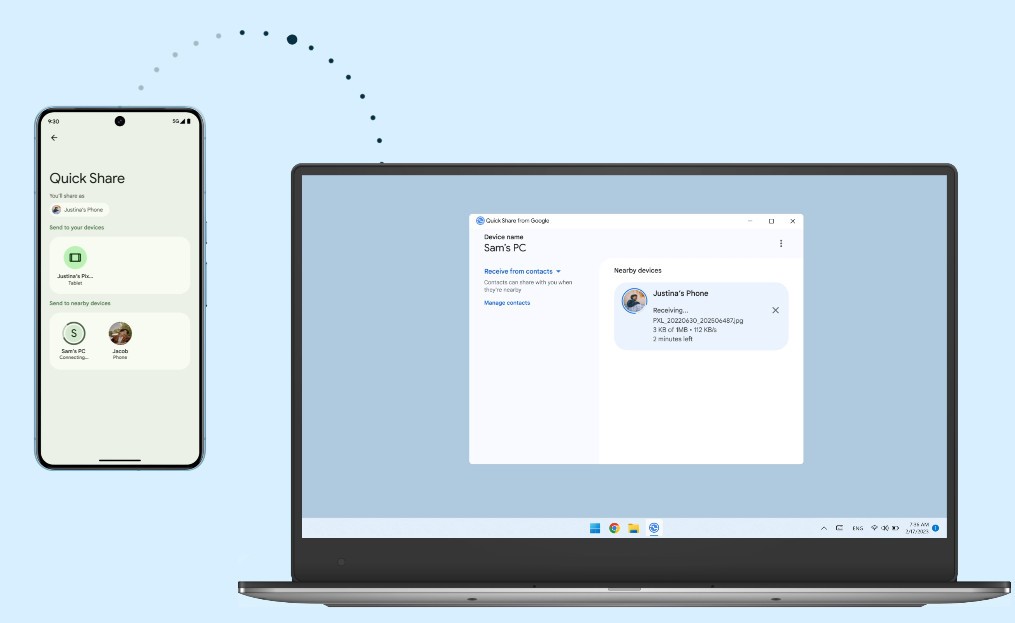
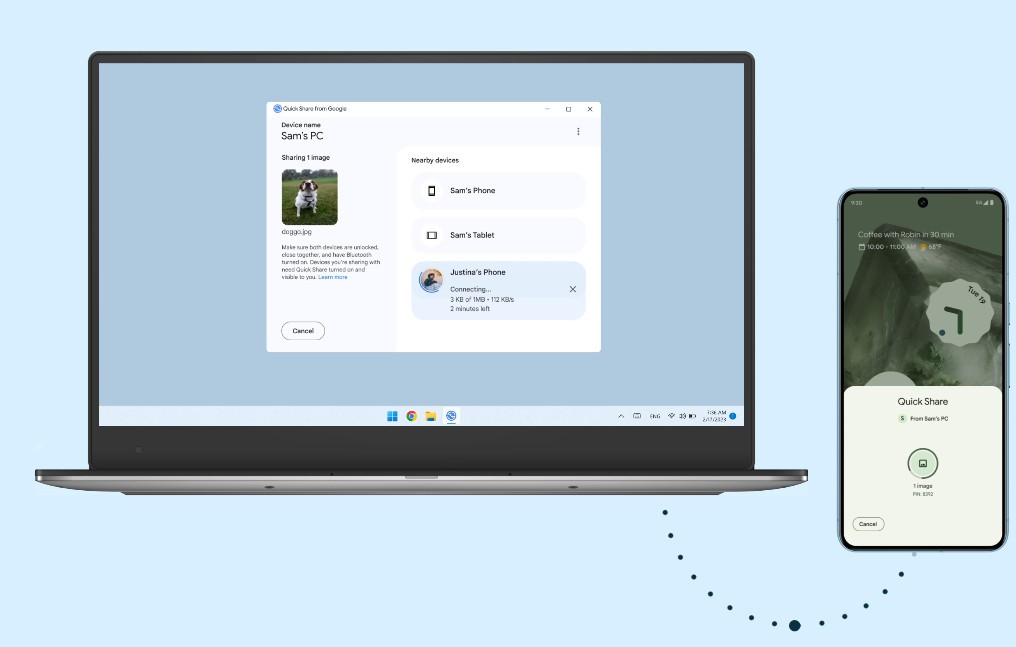
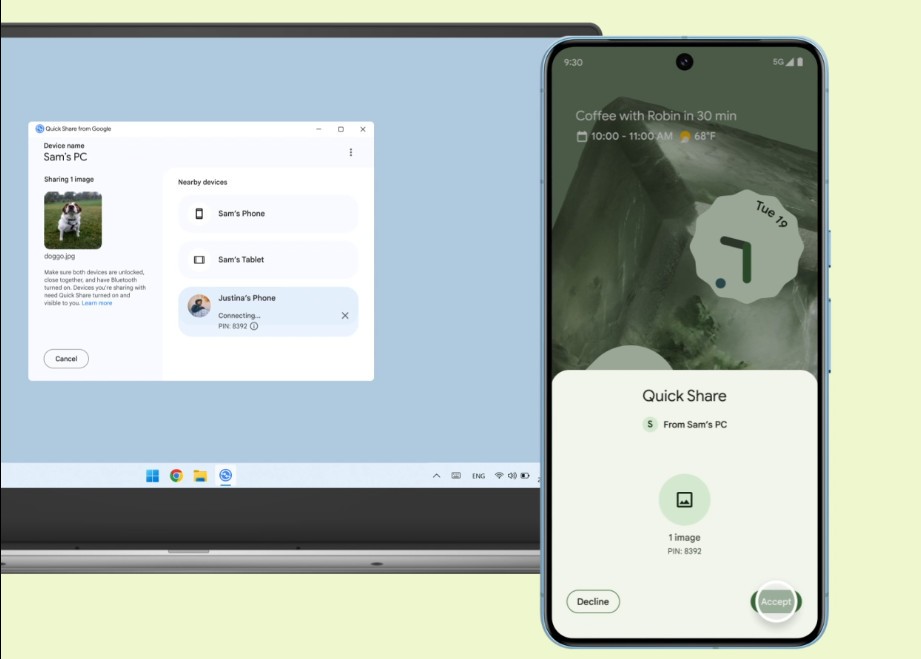
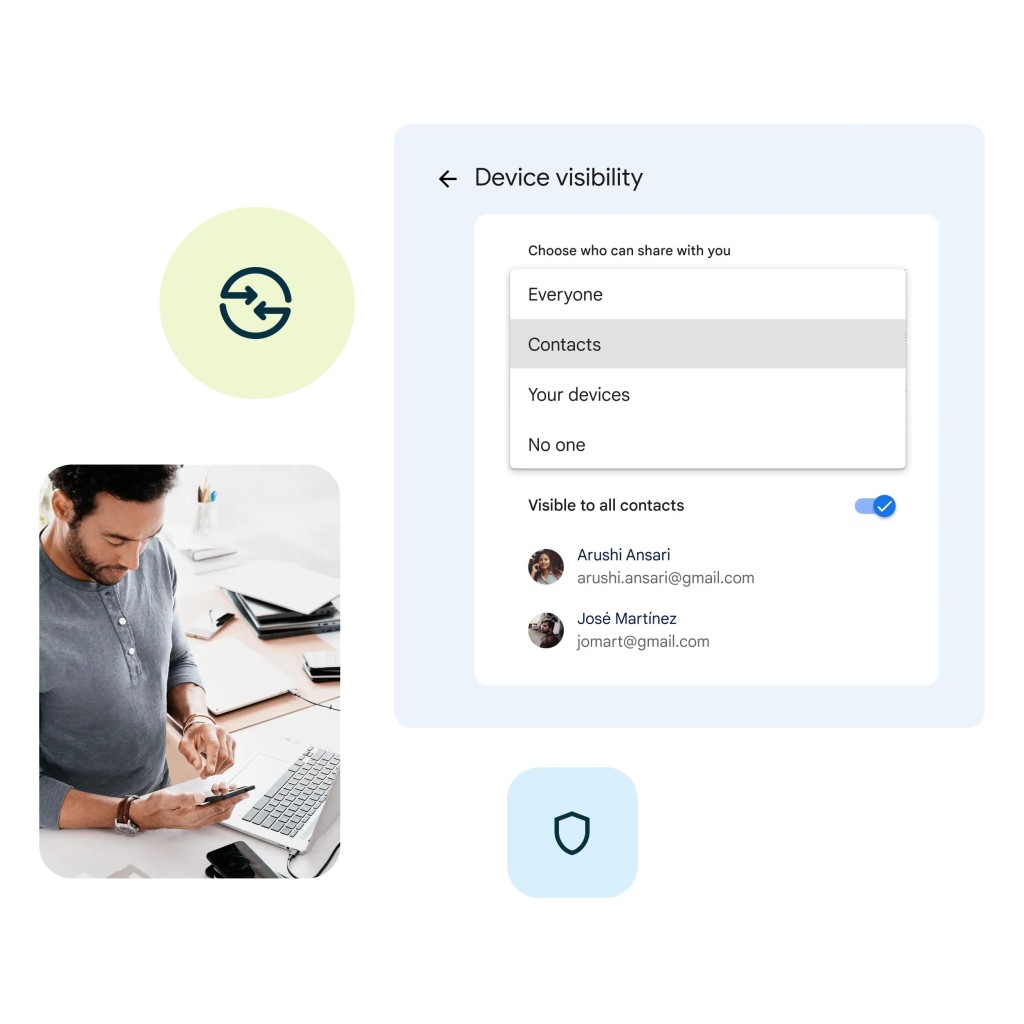
Quick Share for Windows, formerly known as Nearby Share, is a lightweight application that simplifies connections between Android devices and Windows personal computers. It is the equivalent of the Android File Transfer software for macOS.
The program makes file exchanges easy because it lets you share photos, videos, documents, and other files between mobile devices and computers without using complicated tools or cloud-based services. Your devices connect directly to create a fast, reliable data transfer link. You do not need to rely on email file sharing or slow Bluetooth transfers anymore.
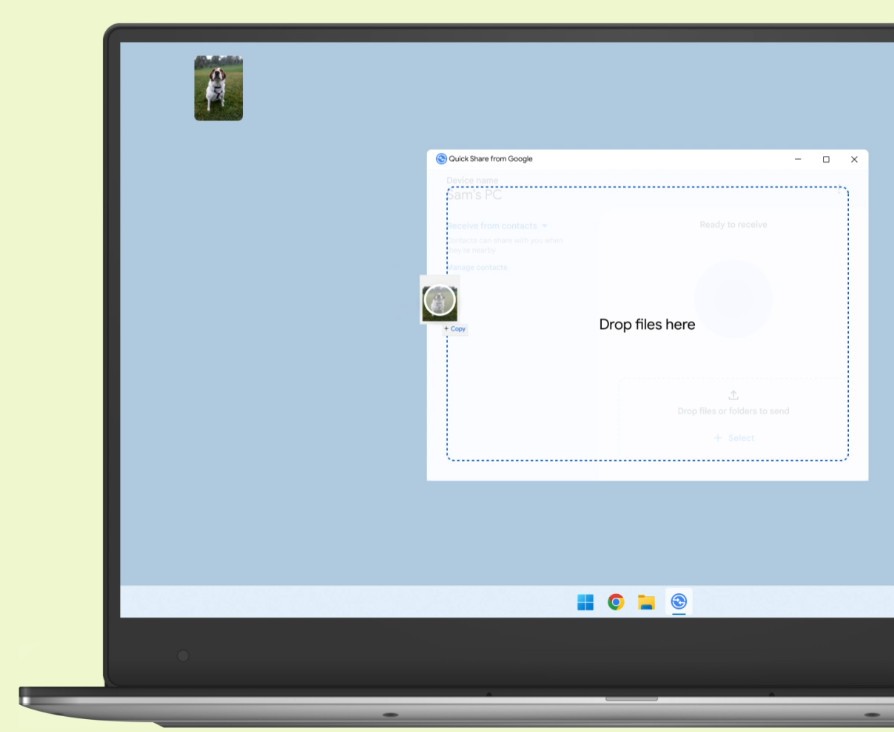
The fundamental purpose of this program is to make file sharing easier. After connecting, your phone shows up as an expandable file system that lets you transfer files using drag and drop. The application works well for large file transfers and gives you an alternative to clunky cable connections or resource-heavy software requirements.
The software automatically identifies Android devices when they are plugged in through USB, then grants immediate access. The program maintains a clean interface that suits users who need basic file transfer features without complicated programs. If you download Quick Share, you get a simple solution to a problem that many people did not realize needed fixing.
Why Should I Download Quick Share for Windows?
Transferring phone files to your computer becomes irritating when email transfers or cloud uploads result in redundant self-emails and extra downloads. Those transfer methods work, but they become unnecessarily slow when you handle large videos, multiple folders, or high-resolution photos. Quick Share creates a direct file transfer system that feels like the simple solution that should have existed all along.
This tool makes things easier for people who work across different devices, going from Android to PC. The application requires no driver installations and skips all pairing procedures. Connect your phone, start Quick Share, and your files arrive almost instantly.
Quick Share lets you organize files before copying them, and gives you an easy way to delete old files and manage folders. The program runs smoothly with minimal screen disturbance, making it well suited for everyday device handling. The application works as a standalone file bridge without providing phone management or backup features.
The simple design of the user interface is one of its best qualities. The whole setup process requires no training because you do not need a manual. Most users understand the program after only a few minutes. Helping less tech-savvy relatives and friends becomes easier because of this layout. You can depend on it for everyday tasks like moving pictures and saving documents.
One of Quick Share's key features is its stable connection. The system operates without constant refreshing or failed transfers. Quick Share detects Android smartphones faster than many applications from original hardware manufacturers, and it grants full access to device files unless you specifically restrict it. The application gives you direct system access so you can work freely without compromising your device safety. You can download Quick Share for Windows from our direct link to get started.
Is Quick Share for Windows Free?
The software is free for all users. You can use this tool without any license or subscription, and it does not display pop-up campaigns for upgrades. All primary functions, including file exploration, device identification, and file transfer, work without any feature limitations. It performs its job without asking for payment.
What Operating Systems Are Compatible with Quick Share for Windows?
The tool was developed for Windows operating systems. It runs without problems on Windows 10 and Windows 11. Compatibility with Windows 7 or 8 depends on how well your system updates and USB drivers work together, and performance may vary.
This software requires minimal computer resources, works on both laptops and desktop computers, and does not interfere with other installed drivers or applications. You only need to set it up once, and the tool stays available to connect whenever your phone is plugged in.
The program lacks a macOS variant because macOS has its own Android File Transfer tool.
What Are the Alternatives to Quick Share for Windows?
Several other tools exist for Android-PC file transfers, though they take different approaches.
ShareMe is an excellent alternative. This tool comes from Xiaomi, although it works across different Android smartphones. Its wireless Wi-Fi connection is convenient when you do not have a cable handy. The sharing process starts after you connect both devices to the same network, then launch the application and start transferring. The tool works quickly for smaller file transfers and remains useful when you need a fast exchange without cable access.
AirDroid is another strong option. It offers complete file transfer functions along with screen sharing, notification monitoring, and device control features. The platform works as an entire management system, not just a file transfer tool. Through wireless management, you can send SMS from your computer and handle large file transfers without USB cables. It attracts users who work across multiple devices because everything stays interconnected. The tool gets more complex than you need if you just want to copy pictures from your phone or move video files to your desktop.
If you need a macOS solution, Android File Transfer is the right download. It is essentially Quick Share, but for Mac instead of Windows. Since Android and macOS are not natively compatible, accessing Android files from Mac computers is difficult without it. Developed by Google, this app lets you transfer files from your Android smartphone or tablet to your Apple computer.