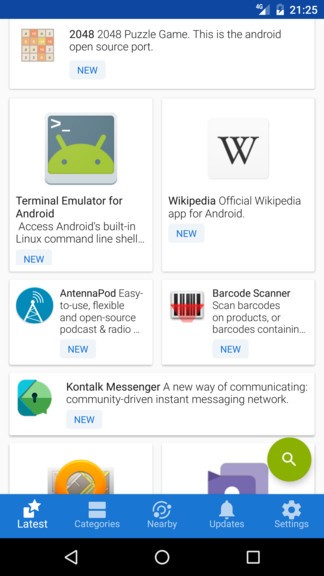
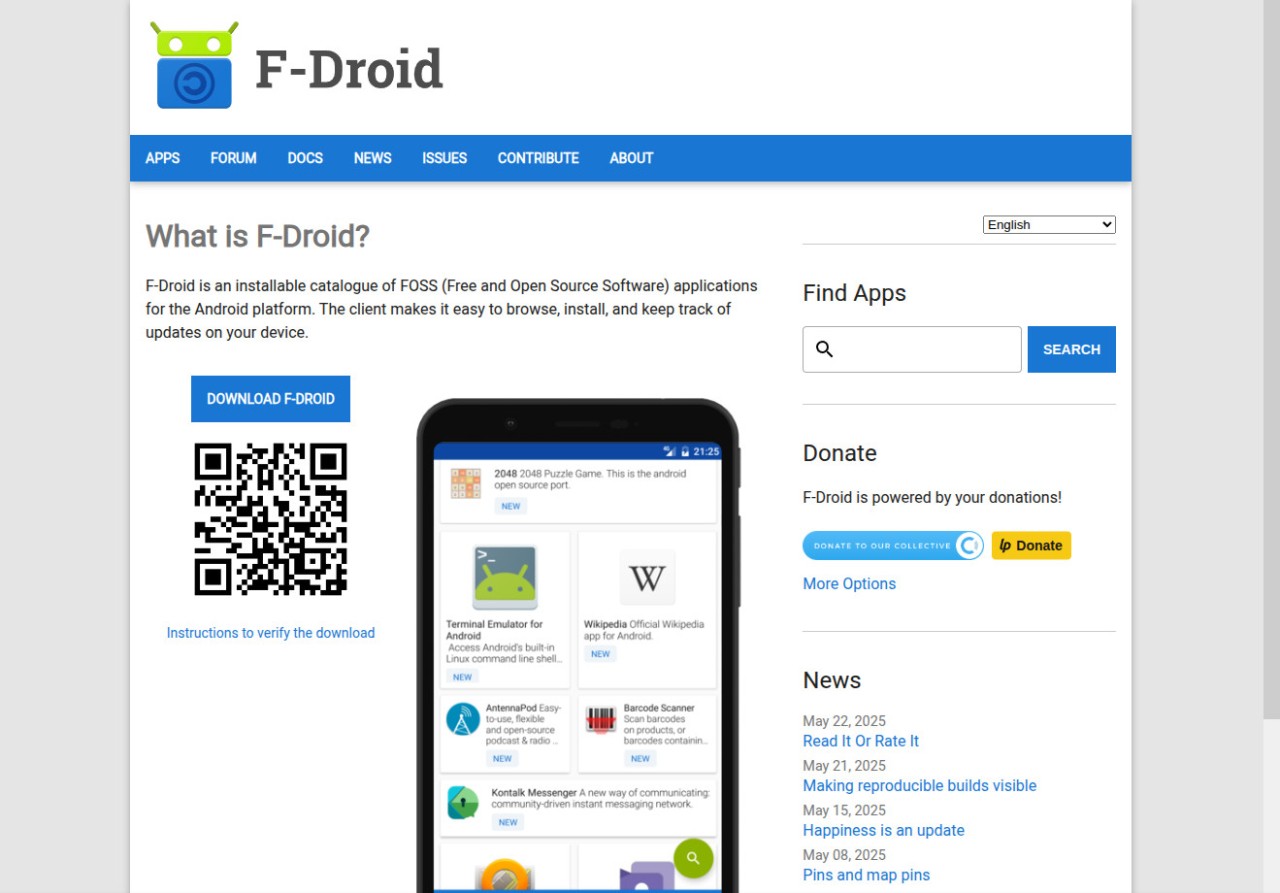
If the Google Play Store feels like a shopping mall full of surveillance cameras, F-Droid is the farmers' market around the corner. It is an app repository built on a simple premise: every app should be free, open-source, and free of hidden trackers. No one is harvesting your data, no ads are following you between apps, and you do not even need to create an account to browse and install software. Just download the F-Droid APK, open it, and start looking around.
The selection is different from what you find on mainstream stores. You will not see Instagram or WhatsApp here. What you will find are privacy-respecting alternatives: NewPipe instead of YouTube, Signal for messaging, K-9 Mail for email, and hundreds of other tools built by developers who care more about user freedom than monetization. Every app goes through a community review process before it gets published, so the risk of installing something malicious is far lower than on stores that let anyone upload whatever they want.
F-Droid also supports custom repositories, which means developers can host and distribute their own apps outside of centralized platforms. If you are a developer yourself, it is a clean, independent channel for getting your work to users.
The interface is functional without being flashy. Search for what you need, browse by category, bookmark apps you want to revisit, and enable automatic background updates. One feature that sets F-Droid apart from mainstream stores is rollback support: if an update breaks something, you can revert to the previous version of an app instantly, no questions asked.
Why should I download F-Droid?
Privacy is the core reason. Every app on F-Droid is free, open-source, and verified by volunteers before it goes live. No buried ad SDKs, no data collection frameworks running in the background, no surprises in the permissions list. You can even read the source code yourself if you want to know exactly what an app does with your data.
To use this platform, all you need to do is download the F-Droid APK file, open it up, and start using the store and its verified apps; no account or sign-in is required. You can get access to an alternative YouTube client (NewPipe), secure messengers (Signal), email clients (K-9 Mail), and other tools. However, you won’t find any major apps (like WhatsApp, for example); only open-source products are available.
Beyond installation, F-Droid is surprisingly full-featured for an alternative store. Each app page shows version history, permissions, file size, license information, changelogs, and warnings if any analytics tools are present. Automatic updates run in the background, and you can save APKs for offline installation, which is useful if you are in an area with unreliable internet. Developers can tap into command-line tools, APIs, and mirror systems to integrate F-Droid distribution into their build pipelines.
The rollback feature alone is worth the download for anyone who has been burned by a bad app update. If a new version introduces bugs or removes a feature you relied on, just roll it back. Try doing that on the Play Store.
If you want an app store that respects your privacy and gives you genuine control over what runs on your phone, F-Droid is it.
Is F-Droid free?
Entirely. The store, the apps, the updates, everything is free. There are no hidden purchases, no premium tiers, and no in-app payment systems. F-Droid is maintained by volunteers and funded through donations and NGOs. It is free because that is the whole point.
What operating systems are compatible with F-Droid?
F-Droid runs on Android 5.0 and later. It works fine even on devices without Google Play Services, which makes it a solid option for de-Googled phones and tablets.
To install it, you download the APK from the official F-Droid website and allow third-party APK installation in your Android settings. The app library is also browsable from any web browser on any operating system, but you can only install apps from the F-Droid client on Android.
What are the alternatives to F-Droid?
Aptoide is another third-party Android marketplace, but it takes a broader approach. Unlike F-Droid, Aptoide carries both open-source and commercial apps and allows users to create their own app stores within the platform. Developers can earn AppCoins, Aptoide's internal currency, to monetize their work. You download the APK from the Aptoide website to get started. The trade-off is that Aptoide includes ads and paid content, and the verification process for third-party submissions is not as strict as F-Droid's. Stick to well-known apps if you go this route.
The Google Play Store is the default option for a reason: it has the largest library of Android apps and games available anywhere, and it comes preinstalled on virtually every Android device. You get millions of titles, automatic updates, and tight integration with Google's ecosystem of services. The downside is that most apps collect user data and track behavior behind the scenes, and source code transparency is basically nonexistent. If privacy is not your top concern and you just want access to everything with the least friction, the Play Store is still the most convenient choice. You do need a Google account to use it, but since you already need one to set up your Android device in the first place, that is rarely an obstacle for most users.