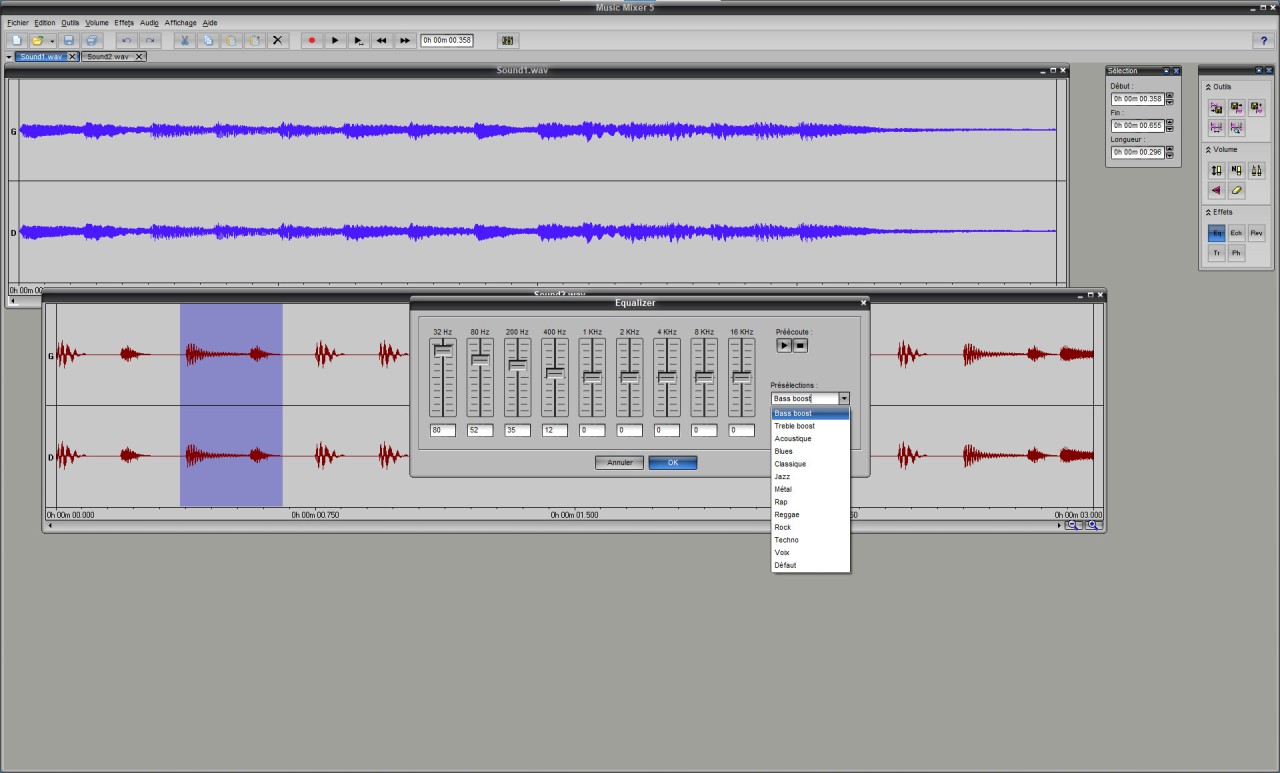
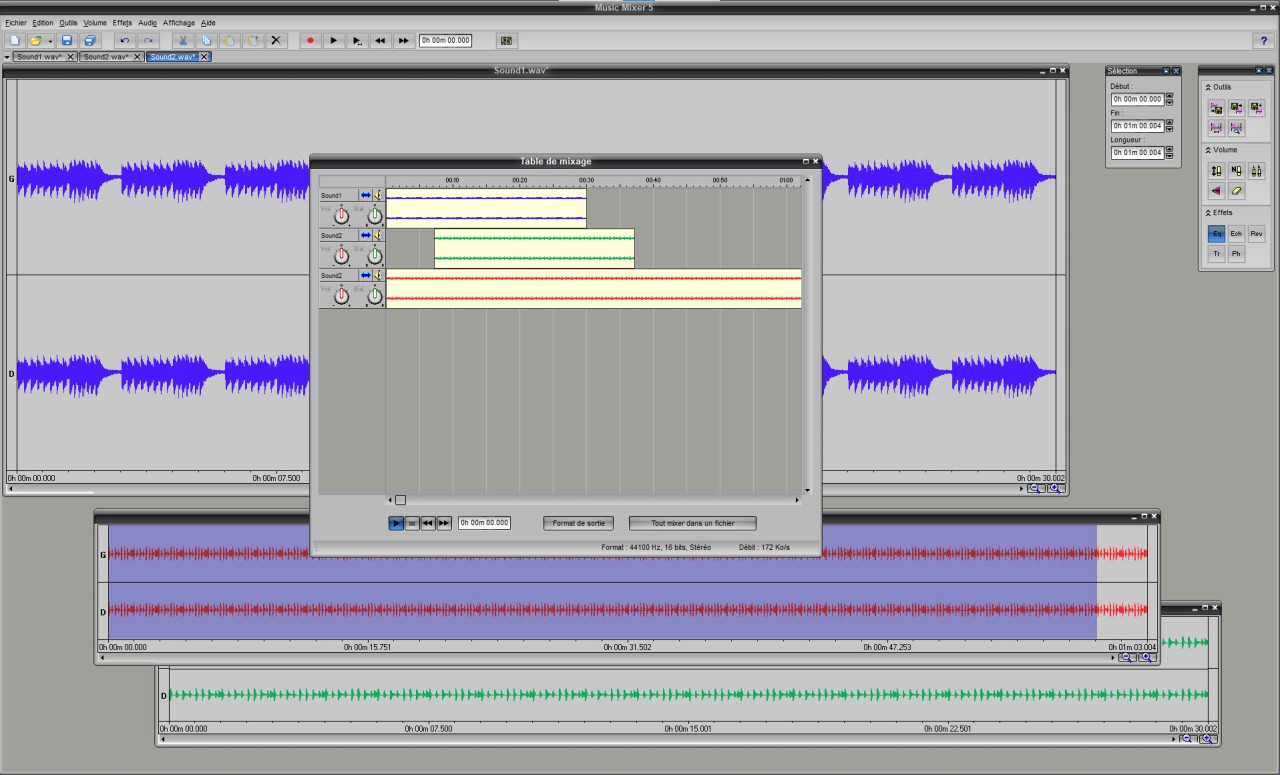
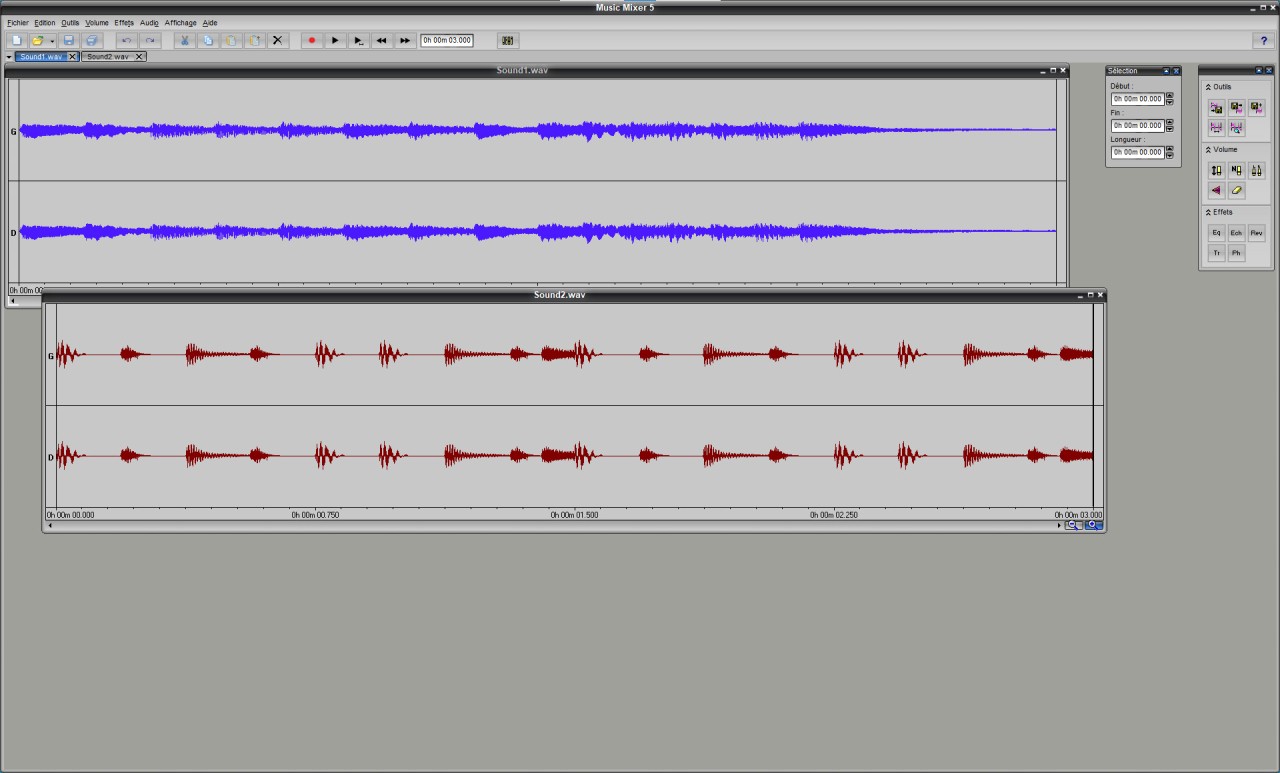
Music Mixer is an audio editing program designed to make recording and mixing accessible to beginners. With tools for recording, editing, and combining audio, it lets you create music tracks, rework existing recordings, and experiment with different sound effects. You can use it to record vocals over karaoke tracks, arrange recordings from your band, or transfer old vinyl records and cassette tapes to your computer. The software provides a visual editing interface where you can select, copy, paste, mix, and cut audio samples. Its real-time mixing console lets you arrange multiple tracks, adjust their individual volumes, and combine them into a single audio file. You can also apply effects such as equalization, echo, reverb, and amplification to change the sound of your recordings.
Music Mixer supports several audio formats and includes tools for changing playback speed, reversing audio, creating loops, and converting files. You can save larger projects to continue editing them later, making it easier to work on recordings across multiple sessions. Although it lacks the advanced production environment of a full digital audio workstation, Music Mixer offers a straightforward set of tools for basic audio editing and music creation. Its relatively small installation size and simple interface may appeal to users who want to experiment with sound without learning a complicated application.
Why Should I Download Music Mixer?
Music Mixer is a practical option if you want to record and edit audio without dealing with a complicated music production interface. Its main tools cover everyday editing tasks, from trimming recordings to combining several tracks into a finished mix. The visual audio editor lets you select sections of a recording and copy, paste, cut, or mix audio samples. This makes it easier to remove unwanted sections, rearrange material, and combine recordings. You can use these tools to prepare voice recordings, edit music files, or put together audio for personal projects.
Recording is another core feature. Music Mixer can capture sound from connected sources, including microphones, musical instruments, and audio equipment. You can also record audio played through your computer, making the software useful for tasks such as adding vocals to karaoke tracks or transferring recordings from older media. The application includes a range of effects to help you adjust your sound. Equalization, amplification, fades, echo, reverb, and tremolo let you experiment with tone, volume, and atmosphere. Additional tools allow you to speed up or slow down recordings, reverse audio, create loops, and locate gaps in a track.
Its real-time mixing console is particularly useful when working with multiple recordings. You can arrange tracks using drag-and-drop controls, adjust individual volume levels, and combine the results into one final audio file. You can also save your work as a project and return to it later, rather than having to finish everything in one session. Music Mixer supports several audio formats, including MP3, WMA, MIDI, and KAR, with conversion tools for creating WAV files. You can also adjust WAV settings, such as frequency, bit depth, and mono or stereo output.
Is Music Mixer Free?
Yes, Music Mixer is free to download from their website.
What Operating Systems Are Compatible with Music Mixer?
Music Mixer is designed for Windows computers. Its listed operating systems range from Windows 98, Me, XP, Vista, and 7 through Windows 8, 10, and 11. The stated minimum requirements include a sound card and 256 MB of RAM, making it a lightweight application compared with many modern audio production programs.
There is no native macOS or Linux support available for Music Mixer. If you use either operating system, you may prefer an audio editor designed specifically for your platform.
What Are the Alternatives to Music Mixer?
Audacity is a versatile audio editor for recording, editing, and processing sound. It lets you cut, copy, trim, and combine recordings, adjust audio levels, and apply effects to modify your sound. It's suitable for a range of projects, including podcasts, voiceovers, music recordings, and digitizing older audio. Compared with Music Mixer, Audacity offers a broader set of editing tools and supports additional workflows through plugins. It's a good option if you want more control over your recordings without moving to a full digital audio workstation. Audacity is also worth considering if you want to work with multiple tracks and refine recordings in more detail.
WavePad is an audio editing program for working with music, voice recordings, and other sound files. It includes tools for cutting, copying, trimming, and joining audio, alongside effects and audio restoration options. You can use it to clean up recordings, adjust sound characteristics, and prepare files for different purposes. WavePad is worth considering if you want an editor that combines everyday editing functions with more specialized processing tools. Its feature set makes it suitable for casual users and people who regularly work with recorded audio, particularly when they need to make precise changes to individual files.
Ocenaudio focuses on making audio editing accessible, with an interface designed for quick adjustments and efficient file processing. It supports common editing tasks and lets you preview effects while adjusting their settings, helping you hear how changes will affect a recording before applying them. This can be useful when cleaning up voice recordings, trimming music files, or making precise changes to individual sections of audio. Ocenaudio is a suitable alternative if you find traditional audio editors overwhelming and mainly need a responsive tool for editing and processing sound files. Its straightforward approach makes it particularly suitable for users who prioritize ease of use over a complex music production workflow.