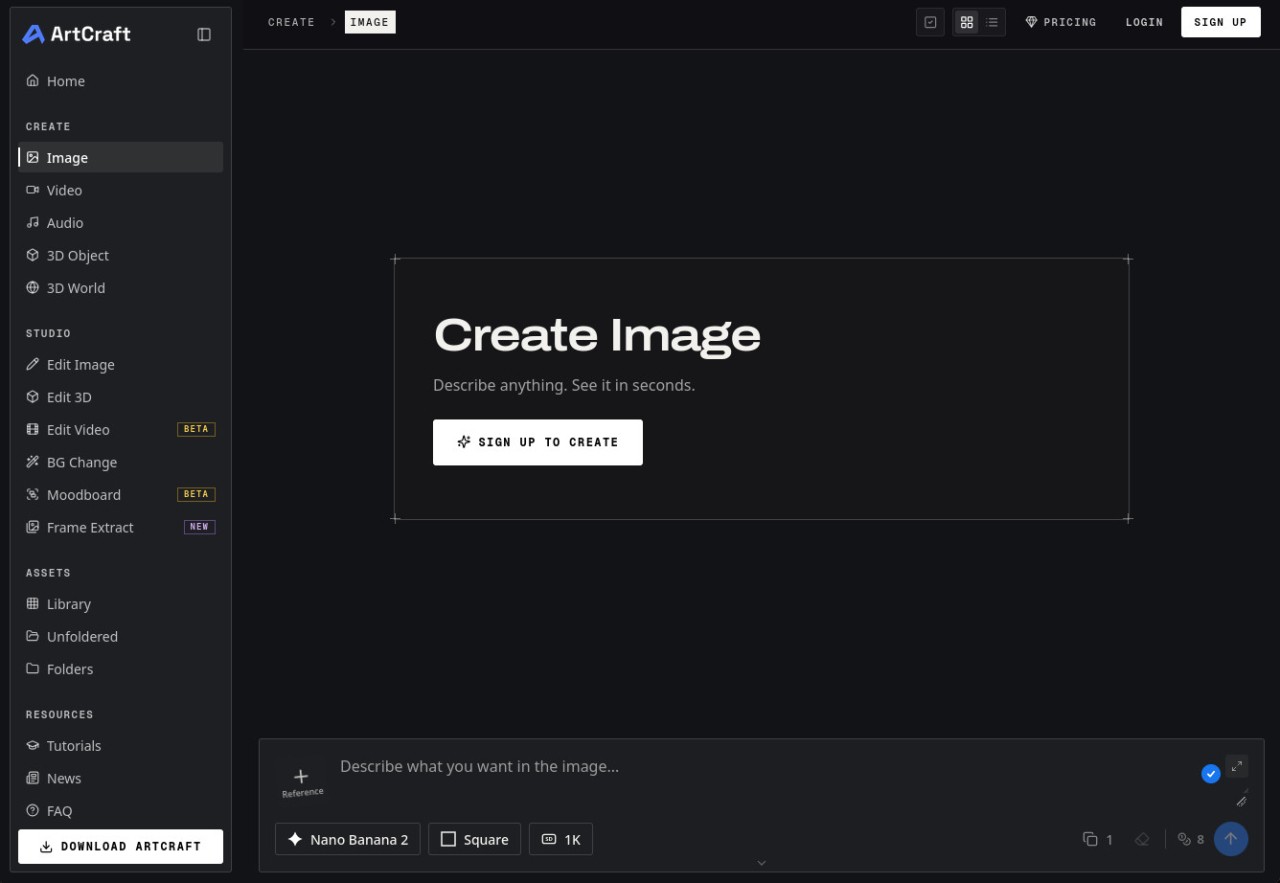
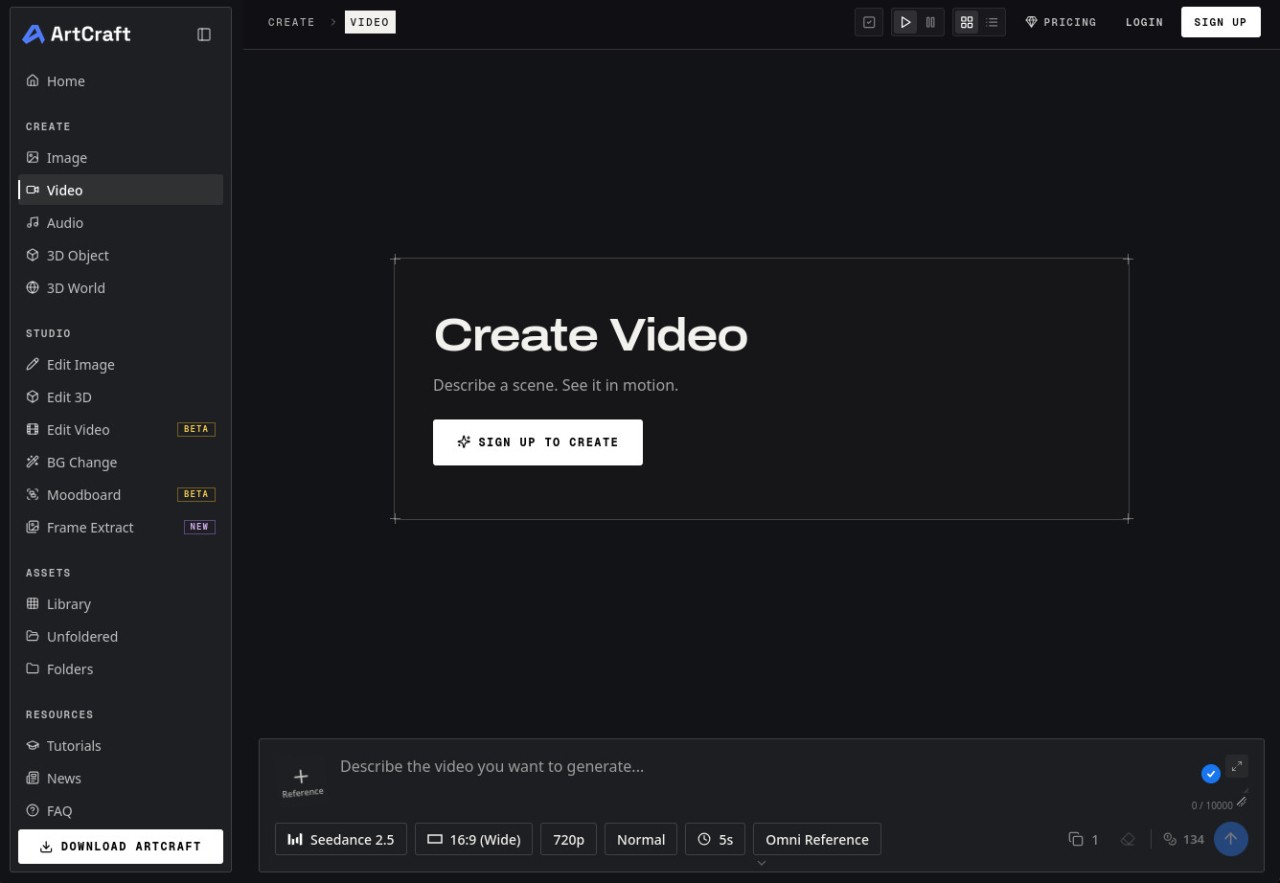
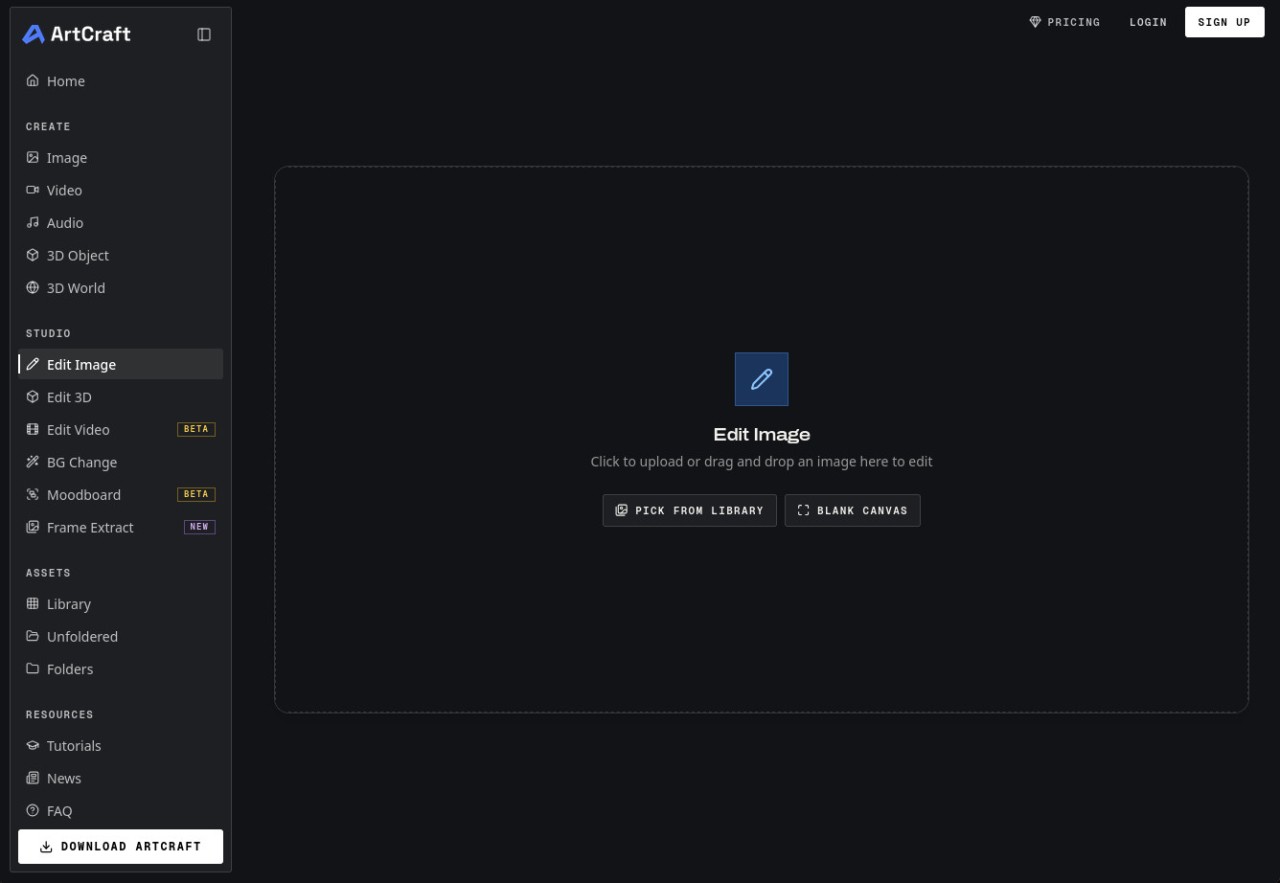
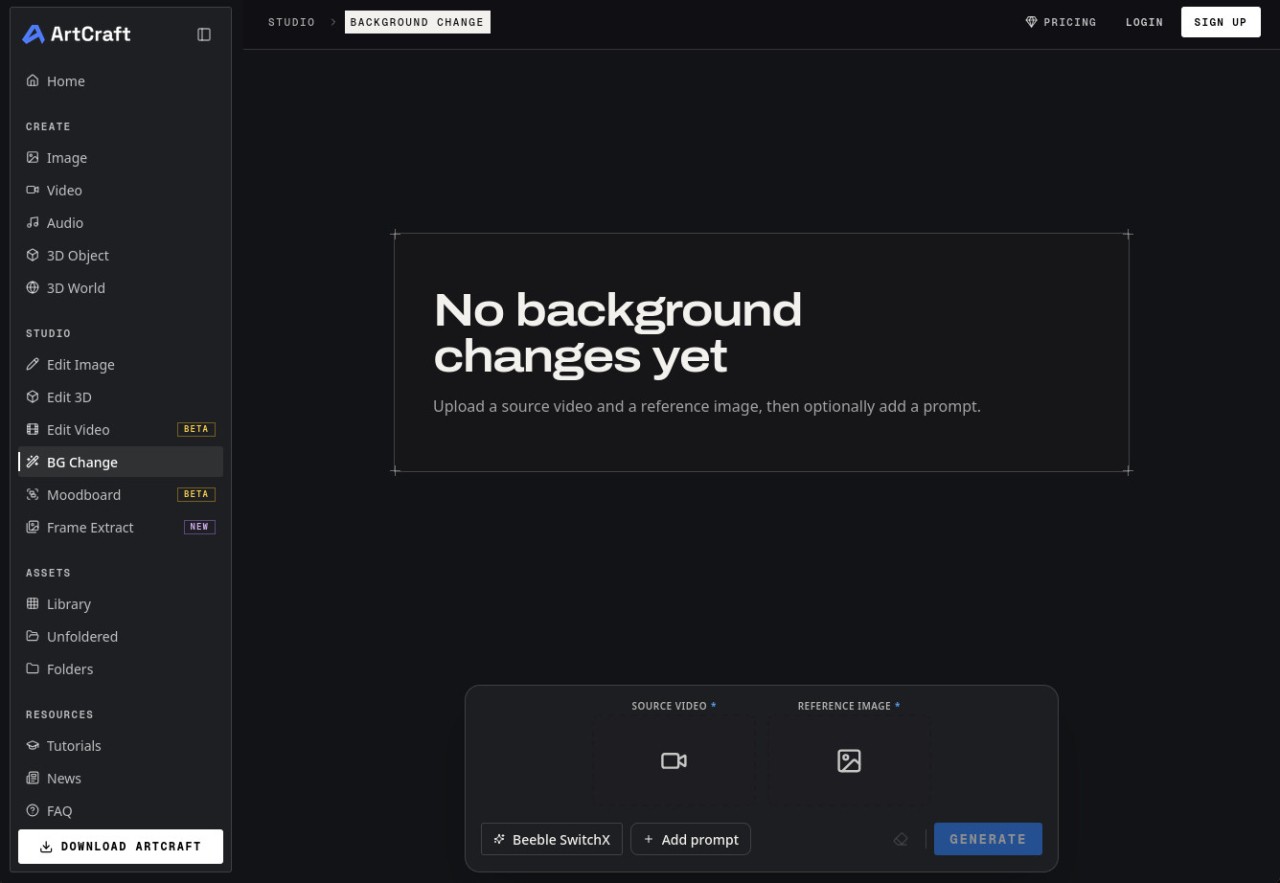
ArtCraft is AI-powered image and video creation software. It combines a drawing canvas, a 3D scene editor, and an AI engine that generates visuals from text prompts—all within a single window. The program is designed for illustrators, graphic designers, and filmmakers, as well as beginners who simply want to experiment with image generation. Its source code is open-source, allowing developers to read, modify, and contribute to the project. The program was developed by Brandon Thomas, using Claude.
It was designed for users who find conventional image generators too unpredictable. Instead of typing a sentence and waiting for a random result, you can arrange the elements of your image yourself, position your characters, adjust the camera angle, and then ask the software to generate the final image. This gives you complete control over the composition from start to finish and allows you to recreate the same scene multiple times without its layout changing between attempts. The project is supported by an active community that shares creations, reports bugs, and suggests new features.
Why Should I Download ArtCraft?
ArtCraft puts AI-powered image and video creation at your fingertips, combining creative tools with advanced generation models. Whether you're an illustrator, a graphic designer, a filmmaker, or simply curious about AI, this open-source software gives you the freedom to bring your ideas to life.
Unlike traditional AI generators, ArtCraft lets you take control of the creative process. Its intuitive interface brings together a drawing canvas, a 3D scene editor, and a wide selection of AI engines, allowing you to build compositions, position characters, adjust camera angles, and generate visuals from text prompts. You can fine-tune every detail rather than relying entirely on random results, making it easier to achieve consistent results across multiple images. The project is open-source, so developers can explore its code, modify it, and contribute to its development. An active community also shares creations, reports bugs, and suggests new features.
ArtCraft really gets interesting when you move on to its composition canvas. There, you can stack layers, add your own images, draw over them, and arrange each element exactly where you want it. The 3D editor takes things even further: you can build a set with a background, foreground objects, and props; position an articulated figure to create your character's pose; and adjust the camera just as you would on a real film set. You can even convert an image into a 3D object, making it easier to position elements precisely.
This setup is particularly useful for keeping the same environment from one shot to the next. You can save it and create multiple scenes in the same location without the walls or furniture changing positions. To create a video, simply start with a still image and request a short animated sequence, specifying the movements you want.
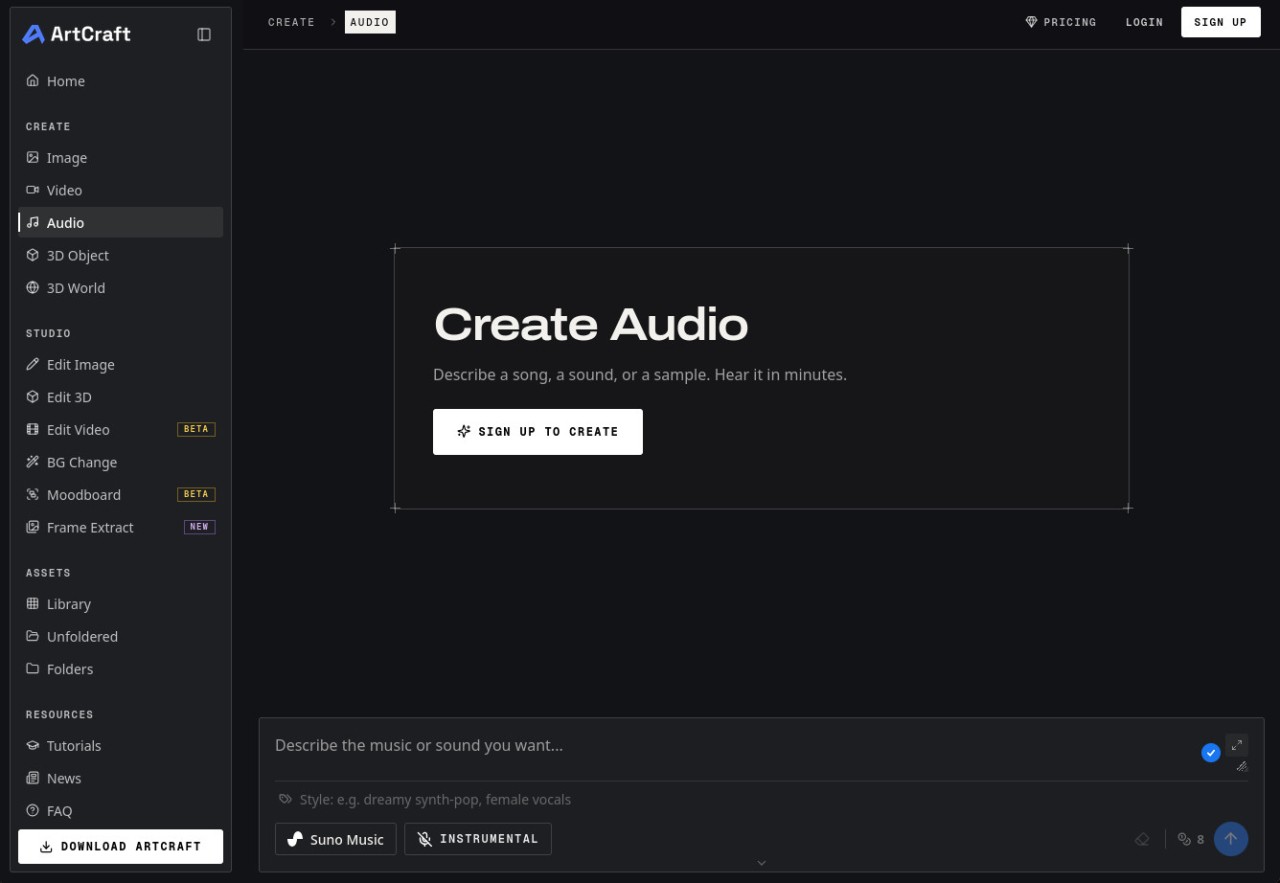
ArtCraft lets you choose which engine to use for each creation. For images, you'll find the Nano Banana, GPT Image, FLUX, and Seedream families, among others. For video, the catalog includes Seedance, Kling, Veo, Sora, Vidu, and MiniMax, among others. Other engines can generate 3D objects, complete scenes, and even music and sound effects. The team also releases a series of standalone desktop applications dedicated to photo editing, vector drawing, video editing, layout, and audio. These applications are installed and updated through a dedicated manager.
Is ArtCraft Free?
ArtCraft is free and open-source software. You can download, install, and use it without a mandatory subscription, whether on your computer or in your browser. Its source code is distributed under a dual permissive license, allowing anyone to copy, modify, and redistribute it, including for commercial use.
Paid plans are available for users who create large amounts of content, but they are entirely optional. The desktop applications published alongside ArtCraft are also free and open-source.
What Operating Systems Are Compatible with ArtCraft?
You can download ArtCraft on computers running Windows 10 (64-bit) or later, as well as Macs running macOS 12 or later. The Mac version is available in a universal format, meaning it works on both Apple Silicon and older Intel-based Macs.
The online version of ArtCraft is accessible through a modern browser on Windows, macOS, or Linux, and you can access your projects by logging in to your account. This is an ideal solution if you frequently switch between computers.
Linux users who prefer a standalone application can compile the program themselves using the provided source code.
You can download ArtCraft using our direct download links, which will take you to the version compatible with your system.
What Are the Alternatives to ArtCraft?
Adobe Firefly is arguably one of the best-known solutions for generating images and videos with AI. It can be used directly in a web browser, with no installation required, and also has mobile apps for Android and iOS. A free plan lets you try its main features with a limited number of credits, while paid subscriptions unlock more extensive use. Users who already subscribe to Adobe Creative Cloud can also use their credits in Firefly.
Canva AI brings together the AI-powered features built into Canva and Affinity by Canva, including text-to-image generation, automatic photo editing, and writing assistance. The tool is accessible through a browser, but apps are also available for Windows, macOS, Android, and iOS. The free account provides a limited number of uses of these features each month, while paid plans offer higher usage limits. It's a convenient alternative to ArtCraft if you want a single tool for generating visuals and creating posters, presentations, or social media posts.
Leonardo.ai focuses on generating images and short videos, with an extensive library of styles. The platform is accessible through a web browser and also offers mobile apps for iOS and Android. Free registration gives you a daily allotment of tokens, enough for a few creations each day. Beyond that, several paid subscription plans increase your token allowance and provide access to the latest models and video generation features.