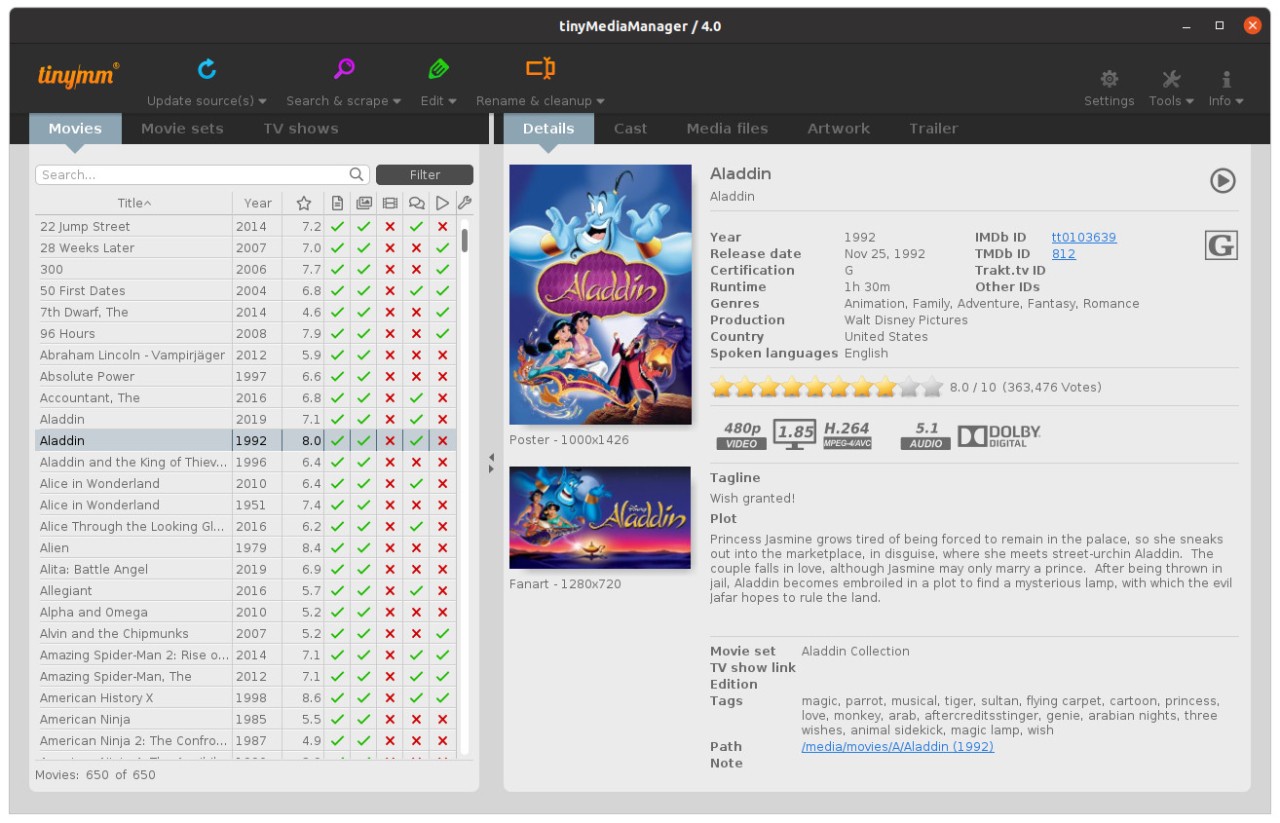
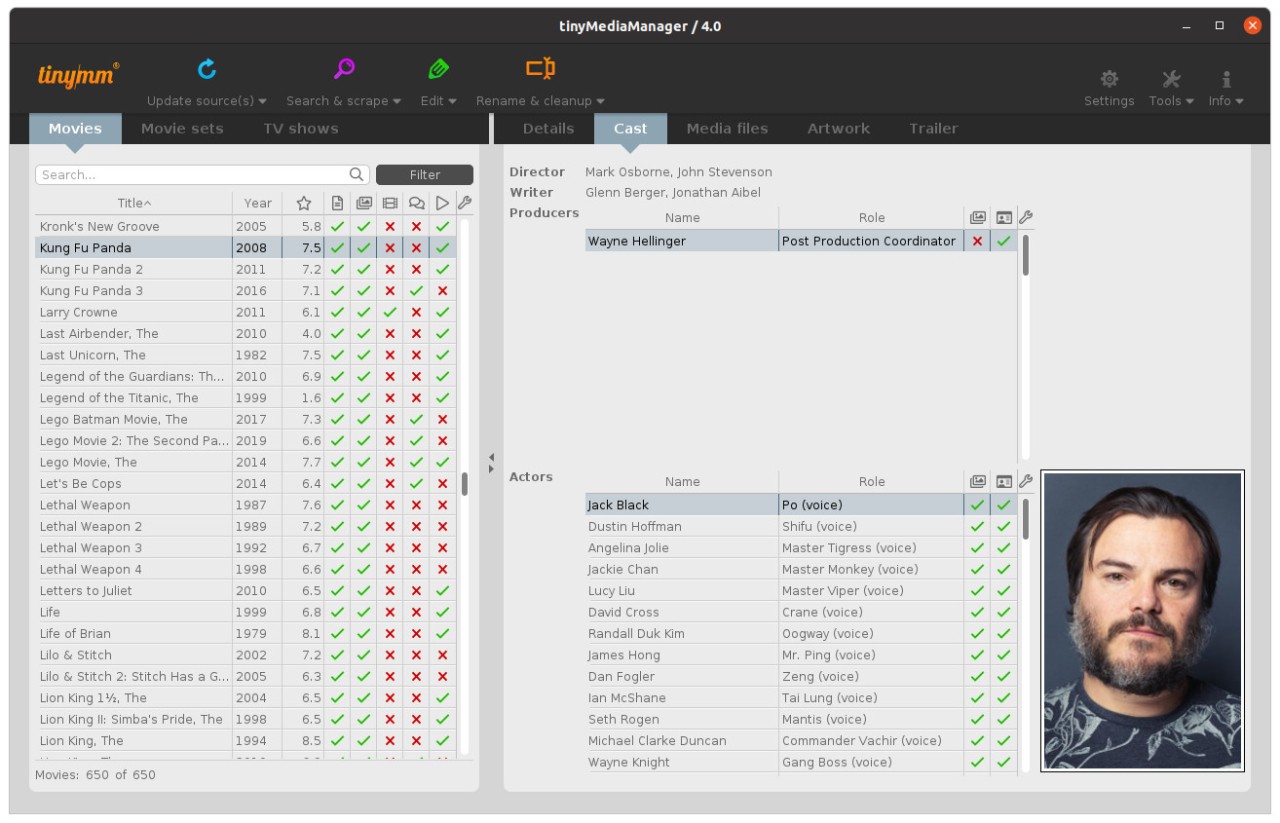
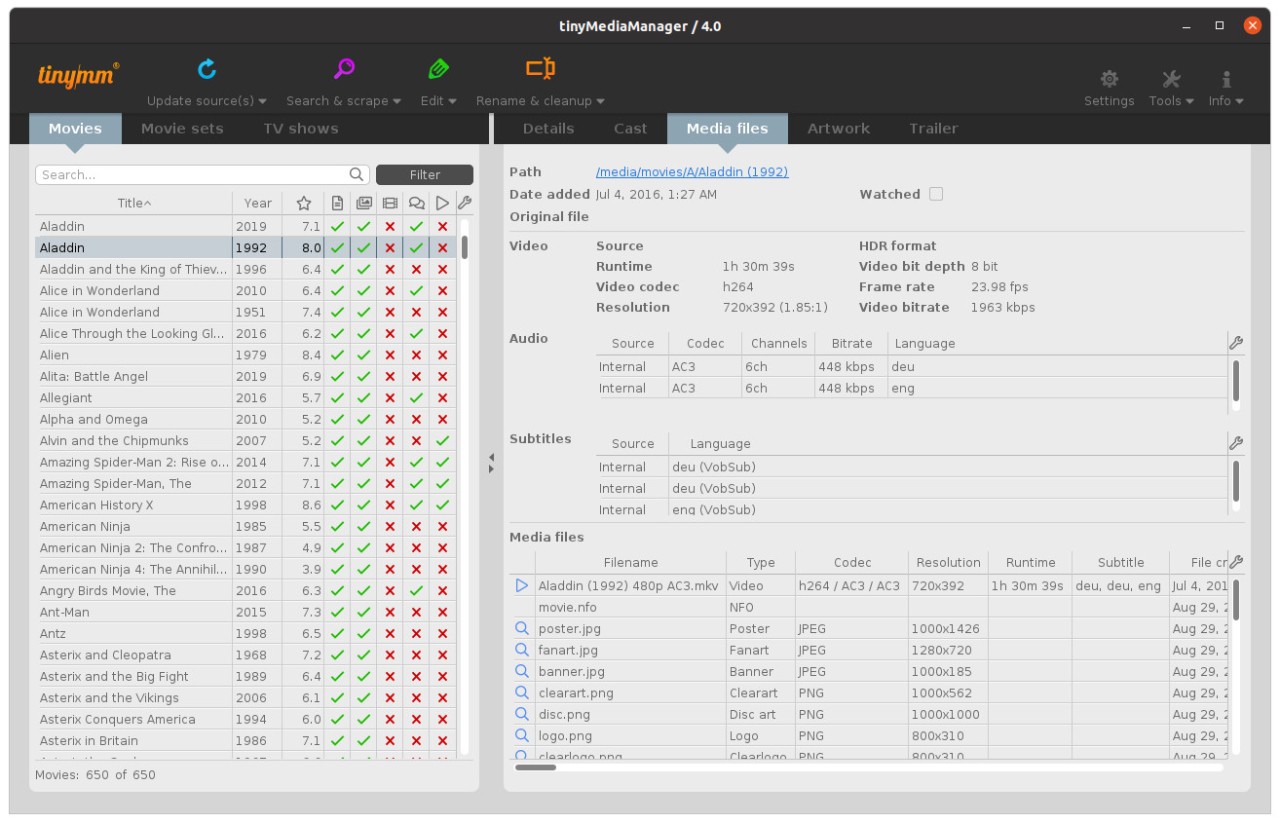
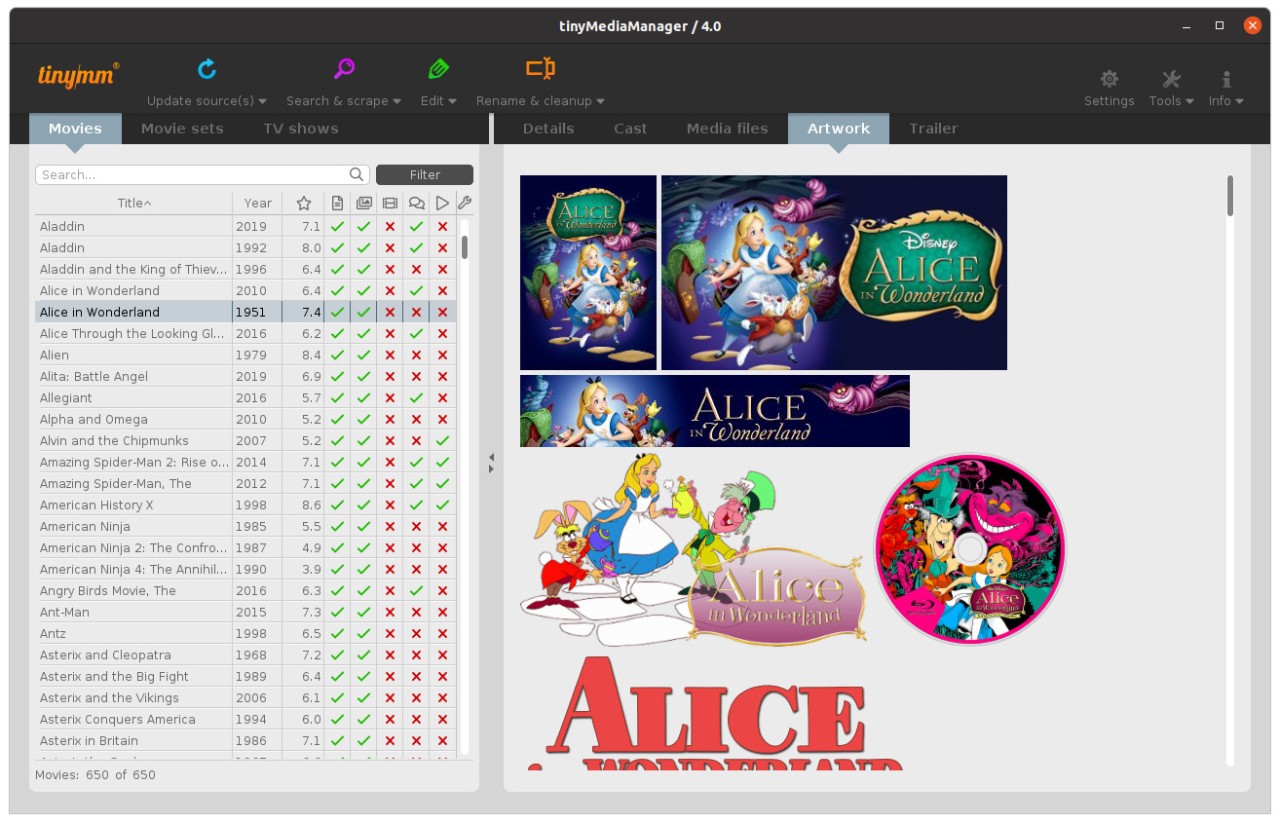
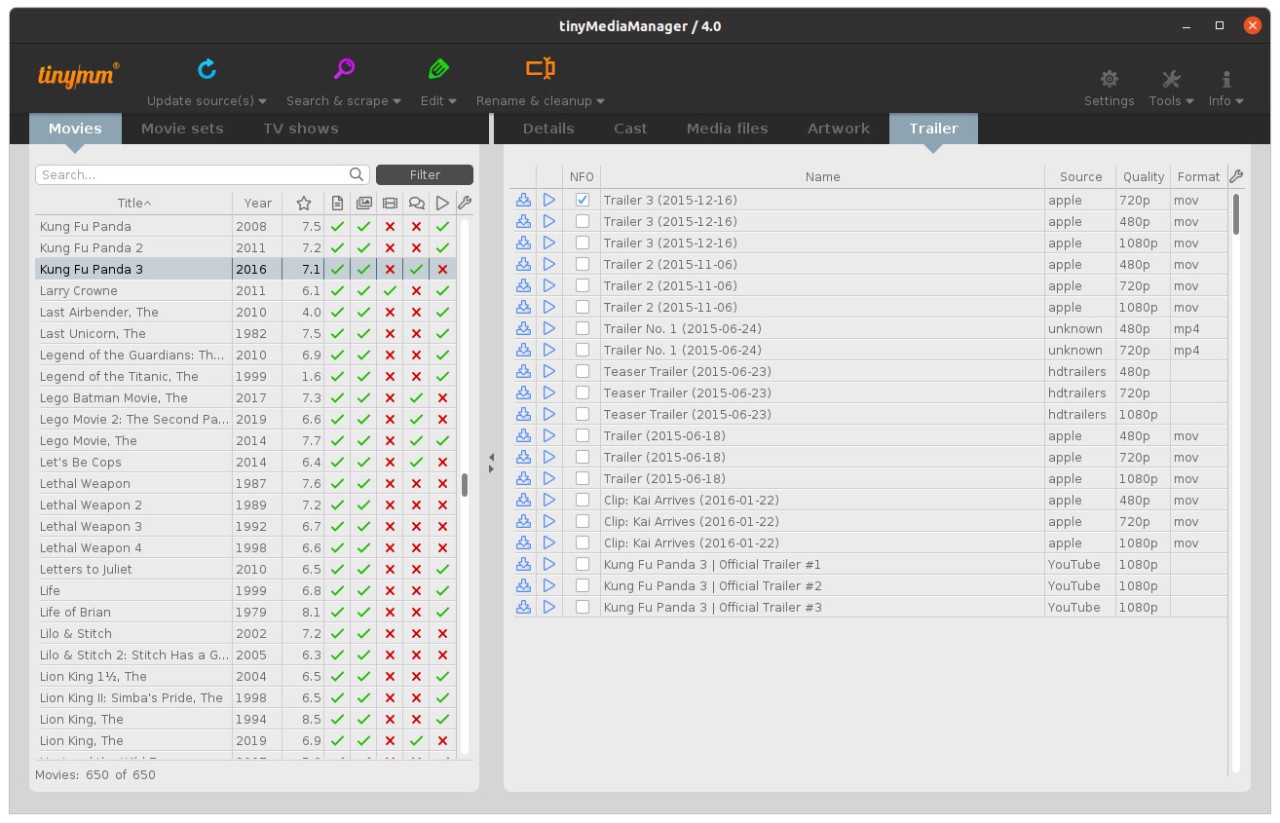
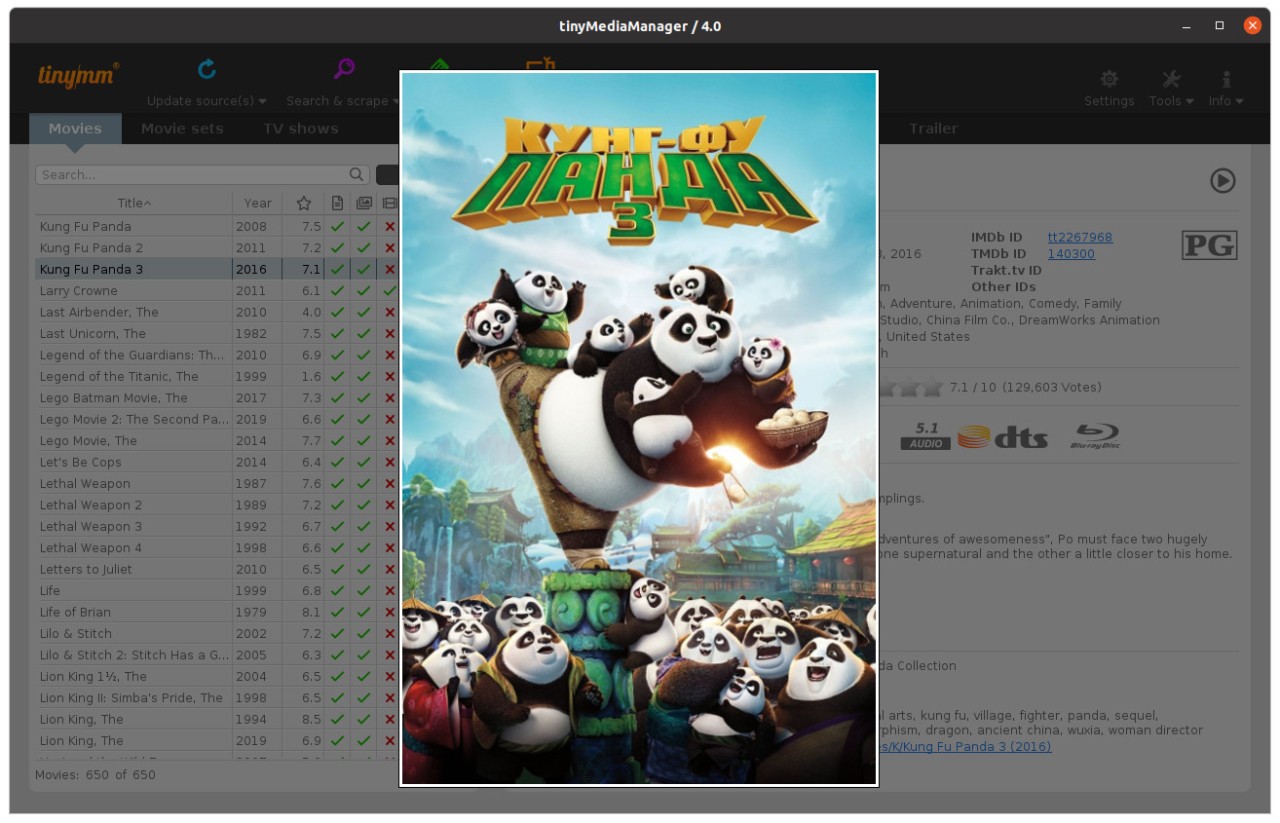
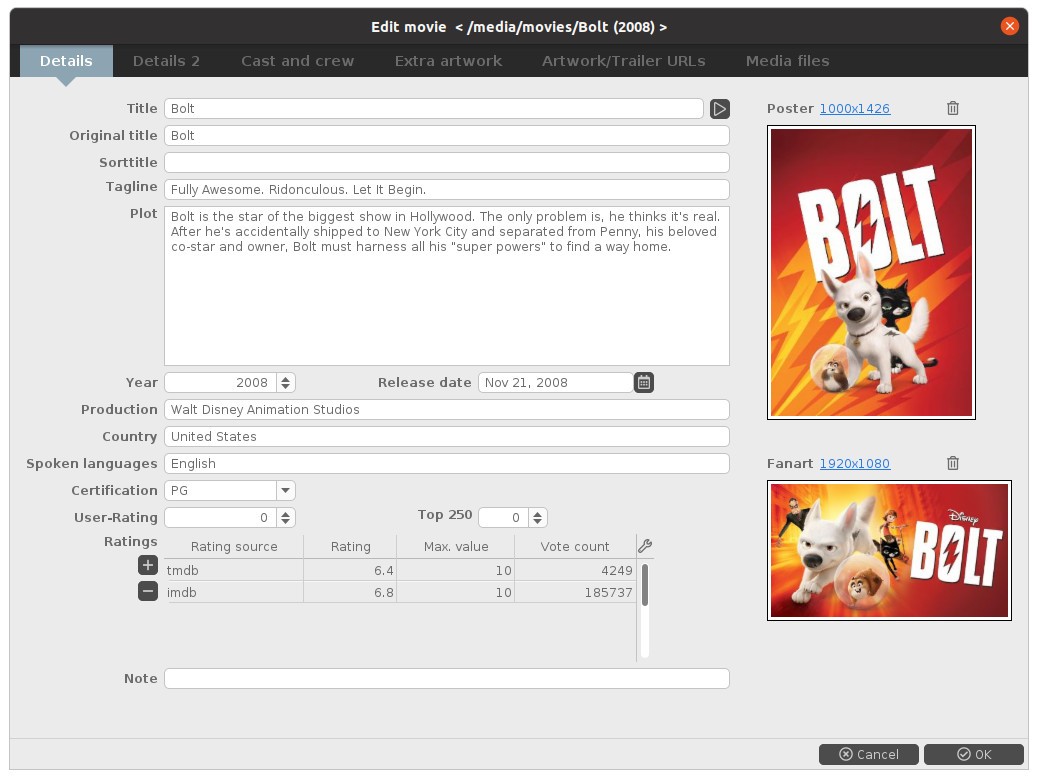
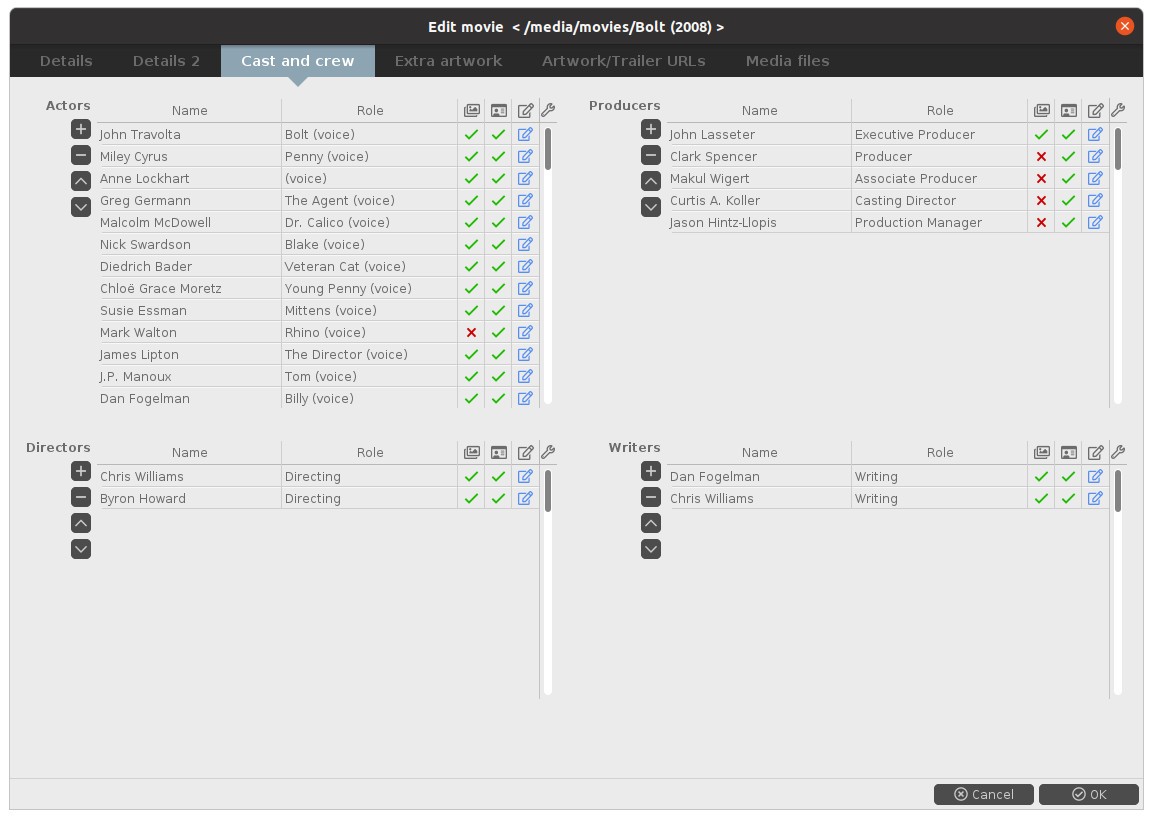
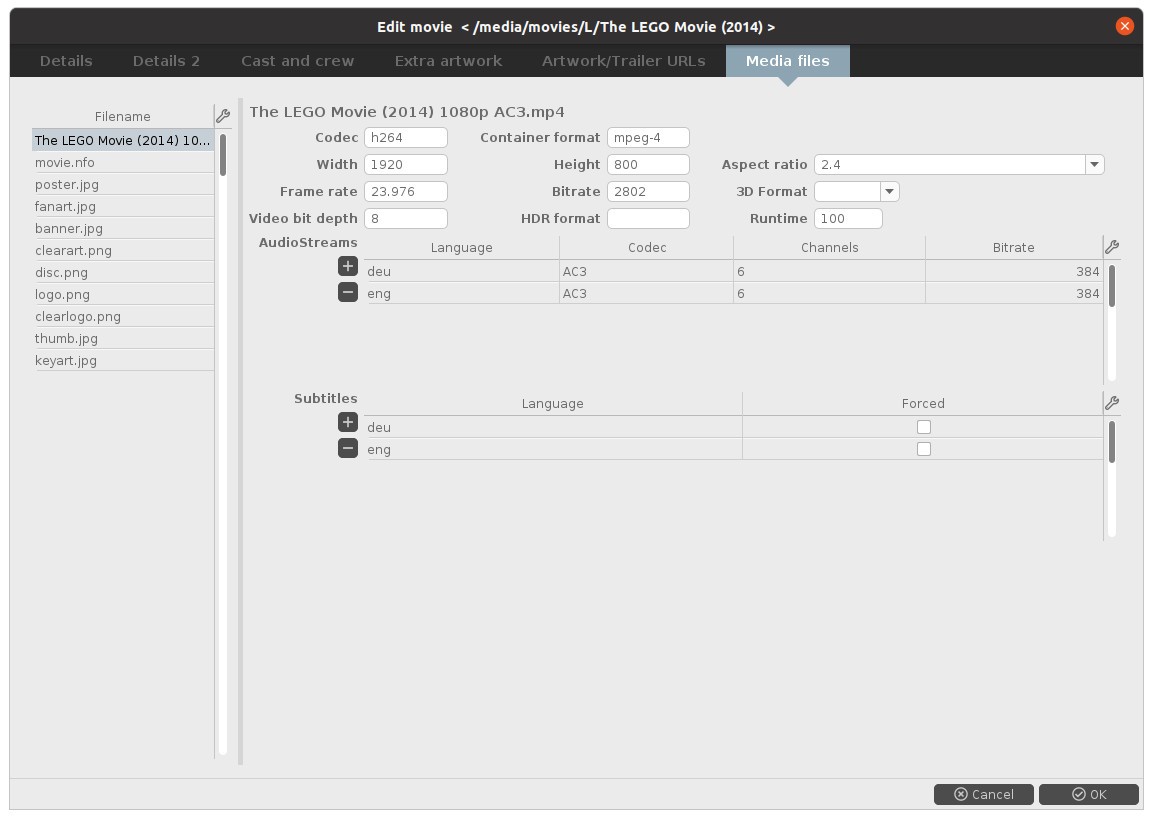
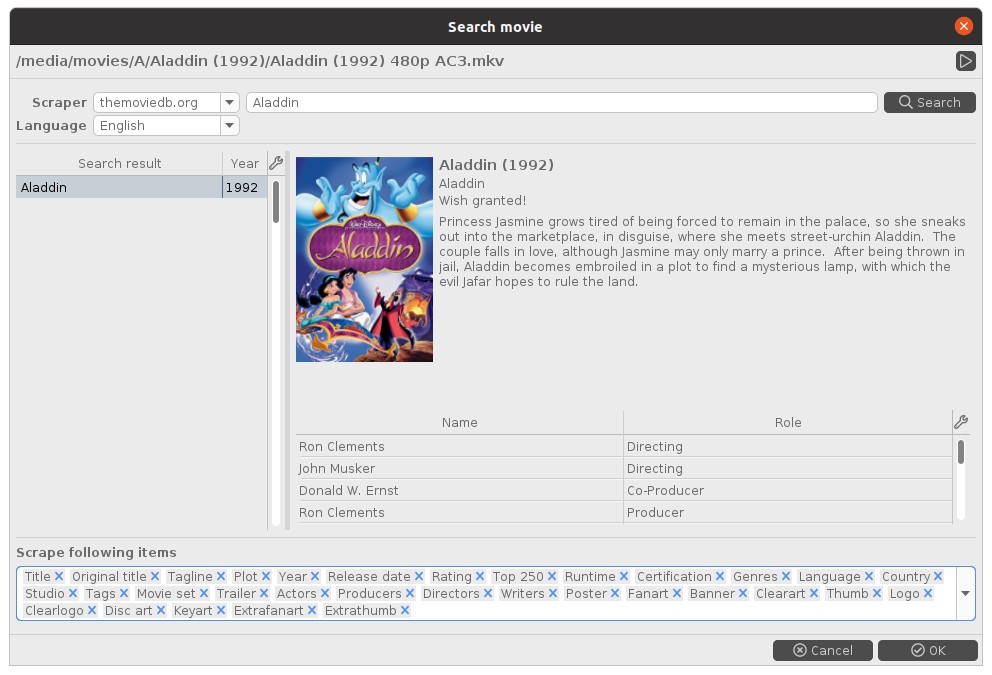
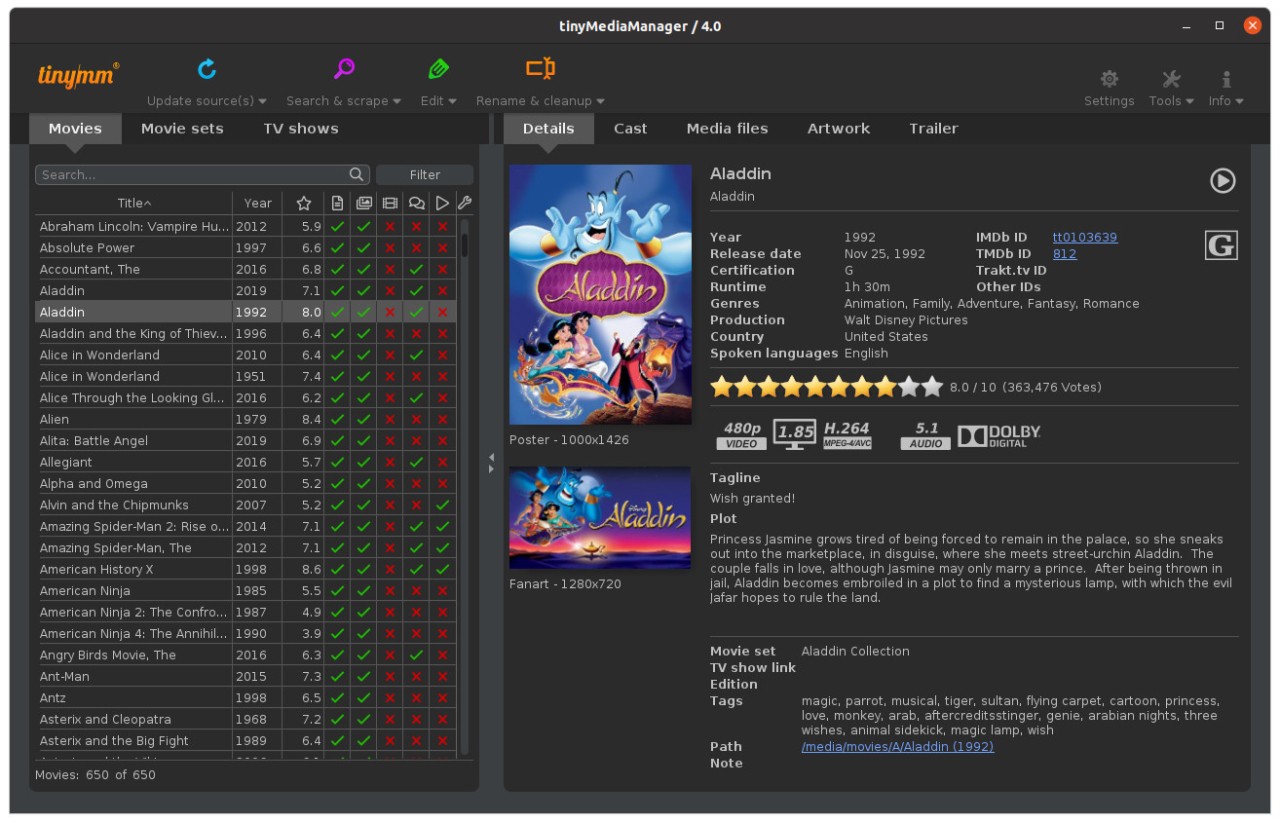
tinyMediaManager, often called tinymm by the community, is a piece of software people use to manage their video libraries. It doesn’t play the files; it just organizes them. If you’ve got a mess of movies or TV shows sitting on a hard drive, all with strange names like “Movie1_final_copy_HD.mp4” or entire folders of shows missing posters or info, then tinymm is the tool that helps clean it all up. You point it at your folders, and it fetches the correct details from big online databases. Suddenly, the movie has the right title, the year it came out, maybe the actors listed, and even the poster art.
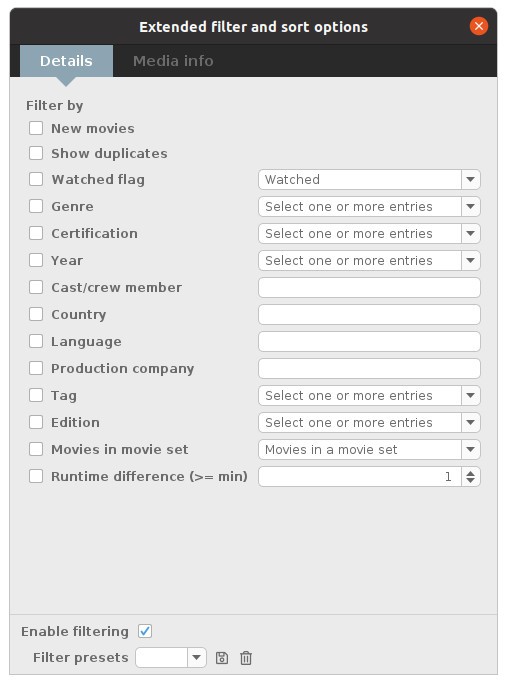
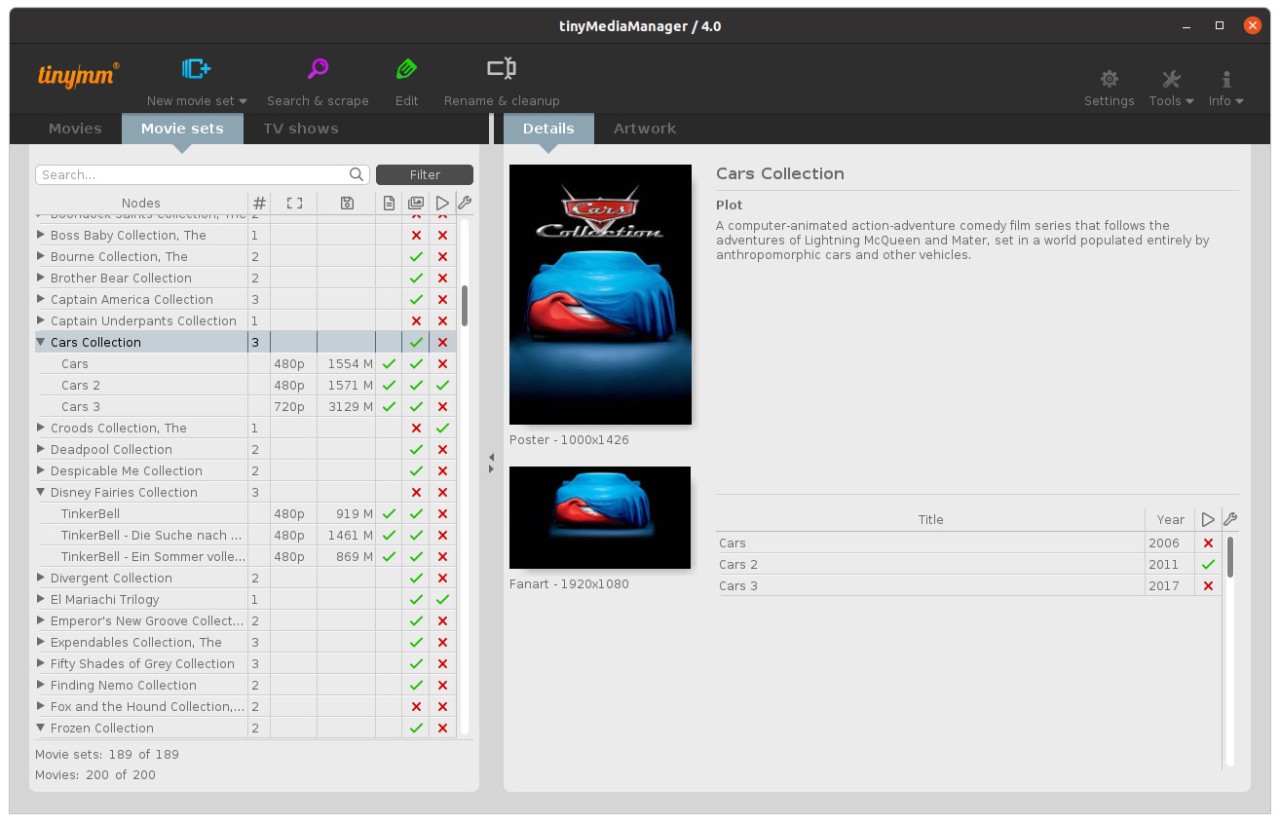
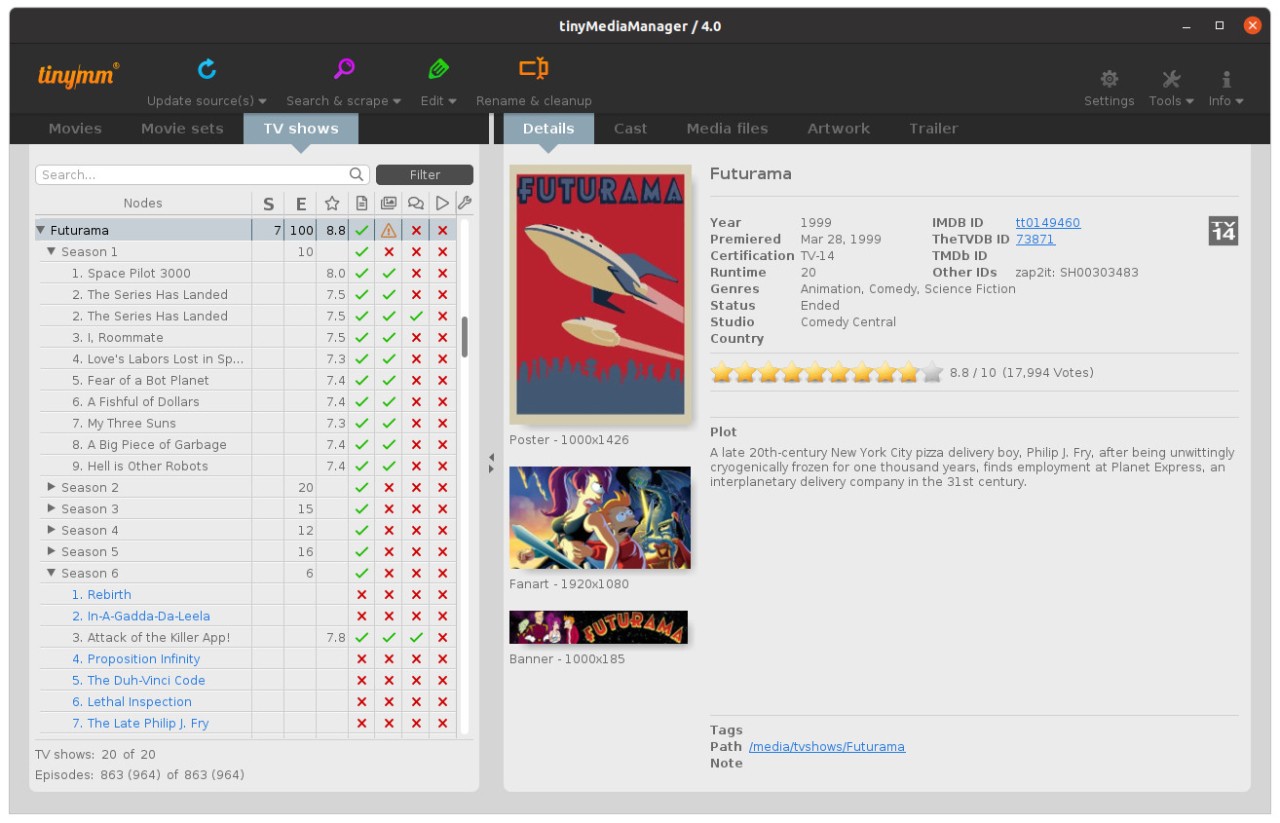
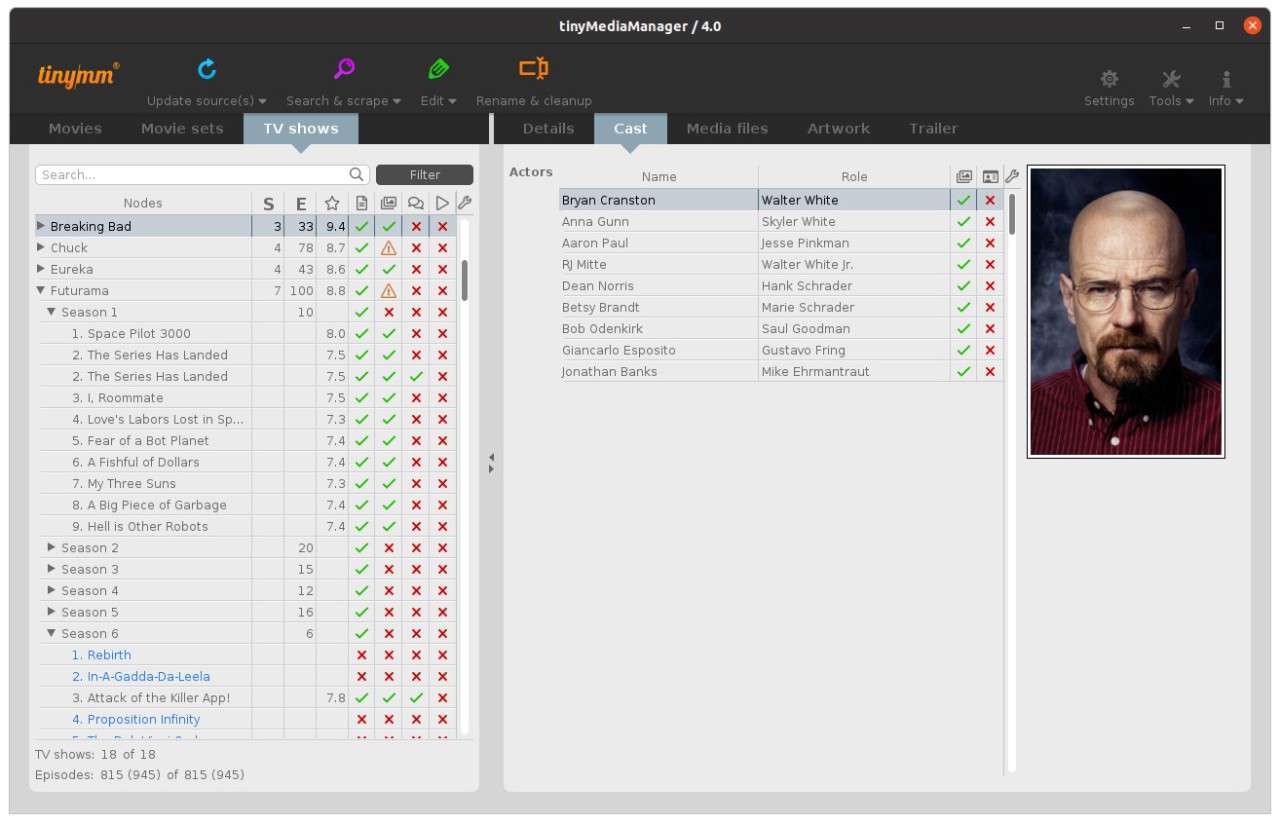
Because it is written in Java, it doesn’t care what computer you run it on. Windows, macOS, and Linux, it runs across all three. This is useful for people with home servers, media PCs, or even just someone who switches between a laptop and a desktop. The program interface looks basic, but that’s often better because everything is in front of you. Movies in one tab, TV shows in another, and from there you can do scraping, renaming, exporting, or adding NFO files.
It is especially useful if you rely on Kodi, Plex, Emby, or Jellyfin. These apps read metadata to show covers and details. If the metadata isn’t there, you get ugly lists of filenames. tinyMediaManager prepares everything, so those media centers don’t have to guess.
Why Should I Download tinyMediaManager?
The big reason is time. Doing everything by hand is painful. Imagine trying to rename hundreds of movie files so that Plex picks them up properly. Doing that file by file would take forever. tinyMediaManager can do it in bulk with one click. You tell it the pattern, like “Movie Name (Year)/Movie Name.mkv,” and then all the files are renamed in that style.
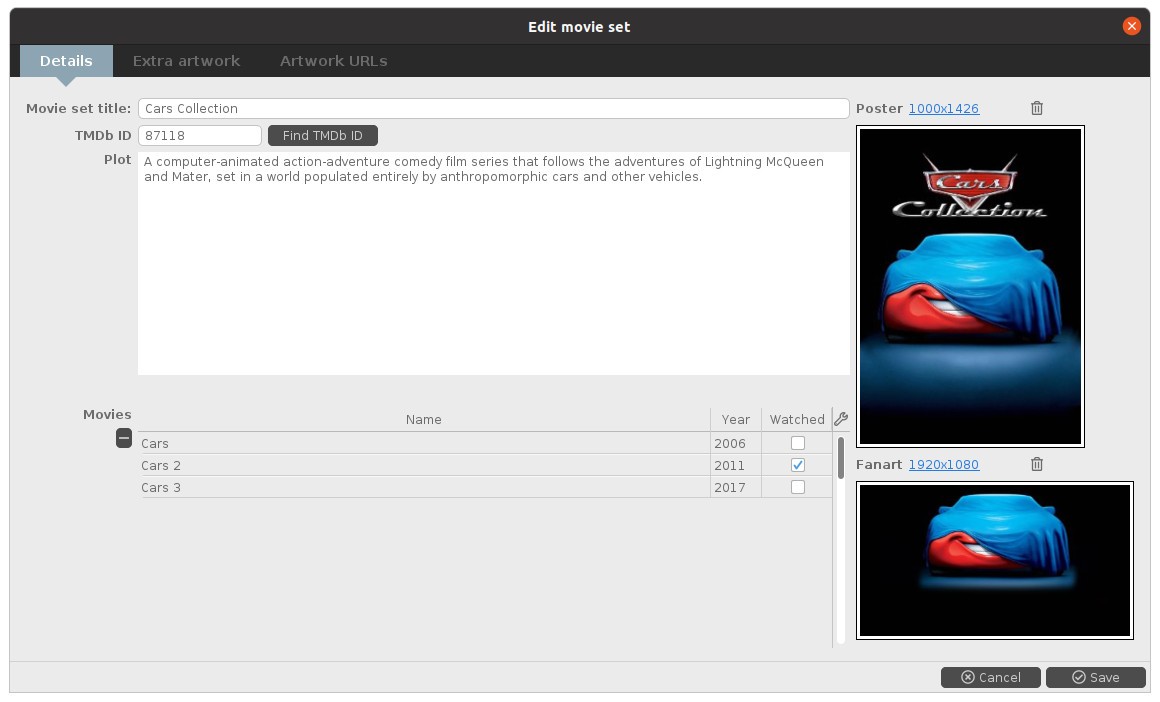
Another reason: scraping data. Instead of searching for every single film on IMDb and copying the year, the poster, or the summary, you just let tinymm talk to databases like TheMovieDB or TheTVDB. It pulls the info in seconds. Then it writes an NFO file that your media center reads. You can also create collections. All your “Lord of the Rings” films can be bundled under one set, or all your superhero films grouped.
People who use TV shows benefit too. Episode numbers can be a mess, especially if episodes are split differently in different countries. The program has logic to detect episodes from filenames and folders, then match them correctly to the right season and episode title.
And the updates keep it alive. Bugs get fixed, performance improves, and features appear. It’s not a dead tool. If you rely on it once, you can keep relying on it for years.
Is tinyMediaManager Free?
Yes. You don’t need to pay to get started. The core program is free and handles scraping, renaming, adding artwork, NFO files, and basic collection handling. That is enough for many. There is also a pro version for people who want extra features like bulk editing or more scraping options. But you can stay on the free version forever, and it won’t lock you out.
This free access is why it’s so widely used. If you’re testing media centers, setting up your first Plex server, or experimenting with Kodi, you can grab tinymm without cost and see if it fits.
What Operating Systems Are Compatible with tinyMediaManager?
Because it runs on Java, tinyMediaManager works on Windows, macOS, and Linux. That’s most of what people need. The same installer runs across them, and you don’t have to relearn it if you switch machines. You can manage a media server on Linux, but sit down at your Windows PC to edit or clean things, and the program feels the same. That cross-platform side is part of why hobbyists prefer it.
What Are the Alternatives to tinyMediaManager
EMDB (Eric’s Movie Database) is a small, Windows-only program that fetches movie details from IMDb and puts them in a database. Good if you just want a list of what you have. It doesn’t try to be cross-platform or heavy on scraping rules like tinymm, but it’s light and fast for someone who doesn’t need much.
Ant Movie Catalog is open source and has been around for a long time. It looks older in design, but is flexible. You can import, export, or even script parts of it if you’re technical. More of a cataloging tool than a scraping-and-renaming tool, but still useful if you want control.
All My Movies is not so much for media centers, more like a personal catalog. It’s for keeping track of what you own, whether it’s files on a drive or DVDs on a shelf. It collects information and lets you browse your library in a neat way. Think of it more as a collection log than a media center helper.
JustWatch is not the same kind of tool, but still worth mentioning. Instead of fixing your local files, it helps you find which streaming services carry a movie or show. So if you can’t decide whether to watch something from your own collection or just stream it, JustWatch shows the options.