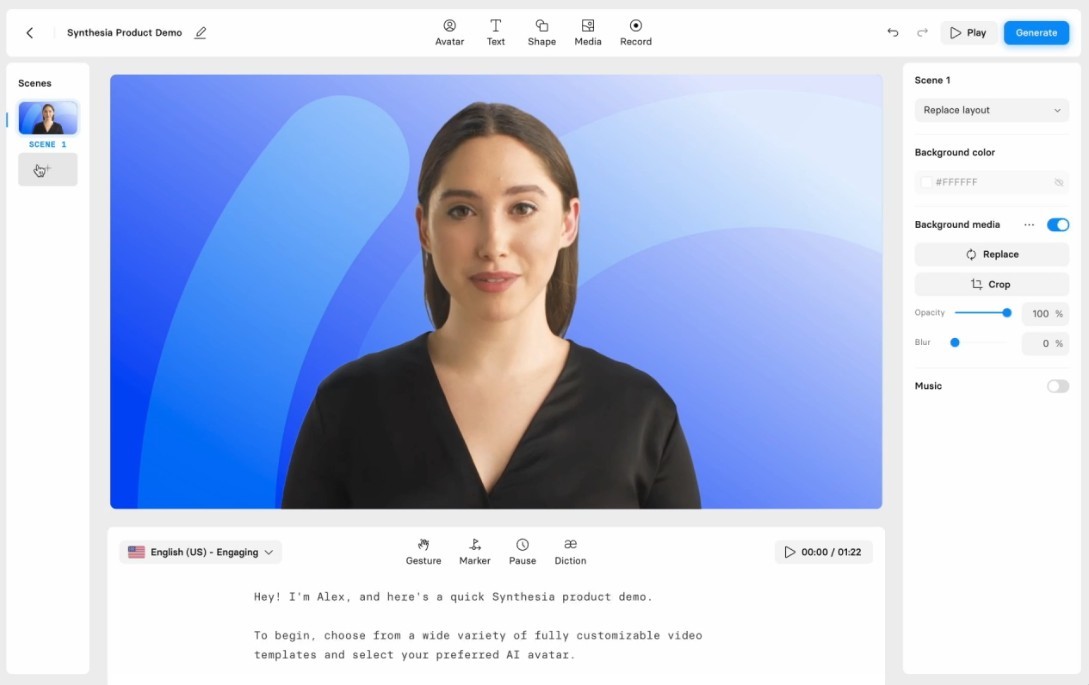
Synthesia is built around a pretty simple idea. You write what you want to say, pick an avatar, and the app turns that into a video of the avatar speaking your script on camera. The official site describes it as an AI video platform for business, with more than 240 stock avatars, voices in over 160 languages, and one-click translation of older videos. That gives it a pretty clear identity. It is less about freeform creative video and more about turning written content into presenter-led clips, with a setup made for company use.
Part of what makes it unique is the way it skips the production side. There are no cameras to set up, no actors to book, and no edit suite to learn your way around. You write what you want said, choose how the avatar should look and sound, and the rest happens in the browser. So if what you want is a steady way to make business videos without filming anything, Synthesia fits that kind of work pretty cleanly.
Why Should I Download Synthesia AI?
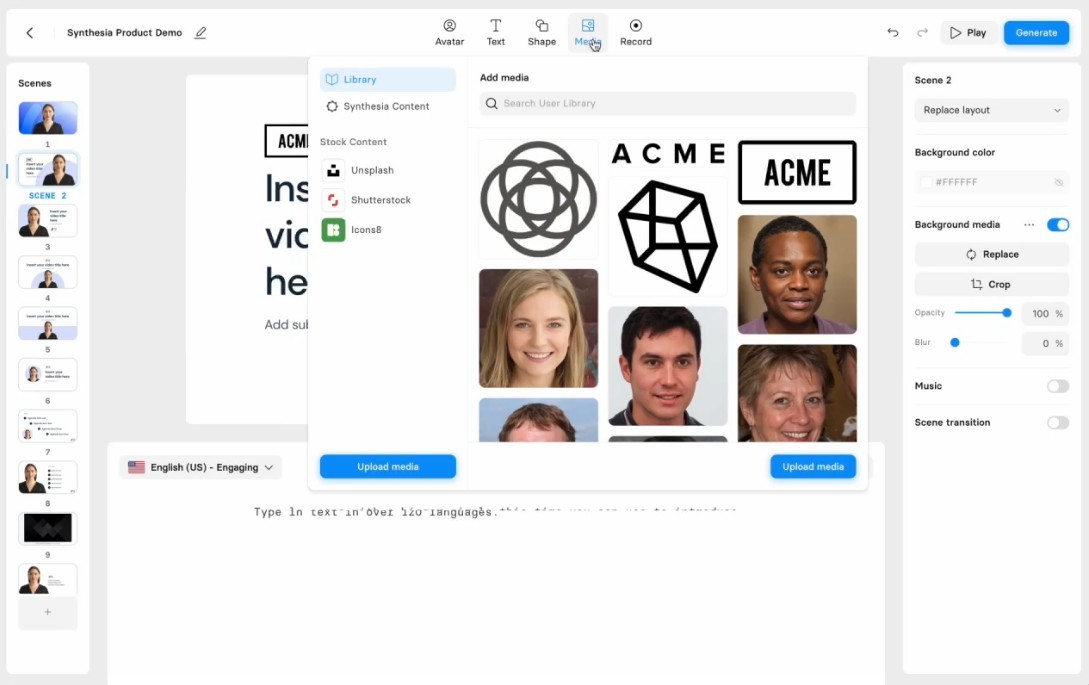
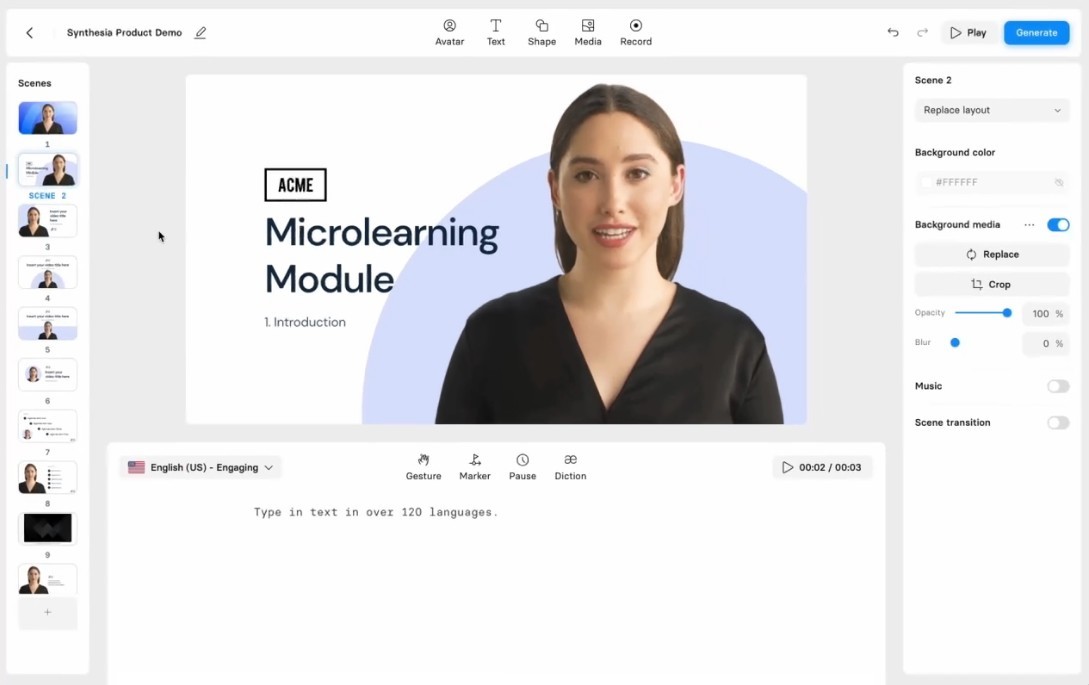
The main reason to use Synthesia is that it keeps the video idea quite simple. The official site highlights things like AI avatars, voices in many languages, branded templates, AI dubbing, and the option to make a personal avatar that looks and sounds like you. It is built for making training videos, product explainers, marketing clips, and internal updates without having to go near a camera.
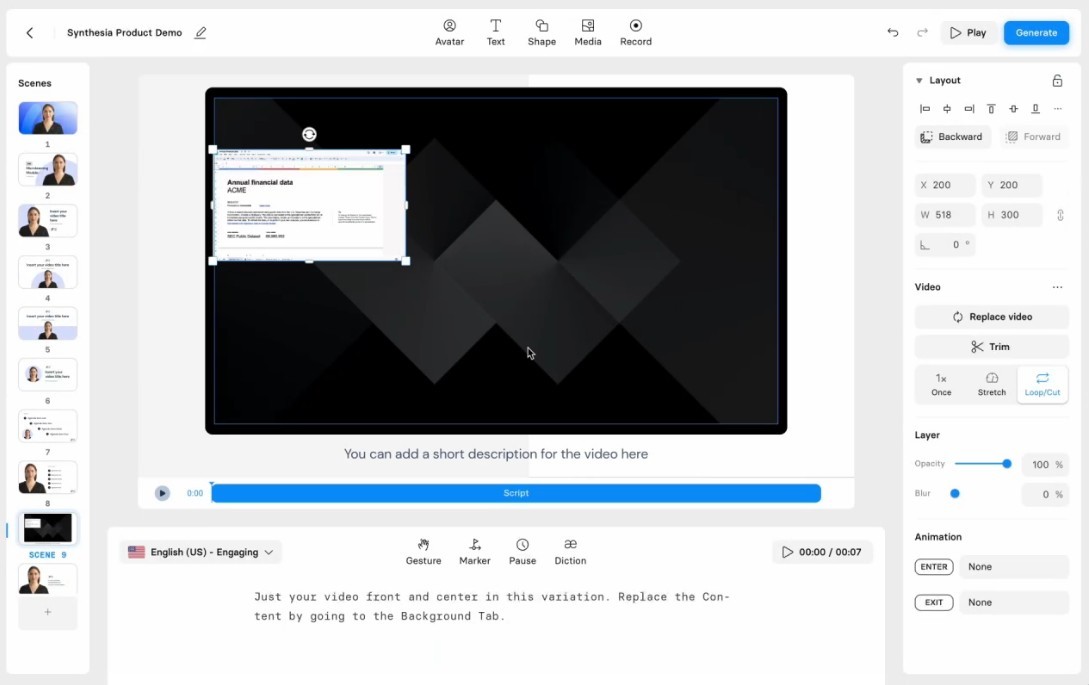
Synthesia also feels different from a regular video editor. The appeal is not really controlled or polished in the traditional sense. It is closer to a script-to-video shortcut, where the goal is to get something usable out the door fast, but not necessarily perfect. Many teams use it for onboarding, compliance, sales, and L&D, which fits the kind of polished but template-driven output the platform is built around. And because everything happens in the browser, you can keep working on a video from any computer without losing your place.
Is Synthesia AI Free?
Yes, Synthesia is free to try. The official pricing page offers a free plan with a small monthly allowance of video minutes, a handful of stock avatars, and a watermark on exports. That is enough to test the platform and see how the avatars sound, but not really enough for ongoing use.
Synthesia also has a paid subscription option. Higher tiers add more minutes, more avatars, custom personal avatars, and extra features, with an Enterprise option for larger teams.
What Operating Systems Are Compatible with Synthesia AI?
Synthesia runs in your browser, not as a desktop app you install. You sign in at the Synthesia webpage, build your videos in the editor, and download the finished file from there. That works on Windows, macOS, and Linux as long as you have a modern browser.
Synthesia is not really built for phones either. It is made for longer sessions of writing and generating on a larger screen, which fits the kind of training and marketing work it is aimed at. There is no standalone app to download, and the experience stays the same whether you log in from a work laptop or a personal one.
What Are the Alternatives to Synthesia AI?
Vmake is the closest alternative if your work leans more toward short form and social content. Its site describes it as an AI video editor with talking video creation, AI avatar videos, captions, video enhancement, background removal, and thumbnail tools, free to start with paid plans on top. Compared with Synthesia, it feels lighter and more creator-led, while Synthesia feels more like an enterprise tool for training and marketing teams.
RunwayML goes in a more open creative direction. Its site describes it as a generative AI platform with text-to-video, image-to-video, motion brushes, and access to advanced models, used by filmmakers, designers, and motion artists. Compared with Synthesia, it feels much more experimental and freeform, while Synthesia stays closer to a presenter-led video tool with a fixed format.
Heygen is the most direct competitor here. Its site describes it as an AI video platform with realistic avatars, voice cloning, video translation, and interactive avatar features, built around marketing and sales content. Compared with Synthesia, it feels a bit more tilted toward expressive social and marketing videos, while Synthesia leans harder into language coverage, enterprise security, and large-scale L&D use.