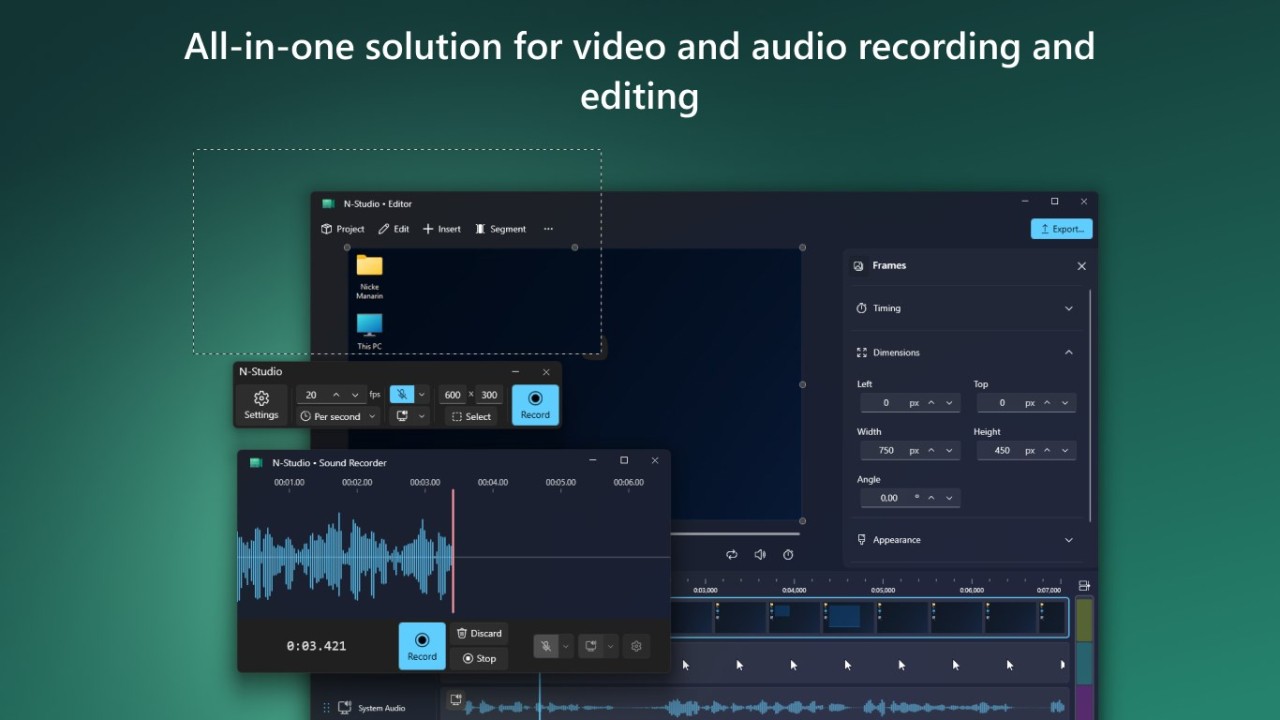
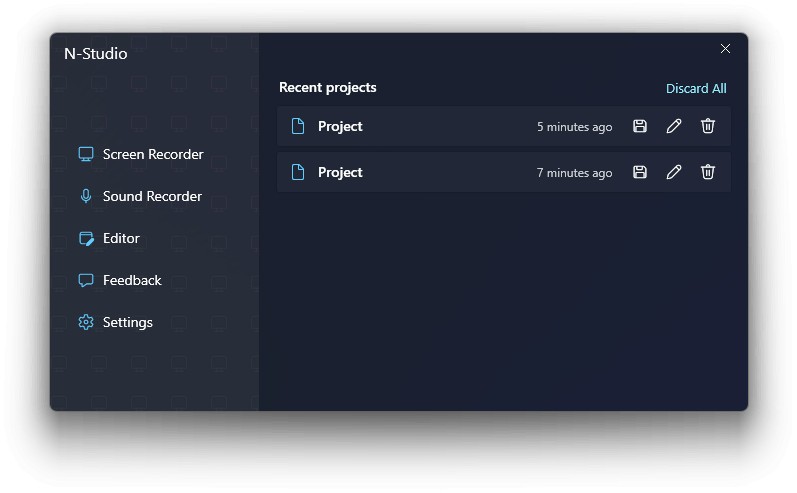
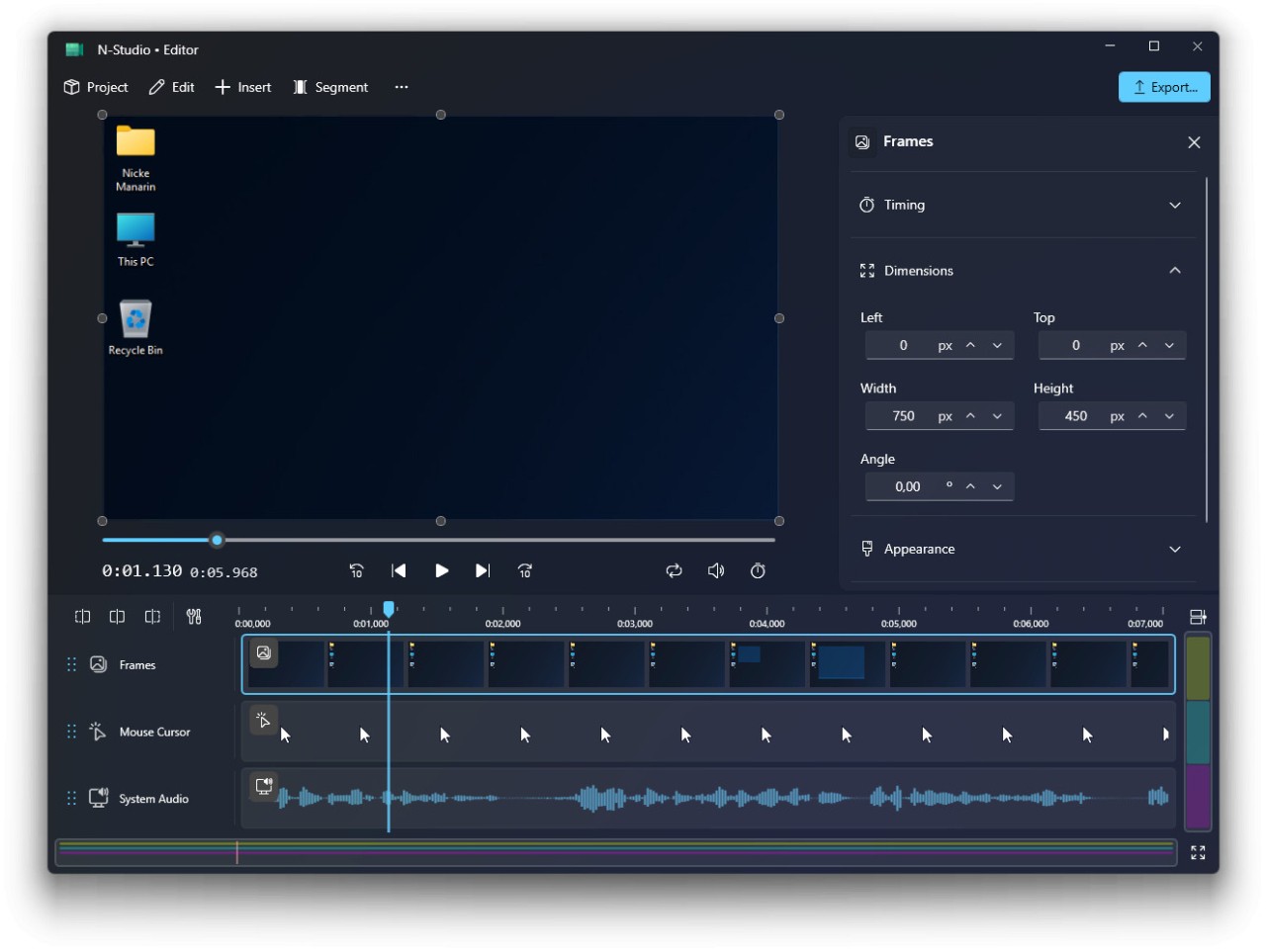
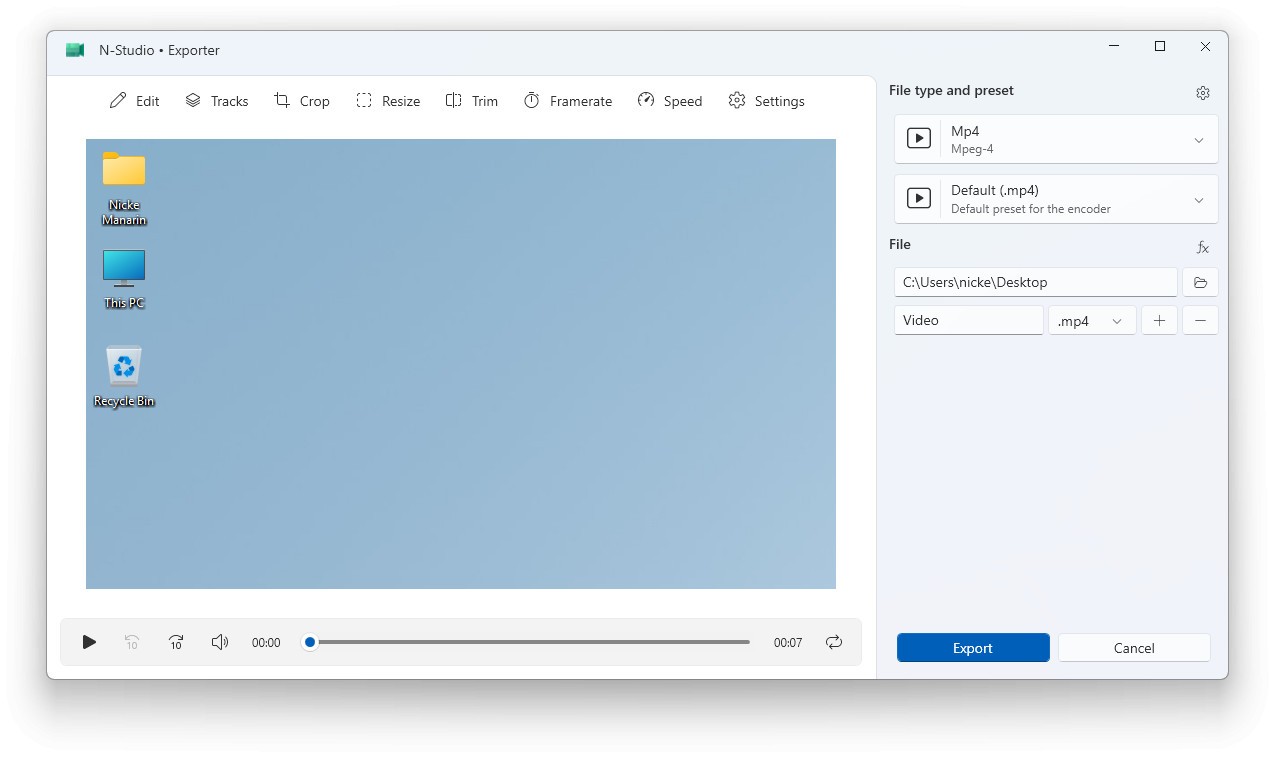
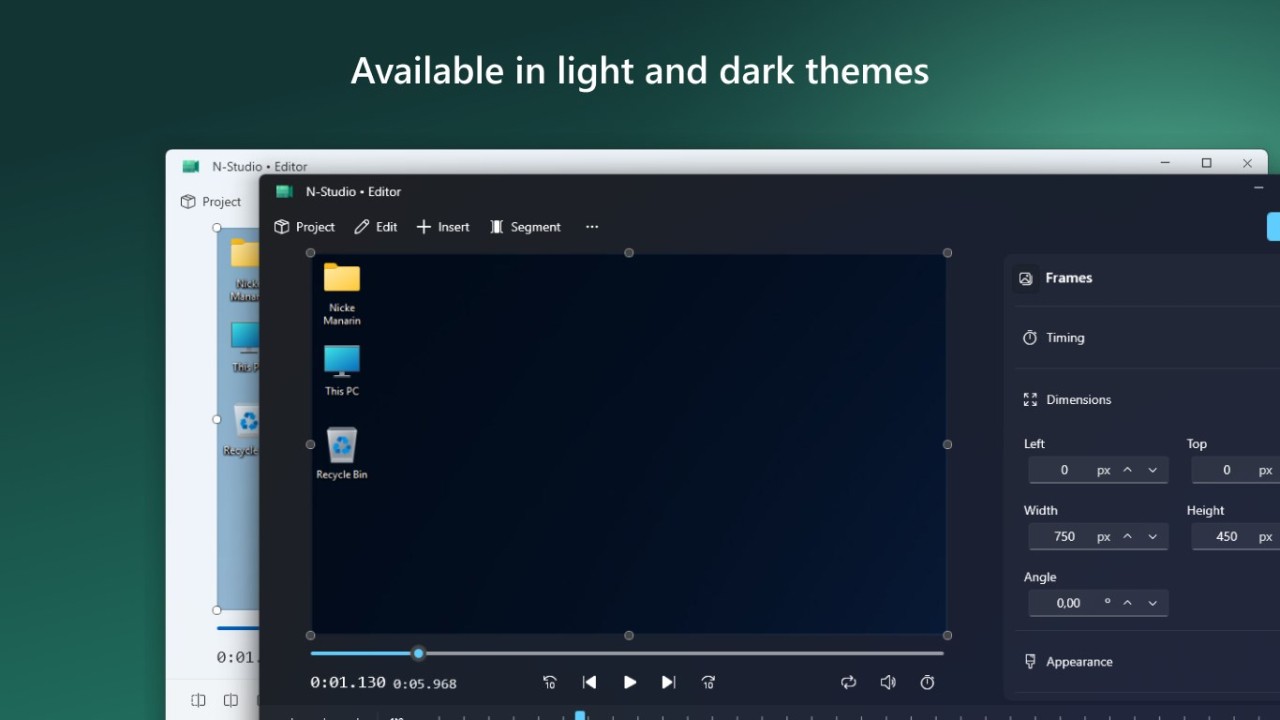
N-Studio is built around a pretty simple idea. You record your screen, make a few edits, export the file, and stay inside the same app the whole time. It is an all-in-one screen recorder and editor with timeline editing, audio controls, export tools, and recording options built into the same workflow. It is not only trying to capture your screen. It is trying to handle the next step too.
That also explains why it feels different from a lot of lightweight capture tools. N-Studio leans more toward creator use. The free Starter version already includes recording controls, export options, and editing tools, while the paid Professional version adds things like multilayer editing and more advanced adjustments. So if what you want is a cleaner recording workflow without opening separate editing software afterward, the appeal is fairly easy to understand.
Why Should I Download N-Studio?
The main reason to download N-Studio is that it keeps recording and editing together in one workflow. Coverage around the app highlights timeline editing, screen capture, audio recording, export controls, and editing features inside the same package. That gives it a pretty clear identity. It is built for people who record tutorials, demos, walkthroughs, or content regularly and do not want the process split across several tools.
That gives N-Studio a clear role. It is a screen recorder first, even if it overlaps with lightweight video editors. A lot of the draw comes from convenience. You record, trim, adjust, and export in the same place instead of building a workflow around separate apps. That makes sense for content creators, teachers, software demos, and anyone else recording their screen often enough that small workflow steps start to matter.
Is N-Studio Free?
N-Studio has a free version called Starter, alongside a paid Professional version. The free version already includes a fairly large feature set, while the paid version unlocks advanced editing tools and extra controls.
What Operating Systems Are Compatible with N-Studio?
N-Studio is currently available for Windows through the Microsoft Store. It is a Windows 11-focused app, though compatibility information also points to Windows 10 support. You can also download the install files independently.
N-Studio is a desktop recording tool built around Windows workflows, not a mobile recording or browser-based capture tool. See our alternatives if you need one of those.
What Are the Alternatives to N-Studio?
OBS Studio is the closest alternative if what you want is a more established recording and streaming tool. OBS is built around screen capture, livestreaming, scenes, and production controls, and has become a standard tool for creators. Compared with N-Studio, it feels more powerful and more technical, while N-Studio feels more focused on keeping recording and editing simple in one workflow.
ScreenRec goes in a lighter direction. It is built more around quick screen recording, instant sharing, and simple capture rather than a larger editing workflow. Compared with N-Studio, it feels faster and more minimal, while N-Studio puts more attention on editing after the recording is finished.
CamStudio is the more old-school option in this group (though there is a new CamStudio 3 that has been released and has more updated features). It focuses on basic screen recording and AVI video creation without trying to turn itself into a modern creator suite. Compared with N-Studio, it feels much simpler and much narrower in scope.