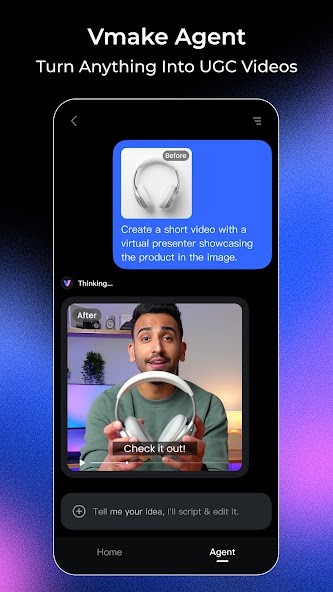
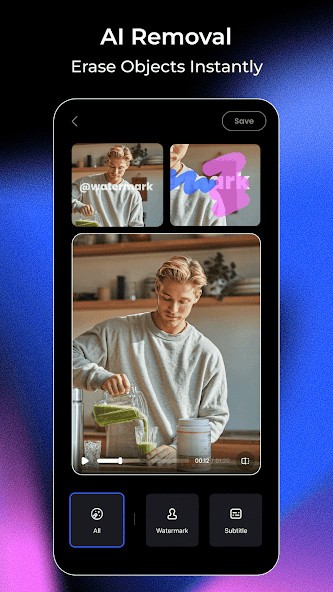
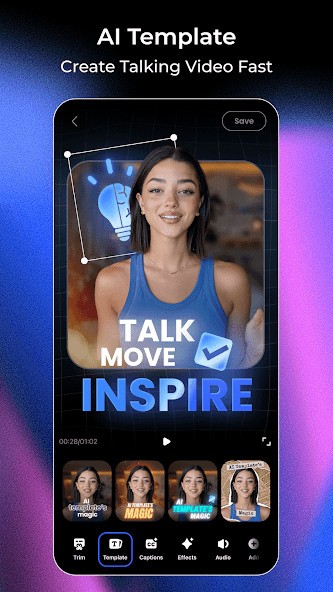
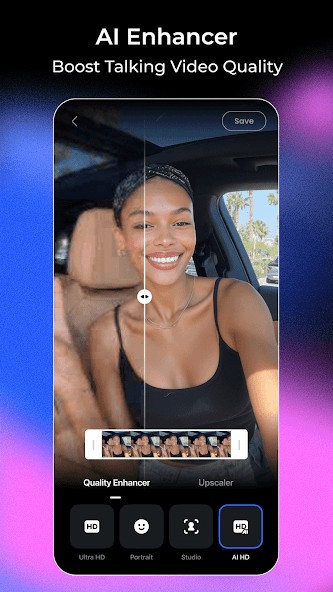
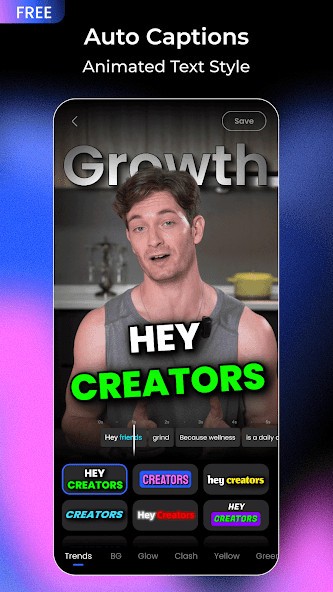
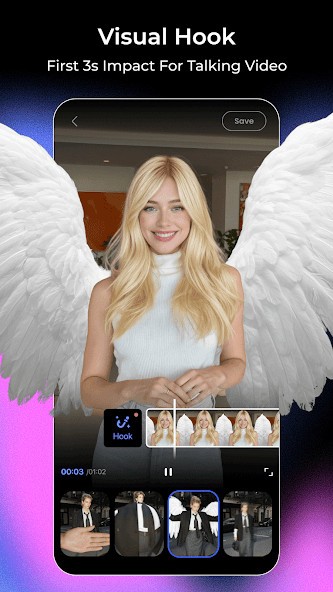
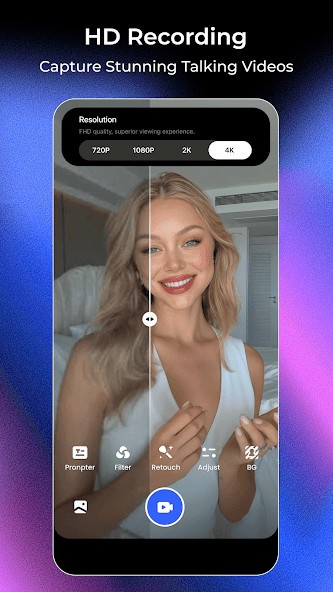
Vmake is an AI video editor built around all-in-one UGC video creation, helping you turn raw clips into polished content with captions, cleanup tools, thumbnails, and other fast editing features. It is best suited to creators, brands, and marketers who need short-form videos ready to post without using a full editing suite.
Vmake feels less like a traditional editor and more like a set of AI tools aimed at one kind of job. You take footage, usually something built around a person speaking, then use AI features to clean it up, add captions, generate thumbnails, or shape it into something ready for social media. It is not really trying to compete with full timeline editors. It is trying to shorten the distance between raw footage and usable UGC.
That focus makes sense if your work is repetitive. Many creators, marketers, and small business teams are making the same kind of videos over and over. Talking clips, product explainers, simple ads, promo content, and short vertical videos. In that kind of workflow, speed matters more than precision. Vmake leans hard into that. The tradeoff is fairly obvious, too. If you want more precise editing control or a more open creative tool, it will probably feel limited.
Why Should I Download Vmake?
The main reason to download Vmake is that it gathers a lot of common AI video tasks into one place. Its official feature list includes video creation with talking, AI avatar videos, captions, video enhancement, upscaling, background removal, watermark removal, text removal, noise reduction, thumbnail generation, and product video tools. That is a fairly practical mix if your content needs are simple but frequent.
What makes it useful is not really originality, but rather convenience. Instead of moving between separate tools for subtitles, cleanup, thumbnails, and short-form packaging, Vmake seems built to keep those steps together. That is likely the strongest case for using it. You are not downloading it because it will replace a full editor. You are downloading it because it may help you get decent-looking videos out faster, especially if you are working on short-form content where polish matters but time is limited.
Is Vmake Free?
Yes, but only up to a point. Vmake offers free access and credits, and its pricing page shows a free tier alongside paid plans. The free version comes with tighter limits on exports, usage, and certain features, while paid plans unlock more credits, higher daily usage, and broader access to core tools.
That means the free version looks more like a real test drive than a fully open-ended plan. You can try the product, get a feel for how it works, and probably finish a few light tasks without paying. But if you are using it every week for content production, the limits will likely show up fairly quickly. That seems to be the model here. Free for trying, paid for routine use.
What Operating Systems Are Compatible with Vmake?
Vmake is available as a web-based platform and a mobile app, which is probably the main way most people use it. Its site links to browser-based tools for editing, captions, enhancement, and video generation, and it lists mobile apps for iPhone and Android.
That gives it a fairly flexible setup. You are not tied to a single desktop, and that suits the kind of audience it seems to target. If you are making social content on the go or switching between phone and browser, that setup is easier to work with than traditional editing software. At the same time, it still feels more like a fast online toolkit than a full editing environment you would want for larger projects.
What Are the Alternatives to Vmake?
Pikimov is a stronger option if you want something that feels more like a real editor. It is free, web-based, works on Windows, macOS, Linux, and Chromebooks, and it puts more emphasis on hands-on editing and motion design. It also says your files are edited locally rather than uploaded to a server, which may matter if you want more control over your media. Compared with Vmake, Pikimov feels less automated and more built for people who want to shape the work themselves.
TensorPix is a better fit if your real need is video enhancement rather than editing. Its focus is on improving quality, upscaling footage, and cleaning up videos online in a short amount of time. That makes it a better fit if you already have the footage and just want it to look sharper. Vmake overlaps with that, but it is trying to cover a broader content workflow that includes thumbnails, captions, and talking videos, too. TensorPix feels more specialized.
Runway is the broader creative platform in this group. It offers free access to explore its tools, but it is clearly built for more ambitious AI video and image workflows, including generative video features. That gives it more range than Vmake, though it also makes it feel heavier and a little less direct. Vmake seems easier to understand if your job is just to turn simple footage into clean, ready-to-post footage. Runway gives you more room, but it also asks more from you.