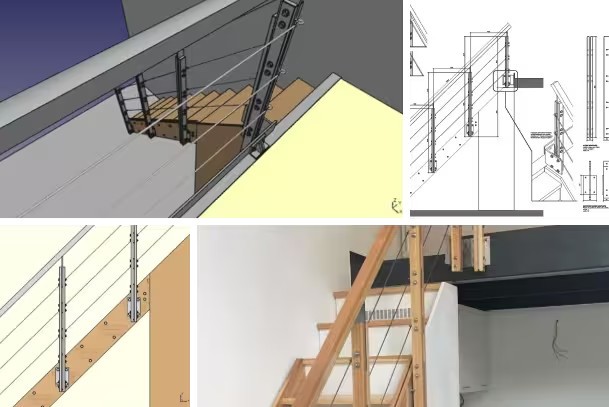
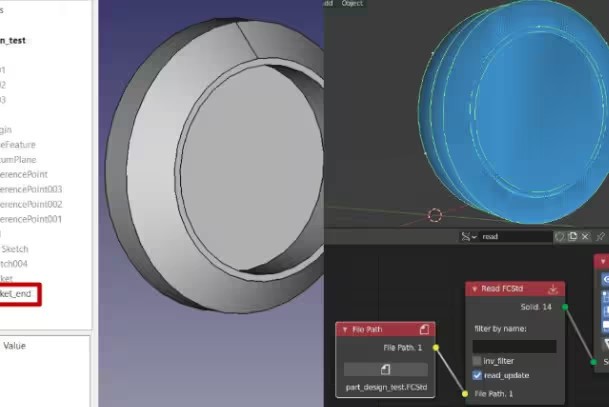
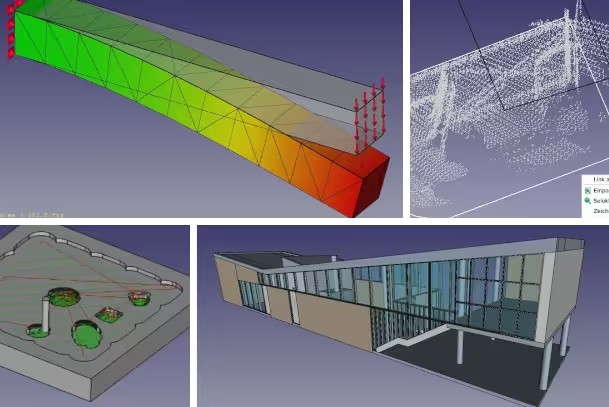
As a software designed for designers, engineers, and architects, FreeCAD enables the creation of detailed plans and drawings using specialized tools and parametric modeling. This method enables every step of the design process to be recorded and later modified by simply adjusting parameters, making it particularly useful for product design and mechanical engineering projects.
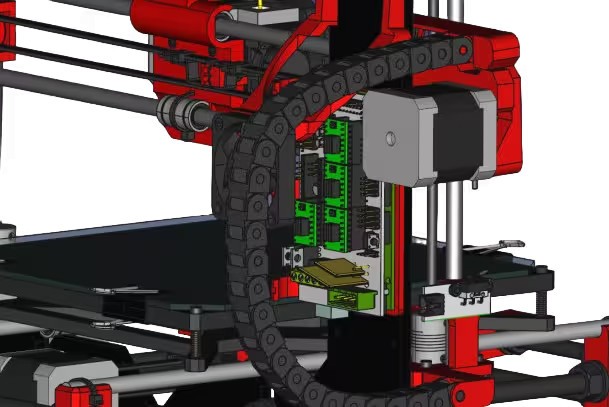
When you download FreeCAD, you can customize its interface and use various workbenches tailored to specific tasks. This helps you create whatever you need, whether it's mechanical or industrial design, architectural modeling, or visualizations and simulations of different products and plans. FreeCAD is also widely used for rapid prototyping and 3D printing, as well as for designing custom furniture or learning the fundamentals of computer-aided design (CAD).
FreeCAD supports a variety of file formats, including STEP, IGES, STL, DXF, OBJ, and IFC, among others, allowing you to collaborate with people who build their plans using different apps or environments.
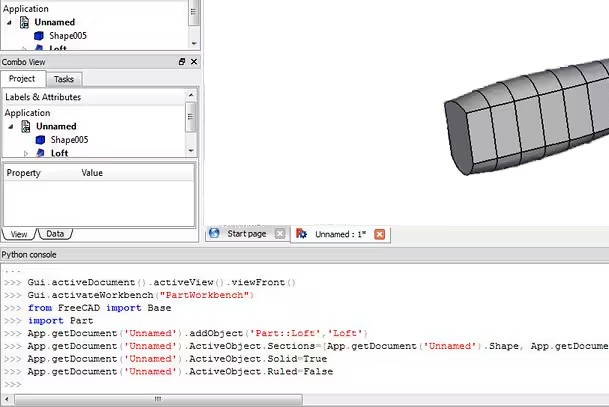
You can use FreeCAD for free on many operating systems, including Windows, macOS, and Linux, and it has multiple workbenches that can support your work with even the most advanced tasks, like creating macros or automatic tasks with Python scripting.
Why Should I Download FreeCAD?
One of the primary reasons people choose to download and use FreeCAD is that it is free but still provides a full set of features that paid alternatives do, which are typically quite expensive. The software has an active and dedicated community, allowing you to explore various forums and tutorials. You can also count on regular free upgrades to FreeCAD. You can use it for complex and multi-layered projects, and it makes good use of your system resources to avoid crashes and slowness.
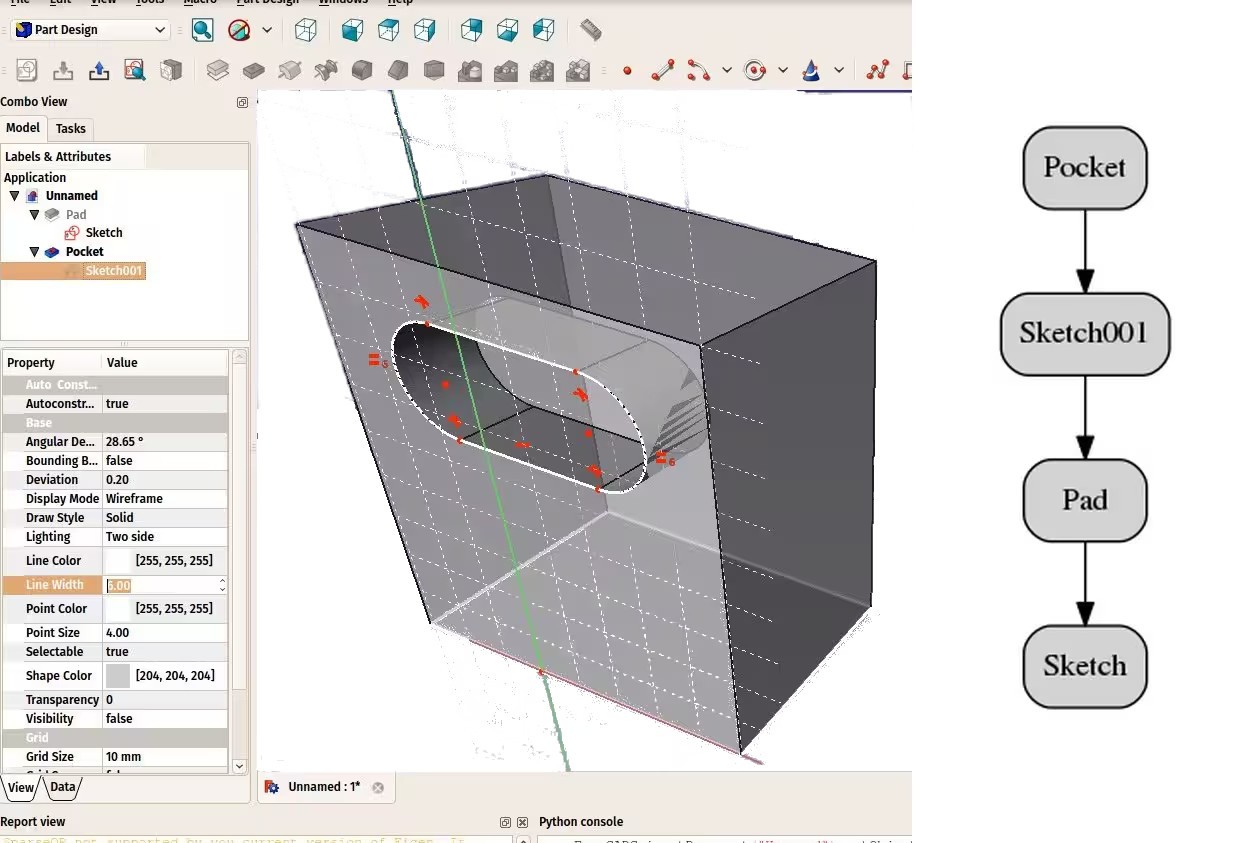
FreeCAD has a powerful parametric modeling engine that allows you to change individual parameters such as angles or dimensions, and the entire design is updated accordingly, saving you time and preventing potential errors. With this feature, you can also easily build iterations of your project quickly to explore alternatives. FreeCAD also includes multiple workbenches that allow you to focus on a specific design phase at any given time.
If you work in 2D geometry, the Sketcher workbench provides tools such as lines, arcs, and circles that allow you to draw complex shapes and sketches. You can also constrain the work with various rules such as horizontality, equality, and tangency, which are excellent for ensuring that the objects are easier to model in three dimensions. There is also a Draft workbench, which can be used for simple mechanical drawings or floor plans and supports DWG and DXF formats.
When ready to progress, build solid models using the Part and Designs workbenches. They will be of great support whether you use Boolean operations, basic 3D shapes, or history-based modeling, where you can construct and refine more complex objects.
If your design will be used in automated manufacturing processes, FreeCAD's Path workbench includes Computer Numerical Control (CNC) functionality, allowing you to convert detailed 3D models into G-code that will serve as manufacturing requirements. This is also important because the output will always be consistent, precise, and in accordance with production workflows.
If you need to stress test your projects with heat, load, strain, or deformation, you can use FreeCAD's Finite Element Analysis (FEA) feature. It is a process that allows you to run rigorous structural simulations to assess the physical behavior of the objects you are designing. Use it to identify potential issues early in the process and to make sure your project is safe and performs well once manufactured.
Advanced users download FreeCAD and use Python scripting to automate repetitive tasks, build custom tools, and create macros. They can also install plugins to add more features to FreeCAD that are specific to their industry (such as ship designs or robot planning). This software also supports a variety of file formats, including STEP, IGES, STL, SVG, DXF, OBJ, IFC, and DAE.
Is FreeCAD Free?
As impressive as it sounds, another great reason people download FreeCAD is that it's completely free. CAD software is usually quite expensive, so this is a significant advantage of FreeCAD.
The software comes from an open-source project under the LGPL v2+ license, where you can also modify FreeCAD code and distribute it freely. It is created and updated by a community of engineers and developers.
What Operating Systems Are Compatible with FreeCAD?
FreeCAD can be downloaded to a variety of operating systems because it was designed for cross-platform collaboration.
FreeCAD runs on Windows 7, 8, 10, and 11, as well as macOS versions 10.13 (High Sierra) and higher. When it comes to Linux, the software supports Ubuntu, Debian, Fedora, and Arch Linux.
You can open and reliably use FreeCAD even on computers without the most high-end hardware, but the better your machine, the better performance you will get.
What Are the Alternatives to FreeCAD?
The biggest competitor is the software created by Autodesk called AutoCAD. It's a professional-level solution that people in industries such as architecture, engineering, and industrial design use. With AutoCAD, you can build precise 2D drawings and robust 3D models and use various automation and scripting features. There are also ways to integrate AutoCAD with other products. AutoCAD requires an annual or monthly subscription to use, but it is available for a 30-day trial period. You can only run AutoCAD on Windows and macOS, but there are also dedicated mobile apps for collaboration and reviews.
CadStd is a software aimed at people who are just starting with CAD software and only need features for basic drawing. To build 2D models, you can use layer management and import or export drawings, as well as include precise measurements for manufacturing purposes. There's a free but limited version of CadStd, but you can also go with the paid option, which brings more advanced drawing and dimensioning tools. Please note that this option is mainly available on Windows computers.
If you're primarily working on 2D models, then QCad might be a good choice for you. With it, you can create precise geometric constructions, use various drafting tools, and automate your tasks with scripting. There's a free community version that limits QCad only to essential tools, but you can also purchase a license for its Pro edition. With it, you get more advanced CAD features, better export functionality, library management, and support for more file formats. You can download and run QCad on Windows, macOS, and Linux, and it is still less expensive than other industry leaders.