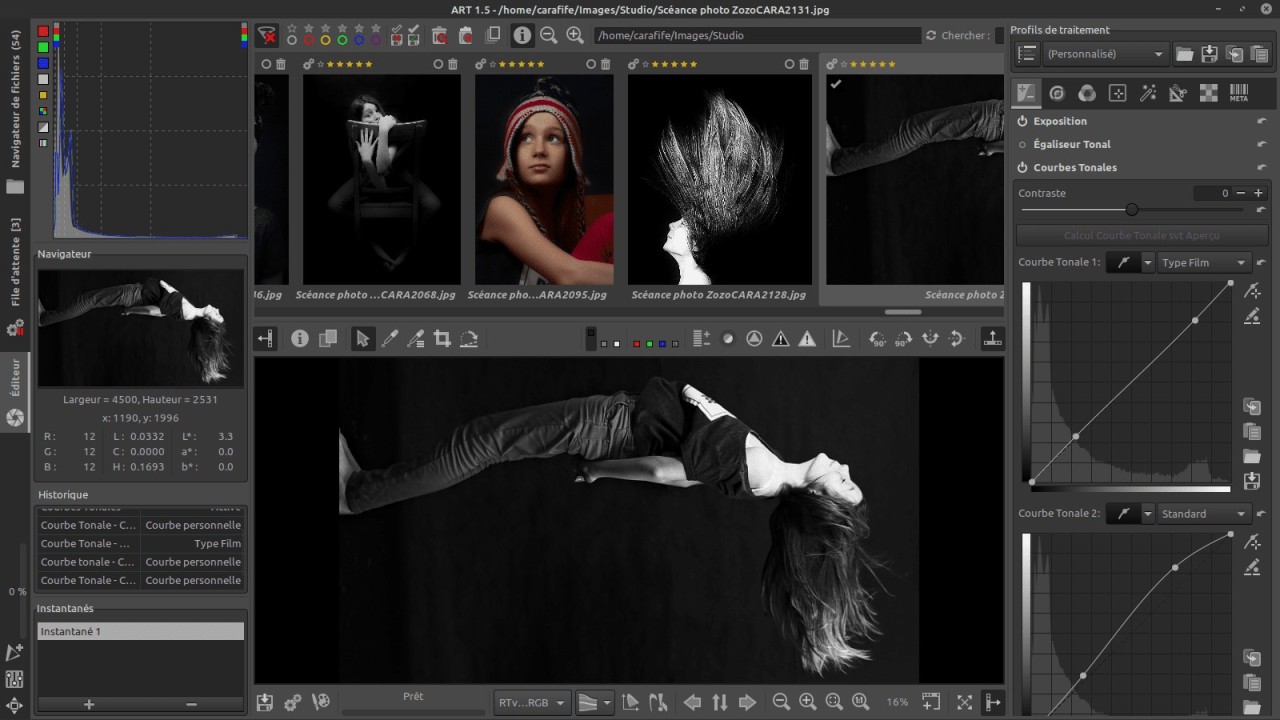
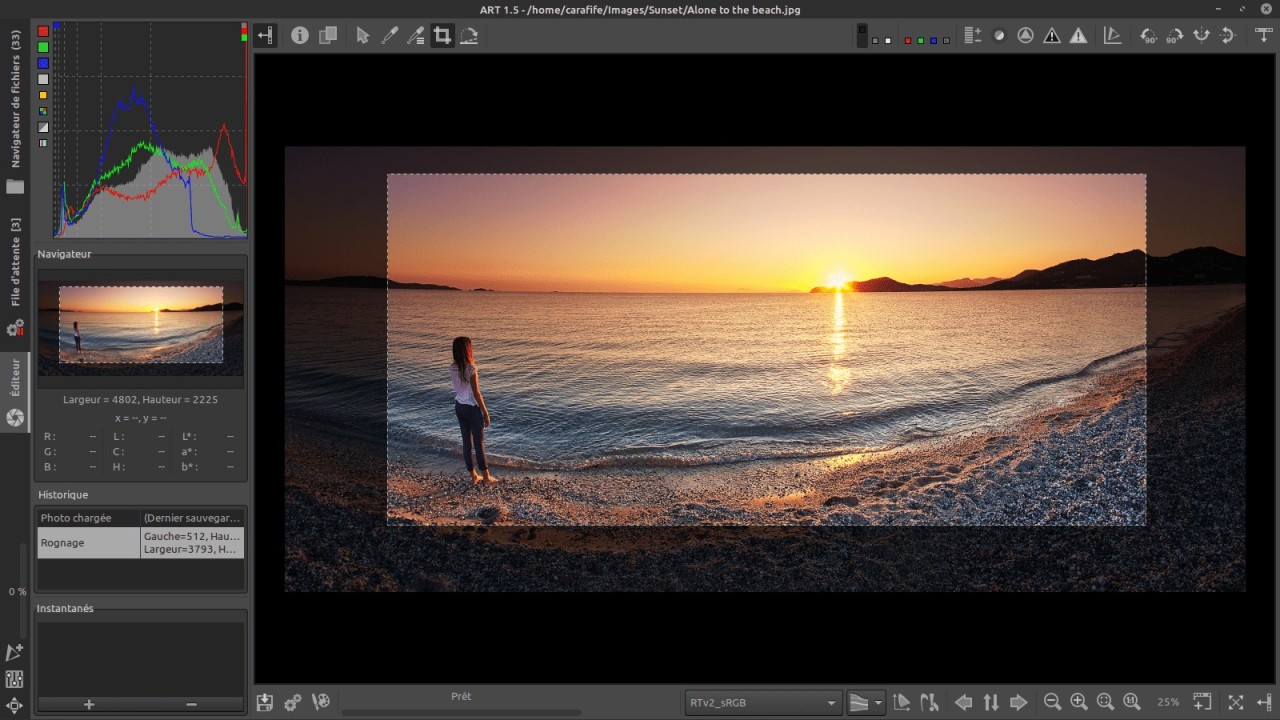
ART is a photo editing software that lets you get high-quality results from the RAW files without needing overly complex tools. It's built on the foundation of RawTherapee, a well-known open-source photo editor, but offers a cleaner interface, faster performance, and better usability. Use ART to adjust every detail of your image, from exposure and color balance to sharpening and noise reduction, without influencing the original files.
When you open ART, the first thing you need to do is import the photo to the tool, and the software will automatically recognize a wide range of camera models and lens profiles. From there, you can adjust exposure, highlights, shadows, and color temperature using sliders and tone curves. The histogram provides real-time feedback on your changes, while the before-and-after preview helps track how the photo has been edited. You can also use local adjustments and brushes to fine-tune specific areas of the image without affecting the rest of it.
With ART, you also get a wide support system for color management as it supports ICC and DCP profiles, so whether you're working in sRGB, Adobe RGB, or a custom space, your images look accurate and consistent across devices. You can always revert to your original shot or rework your edits from any stage, as all edits are saved into a separate file. You can process photos in batches, which is perfect if you need to manage large shoots or events. The tool allows you to create and apply custom presets, manipulate tone curves, and use parametric masks to edit selectively based on brightness, color, or texture. You can download ART for free for Windows, macOS, and Linux.
Why Should I Download ART?
Unlike many simplified editors that rely on filters or quick presets, ART provides professional-grade tools to edit RAW photos with detail. You can adjust exposure, contrast, white balance, and color tone with pixel-level precision, ensuring your final image reflects exactly what you want. The software also has impressive tone mapping and highlight recovery features so you can rescue details from underexposed or overexposed shots without creating artificial results. It's perfect when you need to deal with high contrasts in your photos, like during landscape or portrait photography.
ART's interface is simpler and more focused than most professional editors, making it easy to use even if you're a beginner, while still being powerful enough for advanced users. You can rearrange different modules to suit your needs. The preview updates instantly as you make adjustments, so you can see precisely how your edits affect the image in real time. The program is really lightweight so that it can run smoothly even on older systems, and the non-destructive editing ensures that your original files remain untouched. It also has batch editing tools that let you apply the same adjustments to multiple images.
When it comes to colors, ART uses state-of-the-art demosaicing algorithms and tone mapping techniques that preserve fine detail and dynamic range. You're able to recover shadows and highlights, while also retaining smooth transitions and lifelike contrast. The app recognizes your camera and lens combination automatically and applies corrections using the Lensfun database. This can fix common optical issues such as distortion, color fringing, or softness at the edges. The tone equalizer built into ART lets you make fine adjustments to midtones and luminance levels, while the local contrast feature enhances depth without over-sharpening the whole image.
With ART, you can make local edits by selecting specific parts of an image using gradient filters, radial masks, or brushes. You can darken skies, enhance skin tones, or highlight particular details with ease. These adjustments are parameter-based, meaning they respond to the image's structure instead of simple selections. Thanks to that, you can seamlessly blend edges and avoid harsh, unnatural transitions. Combined with its detail recovery options, ART performs well even on underexposed or high-ISO images.
Since ART comes from an open-source project, you can also customize it with different plugins released by the community around it. You can also integrate it with other tools, and the whole software is based on RawTherapee. The tool works great even on older machines, as it doesn't consume too much CPU and GPU, unlike most commercial choices. You can download ART for free from its GitHub page, and the tool works on Windows, macOS, and Linux machines.
Is ART Free?
Yes, ART is completely free and open-source, and you can download it and use it without any licensing fees or time limits. The open-source model means all its features are available to you from the start, and there are no paid tiers or locked tools. You can also customize the program or even contribute to its development if you have technical experience. It's one of the best options if you're looking for a free tool that doesn't differ too much from expensive commercial products.
What Operating Systems Are Compatible with ART?
You can download ART for all desktop operating systems, and the tool supports Windows 10 or newer on 64-bit architecture, macOS 13.7 or higher, and various Linux distributions, including Ubuntu and Debian. The software is optimized for even modest machines and can utilize GPU acceleration to render faster and preview large images.
What Are the Alternatives to ART?
RawTherapee is a free RAW editing and processing tool developed as part of an open-source project. It offers advanced color grading features, exposure settings, and options for sharpening or denoising. Like most tools of this type, it works non-destructively to keep the original files intact. and you can download RawTherapee for Windows, macOS, and Linux without any cost.
ON1 Photo RAW is posed as a complete alternative to all photography editing tools from Adobe. This software allows you to work with RAW files, edit pictures with layers, organize your collections, and apply various presets and effects. It has a Photoshop-style editor that also supports creating masks and applying filters. It's a paid tool that works on Windows and macOS, but also has a mobile version for iOS and Android.
RapidRAW is another open-source photo editor that's still being developed and offers a fast, efficient workflow for free. It uses GPU acceleration to process your images, supports selecting and creating masks with AI, lets you make generative edits by removing or adding certain elements to the photos, and works with almost all RAW file types. You can get RapidRAW for free for Windows, macOS, and Linux from the developer's GitHub site.