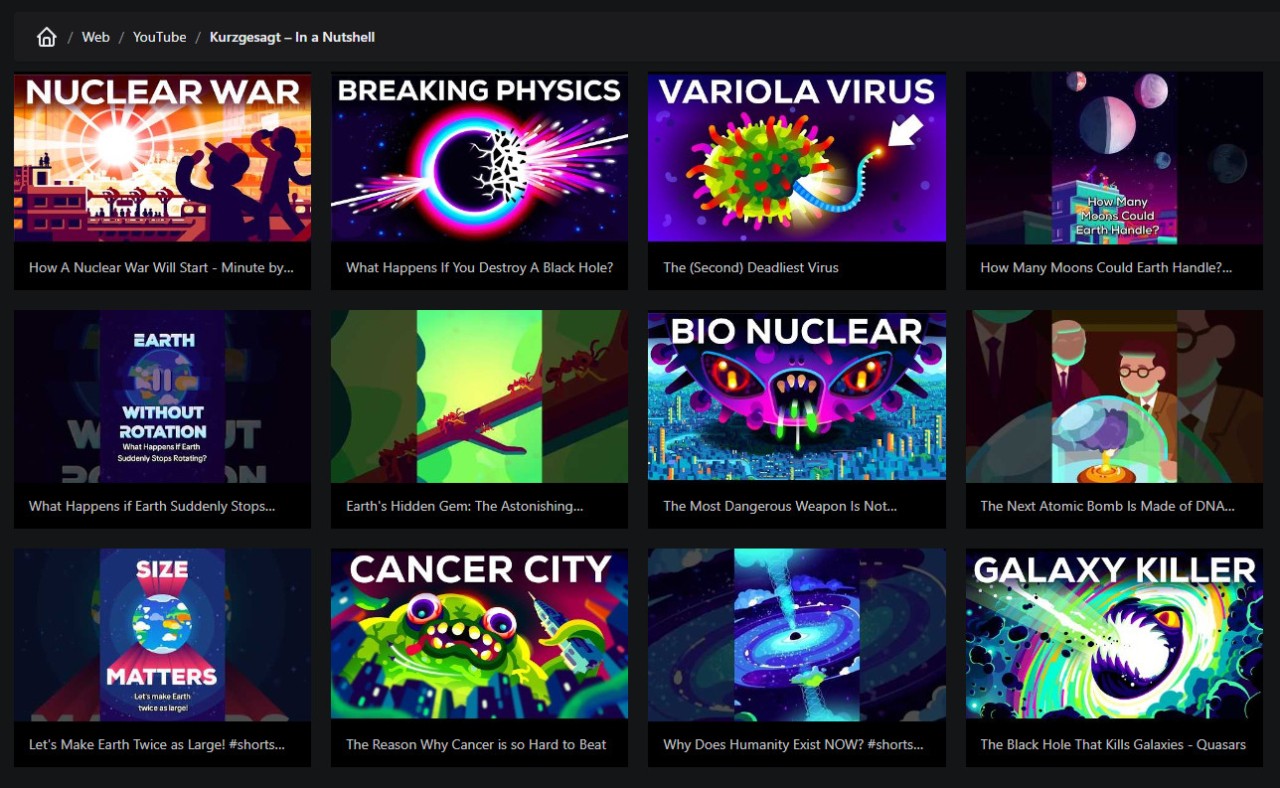
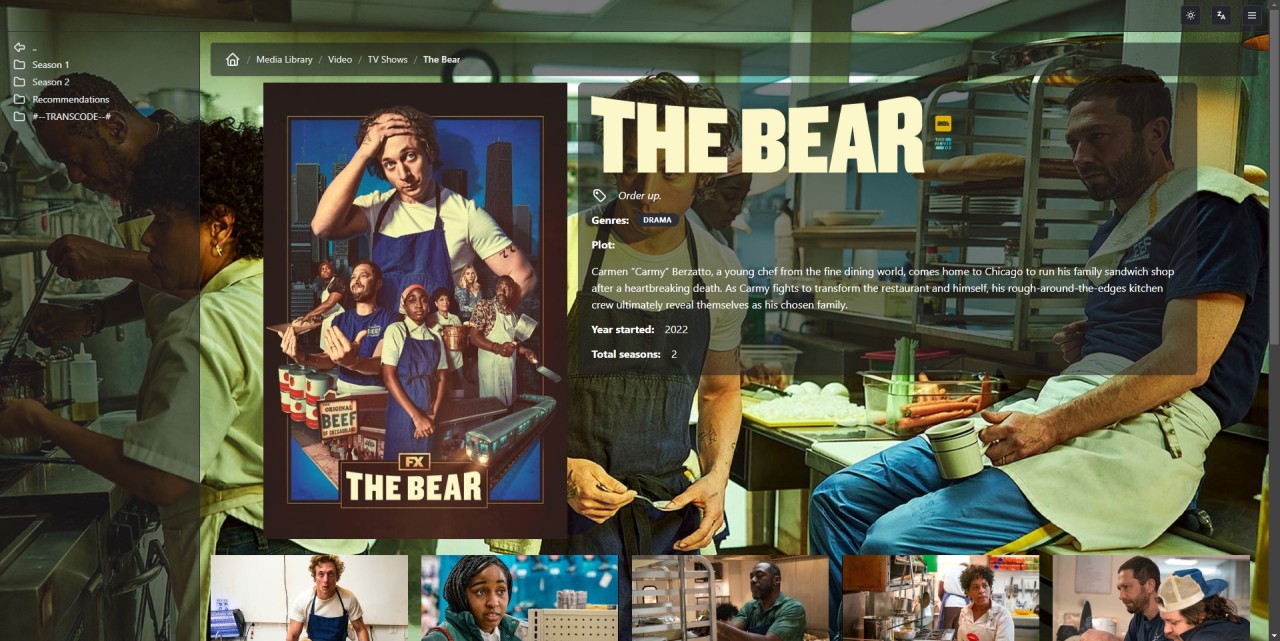
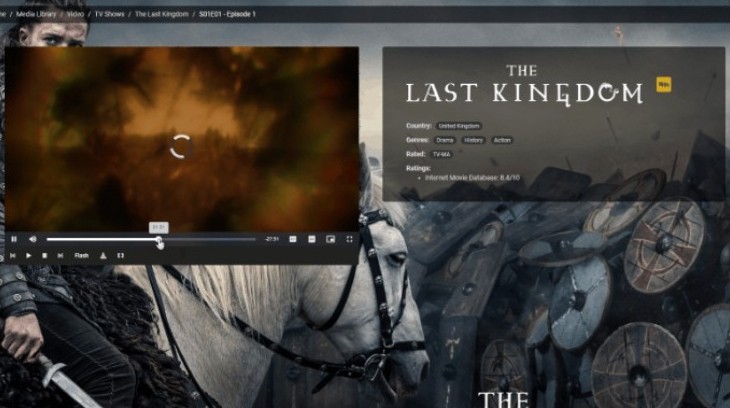
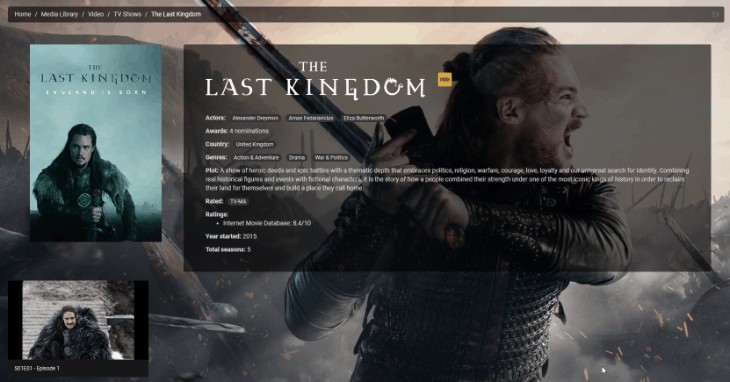
Universal Media Server functions as a cost-free and open-source platform to distribute music videos and other media content across various electronic devices. Universal Media Server functions as an interlinking system between your media stores and technological devices including smart TVs, game consoles, Blu-ray players, smartphones, and tablets. The program enables seamless streaming once you launch the software on your computer. The Java-based software functions on DLNA-compliant devices that cover the majority of domestic equipment.
The main benefit lies in its capability to stream files without any requirement for file moving or syncing to individual devices. You do not need to move files because you can stream them straight through your home network. The software enables subtitle display and supports various audio tracks together with different file formats during playback without any conversion requirements.
The software automatically selects playback settings that match the target receiving device and then applies them instantly. The main goal for Universal Media Server is to provide a simple user experience. The setup process is straightforward because you can instantly play movies or music through menus without any hassle in adjacent rooms. Universal Media Server provides users with an effortless way to share their computer media, regardless of the watching device, from PS5 down to older television models.
Why Should I Download Universal Media Server?
People who possess extensive digital media collections, including movies, music, or recorded programs, can depend on Universal Media Server to stream these materials through various devices while bypassing cloud systems and separate applications. Using Universal Media Server, you can locate videos stored on your laptop from any room by starting the program so that it handles the video streaming to your preferred display in the living area. The system works exclusively at a personal level but requires engineers to establish a different connection for reaching the internet, as some users choose to do because of privacy and speed needs.
Universal Media Server delivers its best value through its seamless operational capabilities. The program requires no complicated account setup, nor does it restrict you within any specific third-party service ecosystem. The system requires no remote file uploads and offers no subscription requirements for its operations.
The server operates unobtrusively from your computer to automatically scan your directories for automatic stream processing on all DLNA or UPnP connected devices. The streaming server performs automatic real-time conversion of files, which yields incompatible formats for your devices. The device operates without showing any indication that it performs this function. When you press play, your media appears automatically.
Users opt for UMS instead of regular commercial applications because this media server remains lightweight. The program works without using much system power while avoiding unnecessary bundle additions. You will not find any showy touches, and the interface avoids complicating things. The layout presents a plain front end that accomplishes its mission. Some people appreciate that. Subtitles can be processed alongside multi-language audio, and you can modify settings under special circumstances, although making adjustments is optional. The basic arrangement suits the majority of users successfully.
This platform enables simultaneous streaming across PS4, Samsung TV, and Android tablet due to its supportive compatibility. Your computer serves as the content center from which multiple wireless connections can access their selected content. Older devices can use the network connection to extend their usability through UMS. The software platform UMS enables user plugins to add extra features and specific media access. This software requires a single installation to become an automatic provider of useful assistance without user distraction.
Is Universal Media Server Free?
Universal Media Server exists free of charge for users to download and operate. The open-source nature of Universal Media Server eliminates all hidden costs while keeping both subscriptions and media streaming limits free of charge. People can obtain this software through the official website at no cost while gaining access to all the application features without creating an account.
What Operating Systems Are Compatible with Universal Media Server?
The Universal Media Server software provides multi-platform support for operating Windows, macOS, and Linux systems. Java programming enables this program to run on all systems with Java support enabled. You can find installer packages dedicated to the main operating systems, through which Universal Media Server operates smoothly across various computer generations.
Universal Media Server operates without burdening your system resources, therefore it can function silently in the background even while your other software runs. The system works through any stable network and supports streaming to DLNA-compliant devices. Installation allows your network devices to detect automatically while the server starts sharing your media library without needing any complex configurations.
What Are the Alternatives to Universal Media Server?
The design philosophy of Universal Media Server revolves around basic functionality, but alternative programs exist that handle the same tasks through different mechanisms.
Kodi stands as a top alternative among all the available choices. Kodi functions beyond being a media server, since it operates as an entire media center system with its dedicated interface. Using Universal Media Server offers simultaneous media organization and playback from your device alongside add-on-based streaming to external devices. The solution offers customizable features through its extensive plugin collection in addition to its flexible design. The installation process requires some attention, while the recommended audience includes users who want their media hub on a dedicated screen or TV.
MPC-HC refers to Media Player Classic Home Cinema as its full name. In contrast to media server functions, the tool operates as a basic video playback application that complements other programs. A person seeking basic media playback functionality with broad file format support should consider using MPC-HC. The tool works fast and accepts numerous file formats, and avoids unnecessary program bulk. The application provides essential capabilities in small environments that need non-streaming services on one main machine.
Plex serves as an immediate alternative solution to Universal Media Server when seeking a counterpart product. The adoption rate of Plex has grown in recent times due to its modern appearance alongside its extensive features. Plex serves as a device content streaming service that provides additional features such as remote access, user profiles, synchronized watch history, and integrated live TV and podcast functionality. The free and paid plans of Plex allow customers to access advanced features, which require their subscription fee. The ease of use, together with its similar streaming platform interface, makes it an appealing option for users. UMS earns praise from users who want a device-focused media server with strong local capabilities because Plex users believe this software relies too heavily on account and cloud functions.