Clipchamp serves as a video editing platform that aims to transform complex video editing tasks into a simple, creative experience. You can assemble your thoughts using every editing tool you require, including cutting, trimming, and adding music and text, without needing extra programs or mastering a complex learning experience that delays your progress.
Using Clipchamp enables users to create YouTube videos as well as short ads and tutorials alongside personal clips for friends or colleagues because it provides enough freedom to work efficiently without complexity.
The application stands out because its professional capabilities mesh harmoniously with an interface approachable by all users. A user does not require professional editing skills to comprehend this system. Users can easily start by adding their files into the system and moving elements where they desire, followed by active usage of available tools.
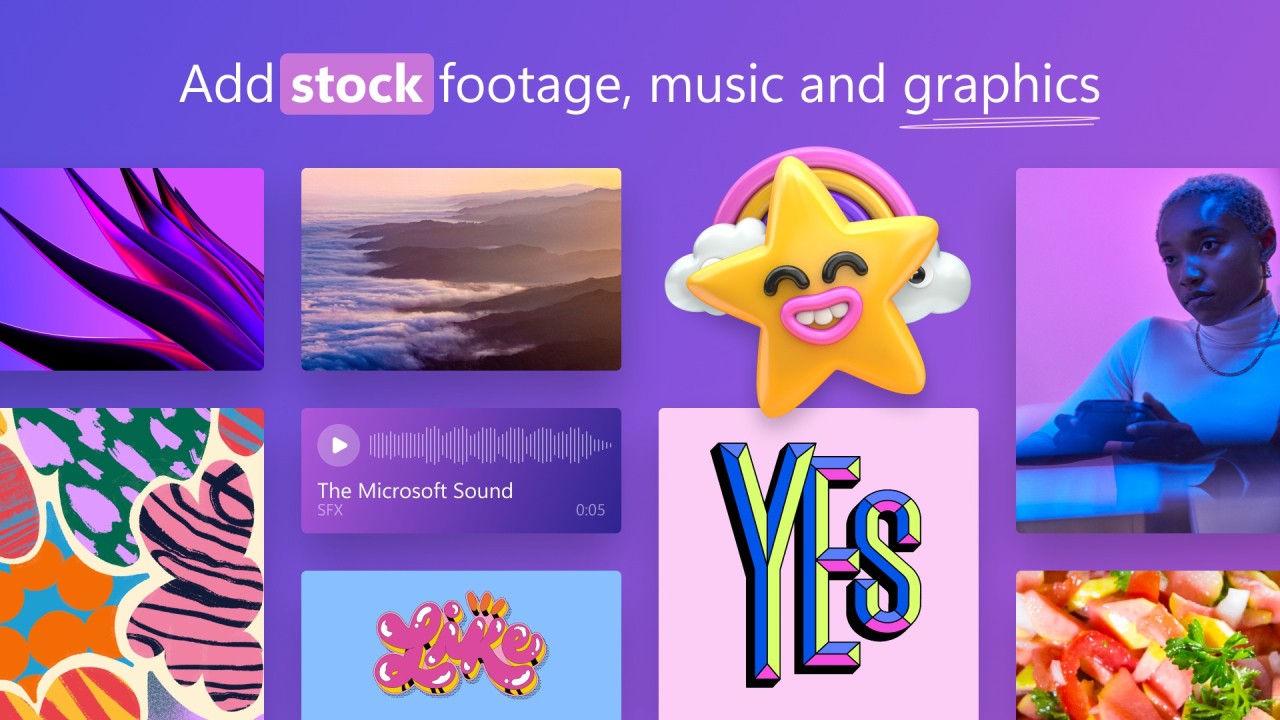
You will find a wide assortment of editing elements in Clipchamp, including stock media, audio, templates and webcam recording, and screen capture, together with AI voiceovers. The program lets users go after their ideas instantly during those sudden creative moments. It helps you do that. The system provides all necessary features without any complicated extras.
Why Should I Download Clipchamp?
Clipchamp is the answer Microsoft offers users to the disappearance of Windows Movie Maker. Included in recent Windows systems, you can use it on your computer whenever you want. The tool is also available as an online app that you can open in any browser.
The software operates without requiring advanced technology equipment or superior specifications. Both browser-based and Windows application platforms offer users full access to this software. If you have experienced using outdated and slow video editing tools that drain your system resources like chewing gum, then you should welcome this solution.
You should attempt this solution because it provides an uncomplicated editing experience. Users who have become confused by complex timelines, together with hard-to-understand export configurations in video editors, will find relief through Clipchamp. When you start the tool, the interface presents itself with templates or empty projects, which both align themselves naturally to your workflow.
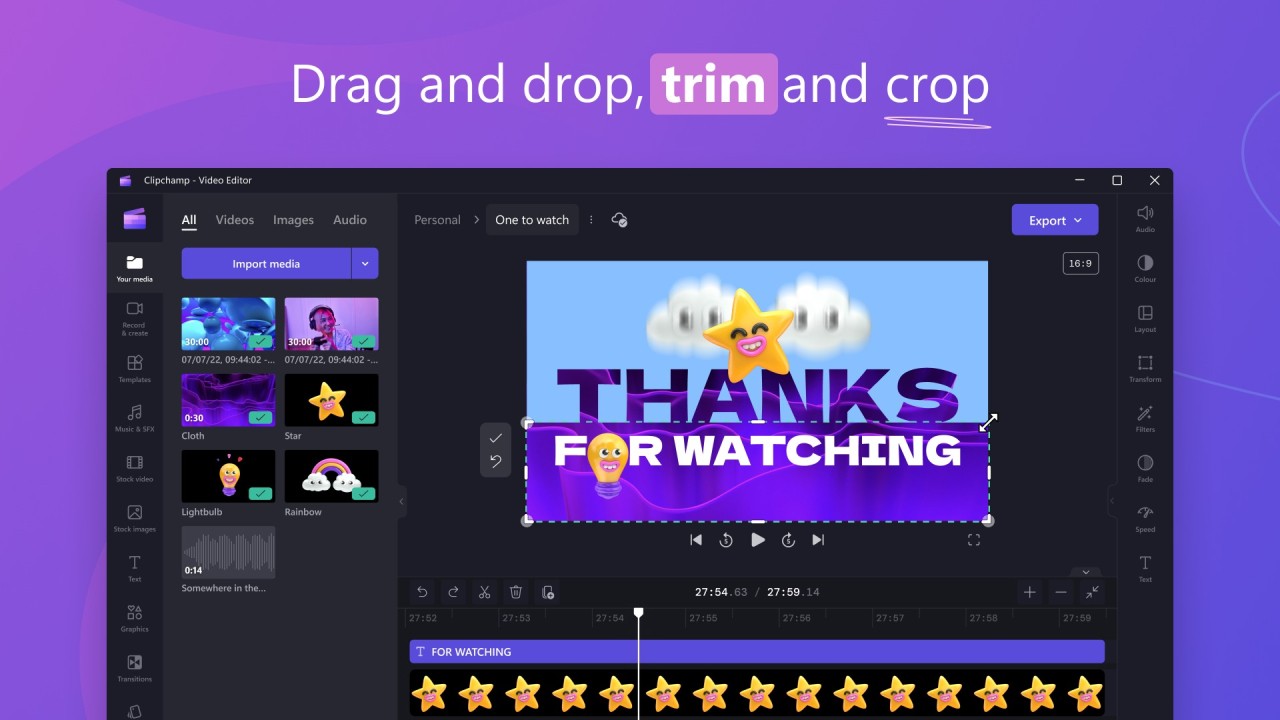
The system offers fast performance focused on delivering quality work as its main goal for users. The application enables users to change video content by cropping and trimming and splitting, and rearranging videos using simple button-based commands. Users do not need to spend numerous hours mastering clip locations inside the application. The application layout presents logically organized features that become self-explanatory when you begin using it.
Clipchamp lets users complete projects at their own pace, since it avoids strict deadlines for project completion. Using the cloud storage enables you to save all your work and return later to resume exactly where you stopped without the hassle of saving exports or file location management. Behind the scenes, the software manages organizational tasks that enable users to dedicate their focus on producing content.
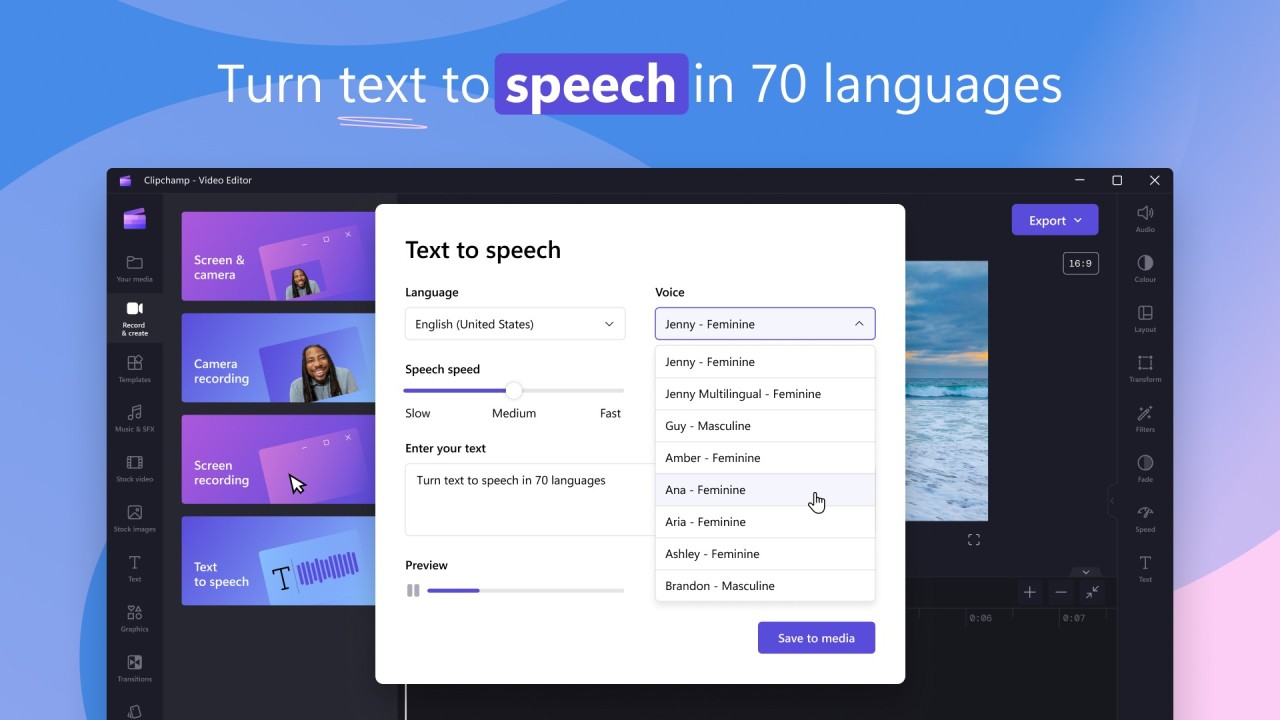
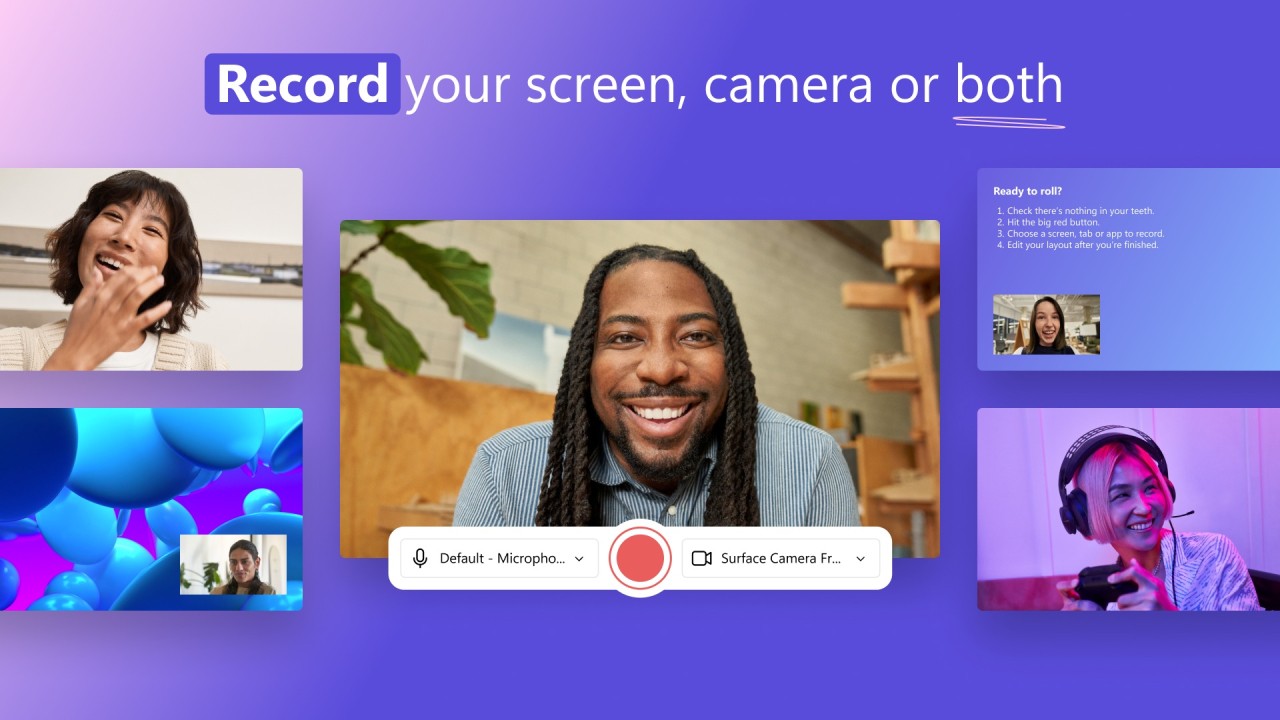
Clipchamp provides creators with many options, even though they do not need to download excessive programs to achieve them. The platform has built-in text-to-speech functionality alongside screen recording capabilities and webcam overlays, and offers stock content that is usable rather than generic stock elements of similar video editors. Creatives who need to share messages or promotional materials or express ideas will find these tools supply them with creative freedom outside of complex technical barriers.
The application runs at high speeds that you will easily observe. The tool does not require users to wait for preview rendering, and it eliminates struggles with file format compatibility. You obtain full output control without needing to read the manual because it supports various resolutions along with multiple formats. Clipchamp efficiently eliminates distractions in your recorded videos to deliver precisely what users need for educational materials and business slides, along with social media content.
Is Clipchamp Free?
The free version of Clipchamp provides standard features including trimming, cutting and standard quality video exports for users. The free version of Clipchamp enables complete utilization, even though premium features and templates remain reserved for paid subscribers.
What Operating Systems Are Compatible with Clipchamp?
You can smoothly operate the web-based video editor Clipchamp across Chrome, Edge, and Firefox, or any other platform that supports modern browsers. You can use this application on Windows when working with the 10 and 11 versions of the operating system through the Microsoft Store desktop software.
Despite lacking a complete application for macOS and Linux, users can utilize Clipchamp through their browser without encountering any problems. You require both a reliable internet connection and computer hardware with enough power for executing video editing operations, since this tool operates from the cloud.
What Are the Alternatives to Clipchamp?
Several exceptional options exist to substitute Clipchamp, which present unique characteristics in their systems. Clipchamp caters to users at different stages, while its professional-grade feature set aims to serve experienced editors. Users have different preferences regarding ease of use or flexibility, or professional capabilities, which leads them to choose from various options.
Users looking for user-friendly, free video tools should consider OpenShot Video Editor as their top choice. This application serves beginner-level users because it features open-source software that provides simple installation steps. The tool's interface avoids pretending to be fancy by presenting essential features, including multi-track editing together with transitions as well as keyframe animations. OpenShot fulfills offline users who want a basic editor that runs independently of online browsers with its stable and lightweight quality. The editing application supports Windows, macOS, and Linux platforms.
The system depth of Shotcut surpasses most other free editors. The application provides complete power in its underlying mechanics since it is open-source and free for users. Shotcut offers users support for multiple formats and provides customizable interfaces that conform to individual work methods. Although it demands extra patience from new editors, there are significant advantages to this flexibility after gaining some experience. Engineering amateurs will find Shotcut to be a wise tool because it provides extensive audio filter options and effects control with multilayer video functionality.
Of all the editors presented on this list, DaVinci Resolve stands as the most potent program. The tool offers a free operation that pulls its power from professional-grade video editing features. DaVinci Resolve enables users to create cinematic edits as well as perform color grading and handle advanced post-production tasks. A tough software to learn, yet it requires capable hardware to operate, but the free version offers all premium-grade features. Filmmakers and storytelling video professionals find Resolve to be an ideal video editing solution. The program combines multiple capabilities, including video modifying alongside visual effects alongside audio remedy alongside color adjustments, in a single platform.