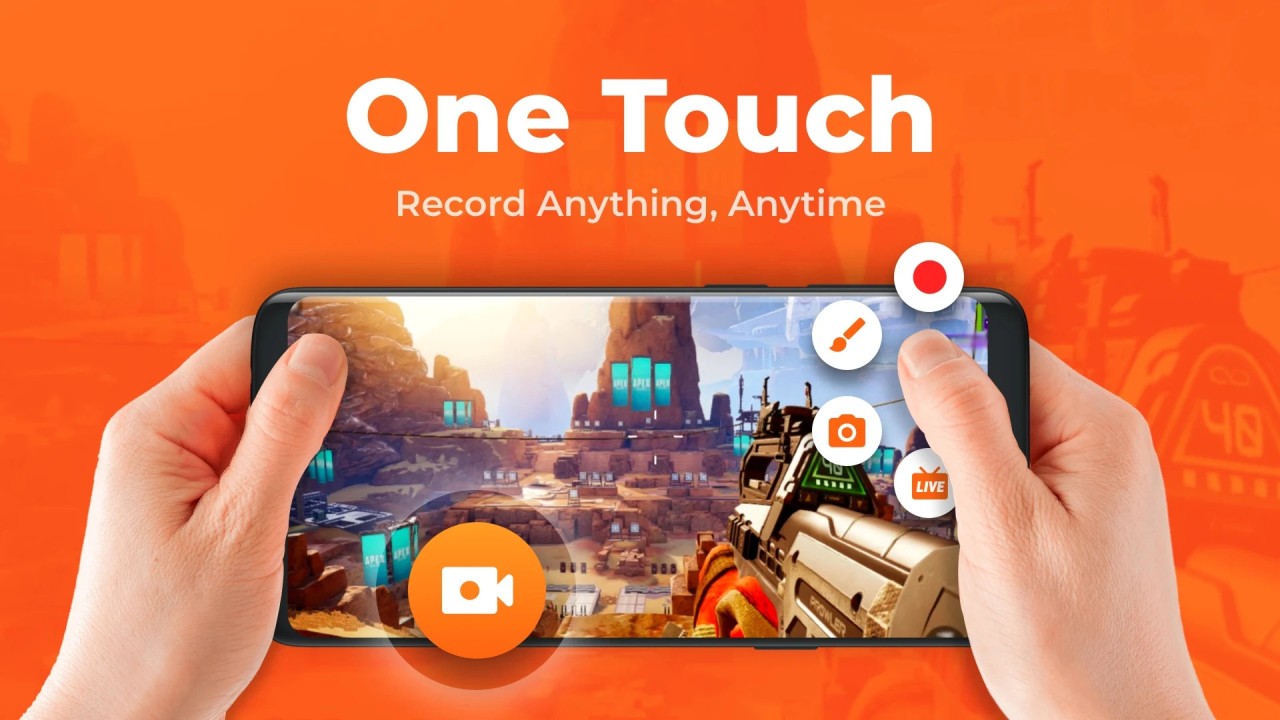
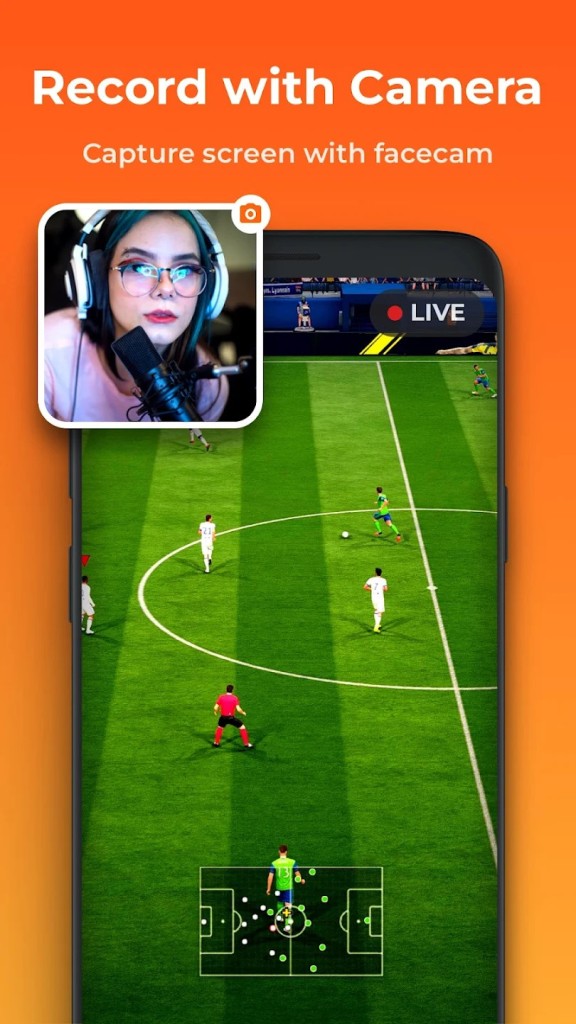
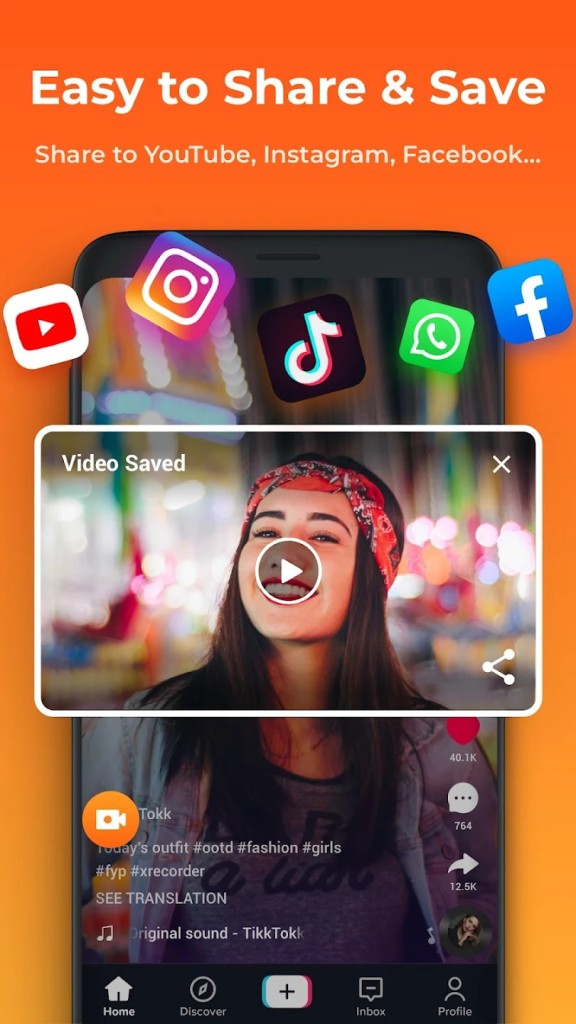
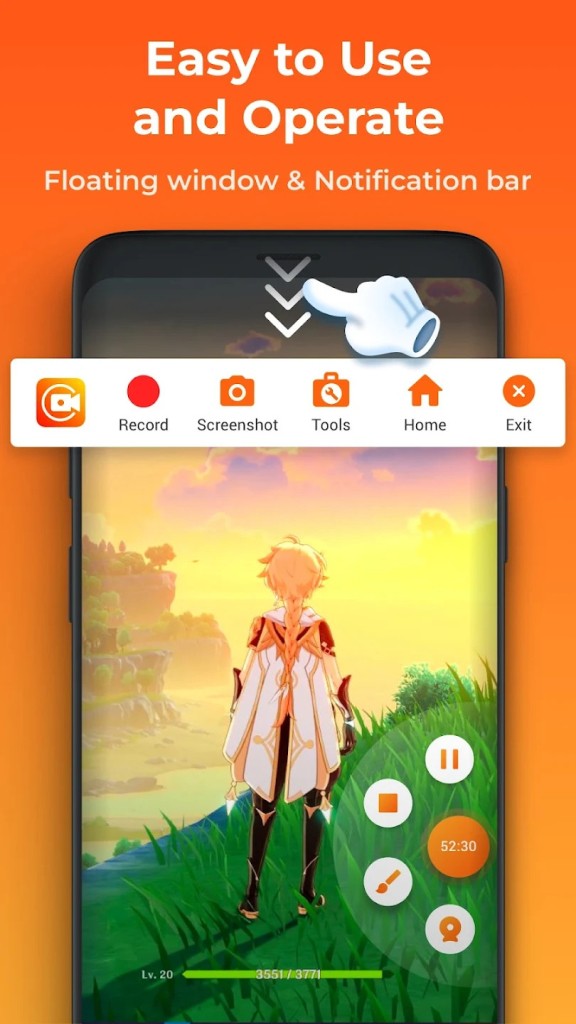
The utility of XRecorder becomes immediately obvious only after it becomes necessary to record your screen. Your device maintains XRecorder as a silent tool that automatically records screen activities, no matter what you view on your screen, from gaming tutorials to application walkthroughs to saved entertaining conversations.
XRecorder captures screen activity in high-resolution format with no watermark added to videos, which makes it an exceptional tool. The convenience of starting to use the tool comes from its minimal requirements. Anyone can operate it effectively without advanced technology understanding. Once installed, it just works.
The tool allows you to record streaming videos as well as applications and records personal experiences through screen moments. The recording tool lets you record both the screen display and audio for complete voice and system noise preservation. The tool provides adaptable features that enable users to record both for content creation and vital information storage purposes without additional efforts.
Users can benefit from unrestricted recording duration when they choose XRecorder because many alternative screen recorders enforce time limits. The core utility of XRecorder exists as an unobtrusive screen recorder that emerges when you need its functionality.
Why Should I Download XRecorder?
Recording with XRecorder provides the most effective approach to display content because the tool does all the work automatically. XRecorder serves you effortlessly to capture videos of lectures and mobile game achievements, and to record explanations or report application bugs without complication. It doesn’t complicate things. The program supports easy record initiation without requiring users to configure dozens of settings. After tapping on record, the program automatically takes care of everything else. The process stays straightforward, which proves to be very important.
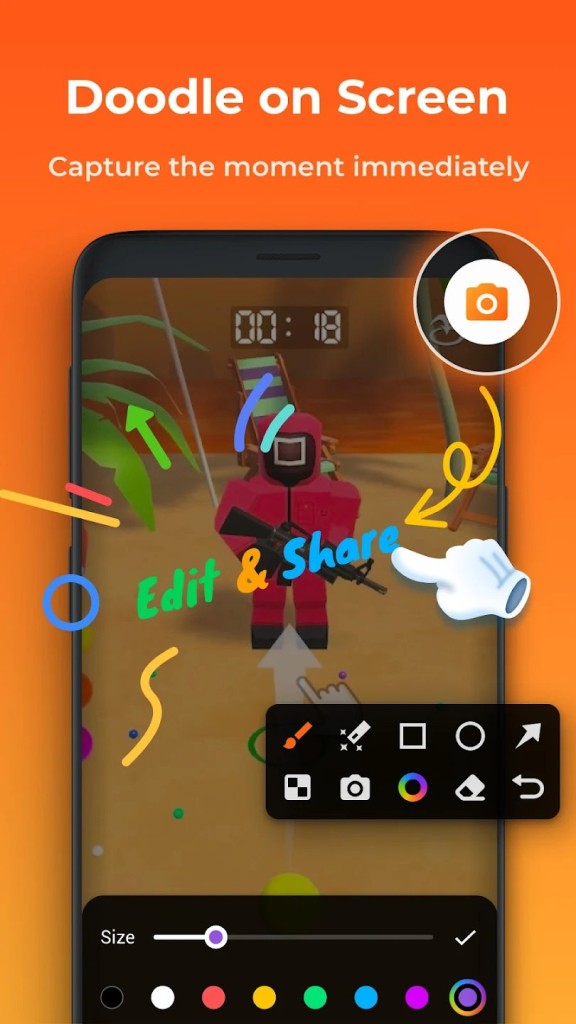
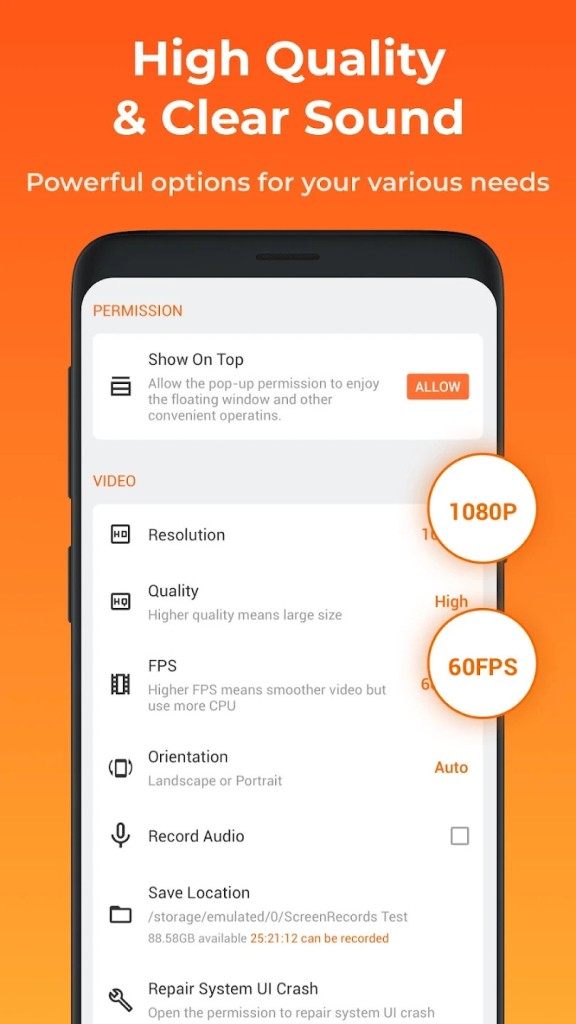
The other thing is performance. The app does not burden your phone's operations, thus you avoid crashes and visual lag. The background operations of XRecorder do not weigh down your mobile device due to its lightweight design. Your recorded videos stay clear, and the interface lets you pick from different video resolution options that suit your tasks. Want HD? You got it. The app allows users to select a light file weight for sending through chat messages. You can adjust that too. The application enables users to add screen touches during explanation videos to guide viewers through desired actions on the device.
Users decide to use XRecorder because it does not add any watermarks, and there are no recording durations imposed. In contrast to other screen recording tools, the absence of watermarks and time limits stands out as an important reason to choose XRecord. The experience of recording with other screen recorders becomes much better without these issues. XRecorder skips all that.
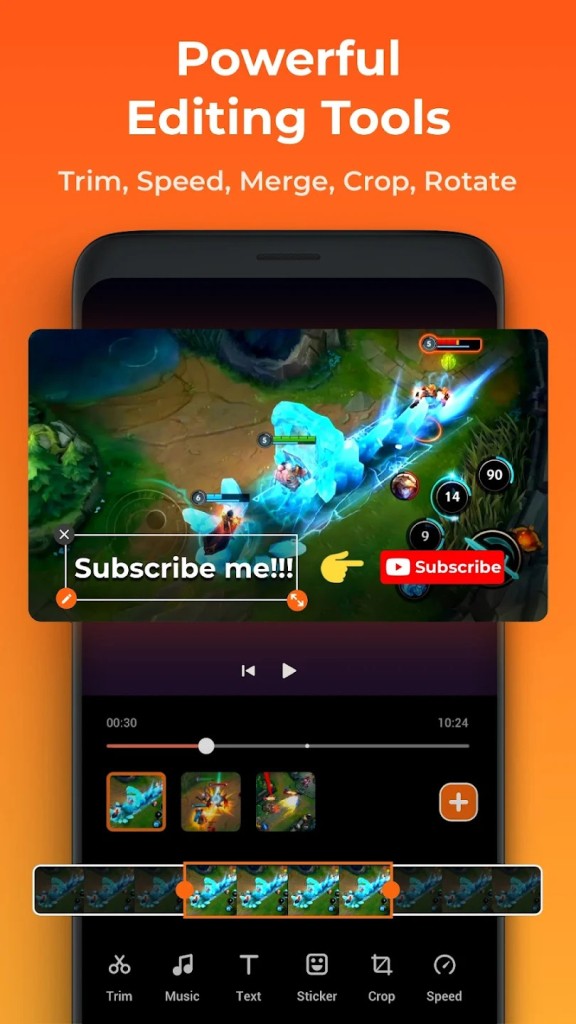
The clean and complete overall performance is maintained by this application. The recording process of Zoom sessions or YouTube content through XRecorder functions without any kind of restriction. Sometimes you need to edit video clips or remove specific parts of footage, and then you should use the built-in editor tools of this app. The application provides an editing tool which operates within its environment.
It’s also reliable. The security of safe recordings exists because XRecorder maintains uninterrupted functionality until the end of each session. Many people who use XRecorder, regardless of their recording experience, find additional screen recorders unnecessary. The application becomes one of the vital apps that users install automatically when they get a new device.
Is XRecorder Free?
The primary features of XRecorder operate free of charge for users who would like to avoid any additional charges for the XRecorder service. Users can enjoy the fundamental screen recording functions within XRecorder free of charge since the application avoids applying hidden purchase options. The entire process from video recording through editing to saving occurs free of charge on this platform.
What Operating Systems Are Compatible with XRecorder?
XRecorder serves as the main recording application for all Android operating systems. You may download XRecorder directly from Google Play Store if you have an Android smartphone or tablet to start using it right now.
XRecorder currently operates exclusively on Android, so iPhone together with iPad users need to discover different applications for their needs. XRecorder delivers optimal performance on current Android iterations because the developers provide routine updates to maintain device compatibility. All Android versions, from old to new, will smoothly execute this program without causing issues.
What Are the Alternatives to XRecorder?
XRecorder excels in delivering its features, but other recording applications exist in the market. Other tools enter the market with distinct features that enhance the selection for users. The alternative tools are suitable for users who want to explore new systems and like different options.
Most users of the Windows operating system tend to choose Screenpresso as their preferred screen recording and screen capturing tool. The application performs both screen recording functions and includes multiple visual editing tools for users to work with. This tool functions excellently for video-based tutorials, with built-in features that support annotation and added arrows or highlighting capabilities. Desktop users find this tool most suitable because it provides professional recording features.
Then there’s Xnip. The user base of macOS users highly appreciates this particular application. This application maintains a basic and weightless interface similar to XRecorder, yet it specializes in basic recording and screenshot operations. The main purpose of Xnip involves quick annotation tasks and brief video recording needs, so users experience high-speed performance. You will not feel overwhelmed while using this application, and all its features remain accessible despite minimalistic menus. The tool provides excellent value to students and people who need to exchange brief visual messages.
ShareX emerges as a significant big player within the market of screen recording applications. The entire ShareX application exists under open-source licensing and provides a vast collection of tools which operate optimally on the Windows operating system. A professional environment suits ShareX better than XRecorder, although it demands some learning from users. Users looking for total recording customization can find the tools they need in ShareX because it allows extensive customization. The software works well for users who enjoy option manipulation and already have basic experience operating screen recording applications.