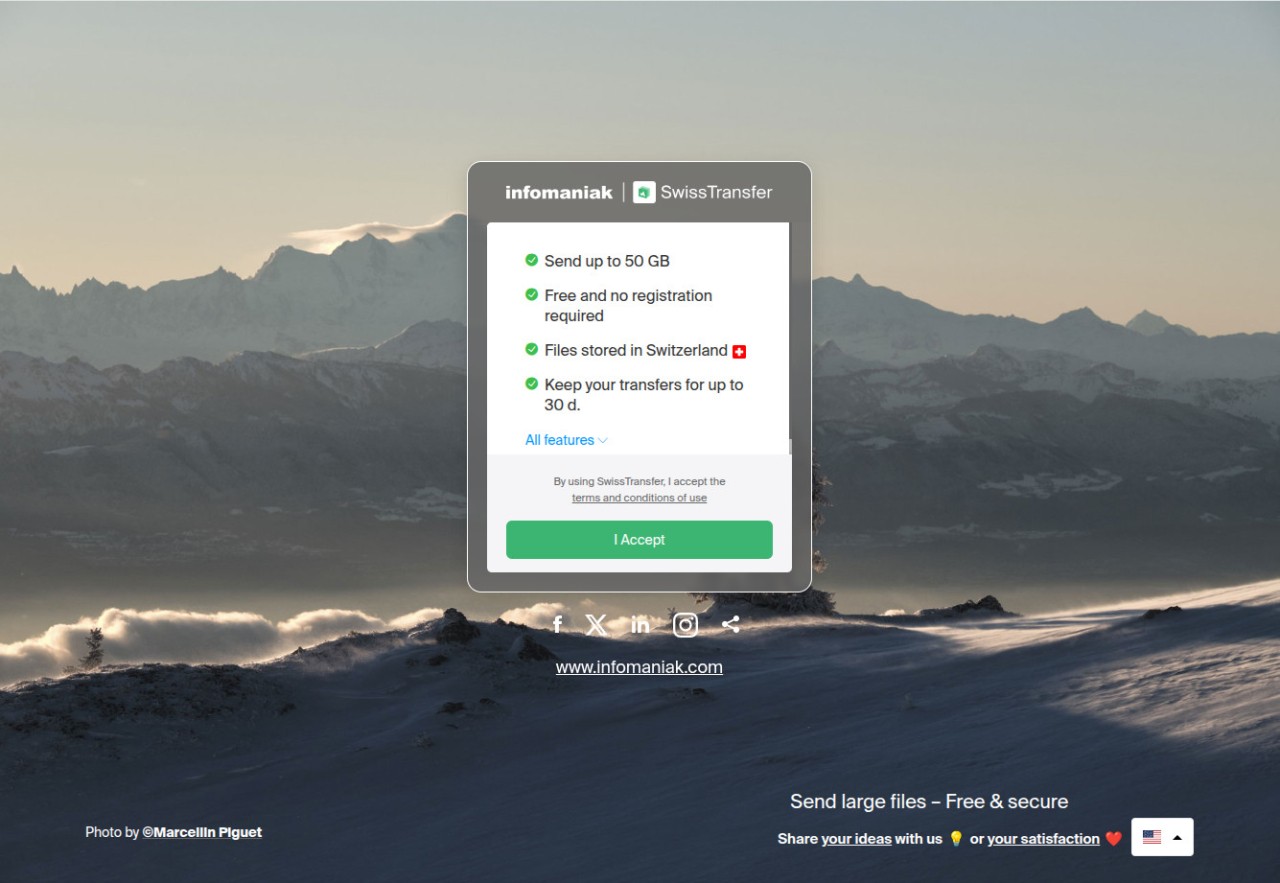
SwissTransfer is nothing complicated. It’s just a tool to send big files, but it does the job without pushing you into accounts, signups, or those silly storage warnings. Infomaniak, a Swiss company, built it. The idea is clear—if you’ve got a big file, you shouldn’t have to think twice, just send it. Most of us have already hit that wall with email. You attach a video, it says 25 MB limit, and that’s the end of the story. Cloud apps are no better. One day, they ask you to install, the next they tell you storage is full, and then they start asking for a subscription.
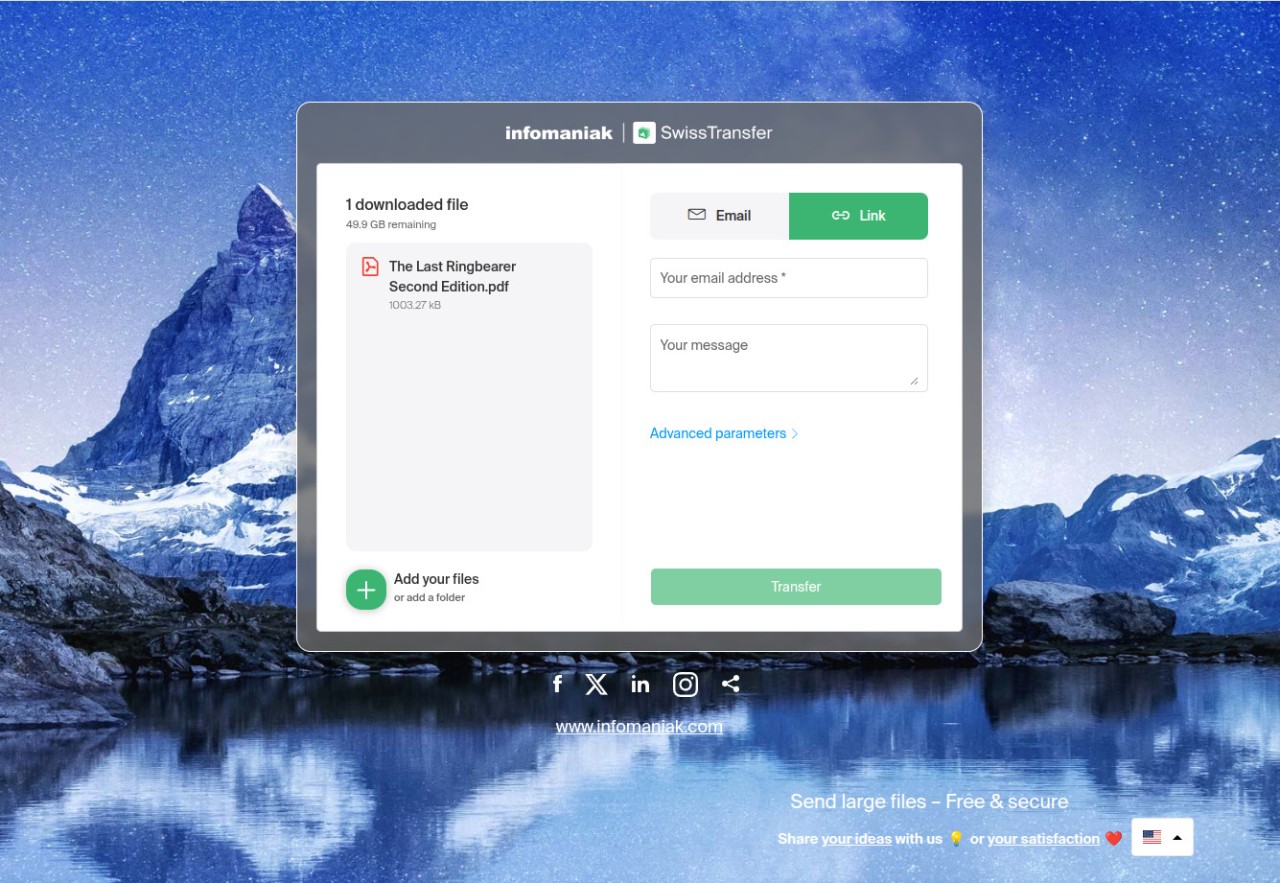
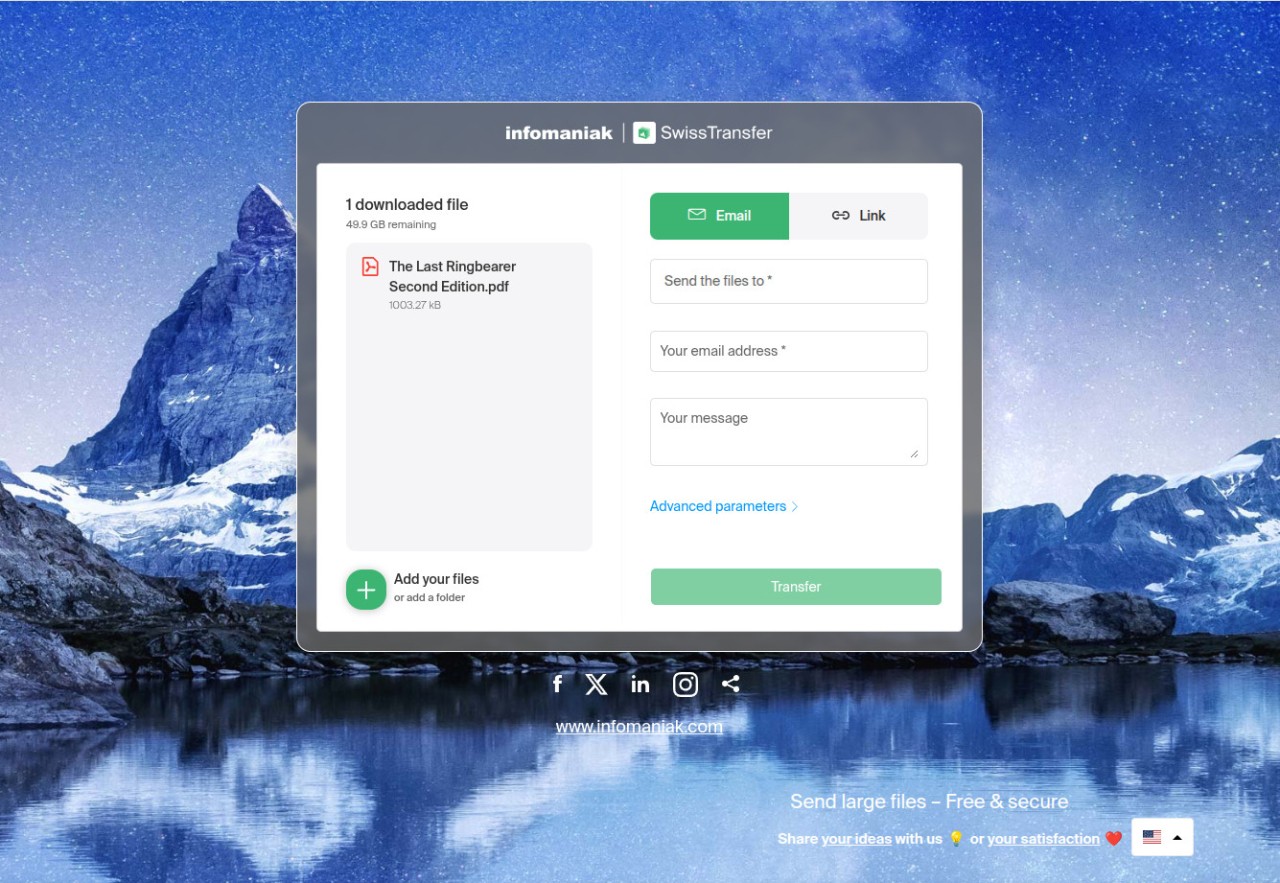
Here, you don’t see any of that. You can actually send up to 50 GB in one go. That’s huge. Think about a film project, or a wedding video in raw format, or just a folder packed with photos. You upload it, grab the link, email it, or even use a QR code if you want. The other person doesn’t care about setups or logins; they just click and download. That’s what people like—the process doesn’t get in the way.
And then there’s privacy. Swiss laws are tough when it comes to digital rights, tougher than most places. So you don’t have your files floating around being scanned for ads. Plus, they run everything on renewable energy, so even the eco-conscious crowd feels better using it.
Why should I download SwissTransfer?
The thing is, you don’t really think about file transfer until you’re stuck. That moment when you’ve got something big to send and every normal way fails. You try email, no chance. Drive says full. Dropbox says pay up. Meanwhile, your client or your colleague is waiting, and you’re out of time. That’s the exact situation where SwissTransfer feels like a lifesaver.
If you’re working freelance, it makes you look professional too. Instead of chopping files into parts or telling your client to “please make an account first,” you just hand over a proper link. They click, they get their work. That’s it. No complaints, no delay.
You also keep some control. Maybe you don’t want the file floating forever. You can set an expiry—one day, a week, or all the way up to thirty days. Add a password if you need extra protection. You can even limit the number of downloads. So it’s not like you’re throwing files into a black hole; you decide how far they go.
For family use, it’s just as good. Say you’ve got hours of phone recordings from a trip. Try sending them on WhatsApp, the quality drops, email rejects them, and nobody wants to sit and open zip after zip. With this, you send one link and everyone just downloads it in full. Easy.
Is SwissTransfer free?
Yes, it’s free. Not the fake kind of free where ads keep flashing or where the “trial” stops in two weeks. It’s straight up free. No registration, no card details, nothing waiting to pop up later.
People do wonder—what’s the catch? The catch is that there isn’t one. Infomaniak makes money from its other services, like hosting and email platforms. This file transfer tool is more like a bonus, a way to show what they can build. So they’re not digging into your data or turning you into a product.
That’s why it works for everyone. If you’re just sharing a few big videos a year, you don’t pay a cent. If you’re a freelancer, you don’t need to spend on a full cloud plan just to deliver finished projects. The free setup covers it.
What operating systems are compatible with SwissTransfer?
This isn’t one of those picky apps that only run on a certain system. You’ve got the web version, which works on any browser. So Windows, Mac, Linux—whatever you’ve got, it works. No extra setup.
Then you’ve got mobile apps. Android users find it in the Play Store, iPhone and iPad users grab it from the App Store. They’re lightweight, no-nonsense, and they have the same core features as the web. So even if you’re on your phone, you can send heavy stuff.
If you’re the type who sends files often, there’s also a browser extension. Works with Chrome and Firefox. Saves a few clicks. You start a transfer right away without even going to the site. For people who do this daily, those seconds matter.
What are the Alternatives to SwissTransfer?
Naturally, SwissTransfer is not the only choice if you need to share big files. There are other services, too, and they are all tangled in their angles.
The most similar to SwissTransfer is Smash. Accountless, file transfers. Technically, free users can send unlimited sizes, but the trick is, truly large files are limited unless upgraded. They also allow you to brand your download page with a logo or custom design, which is business-friendly. Even, SwissTransfer gains points based on being clean. Good speed, 50 gigabytes/transfer, high privacy, no advertisements. It stays simple.
MEGA has a long history and is known to people as free cloud space. The free plan is 20 GB, and this is reasonable initially, but you run out of this very quickly. Its advantage is in syncing--upload on one device, open on another. That is fine in case you want continuous access. Once more, though, when you just need a one-time huge transfer, SwissTransfer sidesteps the entire storage hassle and just does it.
Proton Drive is also Swiss and is more like a safe deposit box. Here you can keep your files on a long-term basis, as it is a cloud offer. And they are encrypted and available at all times. The downside? The free space doesn’t go far. Once you hit the limit, you pay. Proton Drive is suitable to people who desire storage that is persistent. However, when you just need to move a large file here and there, SwissTransfer is quicker and it is free.