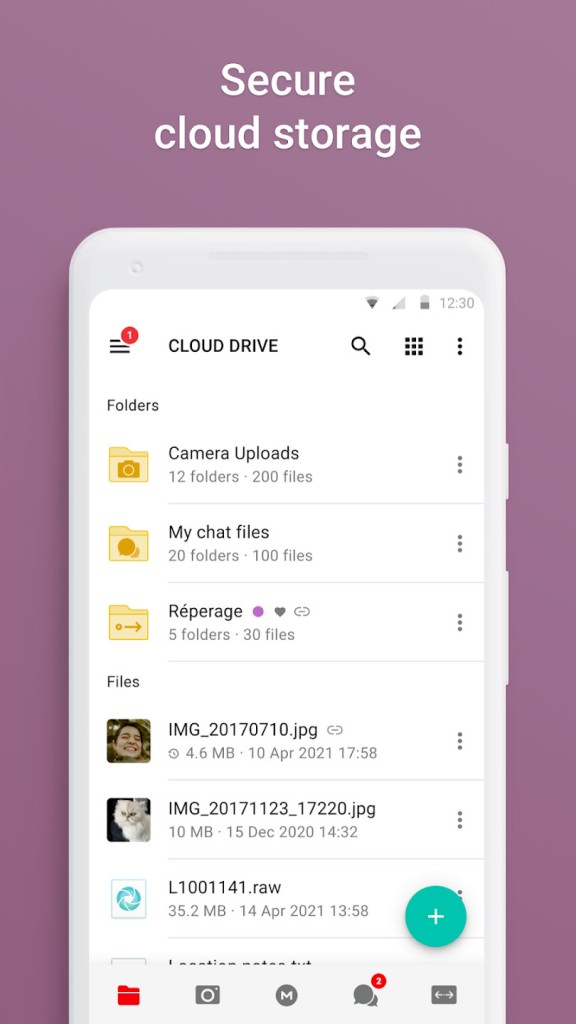
MEGA is a comprehensive service that allows you to store your files, hold meetings, or connect to the internet through VPN. All of that is built with a focus on the highest possible user privacy and data security. Use it to store, backup, access, and share files, photos, and documents with anyone, no matter where they are. MEGA uses advanced encryption methods to ensure all your information and data are safe before it leaves your device, so it's a great tool to handle sensitive information.
MEGA's end-to-end encryption means that when you upload a file, the tool encrypts it locally with a unique key that only you can use and is stored on your device, so even MEGA support can't access that file. It's a truly private service that blocks any way of intercepting your data or uploads. Whether you're an individual concerned about storage security or a business professional looking for a safe way to store and share documents, photos, images, videos, or backups, MEGA will meet your needs.
Even though MEGA started out as a simple storage service, right now it has grown into a more robust option. You can use MEGA Chat to meet and exchange messages that use full encryption, guard your network activity with MEGA VPN, or use the password manager the company offers, which is called MEGA Pass. When you start with MEGA, you get 20GB of free storage right away, but you can also subscribe to a paid plan to get more features and gigabytes. You can download MEGA for Windows, macOS, and Linux, but it also works as an add-on to web browsers, or you can get it for iOS or Android mobile devices.
Why should I download MEGA?
MEGA uses a zero-knowledge, end-to-end encryption for all your files, and it's enabled by default for all the features the service offers. Before any file gets sent to MEGA servers, it's analyzed and encrypted with a secure key directly on your device. That encryption key is based on your account password, which you should keep safe and remember, as it's the only way to recover your account and files; no one else but you has access to your password.
Another advantage is that no other service other than MEGA has such a generous free plan, where you get 20GB of storage for free as soon as you sign up. It's a substantial amount of storage that other services aren't even close to matching, so it's the perfect option if you're a student, photographer, designer, or just need to store and back up large amounts of data for free. You can always get a paid subscription if you need more, but this free plan offers a lot of storage right at the start.
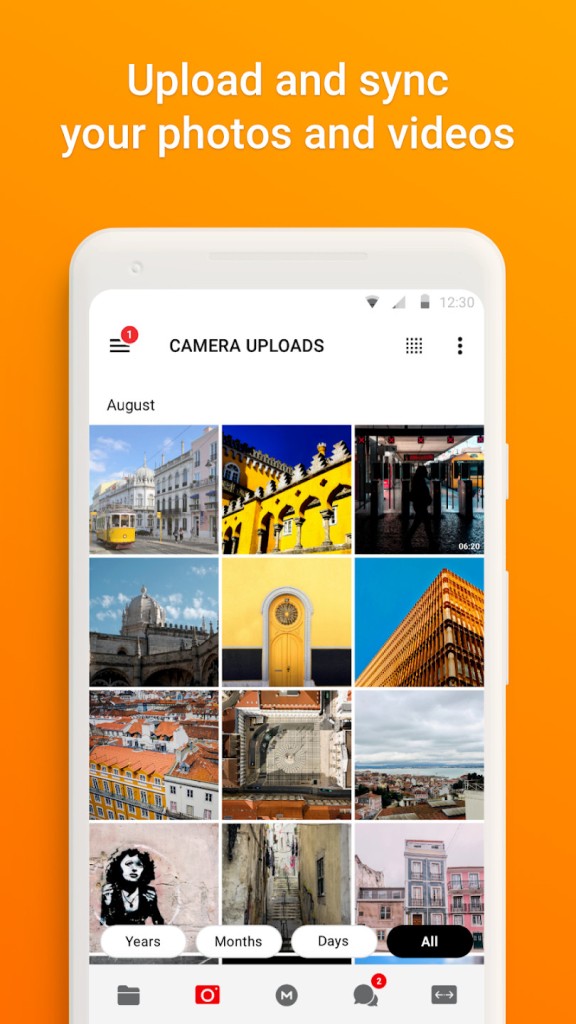
Because MEGA works on various operating platforms, you can access your files anywhere. The service uses automatic synchronization to ensure that the files you add to a MEGA folder on your computer are sent seamlessly to the cloud. Then, you can simply open any linked device, like another computer or a mobile device, and you'll see the most recent version of your files or images. Any files you add, edit, or delete will be instantly updated in your cloud storage.
With MEGA, you can not only store files but also share them with others and control how you want to do that with very granular settings. Choose if you want to share individual files or entire folders, and then you can just generate a secure sharing link. If you wish, you can also create an access key that you can share separately from the file link. Anything you share can also have password protection, or you're able to have your link expire after a defined time or number of downloads. After you share your images, folders, or documents, MEGA also offers information on who is accessing the content and how often.
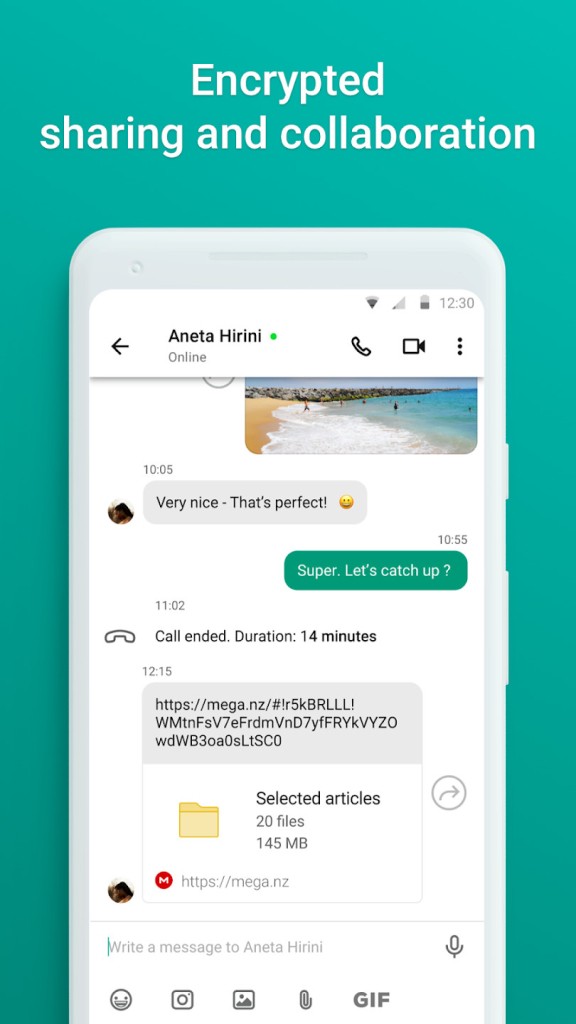
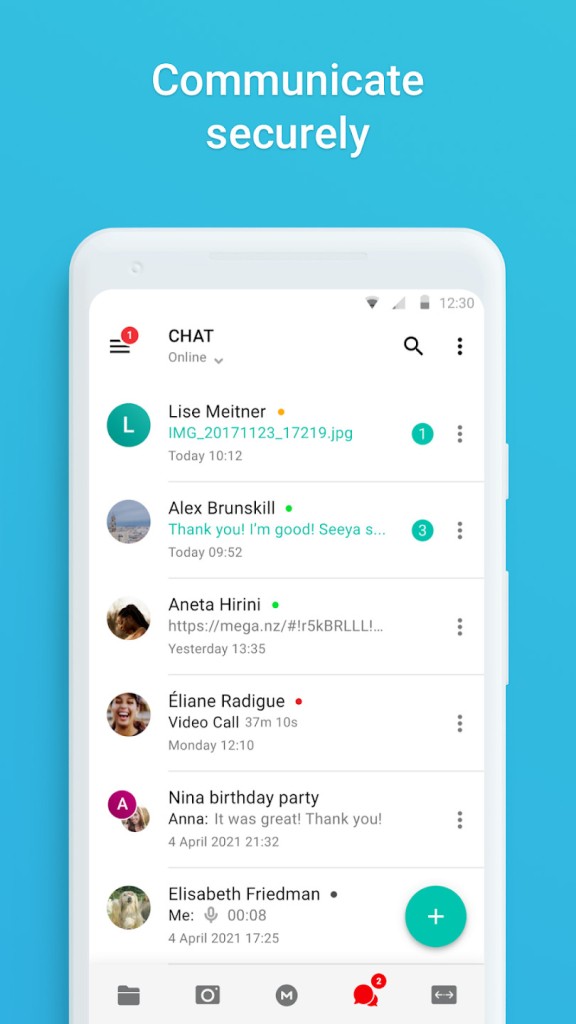
Some of the newest MEGA features include a solution for online meetings and communication called MEGA Chat. You can have secure one-on-one or group conversations with others who use MEGA, share files with them, and have fully end-to-end encrypted audio and video calls. It provides a great option when, apart from sharing relevant files, you also need to collaborate with other people and want to discuss the project within the safe environment that MEGA provides.
You can also use MEGA VPN to secure your entire network activity or use a password manager. The service works on Windows, macOS, and Linux with its desktop client, but also as an add-on to Google Chrome or Microsoft Edge and an app for iOS or Android.
Is MEGA free?
While MEGA has a generous freemium plan that gives you 20 GB of storage without any cost or time limit, you need to get a paid monthly or annual subscription if you want to remove transfer quota limitations or get more storage.
What operating systems are compatible with MEGA?
You can download MEGA for desktop on Windows 8 and higher, macOS, starting with version 10.15, and Linux Debian, Arch, Fedora, Ubuntu, and others. There are also dedicated apps for iOS 15.0 or newer (only MEGA VPN) and Android 6.0 or higher. MEGA also has browser extensions for Chrome and Edge or you can just use it through its website.
What are the alternatives to MEGA?
Proton Drive is another secure storage service from the same company as Proton Mail. It operates based on Swiss privacy laws and has multiple integrated encrypted services (Mail, Calendar, and VPN), where no one can access your data or files. You get 5GB of space for free and can subscribe to different paid plans if you need more. Proton Drive works via web browsers, on Windows, and macOS, and as an app for iOS and Android.
SwissTransfer lets you transfer files through your browser, but it's not a storage service. You can use it to send large files to others for free, without even registering for a user account. The files you transfer can be active for up to 30 days, you can send up to 50GB in a single transfer, and you can add a password to protect your files.
Filen is a cloud storage service from an open-source project. You can check the code of the Filen apps, either for your desktop computer or mobile devices. You get 10GB of free storage at the start and then paid storage space if needed. Filen works through web browsers, desktop clients for Windows, macOS, and Linux, and iOS and Android apps.