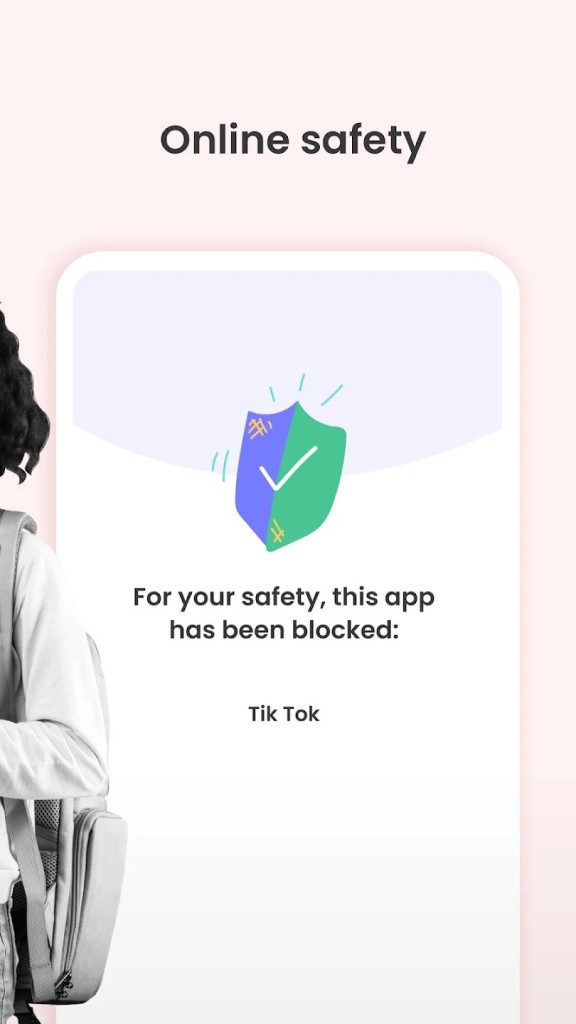
Qustodio parental control is a comprehensive digital well-being and safety family app to consider since it is aimed at teaching children online and offline values, as well as keeping them safe online by guarding against inappropriate content.
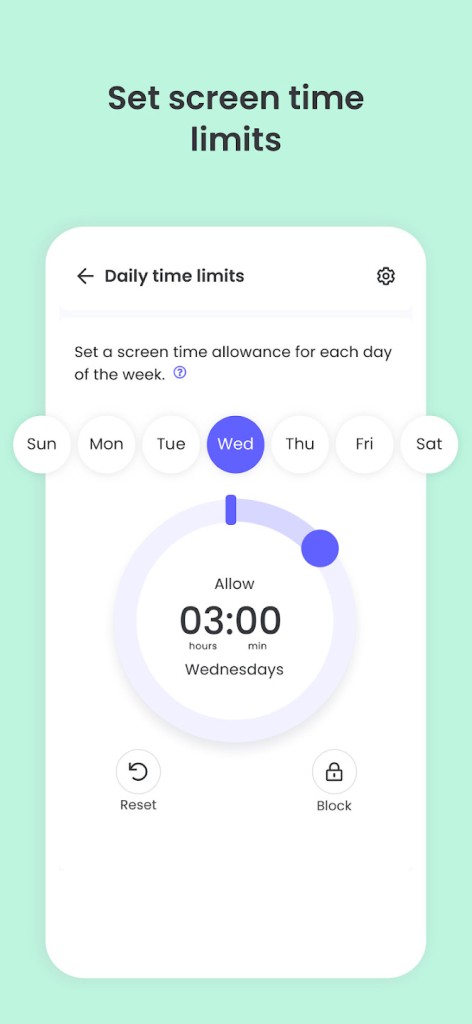
The service offers a range of solutions to control the time spent on screens, block dangerous websites on the devices, track applications, track location, and monitor incoming and outgoing calls and messages through supported devices. The purpose of the app is to provide a secure and balanced digital world in which children may learn and discover without having to face any danger. This is intended to be used by parents who wish to keep in touch with the online lives of their kids without being invasive or disruptive.
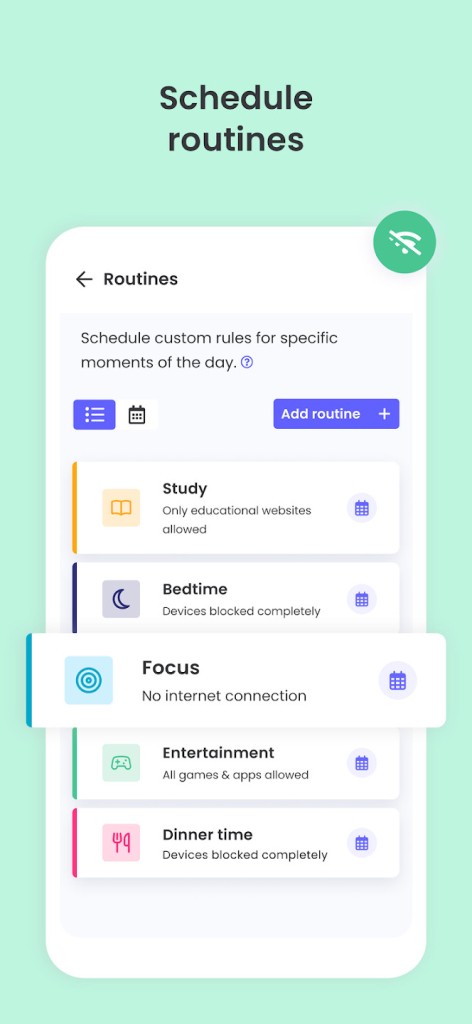
Having such information, families may discuss the issues of digital safety and the safe use of technology. The interface of the app is clear and accessible, which means a parent will not have problems with changing settings, blocking certain apps or websites, or modifying time schedules according to the needs of his/her family.
Qustodio is meant to offer control and insight, and with these capabilities, parents will be able to raise their children using technologies in a balanced manner that is safe for them.
Why should I Download Qustodio Parental Control?
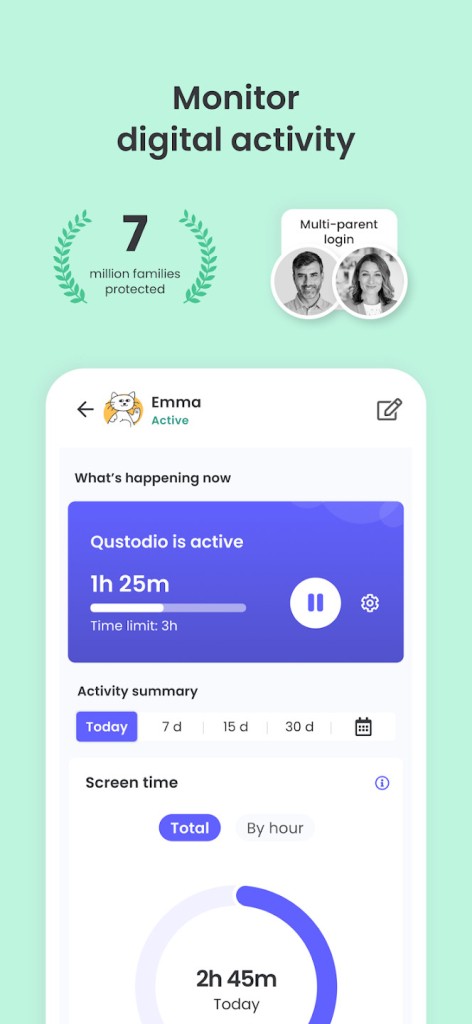
Qustodio goes beyond simple blocking and helps parents to have a complete picture of how their children are using technology. The service provides a parental dashboard that shows an overview of what their child has been using his or her phone to do, such as which websites and apps were used and how long he or she was on the Internet.
The reports provided are clear and enable you to know the time spent by your child on particular apps, what websites your child accesses, and the frequency of usage of the device by your child.
This degree of specificity allows you to determine the patterns and be able to engage in an honest discussion with your kid about controlling screen time and being safer in the cyber environment. Qustodio simplifies parenting by shifting the focus from controlling device use to teaching responsible digital behavior and concentrating on educating children on the importance of good digital culture.
Qustodio also takes care of families that have multiple children and multiple devices, with different technology usage. The app functions on phones, tablets, and computers, thus you can use the same rules of digital life regardless of what your child uses. It has a cloud-based dashboard, which implies that you can remotely access and check, edit, or even review actions wherever you are, be it at work home, or on the go. It is flexible such that it will allow parents to remain connected to the digital life of their child and regulate the settings as their children grow and how they use technology.
Is Qustodio Parental Control Free?
Qustodio offers both free and higher versions of the app. The free tier includes simple capabilities like daily tracking of screen time, web filtering, and reporting for one device. It is good as a starting point, and this version is also suitable to introduce those parents who plan to at least start controlling screen time or have questions about how their child uses their gadget.
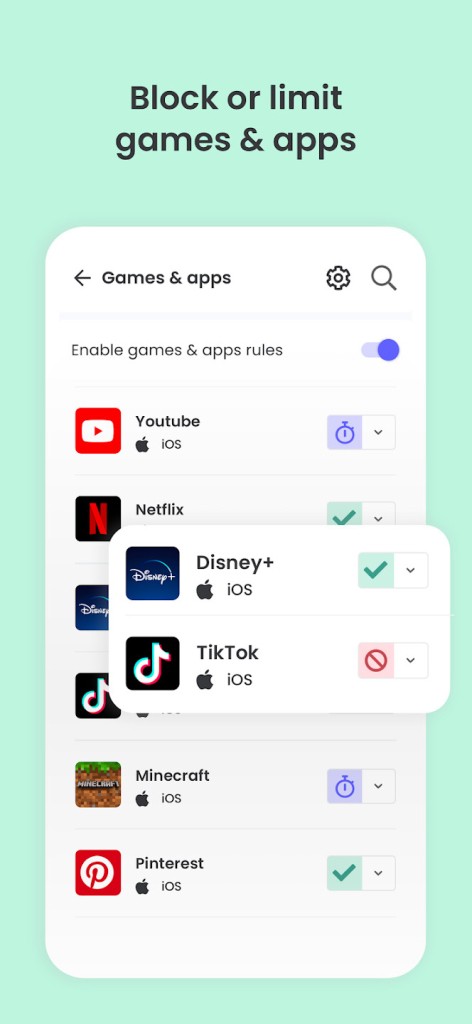
Qustodio provides a premium subscription to those families that require extra capabilities or the possibility to monitor several devices. Such plans offer advanced features such as app blocking, activity reports, locating, and call and SMS monitoring on Android devices.
The premium plan is offered in packages depending on the devices that you desire to manage. The price is adjusted to the entire package of functions and makes the service free of advertisement or data resale. Many parents who decide to go with a premium plan appreciate the extra security they get, the ability to personalize their experience, and the information they gain as having been worth every penny.
The direct benefit of subscriptions is that they compensate directly for the maintenance, improvement, and privacy of the apps since Qustodio does not use advertising as a source of revenue or share data with third parties.
What Operating Systems are Compatible with Qustodio Parental Control?
Qustodio can work on multiple operating systems, so it is a good option in case multiple devices are used by a family. The application works with Android and iOS phones and tablets, Windows, and macOS computers. Also, it is compatible with Amazon Kindle tablets, where children find their reading and amusement. Such general compatibility implies that you may develop a single set of rules and then implement them on every device used by your child, which makes managing it easier and provides clarity in terms of expectations.
On the Android version, Qustodio has most of the features available to track calls, texts, app usage, and reports in detail. It is also a powerful suite of parental control on iOS, with all the same tools as Android: screen time management, web blocking, and app use reports, plus in-depth privacy restrictions because of Apple policies. Qustodio allows monitoring the usage of apps, blocking them, and managing time on sources on Windows and macOS computers. With a cloud-based parent dashboard, you may reconfigure settings, monitor activity, and take action on notifications using any device with internet connectivity, so you never have to feel out of touch with your child when it comes to digital activity.
What are the Alternatives to Qustodio Parental Control?
Qustodio Parental Control has a number of alternatives to it that have similar tools that might better fit various families.
Google Family Link is a free option designed primarily for families that use Android devices. It offers primary app permission, screen time restrictions, and location monitoring so it might be an ideal choice to start with parents with younger children. It does not have some of the detailed reporting functions of Qustodio, but it is well incorporated with the Google accounts and devices.
Another solid alternative, particularly for families who use computers based on the Windows system or have an Xbox, is Microsoft Family Safety. It provides the level of screen time, content blocking, and geopositioning sharing, and driving reports to families with teenage drivers. The service also affiliates well with the Microsoft accounts and associates perfectly in the Microsoft ecosystem, thus you can control all the devices using one account.
The main components of Kids360 are mobile devices and activity control, blocking of applications, and real-time monitoring of location. It has minimal features that are user-friendly and easy to set up and monitor by parents as well, and it is also effective when a family is interested in a mobile-first option that lacks complicated reports or any need to monitor on a desktop.