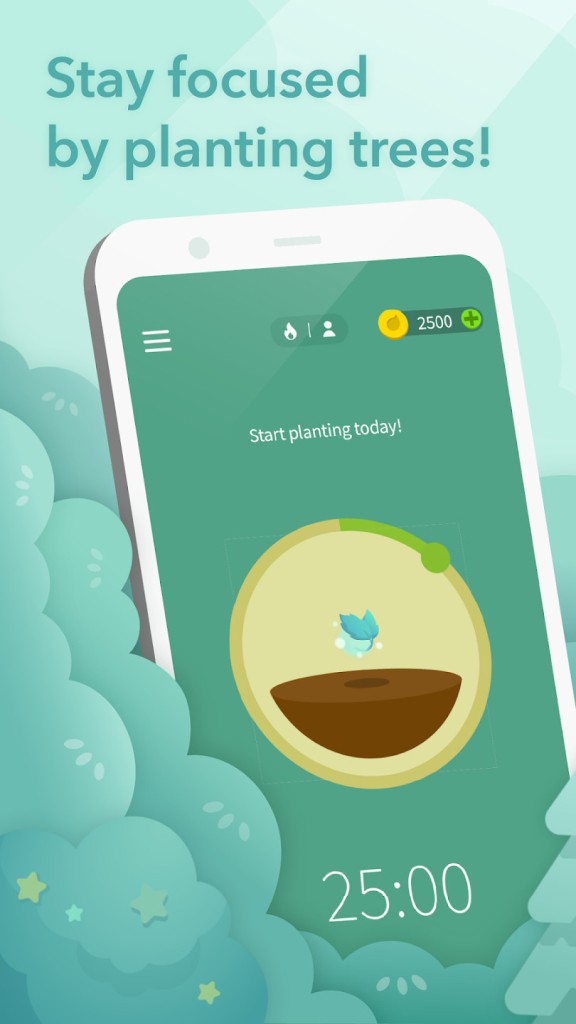
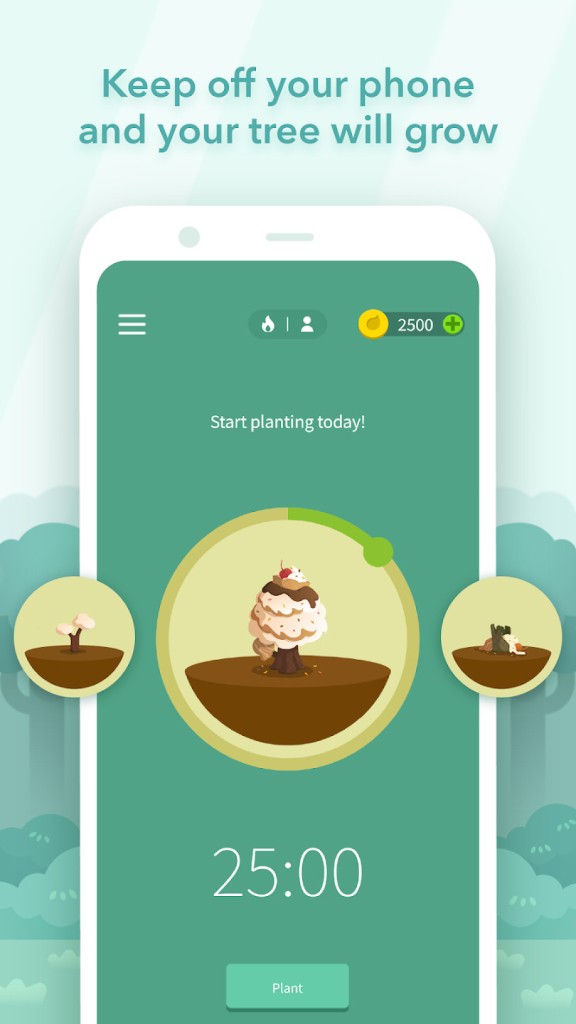
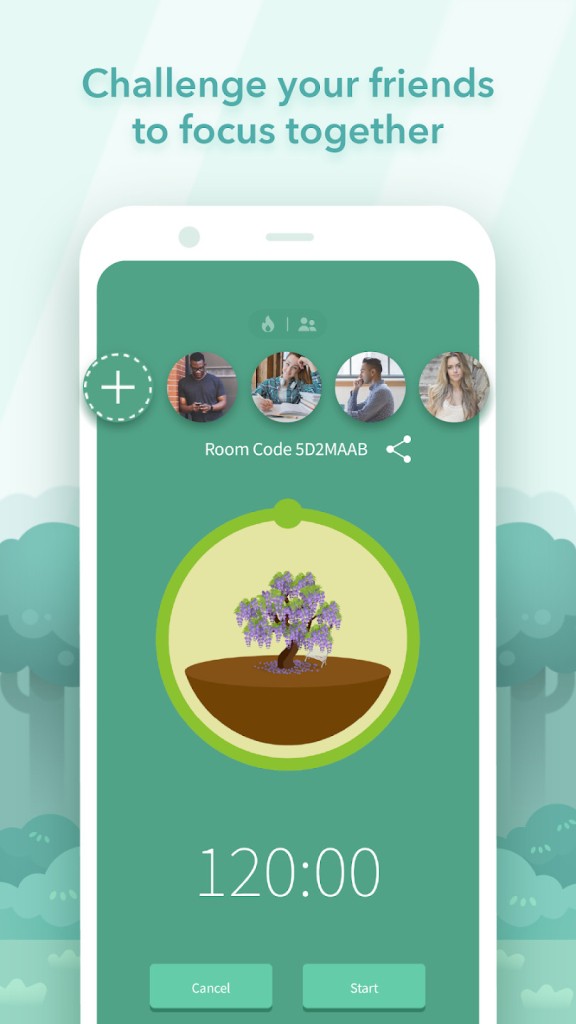
Forest offers a unique approach to productivity as it gamifies the whole experience and helps you put down your phone while you focus on important tasks. The premise of the app is very simple: when you start a task, you define the duration and plant a virtual tree that grows while you're working. If you exit the app before the time runs out, your plant will wither and die, so this lightweight mechanic is a fun way to limit digital distractions.
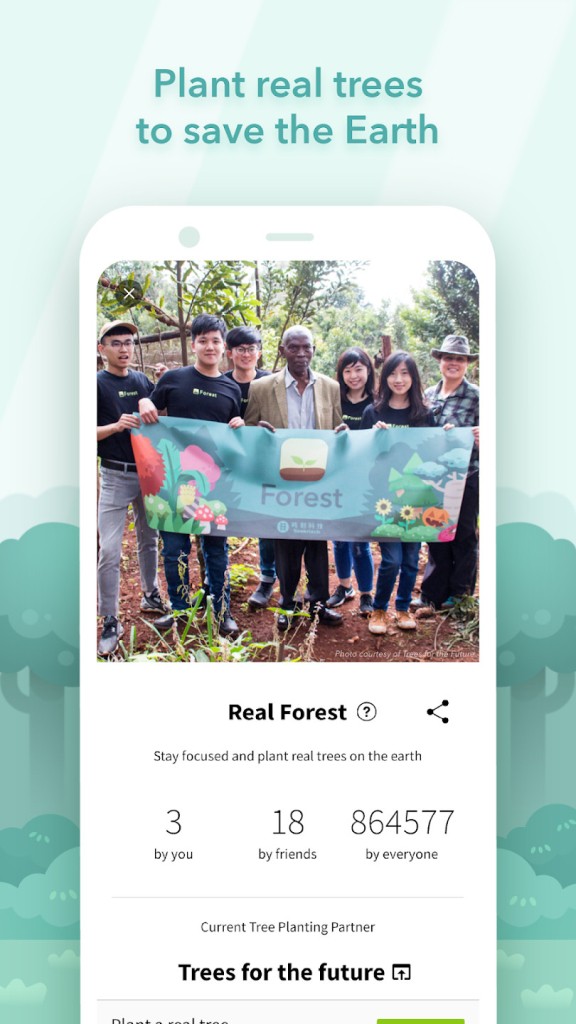
Each session you successfully end adds a tree to your virtual garden, so it grows the more tasks you complete in focus. You can also choose from various types of plants and unlock new ones as you gain points. Exiting the app to open social media platforms or other blacklisted apps breaks the session. Forest also cooperates with a real-tree planting organization called "Trees for the Future," so when you spend the coins you earn in the app, this NGO plants an actual tree, which is another motivator not to interrupt your focus sessions.
While apps of this kind are usually used for working or studying, Forest is also a great solution when you're meeting your friends and want to stay off your phone. It can also help you battle phone addiction or keep focused during a movie or a TV show. The forest you grow visualizes your efforts and successes, making it a strong motivator. You can download Forest for free on iOS and Android smartphones and tablets, as well as Google Chrome or Firefox browsers.
Why should I download Forest?
If you're one of those people who struggle with staying focused outside of your phone and are easily distracted, having a productivity app is a must. However, most of them don't offer enough incentive or motivation to actually influence your habits. Instead of simply using a timer, Forest combines it with light gamification mechanics.
Growing a virtual tree during your focus period can give you a sense of responsibility and achievement that helps you stay off your phone. The motivator is that you don't want to kill the tree by checking notifications or launching social media apps. You can also define a blocklist or define specific apps that are allowed during your sessions.
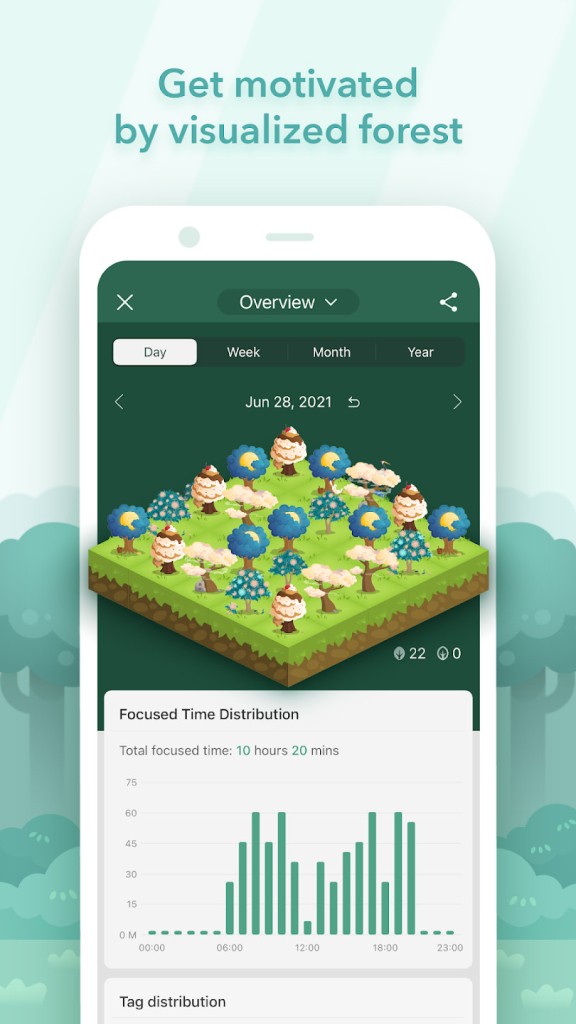
The more you use Forest, the bigger the virtual forest inside the app will be. It serves as a visual history of your productivity and accomplishments. Every successfully completed focus session, no matter how long, adds a new tree to your personal forest. Over time, as weeks and months pass, you can end up with a large and varied woodland. It's a simple tactic, but it powerfully visualizes your progress and achievements.
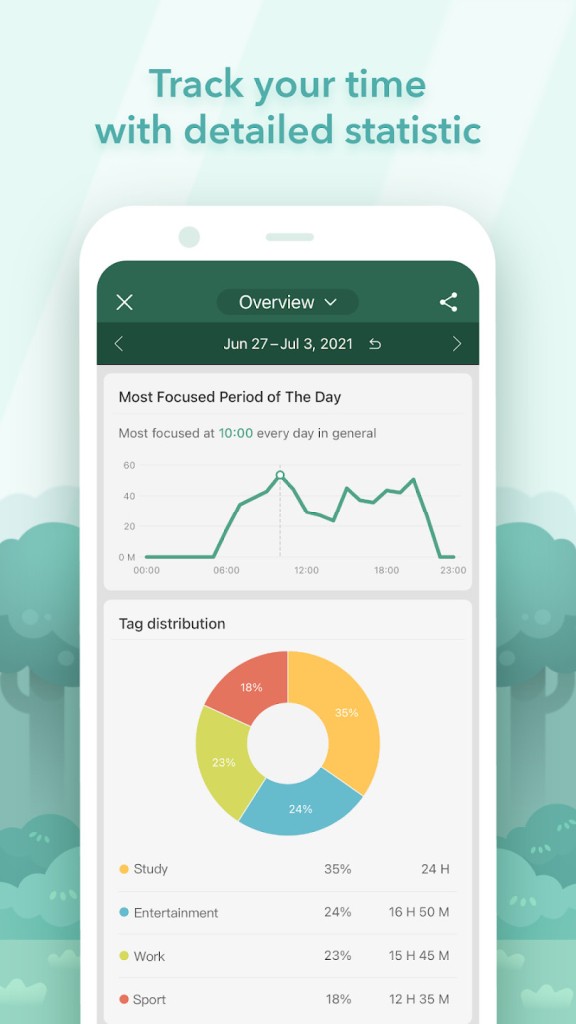
With Forest, you can adjust the app to your own workflow or needs. Your focus sessions can have any duration, whether it's 10 minutes or 2 hours. This way, you can use the app freely or adjust it to any productivity methodology, for example, the Pomodoro Technique. You can add a tag to each session, such as work, study, etc, and later check statistics on the sessions' length and type. You can check daily, weekly, monthly, or yearly data to see how much time you've spent in a focused state.
As you complete more sessions in Forest, you get coins that you can, in turn, use to buy new types of trees and plants and make your virtual forest more varied. You can also set up joint focus sessions where multiple people can join the room and plant trees. There's a mode where if one person breaks the session, all trees wither, which is a fun way to create a sense of shared responsibility and could be used during dinners or other activities you do together. You can also have a joint session remotely and agree on a time during which you will all stay focused on a task of your choice.
Frost has another great element that can convince not only to download it but also to use the app more. When you grow virtual trees, you gain in-coin currency that you can spend on new tree types inside the app or donate them to the NGO "Trees for the Future" that has a partnership with Forest. This gives you a chance to make a real-world impact and plant actual trees where they are needed most. So, Forest can help you and the planet at the same time. You can download Forest for free on iOS and Android devices to test the app yourself or add it as an extension to Chrome and Firefox.
Is Forest free?
Yes, you can download Forest for free on iOS and Android mobile phones and tablets. The base version of the app has optional purchases for premium coins, unique tree types, and other visual elements. The Google Chrome browser extension is also available for free through the Chrome Web Store, as is the Firefox extension (from the Mozilla Firefox add-ons).
What operating systems are compatible with Forest?
Forest works on Google Chrome and Mozilla Firefox browsers as an extension for all the newest versions on all operating systems. You can also download Forest on mobile devices with iOS 16 or newer, but also on those with Android 10 or higher.
What are the alternatives to Forest?
Digitox is a wellbeing tool that tracks and analyzes your phone habits and provides statistics on your screen time, the number of times you unlock your device, and the app you use the most. You can use this data to set up limits for specific apps to improve your digital habits. You can get Digitox is free with an optional paid subscription, and the tool works on Android and soon also on iOS.
Freedom - Block Distractions is an app blocker for multiple devices that you can sync across platforms like Windows, macOS, iOS, Android, and browsers and block distractions on all of them during your focus session. You can block specific websites, apps, or access to the internet as a whole. To use Freedom, you need to get a paid subscription, but you can test it during a free trial period.
AppBlock is an app and website and app blocker that you can fully customize by creating various focus profiles. Each of the profiles can have unique rules for different situations, so you can decide which apps or websites are available during studying, meeting friends, or working, and even set a time schedule. There's also a Strict Mode during which you can't edit the app settings or disable Android mobile devices.