AB Commander is an alternative to Windows File Explorer that allows you to efficiently manage and edit files with a dual-pane interface. This way, you can display two different folders simultaneously and quickly perform various operations like copying, drag-and-drop moving, and comparing the content in a single tool. You can even use it to access network and cloud locations, as well as FTP servers.
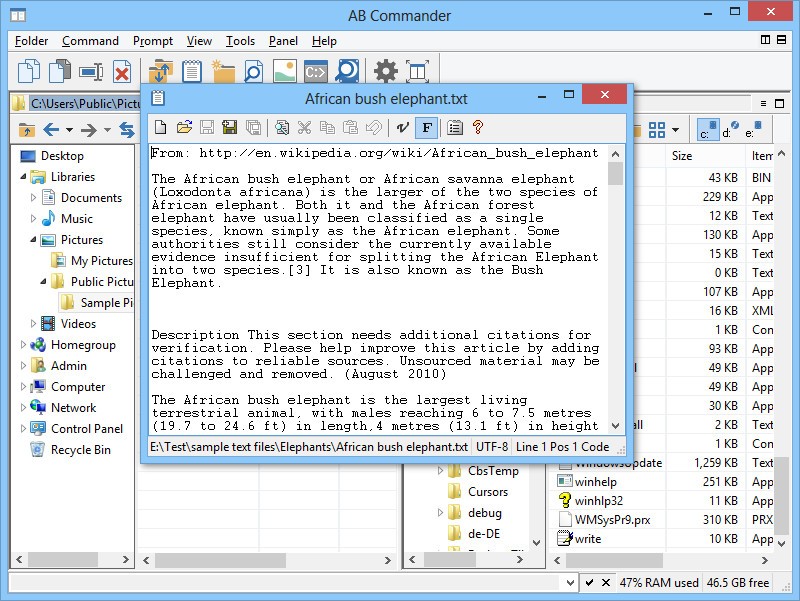
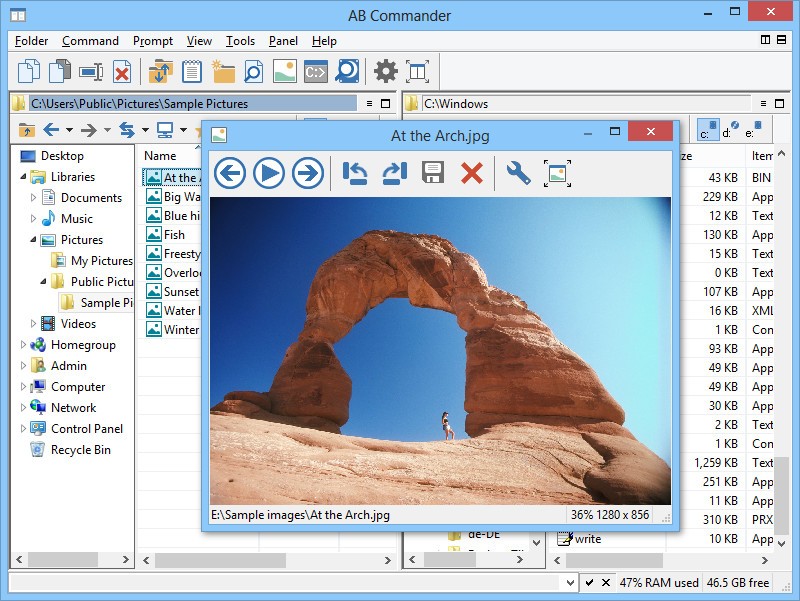
It’s a great solution if you regularly work with a large number of files, especially because it offers more features than browsing and standard file operations. AB Commander also supports batch file renaming, synchronizing folders with each other, advanced editing and search options, splitting files, in-app text editing and file previews, and command-line operations.
You can use AB Commander with various file types; it’s faster and more efficient than Windows Explorer, it integrates with various other tools, and you can use it on Windows 7 to 11, both in 32- and 64-bit versions. Keep in mind, though, that after the free 30-day trial, you need to get a paid license.
Why should I download AB Commander?
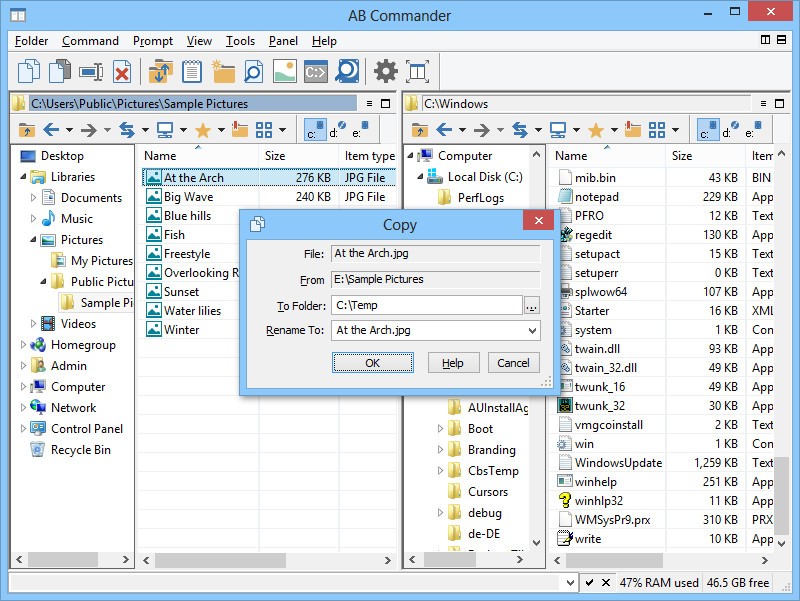
What most users appreciate about AB Commander is its dual-panel layout, which improves the whole user experience. When you open the app, you can open two separate folders and their contents in a single window, and then easily copy and move files between them simply by dragging and dropping them.
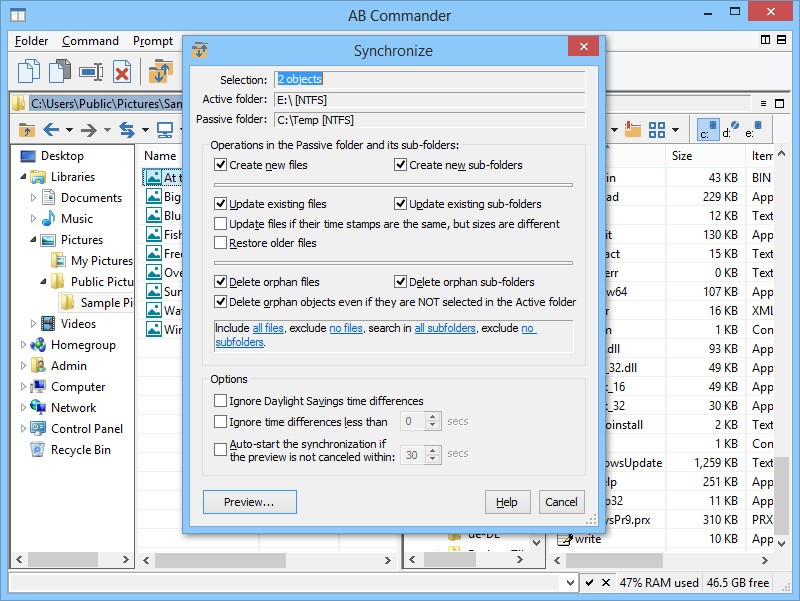
You can also synchronize two folders, especially if you need to keep identical versions of them in two different locations, like a network drive and local storage. The tool then compares the contents and shows which files differ, and you are able to choose to keep them up-to-date with a single command automatically.
If you work with lots of files, AB Commander offers a batch renaming tool to save you time. You can change the names of thousands of photos or documents easily. You just need to select the group of files, apply renaming rules, and launch the process. You’re able to add a prefix or suffix to the files, insert sequential numbering, replace specific words, and preview your changes.
With AB Commander, you can create a list of favorite folders or open them into tabs, making navigating between directories easier. Each of the panels in this tool can have multiple folders opened in tabs, just like web browsers. You can quickly switch between them and not lose your place or have to navigate back through complex folder structures.
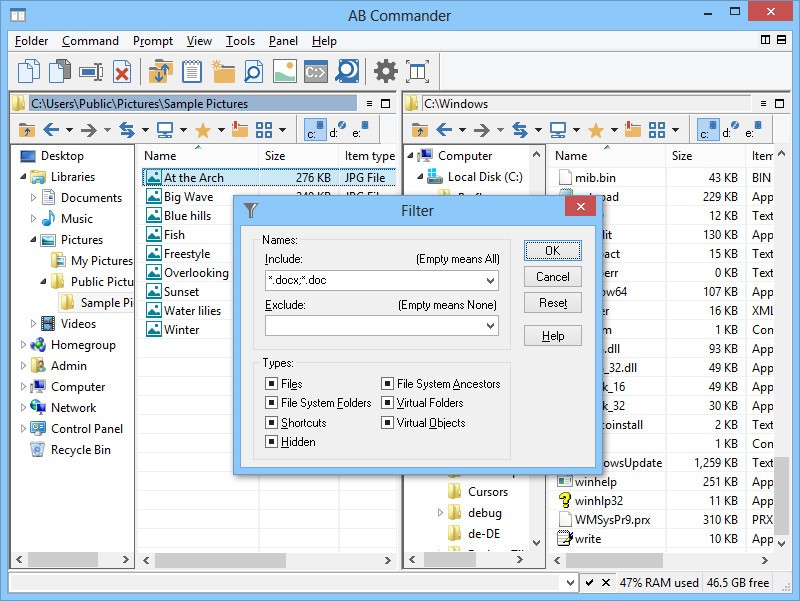
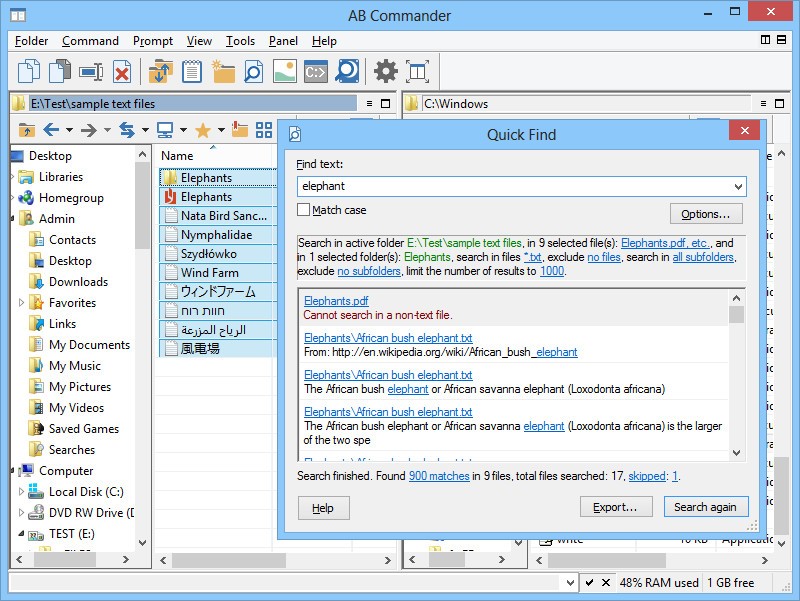
Another great feature of AB Commander is that it works natively with compressed archives so that it can open common formats like ZIP or RAR. You can browse their contents and copy files from or into the archive. The tool also has advanced filtering and search options that support wildcards, date filters, and searching the text within the files.
For more advanced users, AB Commander works with the command line, and each of the two panels has its own command-line prompt for the folder path. This feature can be used to run DOS commands, execute scripts, and launch programs, all without leaving AB Commander or opening a different window. Whatever your level of proficiency, AB Commander is a great choice for a wide range of Windows versions, and the tool offers a free trial to test it.
Is AB Commander free?
While you can download AB Commander for free on a 30-day trial period, in order to continue using it, you need to get a paid license. They come in various versions so that you can get one for 2, 3, or 10 computers, depending on your needs.
These are perpetual licenses, and for a year after purchase, you also get all upgrades for free. After that period, you get 50% off if you decide to upgrade to the newest version of AB Commander.
What operating systems are compatible with AB Commander?
AB Commander is a Windows-only solution, but because of that, it integrates smoothly with any files on your computer. It’s a lightweight app that works fast and doesn’t strain your hardware or computer resources. You can download AB Commander for Windows 7, 8, 10, and 11 in 32- and 64-bit versions.
What are the alternatives to AB Commander?
Total Commander is the most popular tool for file management. It also offers two panels that allow you to work quickly. While it also provides all the standard file and folder operations, you can customize basically every part of its interface and functions. Total Commander has a built-in FTP client, tools for synchronizing and comparing directories, and can work with various compressed archives. You can further extend Total Commander with plugins for third-party providers or build your own extensions and add-ons. You can use Total Commander on a never-ending and fully functional trial period, and it works on Windows computers from Windows 95 up to Windows 11, on 32-bit and 64-bit architectures. You can also get it for free on Android 1.5 up to 10.0 smartphones and tablets.
Double Commander is a similar tool that is entirely free and comes from an open-source project. There are no usage limits on this utility, and it works with more operating systems than just Windows, so you can also download it for macOS and Linux. It offers a dual-pane layout, batch file renaming, a built-in text editor, and works with compressed files and folders. Double Commander can also work with some plugins developed for Total Commander, so it’s worth checking it out if you’re looking for a free, reliable, and cross-platform solution.
Unreal Commander is a free file management utility for Windows for both personal and business users. It has similar features to the paid solutions and works with Unicode encoding and FTP. You can also use it to synchronize folders, search with advanced filters, and further expand its features with plugins so that you can get more file format support on a built-in file viewer.