HiBit Startup Manager is a Windows-only tool that gives you control over programs, utilities, and processes that launch when your computer boots. Many apps or processes related to them are launched at startup by default, which can increase the time it takes your computer to launch. They also often drain other system resources like RAM or CPU, so it's good to keep an eye on those programs from time to time.
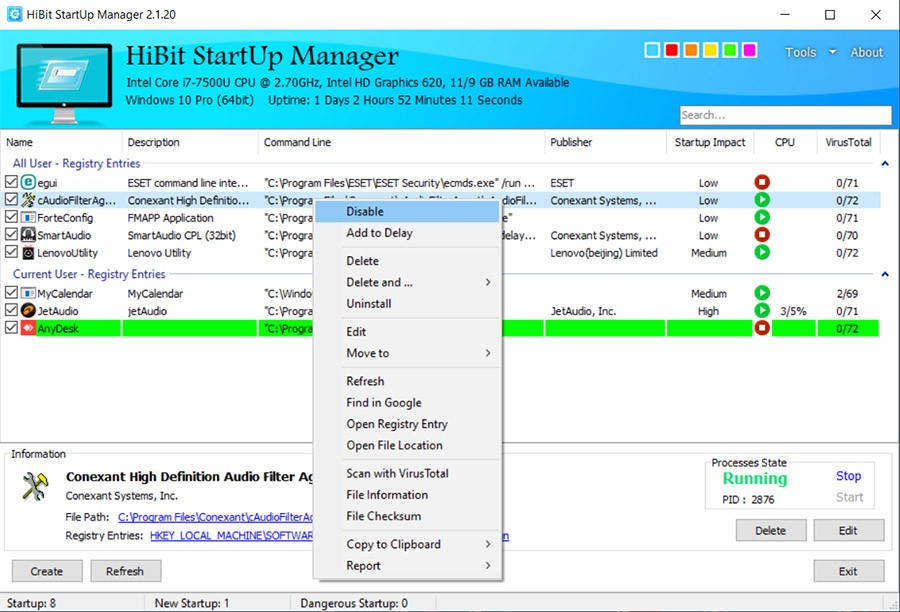
With HiBit Startup Manager, you can easily manage all applications, services, context menu items, and scheduled tasks that are initiated automatically. Apart from support for task manager processes and items in the startup folder, this utility also displays any registry-based items or system services. You can not only see them, but use HiBit Startup Manager to disable, delay, or delete them when necessary, so you don't need to look for those options elsewhere.
Another benefit of HiBit Startup Manager is that it has a simple interface that you can use even if you don't have any experience with similar tools. It also shows detailed information about every item it lists so that you can check the publisher, file path, startup type, status, and its impact on your computer performance. You can download HiBit Startup Manager for free for a wide range of Windows versions.
Why should I download HiBit Startup Manager?
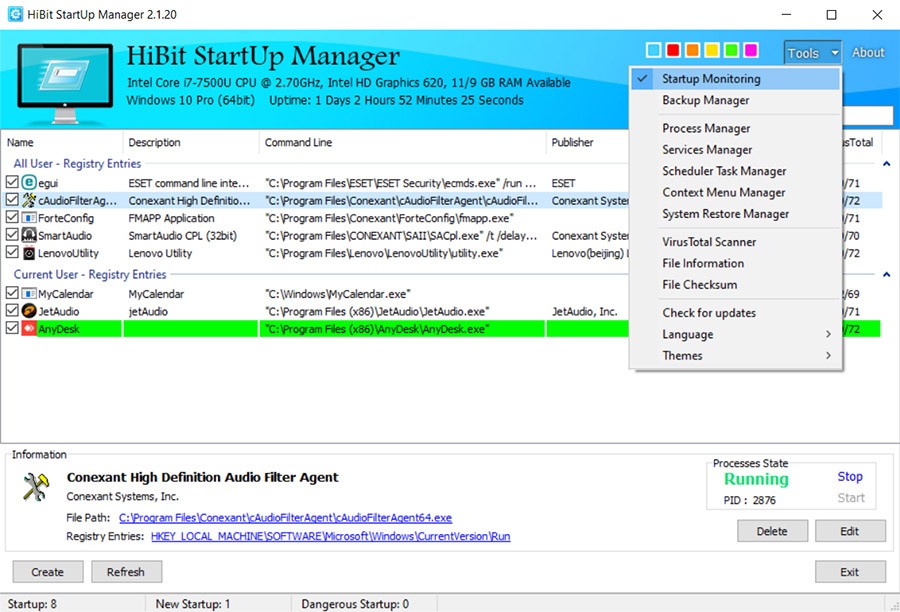
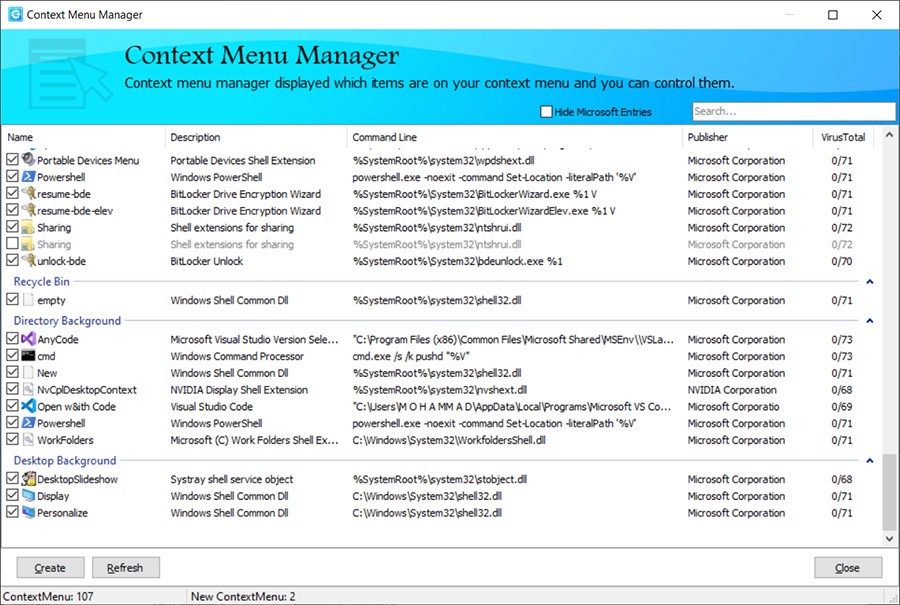
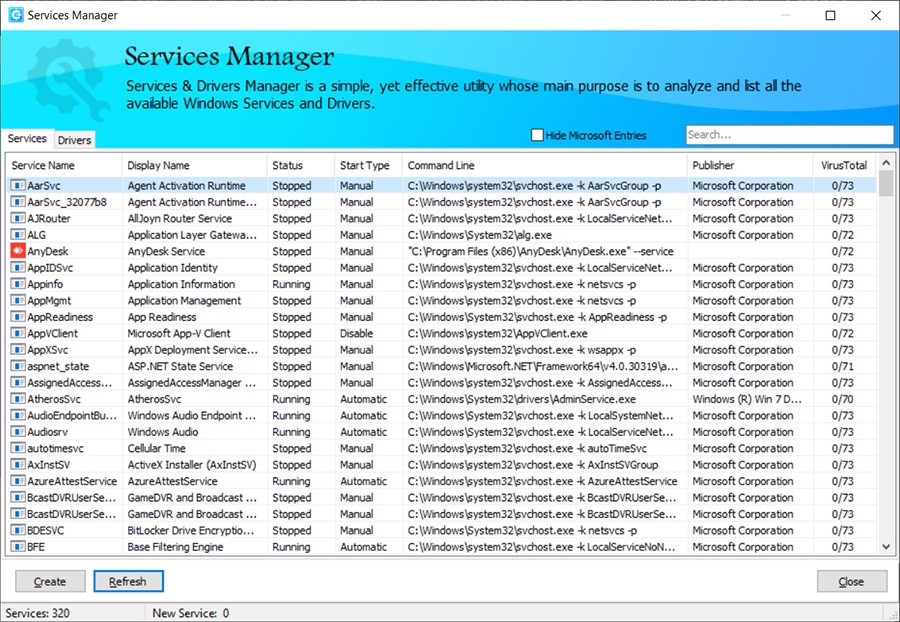
If your computer takes a long time to boot, it may not be caused by hardware issues, but rather by an extensive number of apps and processes that start up along with your system. HiBit Startup Manager is a comprehensive solution that surpasses the possibilities of Windows Task Manager, because this tool scans the entire system, not just a fraction of it, like the built-in tool. With HiBit Startup Manager, you can see programs from Windows registry, user and system Startup folders, Windows services, scheduled tasks, and context menu items provided by various apps.
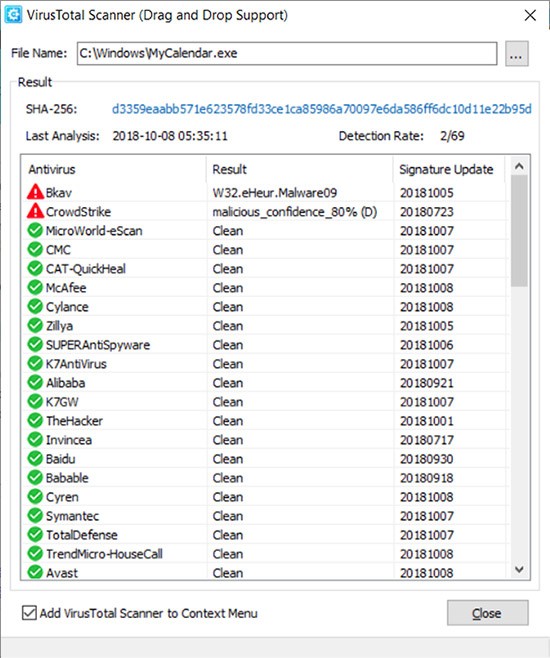
When you use HiBit Startup Manager, you can choose from a wide range of options to manage your startup programs and processes. For every item on the list, you're able to toggle it on and off, delay the launch, run it immediately to check what it is, and even permanently delete it. Delaying a launch is a great option if there are apps you actually use often, but they can launch a bit later than your computer, so you get faster boot times. You can also search to check what those processes are directly from the HiBit Startup Manager or scan them for viruses.
You can use HiBit Startup Manager as a process manager to check in real-time what apps and services are running on your machine. Apart from listing them, the tool also shows you details about the file location, memory usage, registry location, startup impact, the publisher, etc. Use it to quickly troubleshoot your system and terminate any processes that are unresponsive or unnecessary. There are also built-in tools with which you can optimize Windows services or create and manage restore points for system recovery. If you ever need that.
HiBit Startup Manager can alert you when new startup items are added, such as unwanted programs or malware that can sometimes install themselves. This helps keep your machine safe and secure so you can take action the moment it happens. You can download HiBit Startup Manager on multiple versions of Windows, and it also offers a portable version that needs no installation and The tool is completely free.
Is HiBit Startup Manager free?
Yes, HiBit Startup Manager is freeware, which means it does not have ads, pricing tiers to unlock more features, or tracking to monetize your data for ads.
You can use it both for personal and commercial purposes, all updates are also delivered tyo you for free, and it's a lightweight tool that anyone can use.
What operating systems are compatible with HiBit Startup Manager?
You can download HiBit Startup Manager only on Windows computers, but it works in both 32-bit and 64-bit architectures on the following systems: Windows Vista, 7, 8, 8.1, 10, and 11.
You can also install the tool and use it in multiple languages. The program weighs less than 5MB and doesn't need an internet connection to work.
What are the alternatives to HiBit Startup Manager?
Autoruns is a very powerful process manager that gives you visibility into all locations with startup programs or processes. Though it's a free tool, it has a more complicated interface, so it might be more useful for advanced users who need total control and have a lot of experience with similar utilities. It's a standard program used by IT professionals that lists every application, driver, codec, and service configured to run automatically. It can also scan them for malware with the VirusTotal online scanner.
Autorun Organizer is a simple solution for anyone who wants to manage startup items but doesn't have a ton of experience. You can see in the tool how many users have chosen to disable or delay any item from the list, which saves you time from doing the research on your own. Autorun Organizer can track your computer startup time and present you with a chart so you can see the impact of the changes you make. You can get Autorun Organizer for free, but it only works on Windows computers.
Argente Autorun is a free startup manager that lets you see all the startup items in different categories, such as programs, scheduled tasks, and services. This utility also has the option to scan the processes running on your computer to recommend what to keep and what to turn off, highlighting items that could possibly be dangerous. You can use Argente Autorun on Windows PCs, and currently, there's no support for other operating systems.