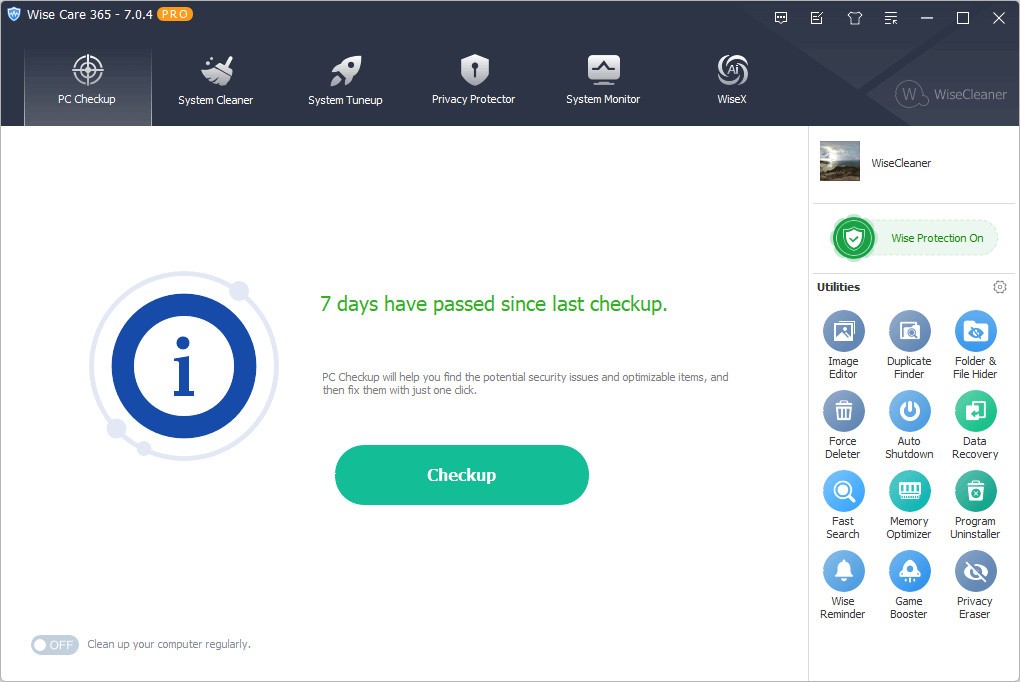
Wise Care 365 helps your system run better, stay clean, and work properly even if you don’t have any computer science knowledge. Picture it as an undercover helper who sorts your documents, improves your device, and tidies things on its own. It doesn’t call attention to itself, keeps things simple, and performs basic updates that people often ignore.
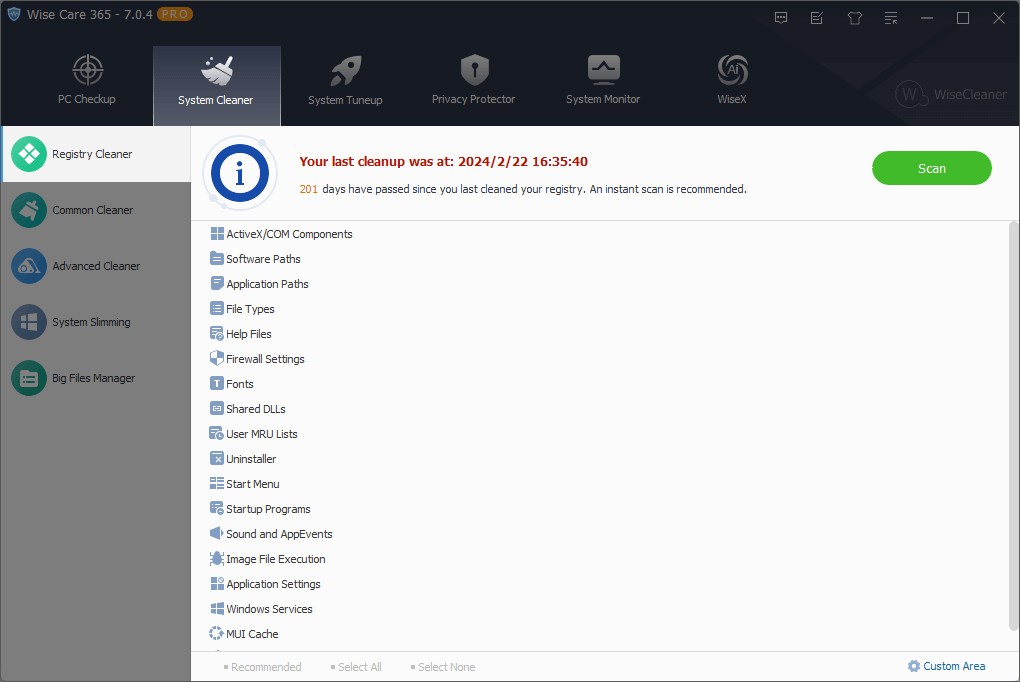
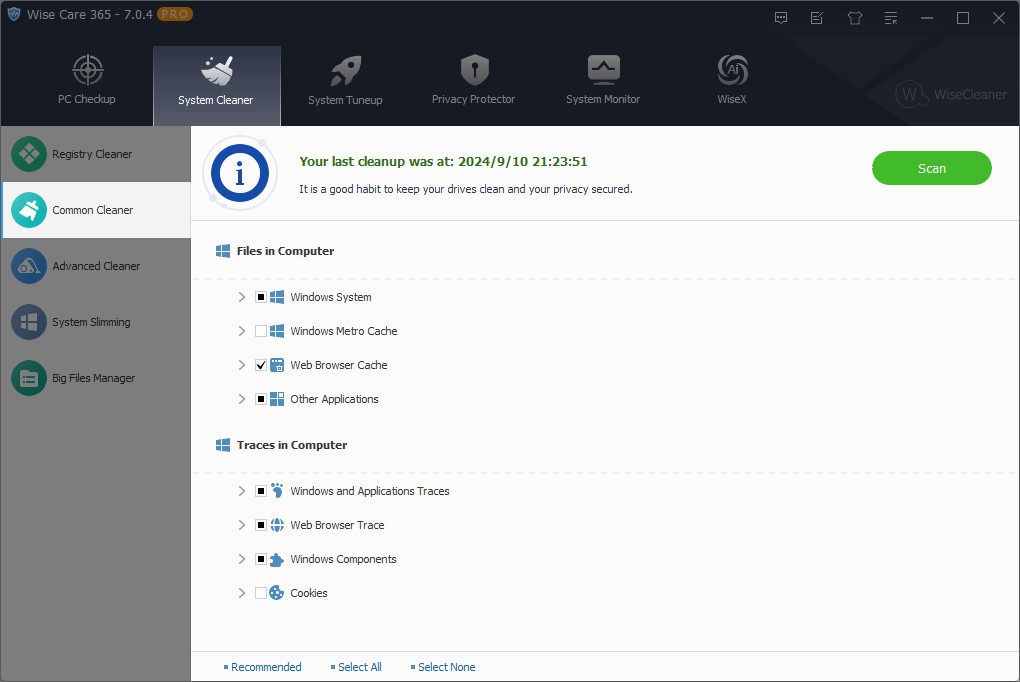
In essence, it searches for unwanted files, temporary information, invalid registry entries, and other digital garbage you accumulate with time. As a result, your computer works more slowly, and sometimes it’s not until the boot time gets much longer that you notice something is wrong. Wise Care 365 makes it possible to solve the speed issues. It also offers tips for managing startup programs, so you can set which programs run every time Windows starts, which can also slow it down.
Those who don’t want to deal with mysteries can use Wise Care 365, which gives a quick and easy way to resolve problems and restore the system. It isn’t trying to accomplish every task. It desires to clear some space for your PC when it needs to relax.
Why Should I Download Wise Care 365?
Wise Care 365 is preferred since it makes handling PC maintenance simple for everyone. It’s easy for anyone to follow the explanations about technology. Upon installing, it grabs information quickly and illustrates how your system is doing in just a few seconds. Afterwards, you get advice on how to solve your issues, and you can either take care of them now or check the information for further explanation.
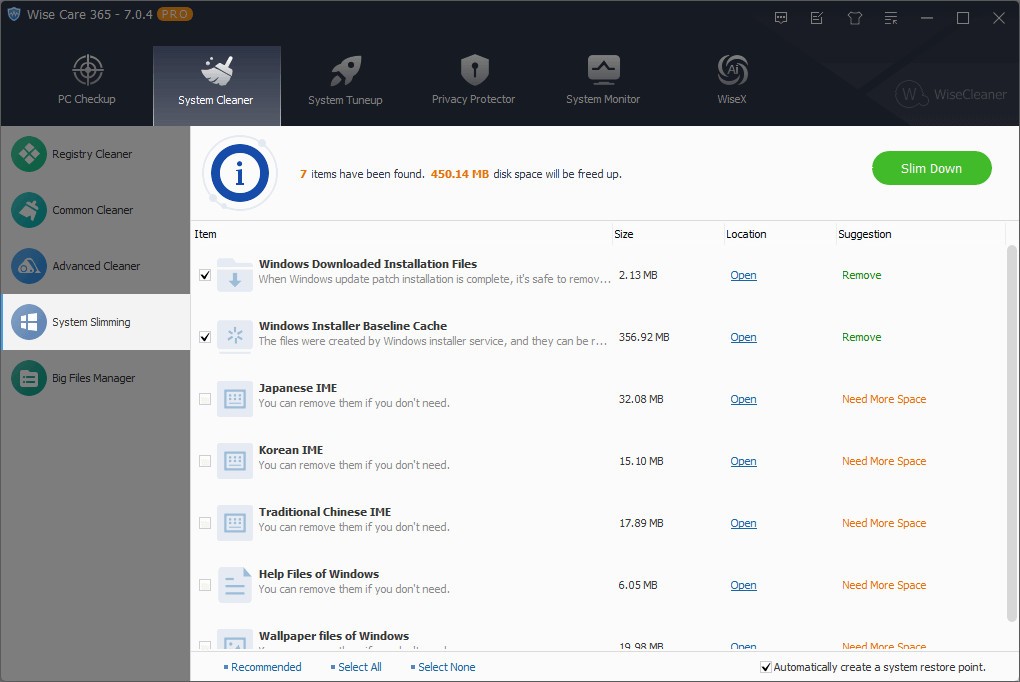
People usually appreciate the fact that it can clean the system in a single click. Users who are not interested in adjusting complicated settings can use it for the same results. When you click, it cleans, and your system works fine once again. And users who want to do more can try higher-end features. Besides the main functions, tools like disk defragmentation, registry cleaning, startup management, and hardware monitoring help you change your system’s performance.
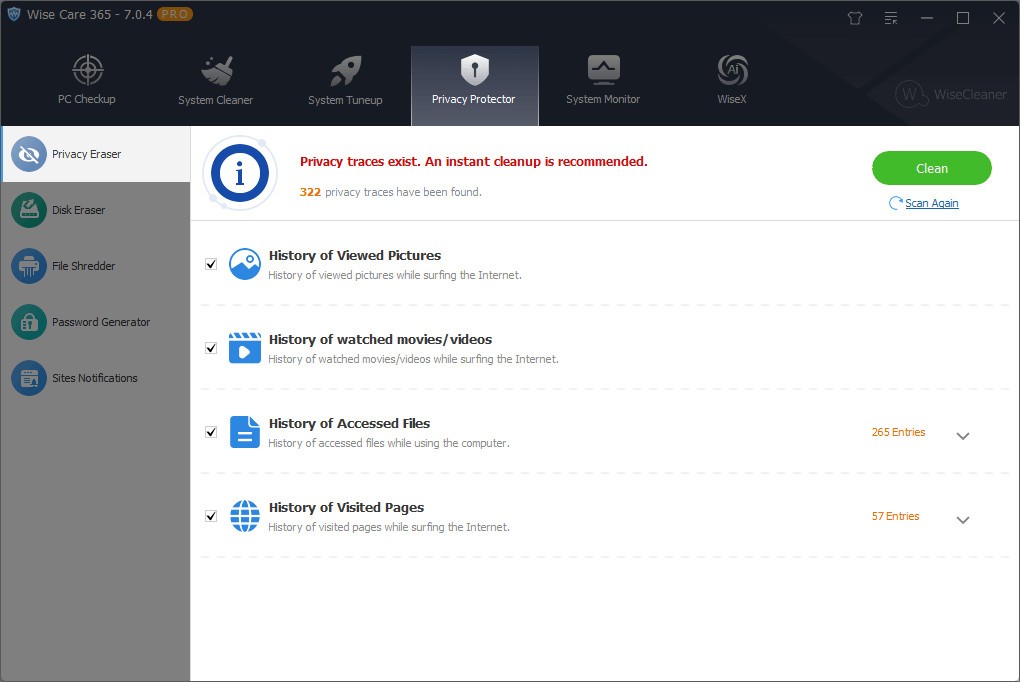
Another highlight of Wise Care 365 is its privacy guard, which wipes out recent internet activities and the history of your actions. That can benefit users who care about their privacy and also share their computer with others. You can also find a file shredder and a reliable password generator, and you’ll find these handy at some point, even though they are not the main reason to download.
Apart from making the computer clean and private, the software is very lightweight. It doesn’t decrease your machine’s performance. People have said that their systems become more responsive after frequently using Wise Care 365. It is an especially helpful decision for outdated PCs, since minor boosts can have a big effect.
Many users forget to mention the scheduler as being important. You may schedule the cleaning process to take place once a week or once a month when the device isn’t on. Thus, you won’t have to worry about cleaning your system, since it happens automatically. You are able to enable performance improvements, which happen automatically.
Even when you don’t pay much attention to system care, using Wise Care 365 on your computer can greatly improve its condition with time. It handles cleaning up tasks not seen by most people, such as temporary files, unnecessary programs that load with the OS, and background processes that eat up the system’s resources. You won’t be confused by many options, but Wise Care 365 still offers enough tools to reassure you that everything is being taken care of in your system. In the end, this consistency becomes important.
It’s non-aggressive in nature, as well. A number of system cleaners try to frighten you by making you believe your computer is in great danger. Wise Care 365 doesn’t have that kind of issue. The information is peaceful, clear, and helps instead of scaring me. If you want to reverse a change you made, you can, since it’s very simple to use Undo.
When you don’t want to replace the inventory of calls, Wise Care 365 can give you more leeway in handling computer issues yourself. Being aware that someone is always caring for your computer provides you with security whenever you forget about it.
Is Wise Care 365 Free?
Yes, you can use Wise Care 365’s free version for common tasks such as fixing the registry, trashing junk files, managing startups, and improving your privacy. You can pay for the Pro version to enjoy additional functions like in-depth optimization, real-time checking of your system, and automatic updates. Every day use of the free version is excellent, and you won’t feel that anything is missing.
What Operating Systems Are Compatible with Wise Care 365?
Wise Care 365 works with PCs that use Windows 11, Windows 10, Windows 8, and Windows 7. Windows 10 also works on computers using both 32-bit and 64-bit operating systems. Since this software does not need many resources, it works well on old and new computers. The system continues to function smoothly as Windows changes with time, because it gets regular updates.
What Are the Alternatives to Wise Care 365?
There are a few competitors for Wise Care 365, and considering what you require, you can check them out too.
Many people choose CCleaner as their main alternative. For a long time, CCleaner has been famous for cleaning files well, working with the registry, and being user-friendly. Although Ccleaner has sometimes been questioned by users, many people are faithful to it for its good results. Regular cleaning is possible with the free version, and advanced cleanups can be done with the paid one.
Microsoft PC Manager is worth trying if you choose something developed by Microsoft. Since it is in the beginning stage, the tool uses minimal features that attract users looking for easy cleaning. It is compatible with Windows tools and helps you organize your files, monitor your apps, and improve your PC’s speed a bit. Users who want to go with Microsoft might find it helpful.
Glary Utilities is another choice as well. All of the tools come together in just one application. You can use it for disk analysis, rescuing lost files, changing your system, optimizing the memory, and a variety of other purposes. Because Glary Utilities is mostly for advanced users, it’s not the best option for those who need a basic cleanup.