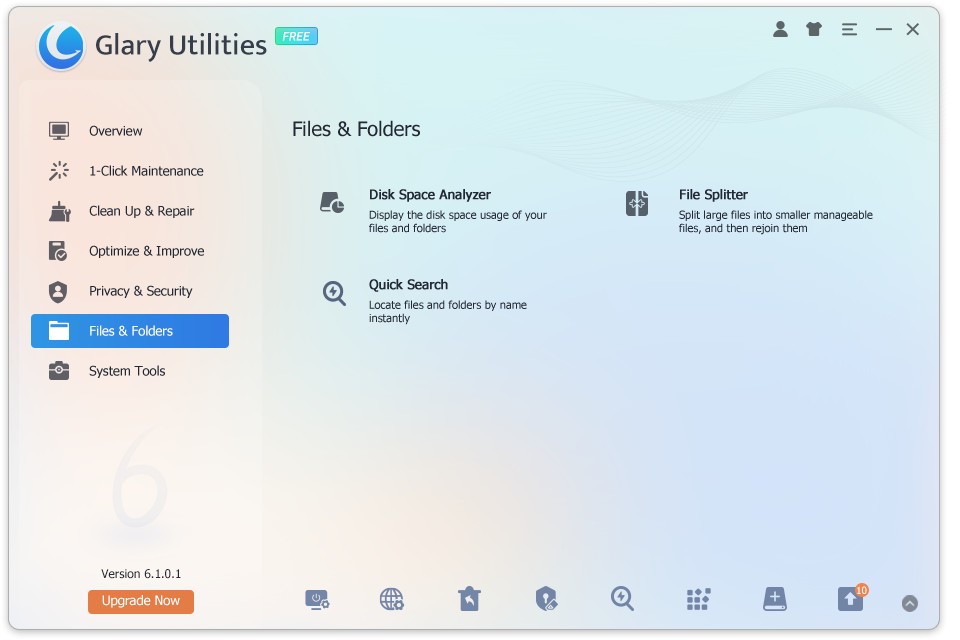
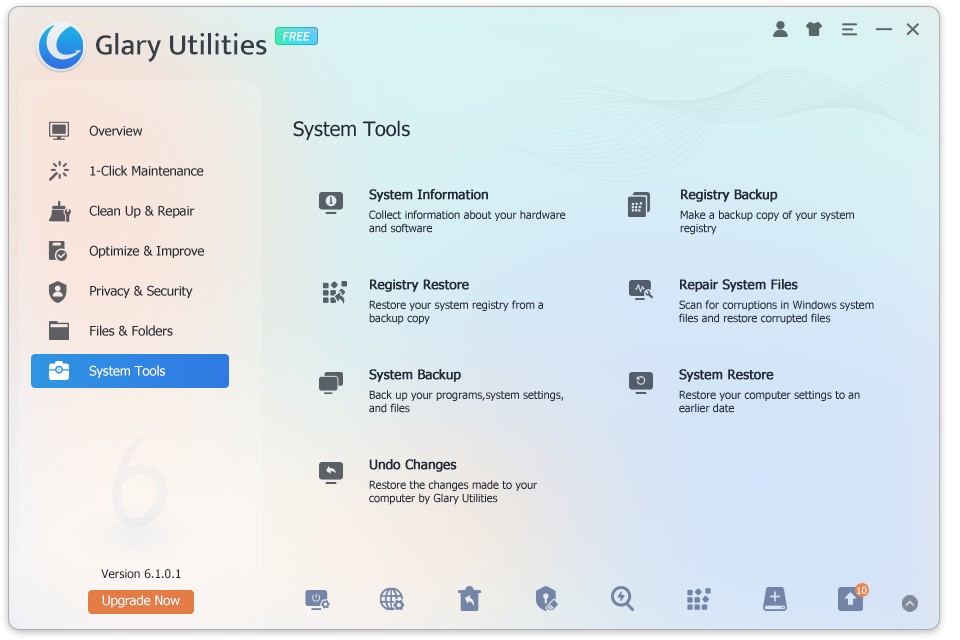
Glary Utilities functions as a discreet suite of tools that steps forward to help computers regain their normal speed and clear up space and storage problems. The program stays in the background because it lacks flash but enables users to operate after having it installed. Glary Utilities serves as your system's unobtrusive helper because it organizes different maintenance utilities into a single interface which speeds up performance and cleans up your computer without taking excessive demands from you.
All computers gradually experience slowdown due to normal usage. Your computer storage gets filled with temporary files while registry entries start to malfunction and manual startup programs delay your system boot-up time until background junk accumulates. Glary Utilities avoids presenting its users with multiple confusing dashboards for system management. It simplifies everything.
The platform executes numerous little performance enhancements that deliver comprehensive system improvements through a unified platform. The program suits users of all experience levels, which makes it highly beneficial. The program provides assistance that allows your system to regain small yet significant performance improvements on a daily basis.
Why Should I Download Glary Utilities?
Various compelling reasons exist for having Glary Utilities installed, even though cleaning functions represent only a small subset of its capabilities. Glary Utilities provides users with the sensation that their computer now works together with them instead of against them. Glary acts as a clear-up tool for the system problems that frequently result in delayed startup times and prolonged program loading, and random unexplained system errors.
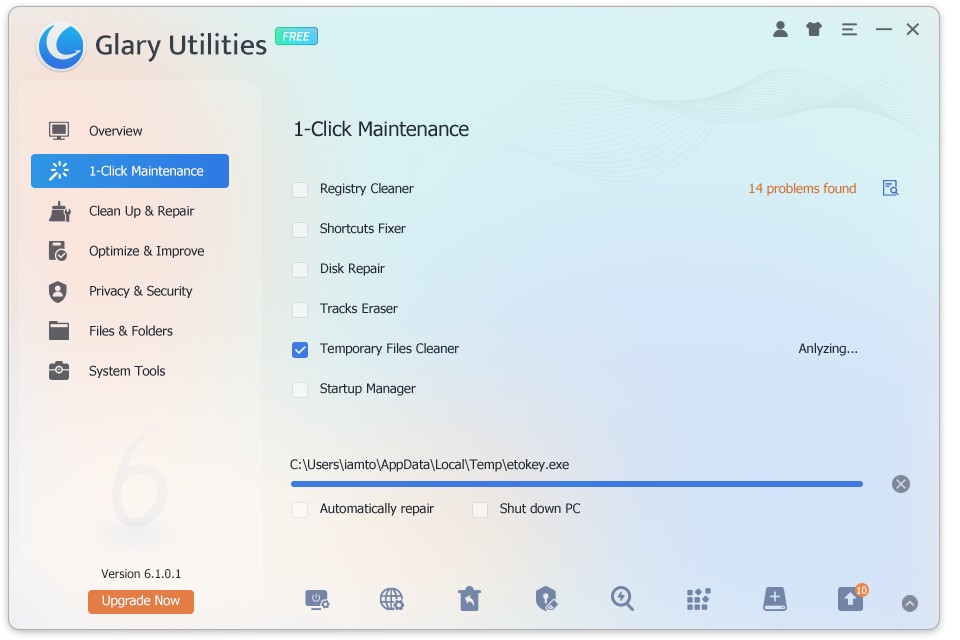
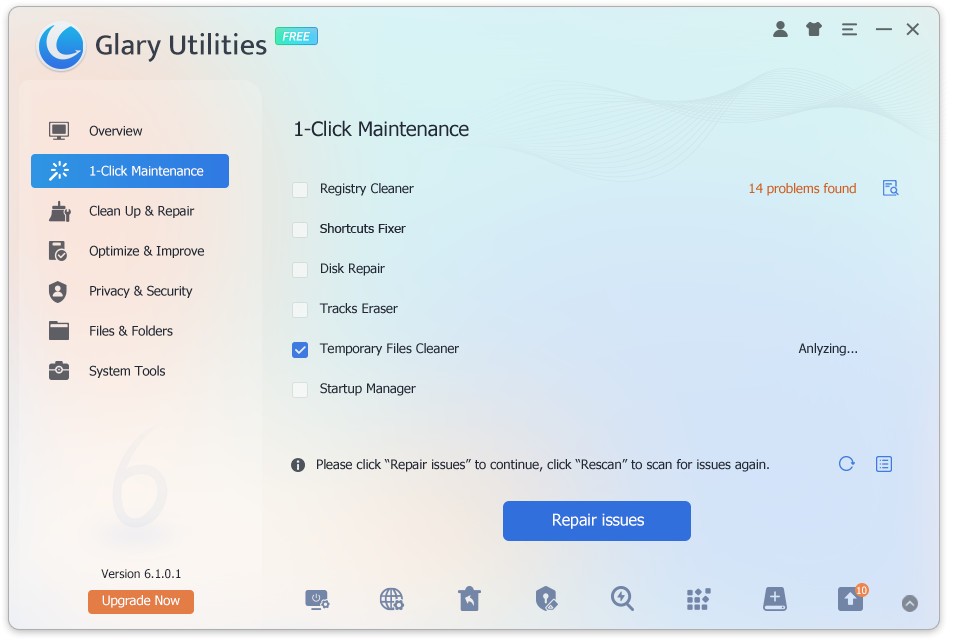
It starts with ease. The maintenance operation through one quick button click defines the One-Click Maintenance feature. The application launches from your computer, after which you tap the single button to trigger its automatic operations, which address temporary file deletion along with registry error recovery and background process management. Every action you need can be achieved by using a straightforward user interface with easy-to-grasp terminology. The program serves users who require computers to operate with better performance.
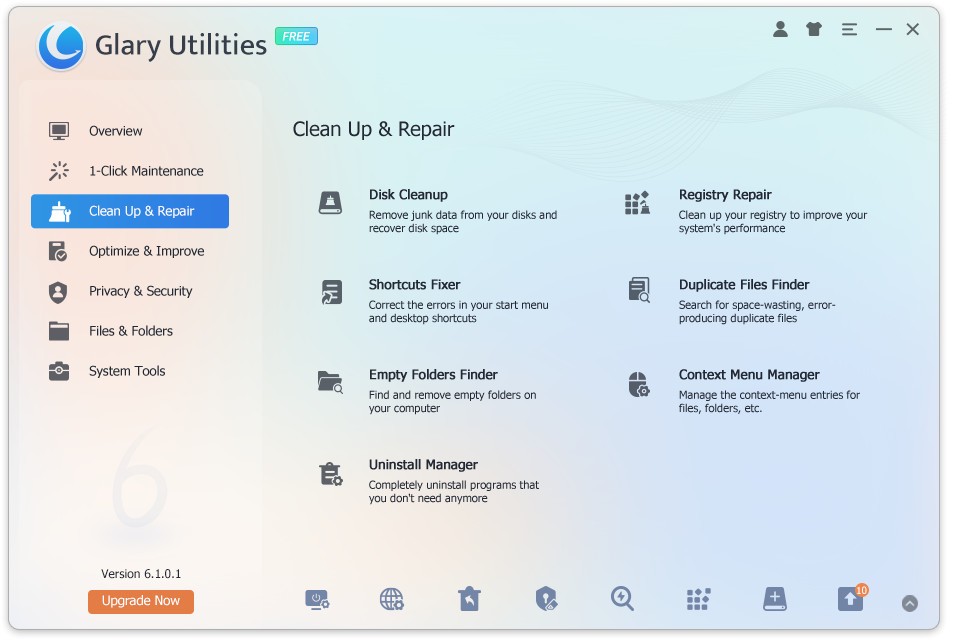
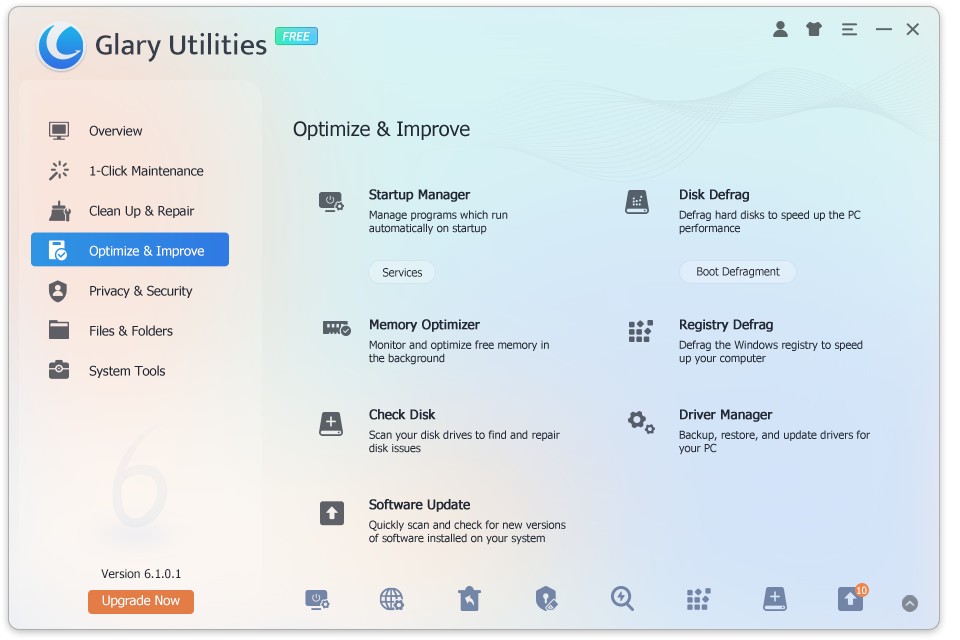
People with advanced interests can delve into many available features, although the initial functions remain accessible for anyone. Users can deactivate startup programs through a system update check and file encryption, as well as split functions and file shredding, which makes files unrecoverable. Your antivirus together with the firewall receive added protection from Glary Utilities so they function better.
The most impressive attribute lies in its nonintrusive operation. The program avoids interrupting you with additional windows while refraining from forcing software upgrades on a regular basis. The software has a passive presence, but it becomes active at the moment when you require its function. The optimal blend of system efficiency and relaxation becomes the main reason users continue to use this program.
Glary Utilities delivers an unobtrusive advantage by improving the durability of your operating system. Repurchasing your laptop every couple of years is only possible for some users. There are occasions when maintaining your existing machine until the next upgrade becomes necessary. Your PC receives prolonged operational efficiency through the Glary cleaning and maintenance process, which includes repetitive repairs and optimization services.
Users who value privacy can benefit from the discrete file shredding tools and history clearing functions of Glary Utilities in their defense against data exposure The application helps users manage system traces without forcing them to install and use multiple applications.
Glary Utilities behaves differently from other heavy-duty utilities, which tend to be overwhelming or excessive, because it approaches the game in a distinct manner. Glary Utilities runs unobtrusively without taking up a lot of storage space while maintaining its capability to handle various tasks. Many users perform a single installation of Glary Utilities, which leads them to never return to uninstall it.
Is Glary Utilities Free?
Within its free offering, Glary Utilities includes the necessary core features for PC management. Glary Utilities allows users to maintain their PCs by repair and cleaning operations without requiring any payment. Glary Utilities provides both free and Pro versions, but daily users should find the free version adequate for their needs.
What Operating Systems Are Compatible with Glary Utilities?
Glary Utilities provides its functionality for systems running the Windows operating system. Users can make use of Glary Utilities on Windows 7 and all subsequent versions up to Windows 11. The application operates effectively across all 32-bit and 64-bit system versions.
Users can quickly install Glary Utilities because the tool uses minimal system resources and works well with all machine specifications. The program runs silently in the background while maintaining full compatibility with your daily work process.
What Are the Alternatives to Glary Utilities?
Various tools exist with matching features, while specific users might want to try alternative solutions according to their main requirements between speed and simplicity or technical complexity. It is helpful to understand their relative positions alongside each other and how they become suitable for specific applications.
The utility software known as Wise Disk Cleaner functions as an alternative solution. The main function of this tool operates around disk cleaning and space optimization. This application includes different functions enabling users to eliminate accumulated temporary files as well as periodic junk accumulations. The application provides quick functionality without unnecessary add-ons. Wise Disk Cleaner serves as a suitable system maintenance tool for users who need a basic program to perform routine system cleaning operations.
CCleaner stands as the most popular application of its type. The product has existed since ancient times because its users know it as a disc cleanup tool that controls startup applications. The software accumulated many new features including registry repair and software uninstall tools, yet it has become more aggressive regarding pro features and ads in recent times. Although not detail-oriented, it serves its purpose well as a quick system cleanup tool, regardless of user concern for deeper inspection.
Windows Repair Toolbox stands as a hidden gem that users deeply value among other computer tools. More experienced users should find this program to their liking. The program includes numerous repair utilities and malware checks with update managers and performance monitoring tools aside from its basic functionality, but hides an unattractive interface. This program offers all the technical tools of a technician in one standardized interface. The tool is best for individuals who prefer performing technical computer repairs on other systems. Most users who need basic cleanup functions find the program overwhelming, although it provides advanced capabilities.