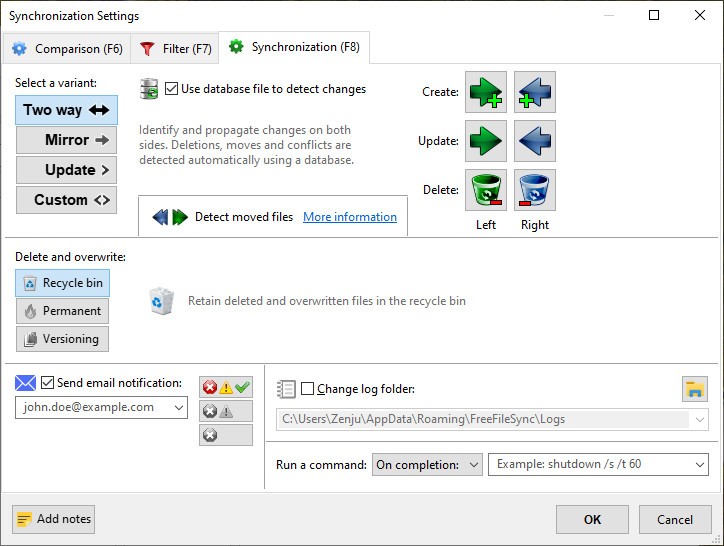
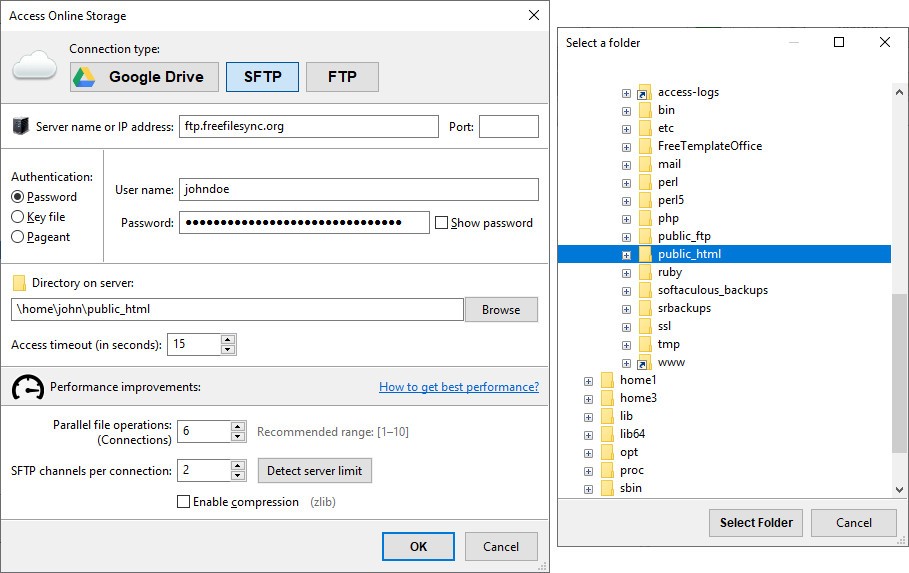
The backup tool FreeFileSync operates steadily through plain interfaces while it focuses on delivering its essential function. The tool delivers its task quietly with no fuss to fulfill its useful job of maintaining file synchronization. It executes file synchronization operations between two folders on the same machine or drive synchronization across the network without any issues.
The application provides users with a solution to prevent file confusion, which occurs while manually moving data. The program does not track which files you have already transferred. Unintentional overwrites become a hazard when utilizing this platform. In addition to these issues, the updated version of this folder now exists in two separate locations, which makes it hard to determine the correct file setup.
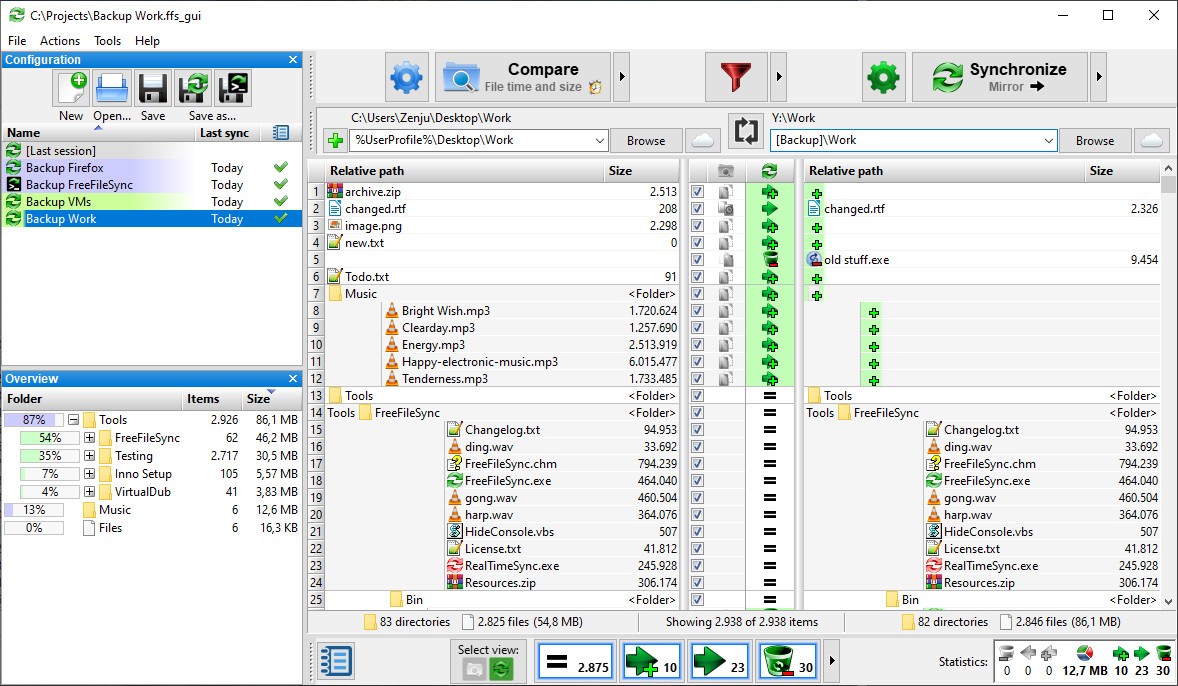
FreeFileSync delivers its best functionality at this point. On its interface, it shows two folders next to each other, allowing users to quickly spot new files as well as changed and outdated content. The program enables you to verify differences without needing additional steps. You just sync and move on.
The clear design of the user interface works well without being considered beautiful. Through a single view interface, FreeFileSync provides all the necessary information to help users make accurate choices. And it does that very well.
Why Should I Download FreeFileSync?
The process of backup management alongside drive folder synchronization turns into a tedious task. Just a single mistake during your operation will force you to deal with both duplicate files and missing updates, and the worst-case scenario involves data loss. All that data mishap prevention is achieved through FreeFileSync. The program functions without aiming to transform into a complete file management system. The application operates as a monitoring assistant that ensures folder protection by intervening whenever needed.
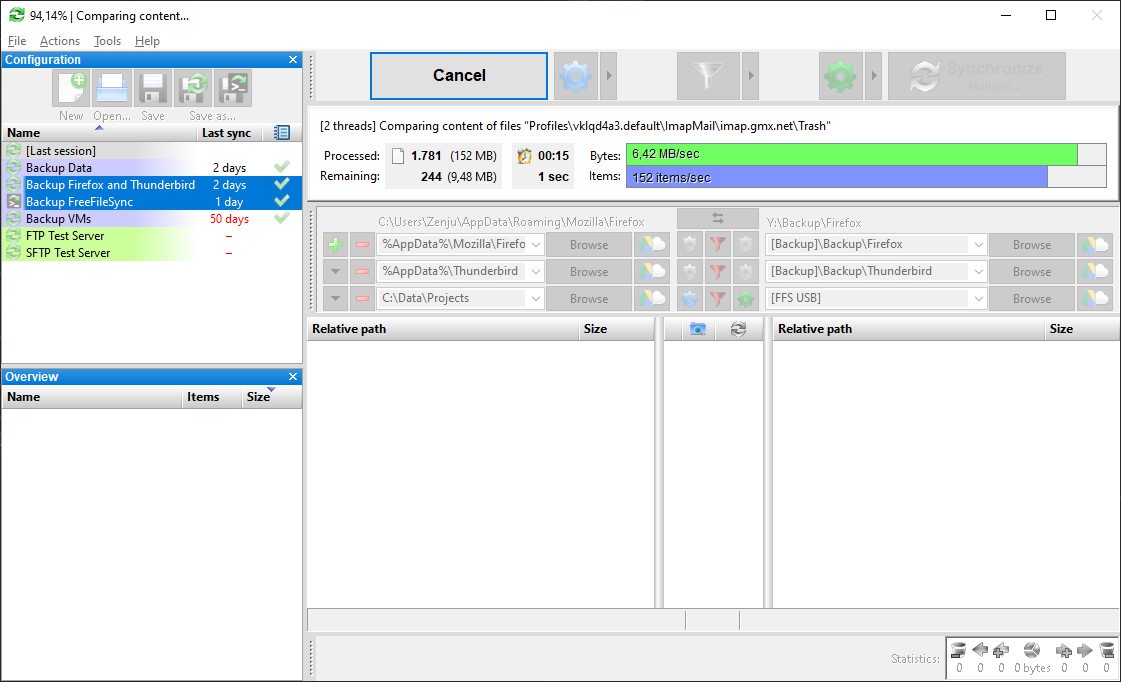
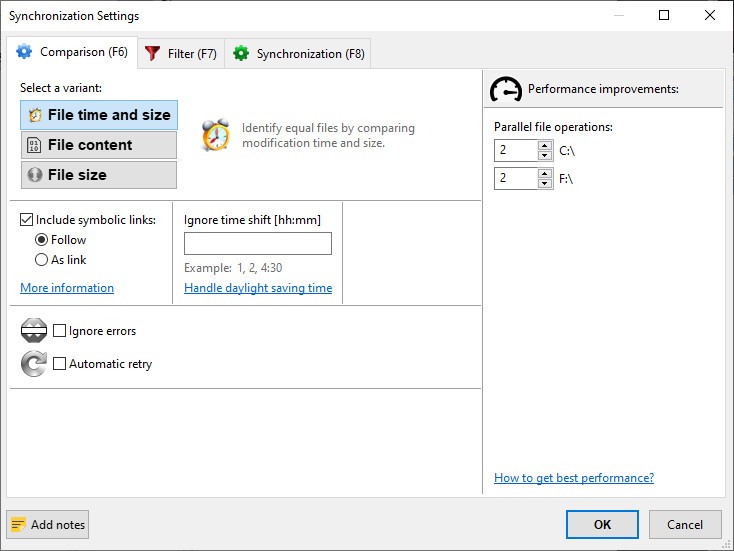
Working with both external drives for backup duties and cross-machine file access exposes you to data tracking problems, which ultimately lead to errors. Your project files now span different versions among multiple devices, including desktop and USB drives, and you cannot pinpoint which documents serve as the master files. FreeFileSync enables you to conduct real-time folder comparison tasks. This system does not perform blind file duplication. The system examines timestamp data and file size information and changes logs during the synchronization process. The program executes with precautions against file conflicts that include both omission and modification errors and replication errors.
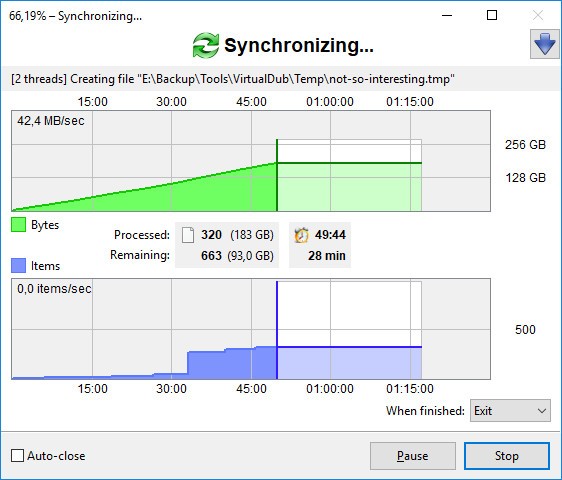
The software service extends beyond mere copying activities. The software allows you to create batch jobs for automation, whereas you can set specific times for scheduling or establish mirror backup protocols to maintain dual data locations. RealTimeSync is a feature built into this software to monitor folders, automatically starting a sync process when it identifies changes in your files. The backup system proves beneficial for users who create backups irregularly or want to avoid any backup-related thoughts.
FreeFileSync gives users complete flexibility because it does not require any committed actions. The service demands no account registration nor system login or file storage in external cloud systems. The system lets you handle your information alongside system management, as well as plan your backup activity.
Through simple use, FreeFileSync enables photographers who need to navigate large image file directories, along with students using USB and laptop devices to organize their documents together with anyone who wants an organized and secure system. The program eliminates unknown factors by adding dependable data storage, so you can confidently trust that your files find their correct positions.
Is FreeFileSync Free?
The software known as FreeFileSync runs completely free of cost to all users. Users obtain the core software without spending any money, while it remains unrestricted in terms of time and functionality. Users can use the standard version of FreeFileSync for daily file synchronization needs because it functions without requiring payment. However, the optional donation edition comes with extra features for those who choose to make a contribution.
What Operating Systems Are Compatible with FreeFileSync?
Users can operate FreeFileSync on Windows, macOS, alongside Linux operating systems. FreeFileSync maintains regular updates and operates with both established system versions and newest system versions. The setup process requires minimal time, and your computer does not need high-performance specifications to operate FreeFileSync. You can run FreeFileSync on your personal laptop, while it operates flawlessly between different computer systems, regardless of the setup.
What Are the Alternatives to FreeFileSync?
The problem of safe file copying and backup synchronization has alternative solutions alongside FreeFileSync. FreeFileSync has three main alternatives named Teracopy, FastCopy, and SyncBackFree. Among them, all the programs offer unique benefits that will suit different users depending on their specific workflow.
File transfer speeds are what Teracopy receives its main reputation for. The program provides users with speed along with increased control when they need to copy extensive file data. The program verifies file integrity through checksums while providing features to pause or resume, and recover files during transfer. Despite mainly operating as a file copier, this tool maintains data integrity and speed performance for big files during your data transfer process.
The application FastCopy provides users with a stripped-down interface. The program might confuse new users, yet it offers very fast performance. The file-copying functionality of this application employs sophisticated algorithms that lead many users to rank it as the speediest available program. This tool provides complex management capabilities to handle files, yet it is mainly for IT professionals and advanced users. Users can experience some initial adjustment, but FastCopy proves itself as the fastest tool if speed remains the critical factor.
SyncBackfree operates with a similar purpose to FreeFileSync. The program includes self-executing backup procedures and synchronization capabilities. Users can do automated backups through scheduling, as well as view logs and establish filters, and maintain profiles with ease. The guided interface of SyncBackFree teaches users step-by-step, which enables those who need explanations to work with the program more easily. The free version of the software offers proper equipment for personal usage while keeping premium options available.