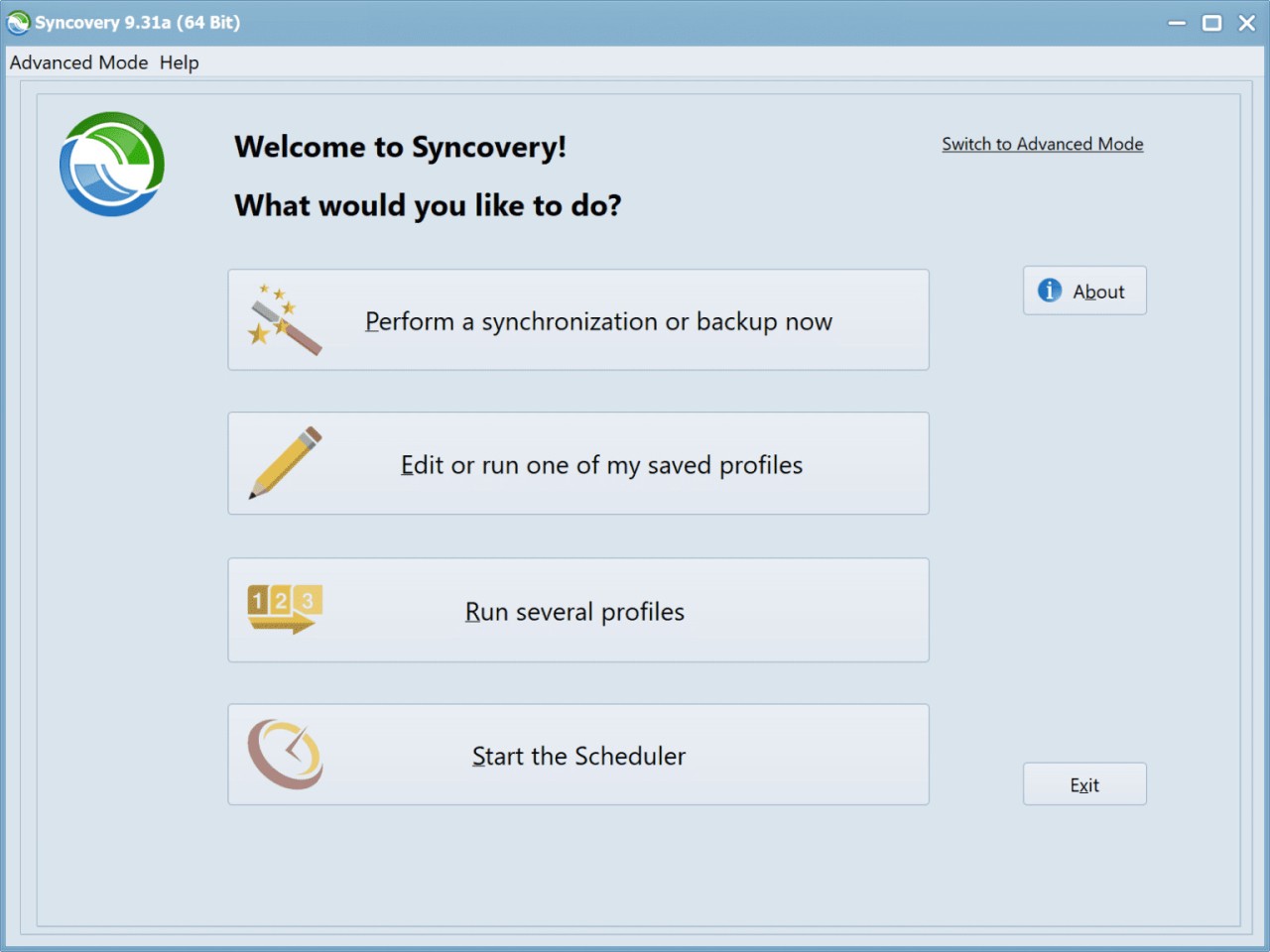
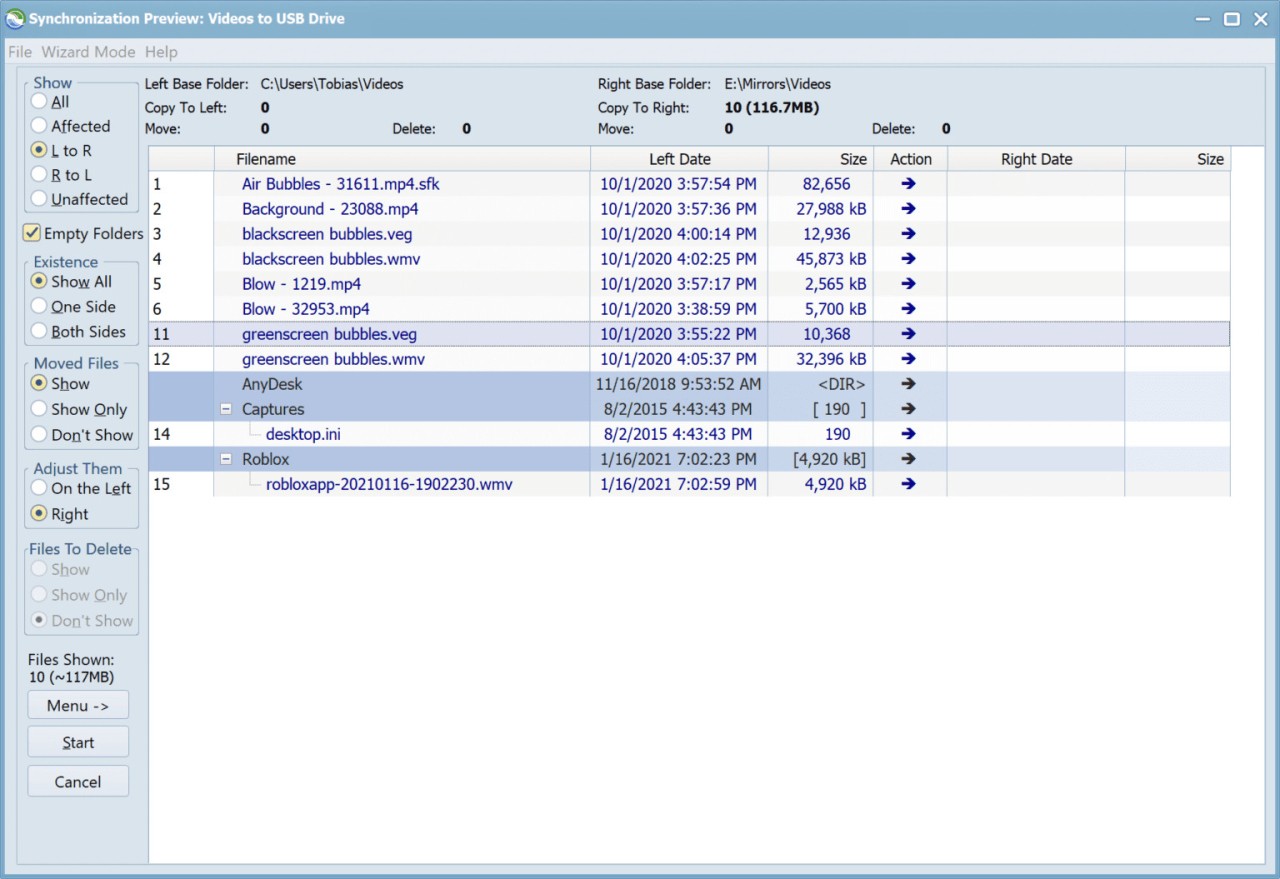
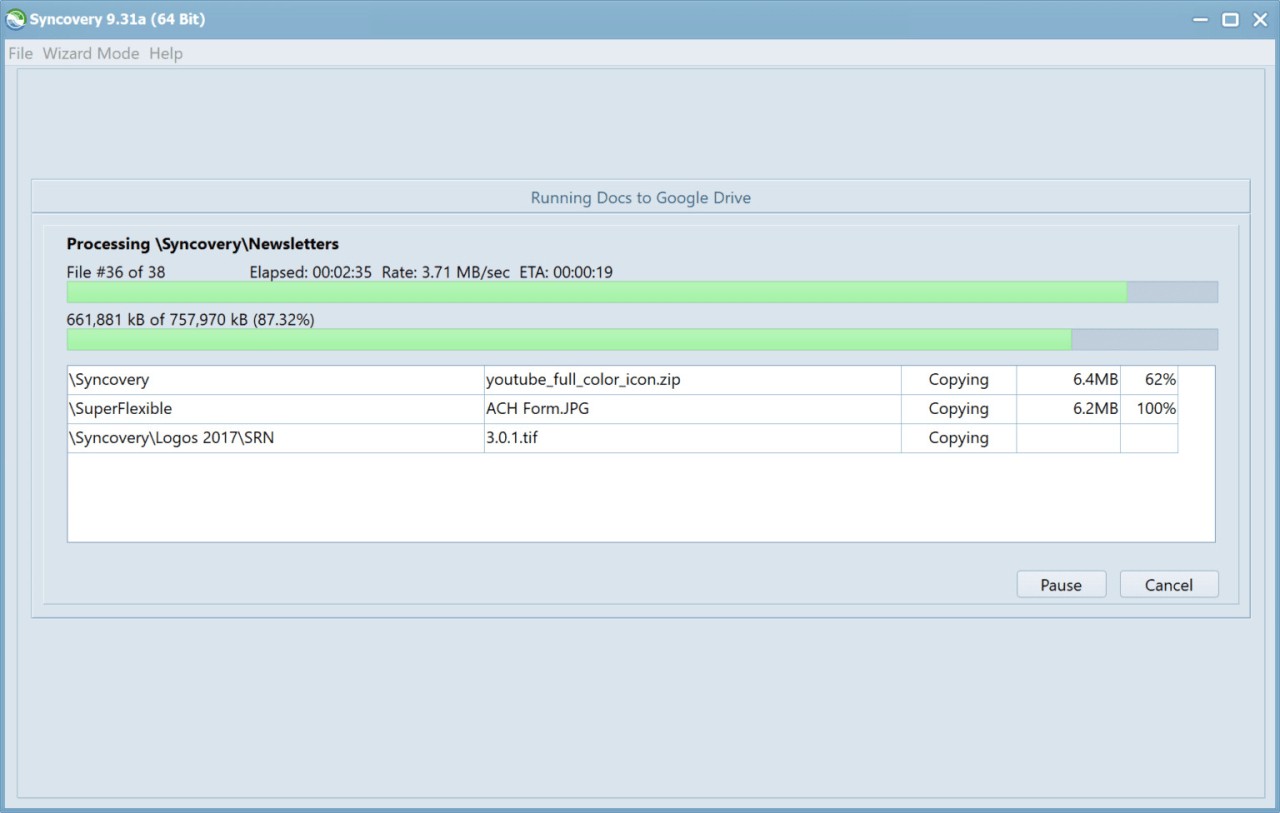
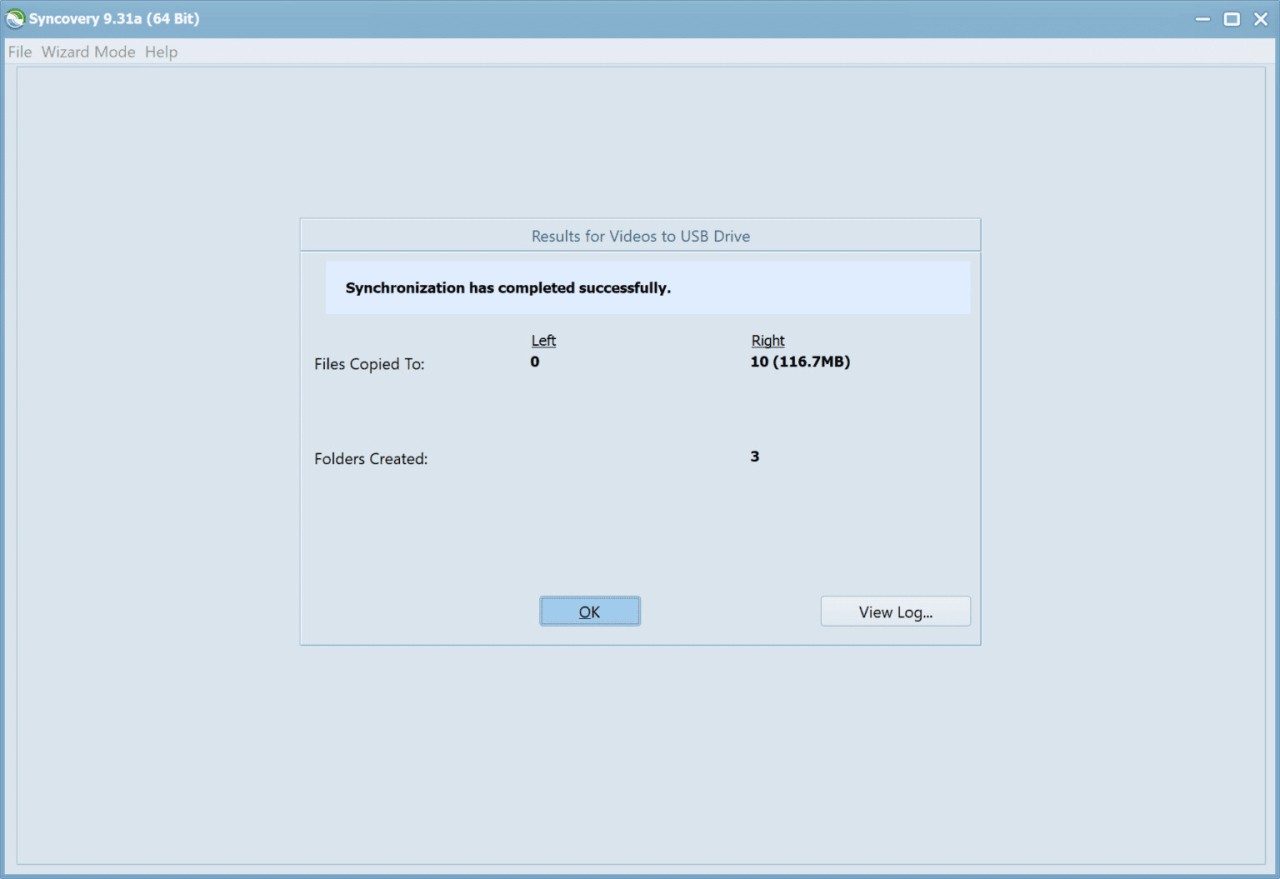
Syncovery makes it easy to synchronize and back up files, as it gives you control over how they are handled. You can choose a one-way sync for backups or a two-way sync that ensures changes in one location are reflected in the other. Whether you want to mirror folders, protect files in the cloud, or maintain updated versions across different machines, Syncovery gives you all the tools you need to do it.
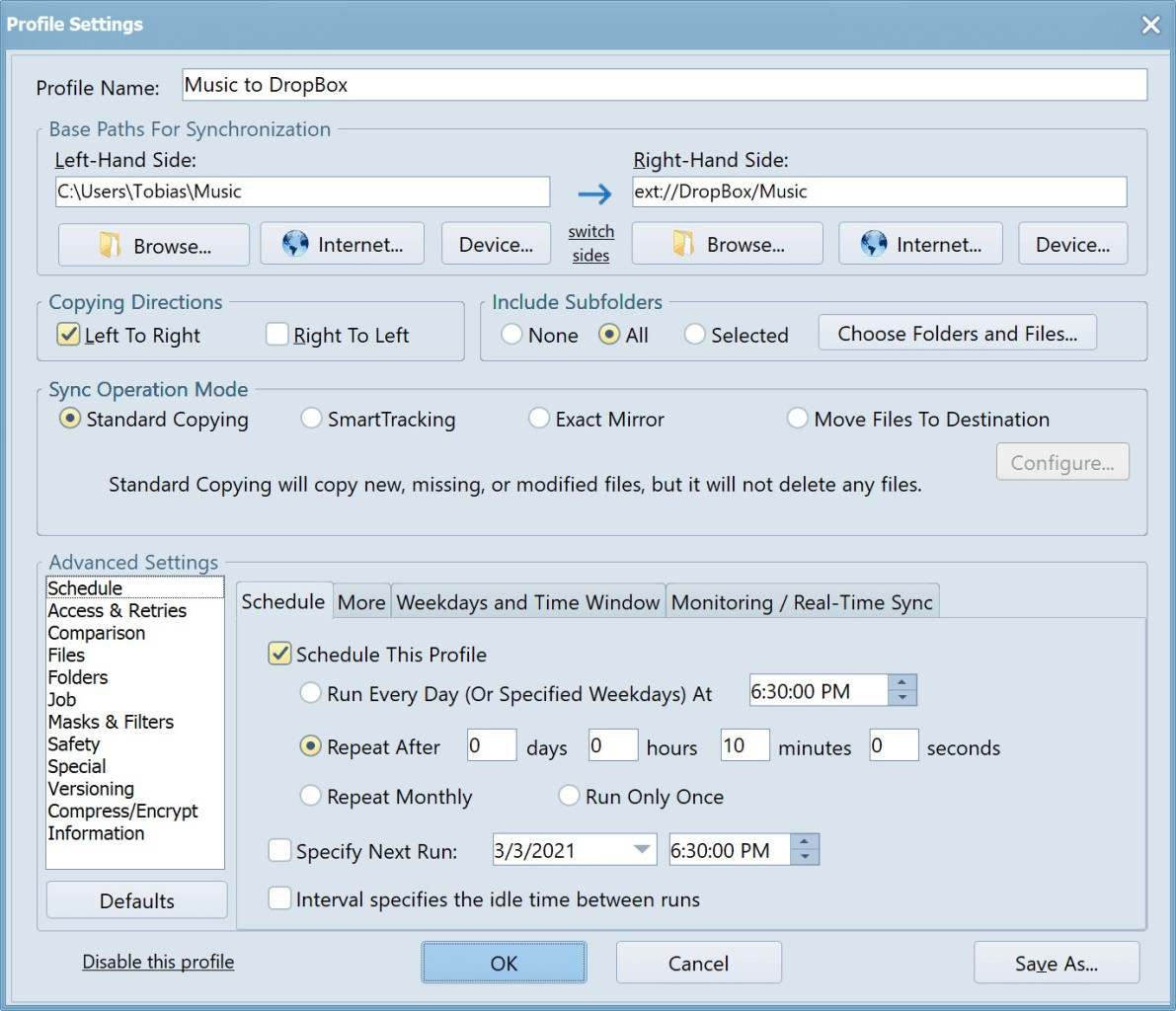
With Syncovery, you can set tasks to run at specific times, during idle hours, or even in real time so that every change is captured as it happens. This allows you to easily automate backups overnight, run hourly updates, or automatically protect essential files instantly. You can also use Syncovery to maintain multiple versions of a file, rather than overwriting them every time you back up. This way, you can go back to earlier edits or recover a document if something goes wrong.
Apart from that, Syncovery has features for compressing and encrypting files so you can make them smaller and protect them along the way. The software integrates with popular cloud services, including Google Drive, OneDrive, Dropbox, and Amazon S3. Additionally, you can save files to local storage, external drives, and network shares. The app includes interactive wizards that help you set the tool up. You can add advanced rules, filters, and options, and you can buy and download Syncovery on Windows, macOS, and Linux for both personal and business usage.
Why Should I Download Syncovery?
With Syncovery, you can set up different synchronization modes, and the program lets you choose how files are mirrored, updated, or archived. Two-way sync is perfect if you need files to stay consistent across multiple devices, while one-way backups are ideal for backing up your work without influencing the originals. You can also schedule actions, so you never forget to back up your files. You can set daily or weekly jobs, run updates at startup or shutdown, or use real-time sync that protects files the moment they change. It’s a great solution for both casual users and business environments.
Syncovery supports file versioning, so that if you make changes to a file and regret them later, older versions are still available. This way, you reduce the risk of losing data because of accidental edits or removals. For every file, you can set up a retention policy to define how many versions are kept and for how long. You’re also able to connect Syncovery with a wide range of online storage providers so that you can back up files to Google Drive, Dropbox, or Amazon S3, but also save them to an external or internal drive. If you use multiple services, Syncovery acts as the central hub that ties them all together.
Transferring files can be a time-consuming and cumbersome process, but Syncovery uses
block-level copying. This way, the software only updates the portions of a file that have changed. For large files, such as videos or databases, this means faster synchronization and less bandwidth usage, as well as a more reliable process. You can also use Syncovery to encrypt your files during transfer and or when they are stored. This ensures that all your sensitive data is protected, whether you’re uploading it to the cloud or copying it to a network share.
Syncovery covers a lot of use cases that can scale with your needs, as the tool works just as well for an individual backing up family photos as it does for an IT team managing servers. You can choose from multiple perpetual licenses and select the one that best suits your needs. Syncovery works on Windows, Linux, and macOS computers.
Is Syncovery Free?
No, but Syncovery offers a 30-day trial version that includes all features so that you can test its synchronization modes, scheduling, and cloud support without restrictions.
To continue using it after the trial, you need to purchase a perpetual license that includes free upgrades for one year. Syncovery comes in different editions, including versions for personal use, businesses, and servers.
What Operating Systems Are Compatible with Syncovery?
Syncovery is a cross-platform solution that you can download and run on Windows (starting from Vista all the way to Windows 11), macOS (10.4 or newer), and Linux (any recent 32-bit or 64-bit Linux distribution). The tool also works on FreeBDS and server operating systems.
What Are the Alternatives to Syncovery?
GoodSync is another synchronization tool that runs on Windows, macOS, Linux, and also on mobile devices with iOS and Android. The software supports two-way syncs, real-time backups, and can integrate with multiple cloud services. You can test it out during a time-limited free trial, but after that, you need to get a paid license, either for personal or business usage.
SyncBackFree is another option for synchronizing files, offering one-way and two-way synchronization, multiple working profiles, mirroring, backup, and file restoration. It can work with FTP, local, and external drives and comes in both free and paid versions. You can download and use the tool on Windows computers only.
FreeFileSync is an open-source software that is completely free and supported by a large community. Use it to compare and synchronize folders, process files in batches, detect conflicts, and it can work with local, external, and network drives. You can donate to the creators to unlock extra features or get a version for businesses, and the tool works on Windows, Linux, and macOS systems.