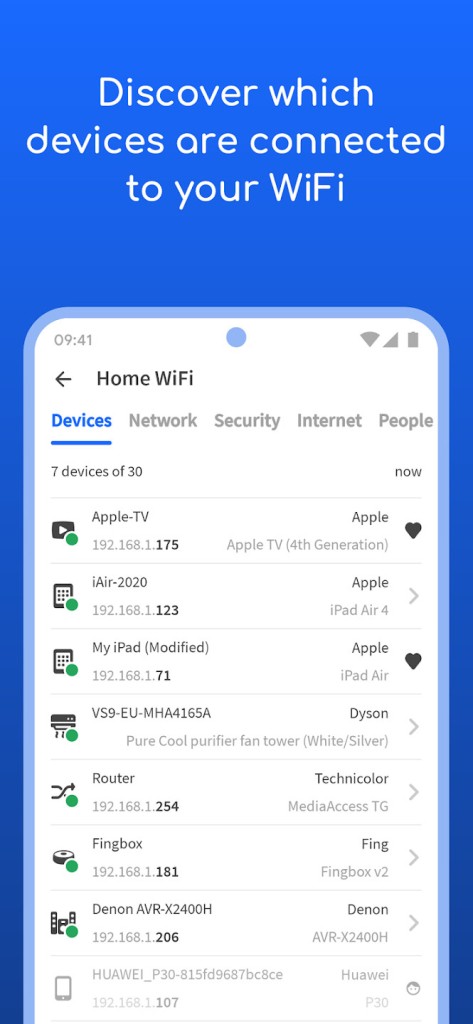
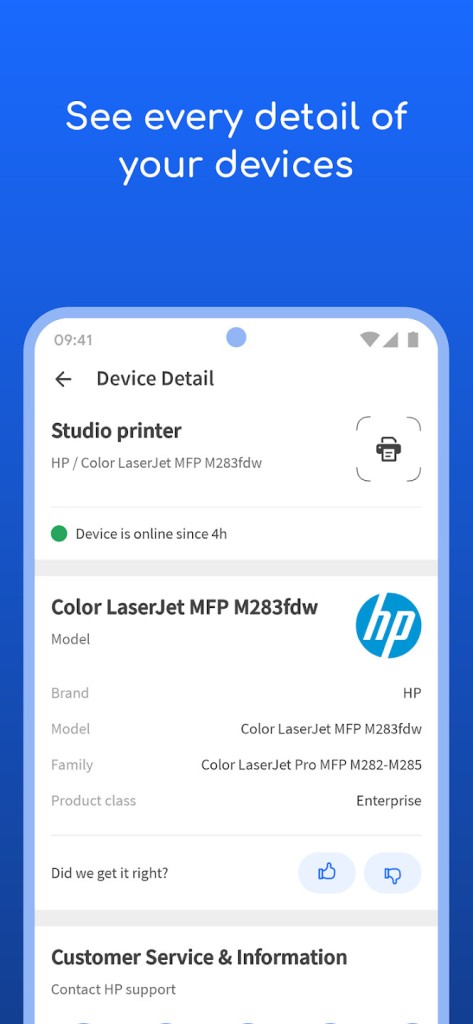
Fing - Network Tools is a trusted application for scanning and understanding any WiFi or LAN network. It has become a standard choice for millions of people who want to see exactly which devices are connected to their internet. The recognition system is not basic or generic but detailed enough to display information such as IP address, MAC address, device model, vendor, and manufacturer. This accuracy is one of the main reasons Fing technology has been adopted by router manufacturers and antivirus companies.
The main purpose of Fing is to give visibility into your network. For example, if you suspect that someone might be using your WiFi without permission, a simple scan with Fing will reveal every device currently connected. If your streaming slows down or your video calls keep buffering, Fing can test the internet speed and compare it against what your provider promises. If you want reassurance that your network is secure and not exposed to unwanted access, Fing can provide answers.
Fing Desktop extends these capabilities further. With it, you can automate checks and keep a constant watch over your network. The desktop version provides advanced monitoring, device blocking, and network restrictions. Combined with the mobile app, Fing forms a complete solution for discovery, troubleshooting, and protection across different devices.
Why Should I Download Fing - Network Tools?
The real strength of Fing lies in clarity and reliability. It scans your network and shows you exactly what is connected, with accurate recognition. For a home user, this means spotting unwanted devices or confirming that only your own phones, laptops, and smart gadgets are connected. For a professional, this means building a quick device inventory with precise details.
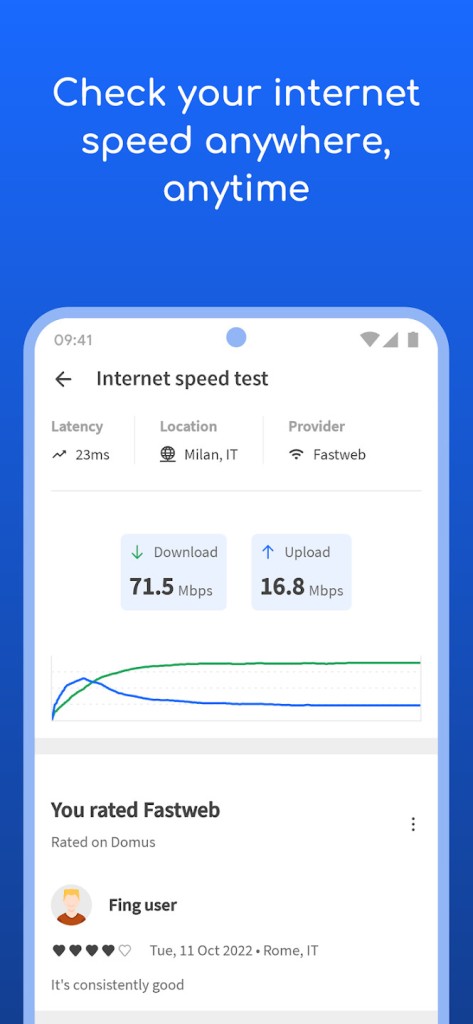
Fing goes beyond discovery. It helps solve common problems by showing the reasons behind slow connections. You can test WiFi and cellular speeds, with measurements of download, upload, and latency. The data is reliable and presented straightforwardly, so you know if the issue comes from your provider or something inside your home. The software also provides information on outages in your area and ratings of internet providers, giving context beyond your own connection.
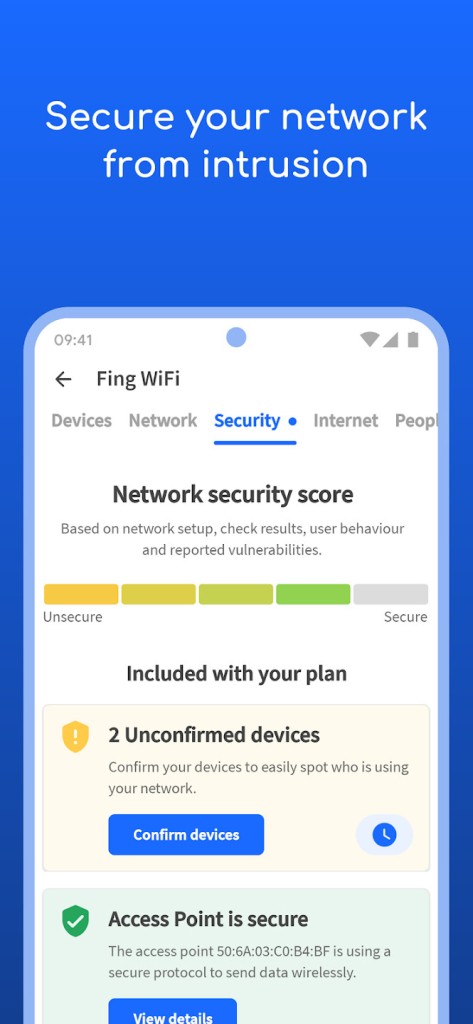
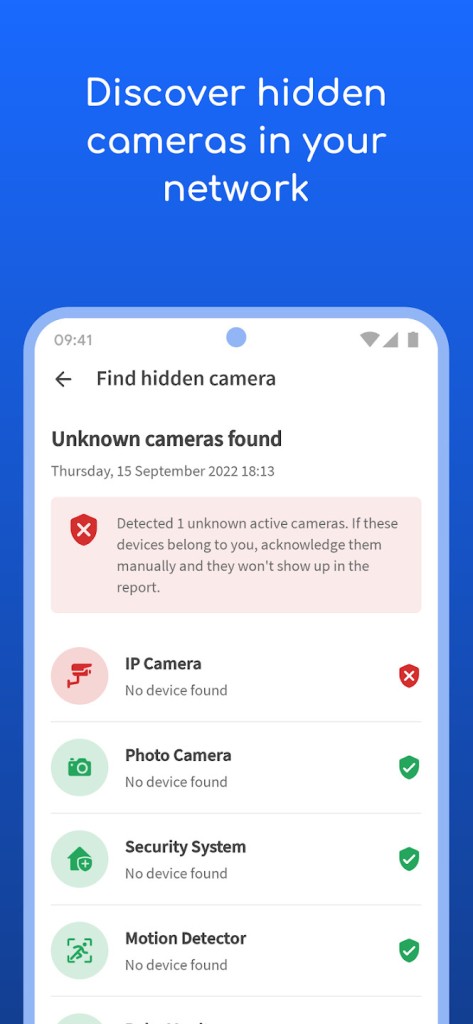
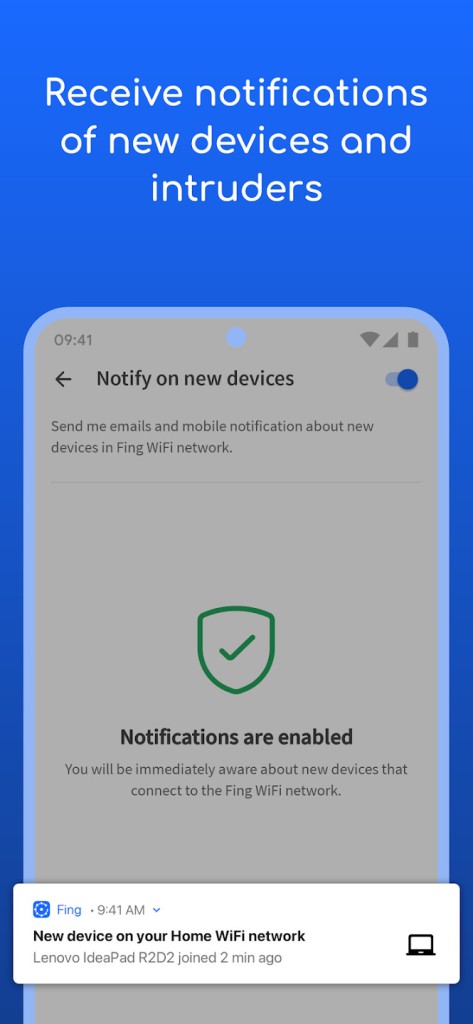
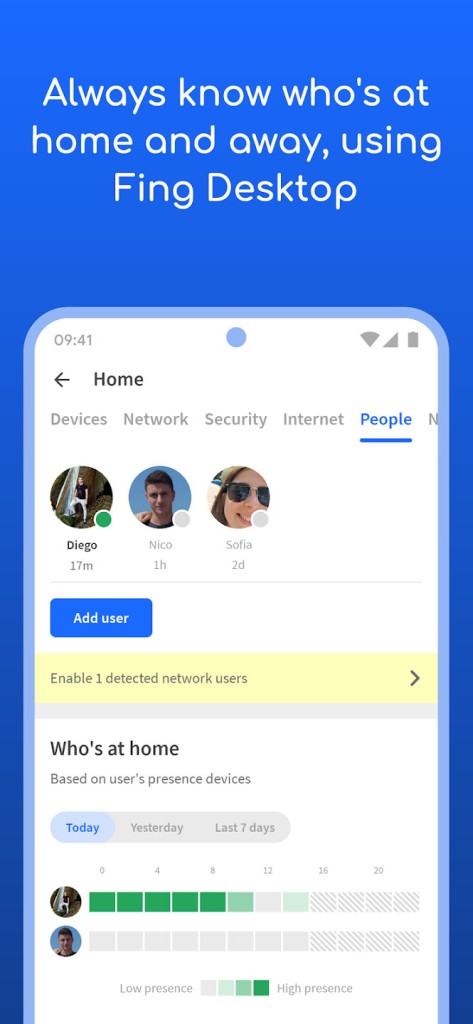
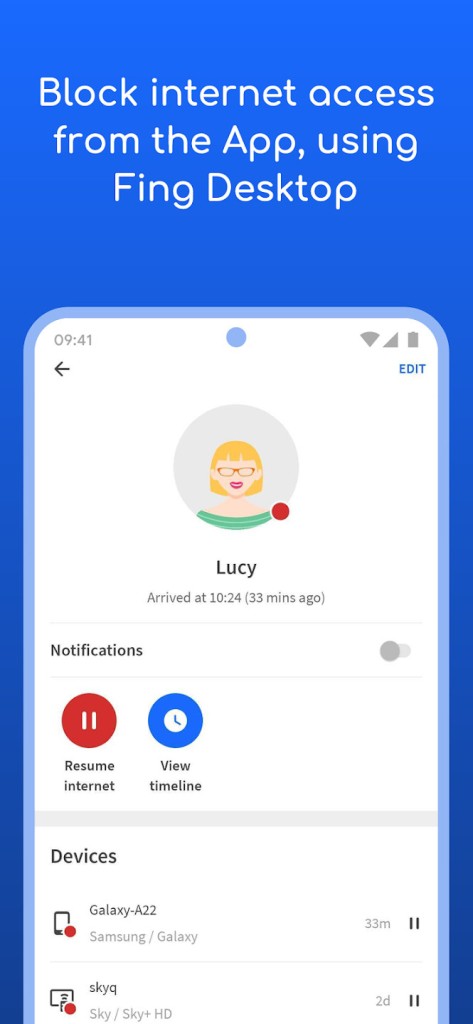
Fing Desktop strengthens protection by monitoring in the background. It alerts you when new or suspicious devices appear. You can block devices and limit internet access to ensure control. Fingbox, a hardware add-on, adds further features such as parental control, presence detection, and bandwidth usage analysis. All these functions come together to make Fing not just a tool for curiosity, but a solution for managing your network with confidence.
For users who want simple answers like “who is using my WiFi” or “why is my internet slow” and for those who need constant monitoring and alerts, Fing covers both situations. Its global user base of over forty million shows how useful it has become for everyday problems and professional needs alike.
Is Fing - Network Tools Free?
Fing is free to download and use across mobile and desktop platforms. The free version already includes strong features such as scanning, device discovery, speed testing, traceroute, DNS lookup, and alerts. This makes it practical for households and small offices that want to check connections without paying.
Fing Desktop is also available free for Windows and macOS. You can perform discovery, run automated checks, and monitor security without providing payment information. The free version is not restricted to a small set of features but gives you real utility from the beginning.
There are extra options available through subscription if you require continuous monitoring or enhanced checks, but the essential point is that Fing does not hide its core functionality behind paywalls. Even without upgrades, you can scan your network, recognize devices with detail, and measure speed performance. This openness is part of why Fing has been adopted so widely.
What Operating Systems Are Compatible with Fing - Network Tools?
Fing is compatible with a wide set of operating systems, making it accessible for almost everyone. On mobile, it runs on iOS and Android, giving smartphone and tablet users the ability to scan networks, test speeds, and get alerts wherever they are. These mobile versions are ideal for quick checks or on-the-go use.
On desktop, Fing Desktop is compatible with Windows and macOS. It is designed for more advanced monitoring, including automated tasks, vulnerability checks, and device blocking. With a desktop always running, you can maintain continuous watch over your home or office network. The software integrates smoothly with both systems, offering the same recognition power and detailed results.
For Linux environments, Fing Agent is available. It works on Linux machines, Raspberry Pi, and Docker, providing continuous monitoring for those who prefer a lightweight background service. This makes Fing flexible for technical users who want more than standard desktop applications.
By supporting iOS, Android, Windows, macOS, and Linux through Fing Agent, the software ensures broad compatibility across different environments. Whether you want quick mobile scans, advanced desktop monitoring, or dedicated device setups, Fing has a way to fit into your system.
What Are the Alternatives to Fing - Network Tools?
PRTG Network Monitor is one of the alternatives. This application is designed on a professional IT management basis and for large-scale infrastructures. It tracks the traffic, server health, and the performance of applications. Fing is down to home and small business use, whereas PRTG is wider and more comprehensive, with the ability to monitor full systems. It is typically used in business environments where it is required to be fully reported and with enhanced data.
The other alternative is Wireshark, which is referred to as one of the most detailed packet analyzers. It includes capturing and inspecting traffic on the protocol level, so it is feasible to view precisely how data is traversed over a network. It is technically deft and offers unparalleled profundity in identifying network problems. Fing is to be seen and controlled, whereas Wireshark is to be investigated in technical detail.
Another alternative is NetWorx, which concentrates primarily on bandwidth utilization. It also allows users to monitor device or application data consumption, useful to monitor data caps or to see high utilization. Whereas Fing offers more discovery, NetWorx is narrow and useful to anyone interested in the levels of usage.
Lastly, there is nPerf Speed Test, which is a performance measurement tool specific to. It measures the download and upload speed, latency, browsing, and streaming. It is not a complete scanner like Fing, but it can be useful when you have the primary intention of checking whether your provider is providing the promised speeds. It is an easy but efficient substitute since it is based on speed analysis.