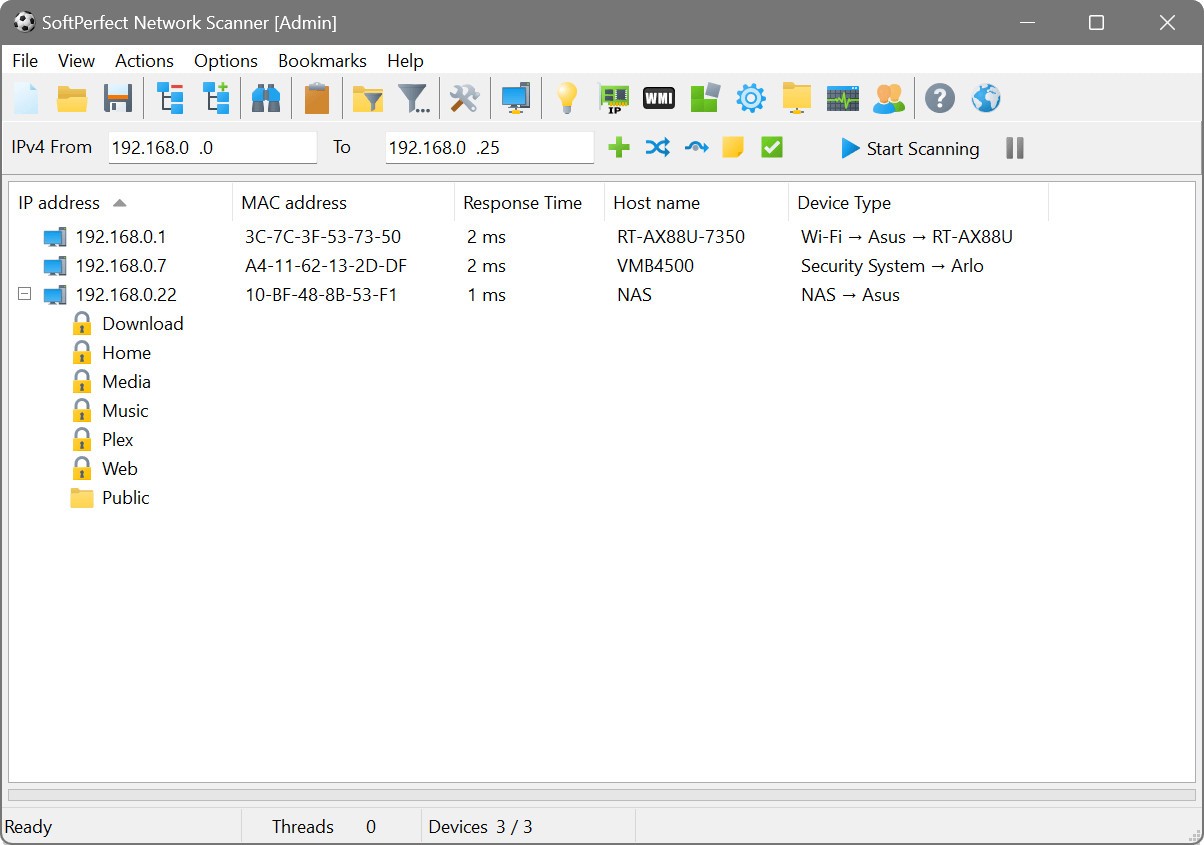
SoftPerfect Network Scanner is a dependable and efficient tool for managing and analyzing networks. It works across Windows, macOS, and Linux, allowing users to explore their network space with speed and clarity. The software is built to find connected devices, open ports, shared folders, and vital information about each system in your network. Its clean interface and strong performance make it a trusted choice for IT professionals and anyone who needs a clear look into their network environment.
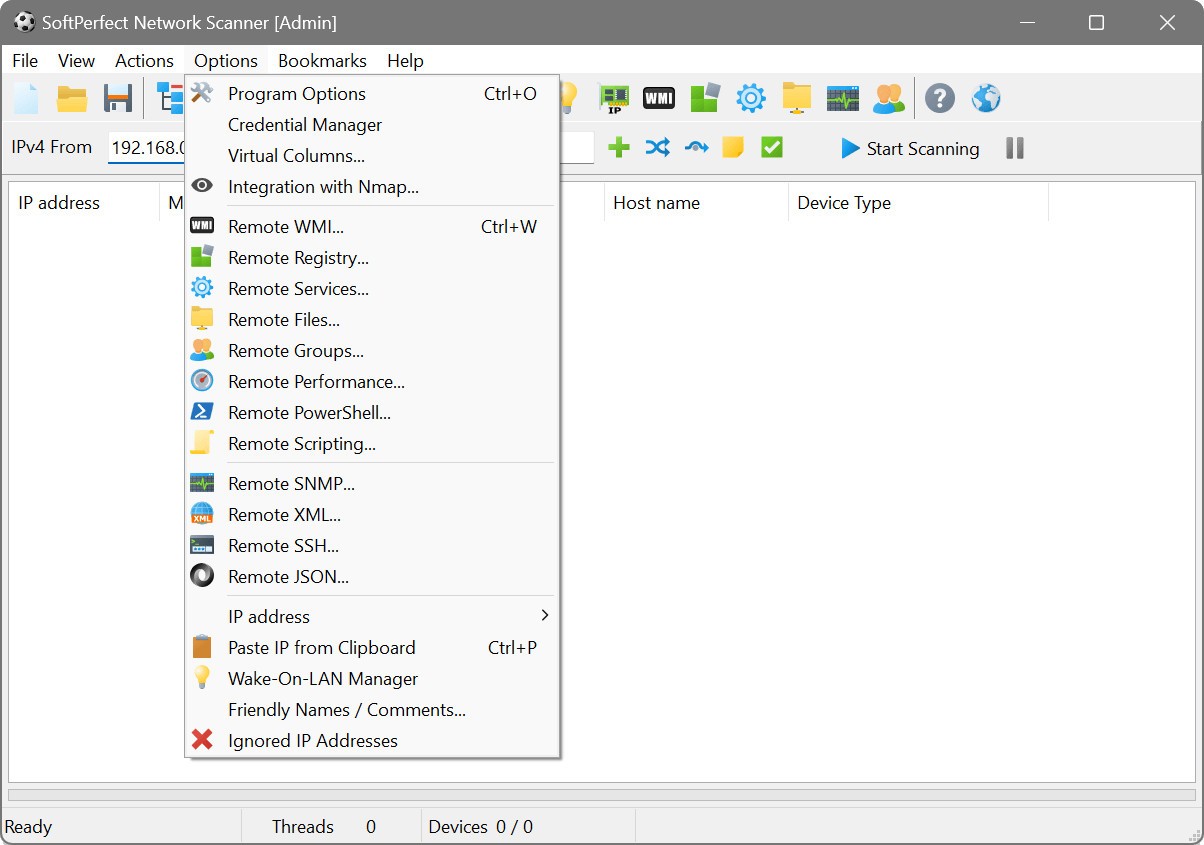
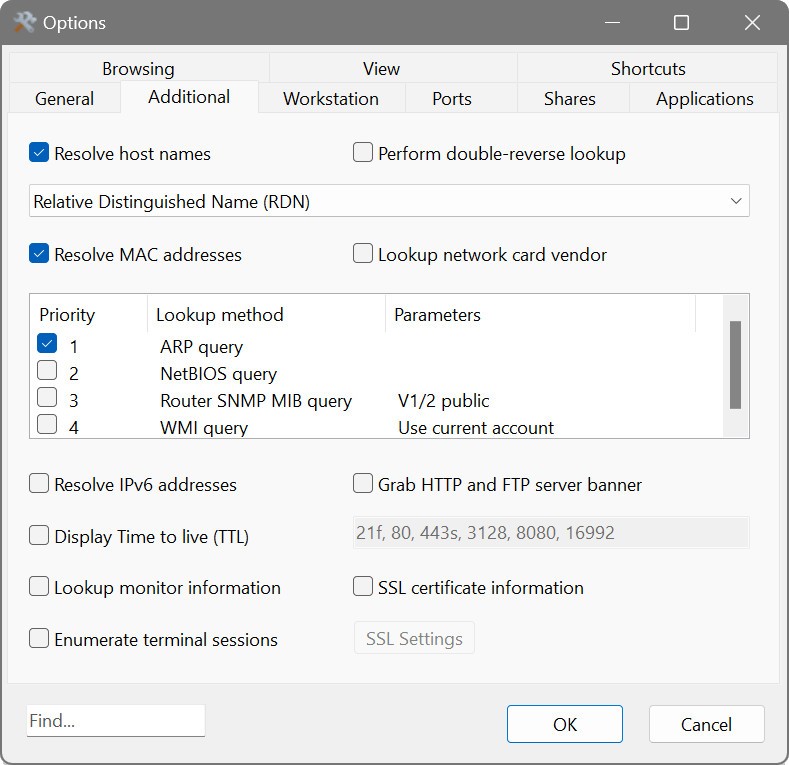
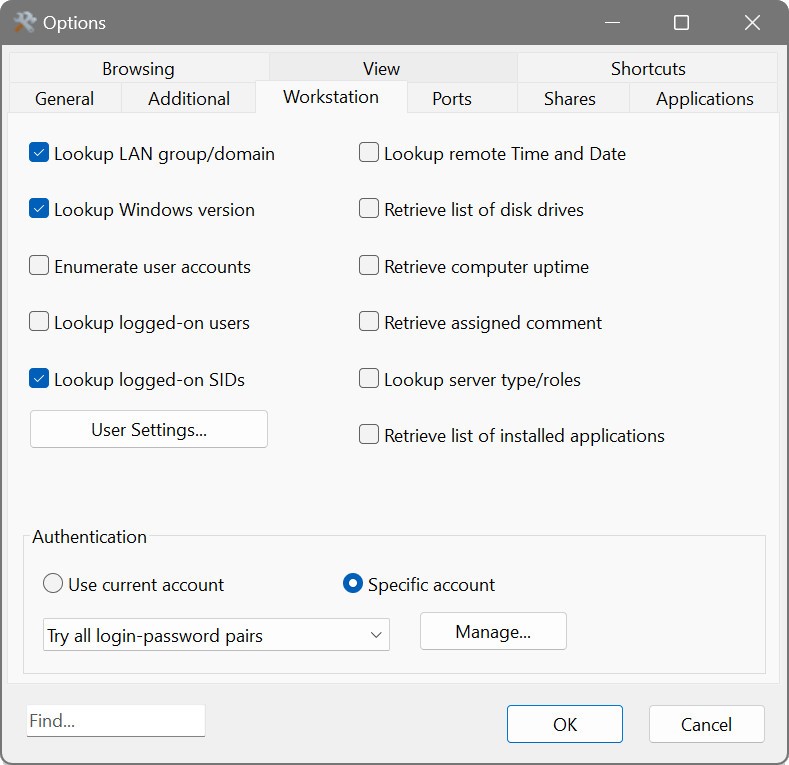
The program runs deep checks through several technologies, including WMI, SNMP, HTTP, SSH, and PowerShell. These features help you gather important details such as MAC addresses, IP configurations, user sessions, and uptime information. It can also reveal writable and hidden folders that are shared over the network, which is useful for security reviews and regular maintenance.
What makes SoftPerfect Network Scanner stand out is its speed and practicality. It quickly performs a ping sweep to display live devices and provides instant insight into which ports are active. Despite its technical power, it remains light and portable. You can even run it straight from a USB drive without installation, which makes it a perfect companion for technicians who move between multiple systems. It’s a complete package that helps you manage your network without unnecessary setup or complexity.
Why Should I Download SoftPerfect Network Scanner?
Downloading SoftPerfect Network Scanner means gaining access to a tool that simplifies your daily network tasks. It’s more than a basic scanner—it helps you control and understand what’s happening inside your network. If you manage several computers, servers, or connected devices, this program saves time by collecting data that would otherwise require multiple tools. You can view which users are signed in, monitor running services, and even run commands remotely through SSH or PowerShell.
Its design focuses on precision. Every scan result is presented clearly, giving you useful information without unnecessary formatting or confusion. You can search for SNMP services, analyze shared files, or check registry data from other computers, all within the same window. It also integrates with Nmap, a well-known network exploration tool, so you can extend its capabilities for OS detection or security analysis.
Flexibility is another reason to consider it. You can apply filters to customize what results appear and export everything into different formats, including JSON, XML, CSV, TXT, and HTML. Whether you’re reviewing a small local setup or managing an office-wide network, SoftPerfect Network Scanner handles the job smoothly. It’s consistent, fast, and dependable, built for people who value clear results and steady performance.
Is SoftPerfect Network Scanner Free?
SoftPerfect Network Scanner can be downloaded easily and used right away without any complex steps. The software doesn’t force a heavy installation or long configuration process. Once downloaded, you can launch it instantly and begin scanning. Its portable option makes it even more flexible—you can keep it on a USB flash drive and use it anywhere without leaving traces on the system.
This flexibility makes it ideal for technicians and administrators who often switch computers or travel between sites. It offers professional-level scanning capabilities in a simple and direct form. The program’s interface is easy to navigate, and all features are accessible from the main window, which keeps the focus on the work rather than on learning how to use it.
Its reliability is one of its best traits. Even during complex or long scans, the software remains stable. It handles large volumes of network data smoothly, and its results remain accurate across different environments. Everything about its design aims to make network scanning as straightforward as possible.
What Operating Systems Are Compatible with SoftPerfect Network Scanner?
SoftPerfect Network Scanner is compatible with Windows, macOS, and Linux. It offers a similar experience on all platforms, keeping the same performance level and functionality. You don’t need to adjust your workflow when switching between systems, which helps maintain consistency for users working across mixed operating environments.
On Windows, it integrates well with built-in components like WMI and PowerShell, giving you a direct way to view remote computers and their system details. On macOS, it runs just as effectively, offering the same scanning strength and visual layout. The Linux version is equally capable, delivering the same stability and scanning depth that professionals expect.
Its cross-platform support ensures you can use the same reliable tool regardless of your system preference. Combined with its portable mode, it’s a practical choice for network specialists who manage multiple platforms and want a uniform solution that performs well everywhere.
What Are the Alternatives to SoftPerfect Network Scanner?
PRTG Network Monitor is one of the possible alternatives to SoftPerfect Network Scanner, which is strong. It specializes in full-scale network monitoring and is useful in assisting users to measure performance, bandwidth, and uptime in real-time. PRTG has sophisticated dashboards, notifications, and reports that provide a general view of the network health. It is particularly helpful when the number of devices that have to be tracked by a company is very high, and the big organizations are considered. But it is more elaborate and complicated, and thus might not be as much as is required to scan fast or when a smaller system is involved.
Another typical replacement is Angry IP Scanner. It is open source, lightweight, and has a reputation for being fast in IP and port scanning. The interface is barebones, and scans very fast, thus it is excellent for users who just require basic information, but nothing more. It does not feature deeper system inspection or management, but it is ideal to use with small networks and quick checks.
A simplified solution is provided by Fing - Network Tools. It is commonly used by both home users and small office users who want to discover what is connected to their network, test their connection status, and monitor network security. Fing is more about visibility than technical control, and it is easy to operate and gives explicit results.