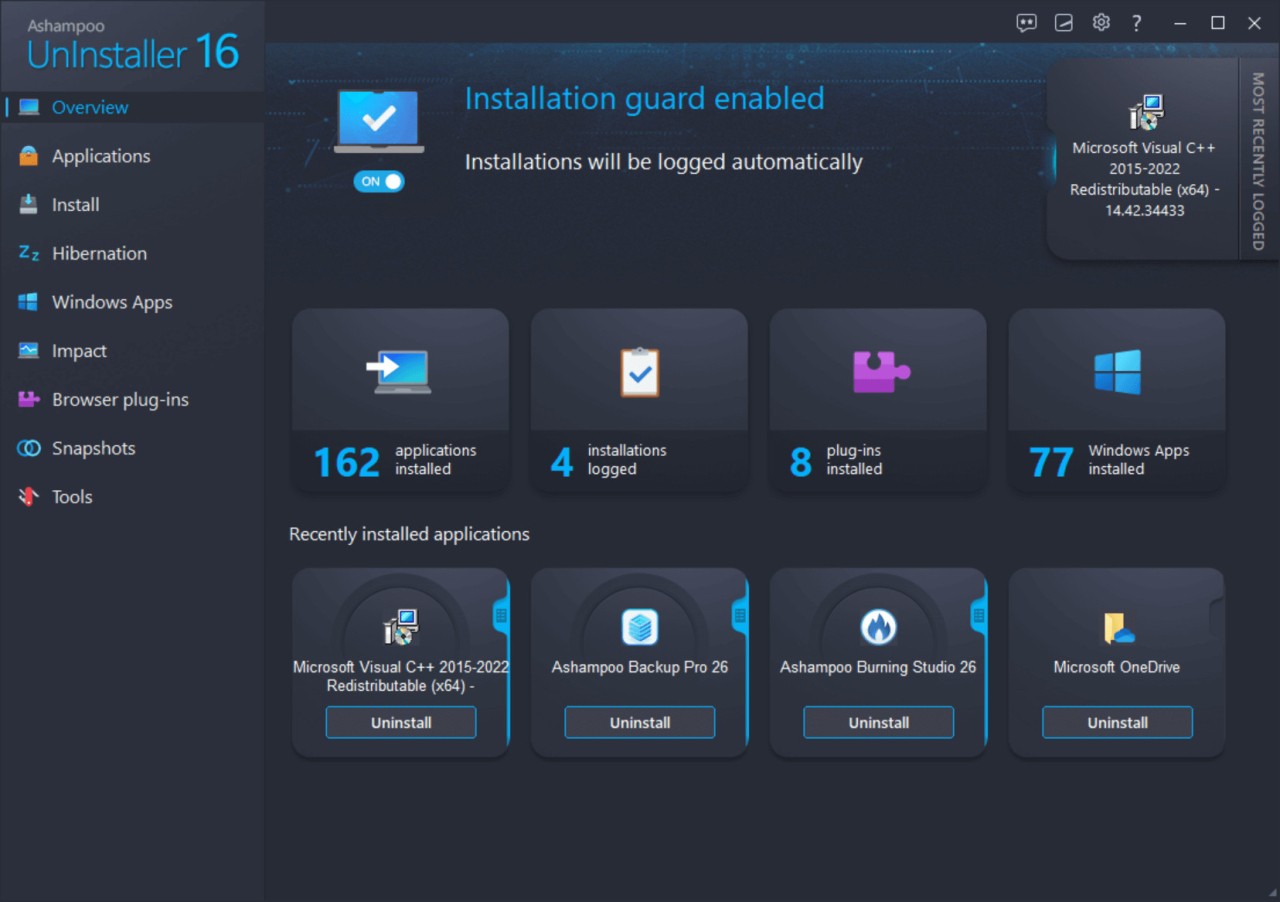
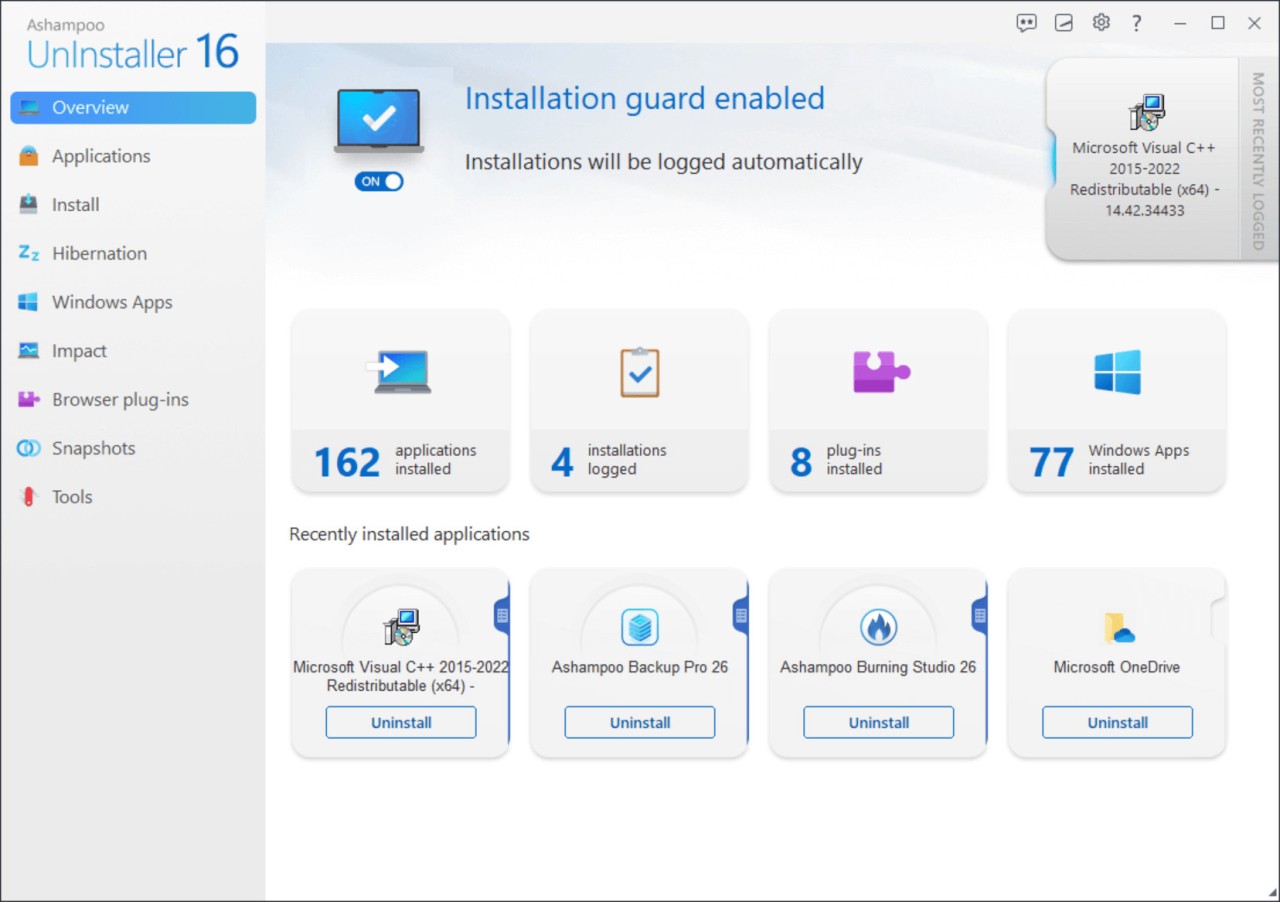
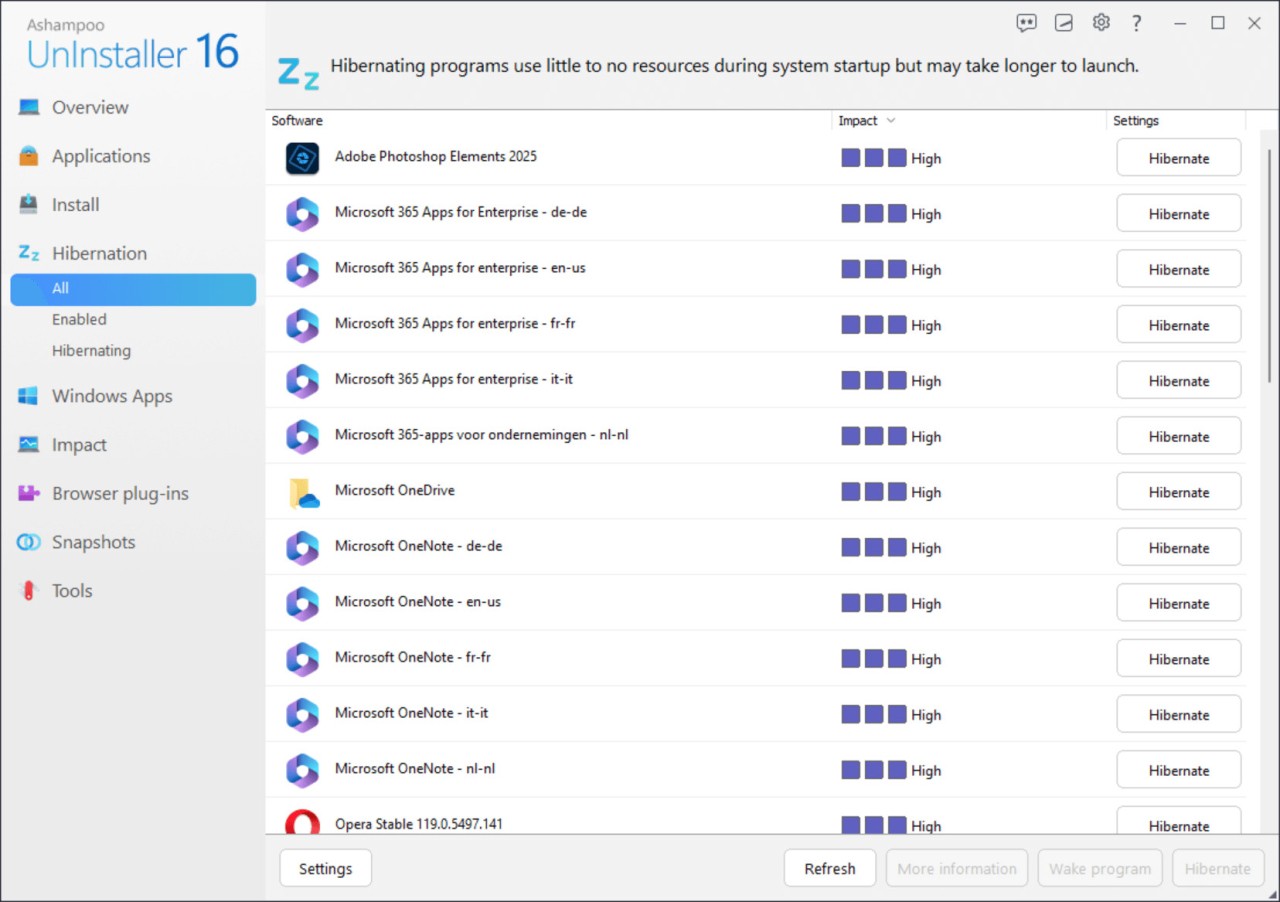
Ashampoo UnInstaller is a complete removal tool that focuses on cleaning software installations down to the smallest trace. It monitors every step of a program’s installation so that it can later reverse those actions completely, ensuring nothing remains behind.
Its purpose is to keep your system organized and free from clutter that naturally builds up after installing and removing applications repeatedly. Ashampoo UnInstaller creates detailed installation logs that record every file, folder, and registry entry created by software on your system. When you decide to uninstall, it uses those logs to undo all changes, leaving your computer in its original state.
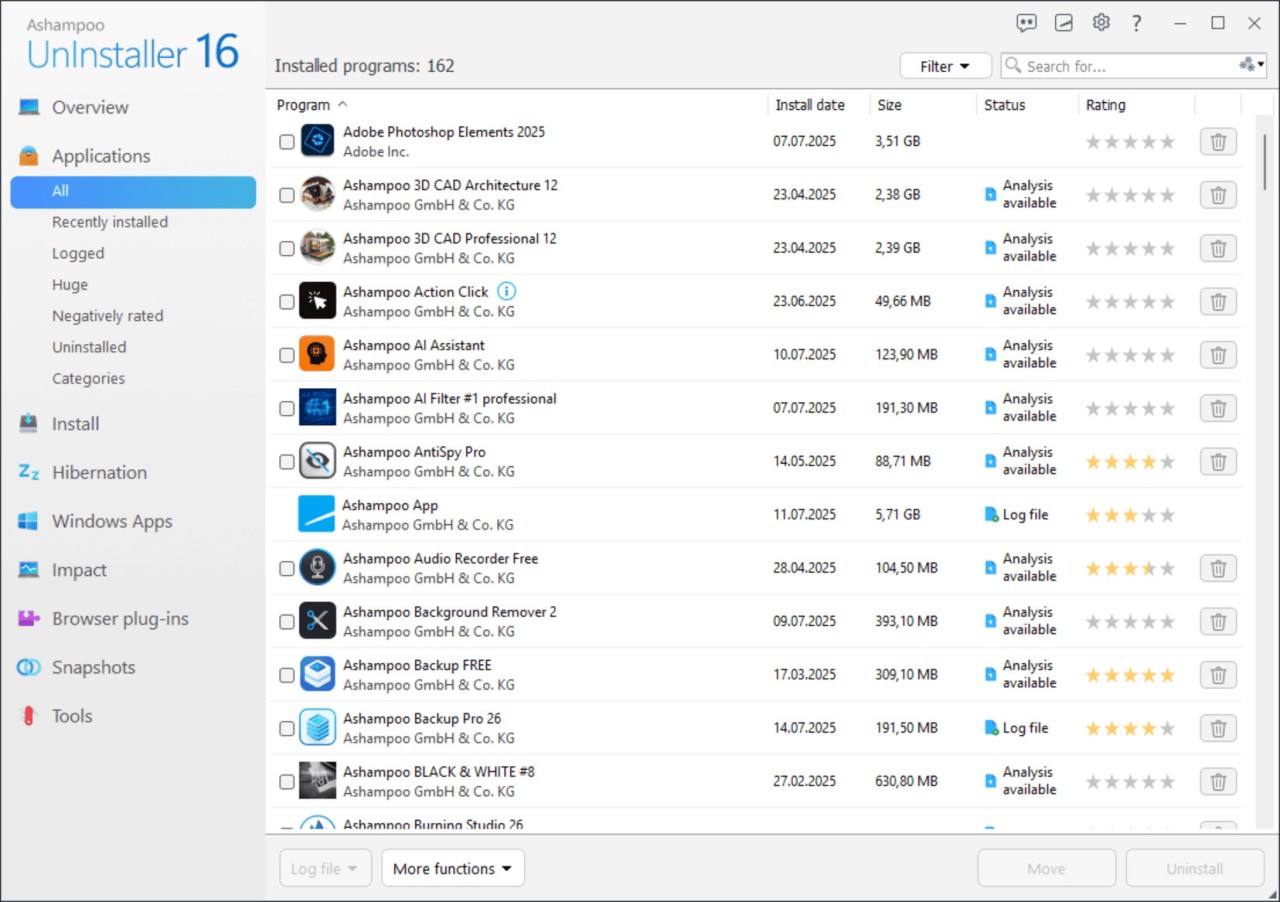
Even if a program was installed long before Ashampoo UnInstaller was added to your system, the forensic analysis feature scans and detects leftover traces to create a virtual log for clean removal. This makes it useful for restoring order on systems that have gone through years of installations.
The software includes a five-stage uninstall process that removes all traces of programs, including hidden registry keys and data that are often missed by default uninstallers. In short, Ashampoo UnInstaller acts as a safeguard against unwanted system clutter and ensures a smoother Windows experience by keeping every uninstallation clean and thorough.
Why Should I Download Ashampoo UnInstaller?
When programs are installed or removed using the regular Windows process, traces often remain. These can accumulate over time, affect speed, and sometimes cause errors. Ashampoo UnInstaller solves this problem by completely removing all files, folders, and registry entries left behind. It ensures your PC remains as clean as it was before the installation. With precise installation logging, every change made by a program is recorded so that you can remove it safely without leaving hidden data behind.
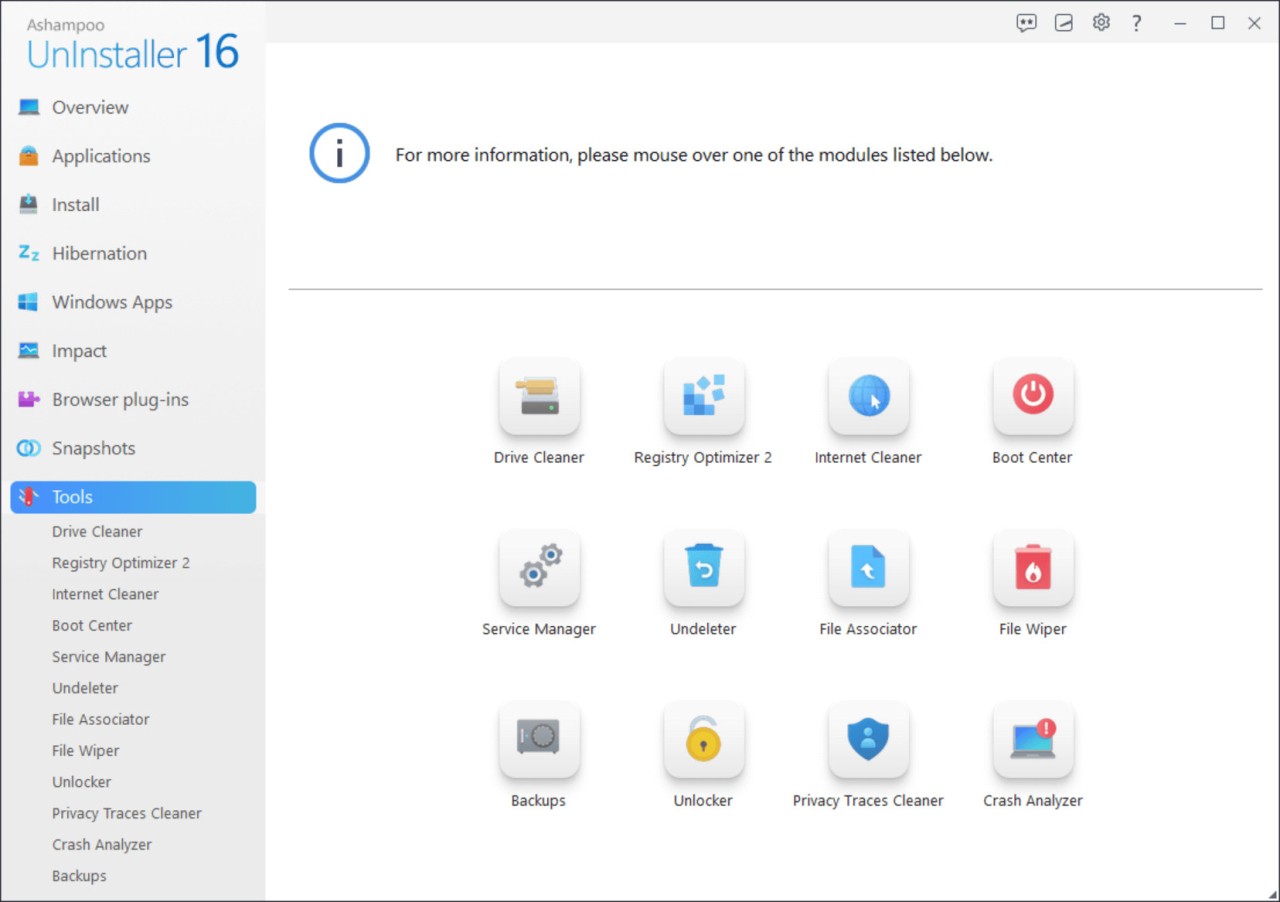
Another reason to use it is the advanced forensic analysis, which creates uninstall logs for existing software even if it was never tracked before. This allows you to clean old or unsupported programs that Windows cannot remove properly. The Registry Optimizer included in Ashampoo UnInstaller 16 detects unnecessary or broken entries and removes them for improved performance. There is also a Crash Analyzer that reviews system logs to identify causes of crashes and errors, helping you understand what went wrong.
The Privacy Traces Cleaner enhances user privacy by deleting browsing history, temporary files, and other digital traces left by applications. Together, these features make Ashampoo UnInstaller not just an uninstaller but a complete maintenance tool. Its modules have been optimized to work faster and consume less memory, which helps even on older PCs. The software also integrates seamlessly with Windows, supports modern browsers like Edge, Chrome, and Firefox, and uses snapshot technology to show system changes before and after installations. You can test programs safely knowing that every file added will be tracked and removable later with no leftovers.
Is Ashampoo UnInstaller Free?
Ashampoo UnInstaller can be downloaded and used freely for testing. You can install it, connect it with your system, and check how it monitors and removes software. The trial version includes the same core tools, showing how it tracks changes, creates logs, and cleans leftover data. This allows you to test its performance before deciding to continue using it.
During the test period, you can see how each installation is monitored and how quickly the software identifies files and registry changes. You can also perform uninstallations to observe how the five-stage removal process works. This trial process helps you understand its precision and effectiveness in real-time. The experience gives a direct view of how programs are removed entirely, leaving no traces behind.
Ashampoo UnInstaller emphasizes transparency during this stage. You can use all its monitoring, analysis, and cleanup features without barriers that prevent you from understanding its functionality. It allows you to verify its claims firsthand, ensuring confidence in how it manages installations and uninstallations.
What Operating Systems Are Compatible with Ashampoo UnInstaller?
Ashampoo UnInstaller is compatible with Windows operating systems, including Windows 10 and Windows 11 in both 32-bit and 64-bit versions. The software is designed to integrate seamlessly with modern system structures and browser environments. It supports Microsoft Edge, Google Chrome, and Mozilla Firefox through specialized profiles that enhance cleaning performance.
It is optimized to run efficiently on all supported systems, even those with limited hardware capacity. You can install and operate it on older computers without significant slowdowns since it uses minimal CPU and memory resources. The internal modules have been redesigned to deliver faster scanning and uninstall speeds. The snapshot comparison feature can track and display system changes accurately between two points in time, which helps in detecting modifications caused by installations or updates.
Ashampoo UnInstaller continues to evolve with each Windows update, maintaining compatibility with the newest versions and system frameworks. It delivers consistent results whether you are using a high-end computer or an older setup, ensuring every user can achieve the same level of cleanliness and system stability.
What Are the Alternatives to Ashampoo UnInstaller?
Argente Uninstall Manager is more oriented toward the administration and elimination of software installations on your system with ease. It gives you a list of every installed application, and you can uninstall and/or clean up any entries left that can slow down performance. The interface is simple, and it focuses on speed without considerable strain on the system. It is also useful in eliminating corrupted entries, which occasionally cause normal uninstallation to fail.
Wise Program Uninstaller is another good alternative to users who desire reliability and speed when it comes to uninstalling software. It provides a safe and forced uninstall. The safe mode deletes programs in a normal manner, and the forced option aids in removing applications that cannot be removed using Windows. Wise Program Uninstaller also has repair options for the installed programs, which can repair a particular problem without removal.
Uninstall Tool by CrystalIdea is a more developed tool that is not only a removal tool. It offers an elaborate tracking of installations, background analysis, and startup control. The software gives you a list of applications that are started along with your system, and you can disable them directly. It applies to users with more control over the processes of startups and system functionality, as well as the possibility of deleting programs to the full extent.