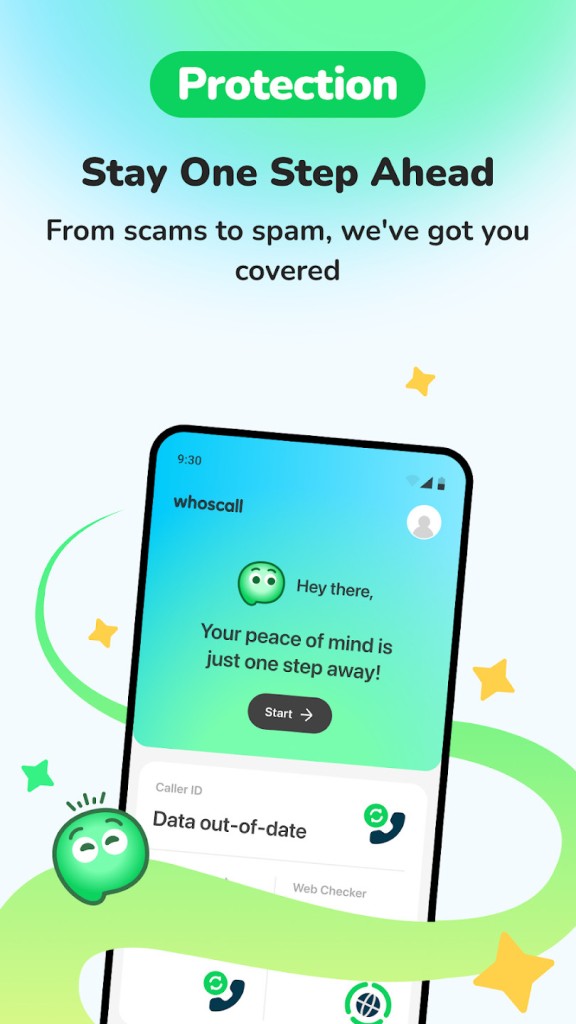
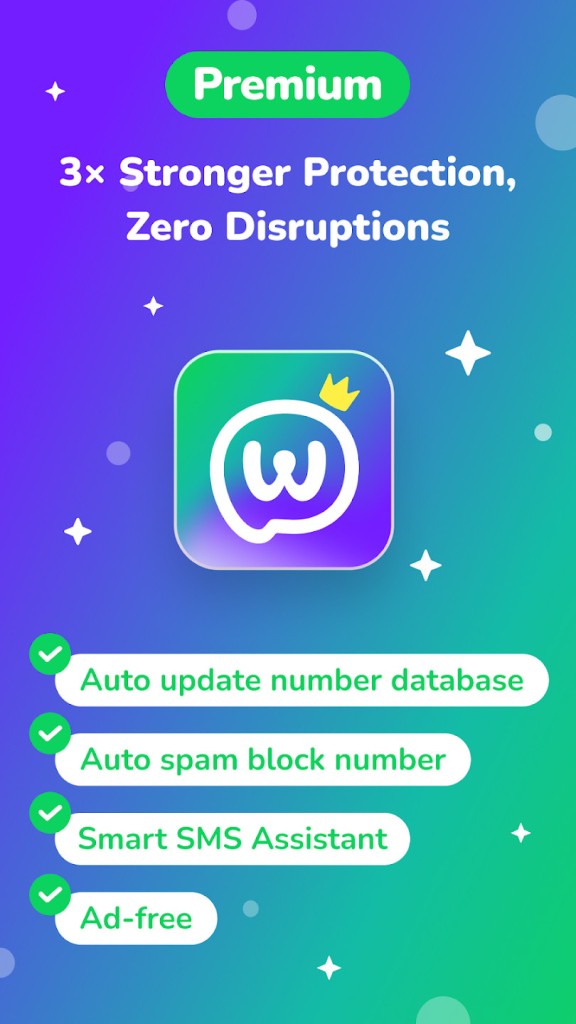
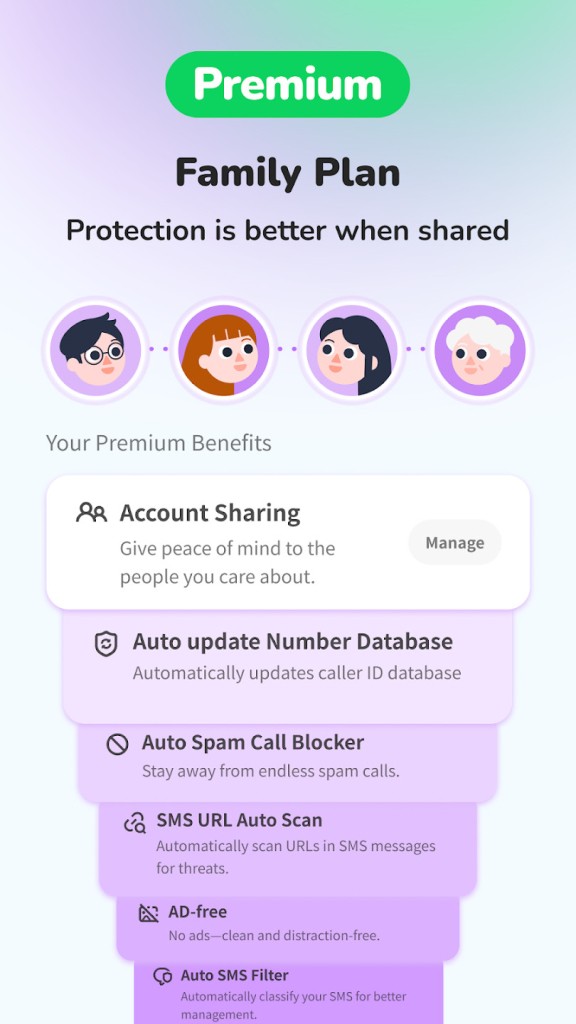
Whoscall is a security application designed to protect users from unwanted calls, scams, and suspicious messages. It focuses on providing you clear information about who is trying to contact you, allowing you to make fast and confident decisions.
The core idea behind it is simple but strong: make communication safer and more transparent for everyone. With a combination of caller ID features, scam detection, and a growing network of users reporting suspicious activity, Whoscall works as a daily layer of protection. It turns unknown numbers into something less uncertain by helping you identify calls in real time.
The software uses Whoscall AI and a large global community to detect and flag spam, scams, phishing attempts, and other risky activity. It works quietly in the background while you handle your calls and messages, so you don’t have to second-guess every unknown number. Over time, it has grown from a simple caller ID tool into a complete safety platform built to handle modern communication risks. Its features are meant to make everyday use simple and direct, so you can get on with your day without worrying about who might be calling next.
Another thing that makes Whoscall stand out is how it blends technology with human reporting. Instead of relying solely on automated filters, it brings together user reports from around the world. That gives it an extra layer of trust because the data is constantly evolving with real-world activity. Scammers and spammers change their patterns, but the system learns and adapts.
Why Should I Download Whoscall?
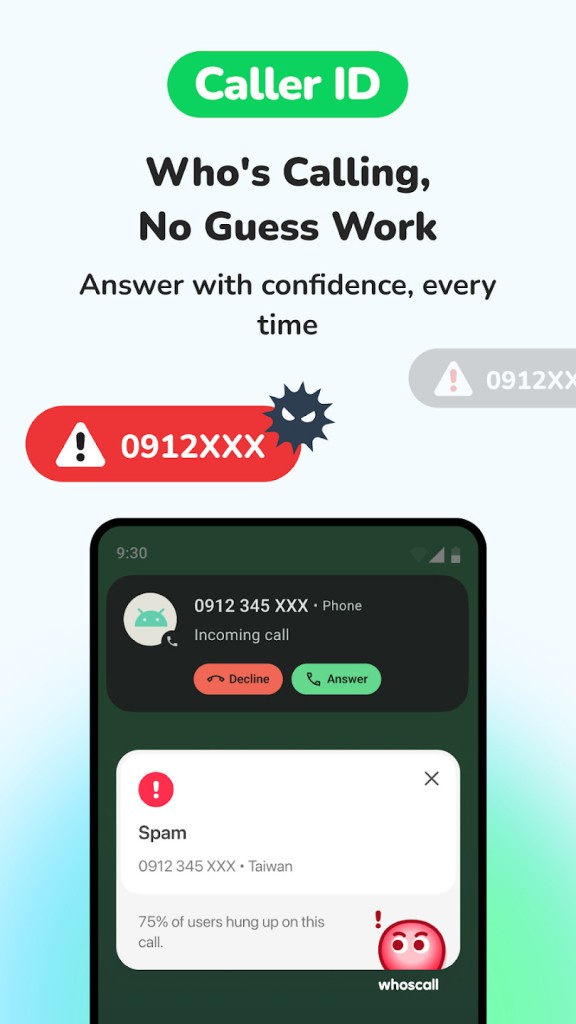
Whoscall can make a noticeable difference in how you handle calls and messages from unknown sources. Instead of guessing whether a number is legitimate or not, you get clear, instant information before you pick up. It works as a safety net that filters what’s suspicious, what’s likely safe, and what can be ignored altogether. This gives you control over your communication in a way that many standard phone apps simply don’t offer.
The app can automatically block known scam numbers and suspicious contacts, which reduces the constant interruptions that come from telemarketers and fraudulent schemes. It also provides an additional layer of support through its Smart SMS Assistant, which filters phishing messages and warns you before anything dangerous slips through. By combining caller ID with real-time alerts, the app takes a preventive approach rather than simply reacting to scams after they happen.
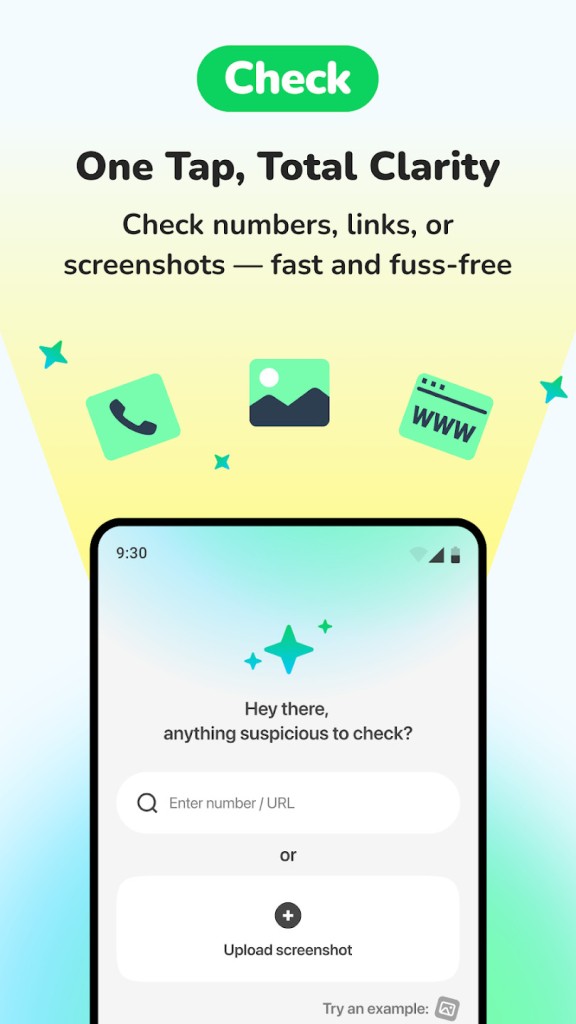
It also adds value beyond call blocking. The Check feature gives you one place where you can verify numbers, links, and even screenshots if you’re unsure about a message or call. If something does go wrong, you can turn to Scam SOS, a built-in function that guides you through reporting scams, freezing accounts, and contacting your bank with one tap. This kind of direct action tool helps people respond fast instead of losing time searching for what to do.
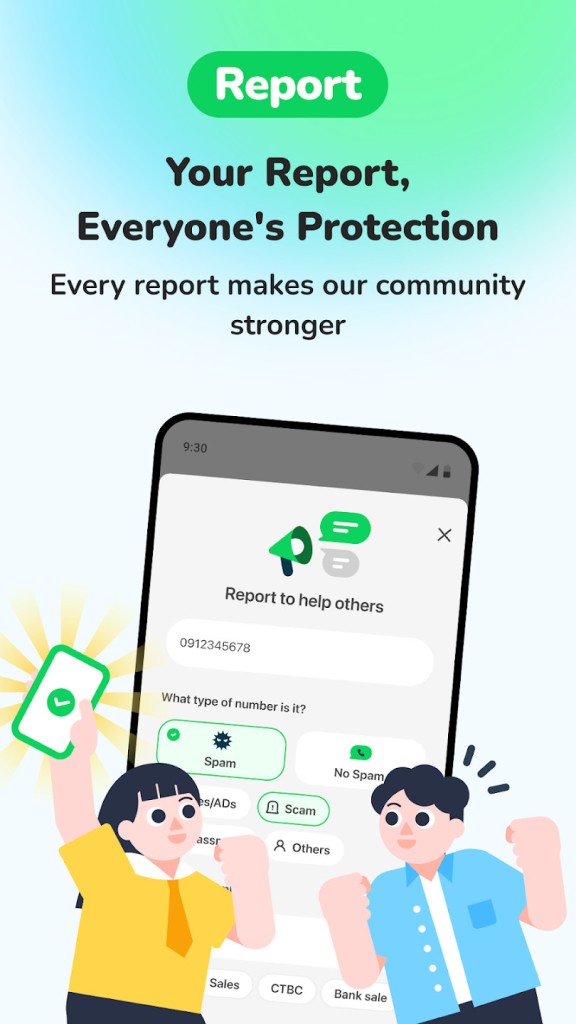
Moreover, Whoscall builds a sense of shared responsibility. You’re not just protecting yourself, but also contributing to a larger network. When you report suspicious activity, it strengthens the system for everyone.
Is Whoscall Free?
Whoscall can be downloaded without paying for installation, and its essential features work immediately after you set it up. The focus of the app is on delivering core protections like caller ID, scam blocking, and smart message filtering without unnecessary steps. Once it’s installed, you can use it to identify numbers, block unwanted calls, and receive real-time alerts during high-risk calls.
The app uses its database, AI system, and community reports to give you a solid layer of protection from the start. If you want to go beyond the basic features, additional services are offered inside the app, but the main functions that help detect scams and identify calls are ready for use right away. The goal is to make the entry barrier low, so people can protect themselves without getting stuck in complicated sign-up processes or hidden costs.
This straightforward approach is one of the reasons it’s trusted in many regions. People can start using it quickly and understand how it works without a learning curve. It gives users the power to make safer choices without depending on uncertain or incomplete caller information.
What Operating Systems Are Compatible with Whoscall?
Whoscall is compatible with iOS 13.0 and later, Android 6.0 and above. You can download the app from the App Store or Google Play for full mobile protection. This flexibility lets you identify calls and check numbers. The service works smoothly across platforms, keeping caller protection simple and consistent.
What Are the Alternatives to Whoscall?
Phone by Google is one of the alternatives to Whoscall. The app is installed on most Android devices (Pixel phones mostly) and is based on providing its users with a clean and secure calling experience. It offers caller ID services through which you can see who is calling and spam blocking, which notifies you when a suspicious number is calling before you pick it up. It also provides call screening on the supported devices that provide more control over who can call you. It works well with the Android environment since Google created it.
The second alternative is the use of Hiya, which is a call protection application that can identify and block spam and fraud calls in real-time. It gives the ID of the caller and an added benefit of scam, which will alert you to a suspicious call. The aim is comparable to Whoscall: to provide users with concise and quick information regarding the calls they are about to receive. It has established a good reputation in most countries and operates as a trusted provider for people who desire a superior level of control over their calls.
The third option is Truecaller, which is famous worldwide for its caller ID service. It offers number identification, spamming, and SMS filters in a single platform. It has a big database that is regularly updated, and that is why it can identify spam activity in a short period of time. Users can view the caller, block spammy contacts, and filter messages using the built-in filter software. Truecaller is reputed to be among the most popular caller ID applications in the world.