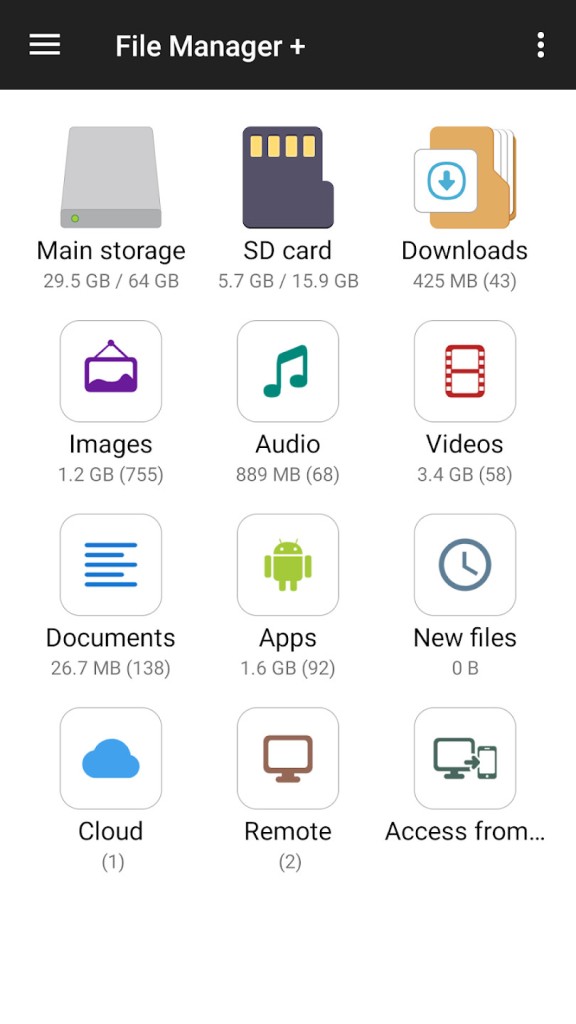
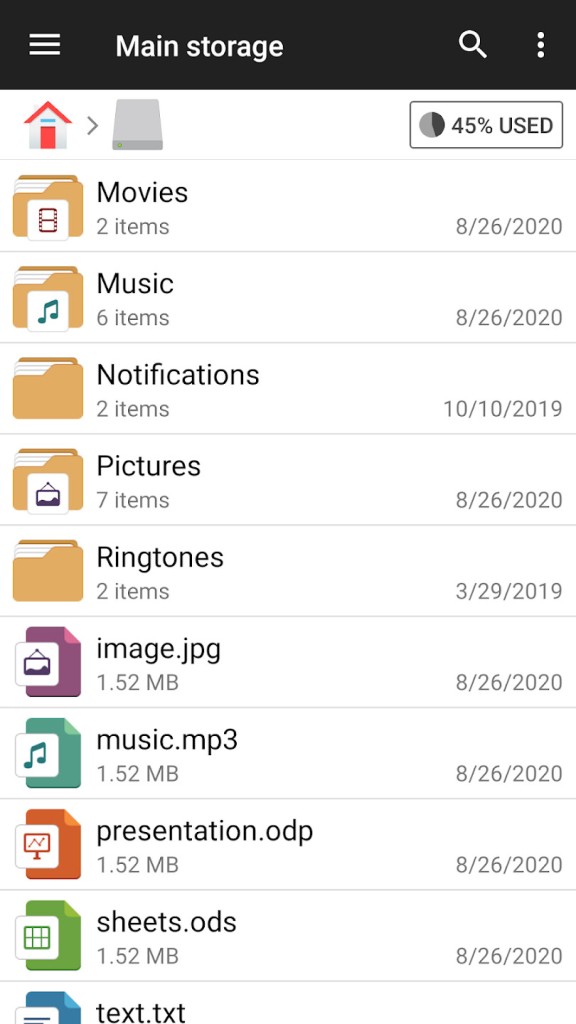
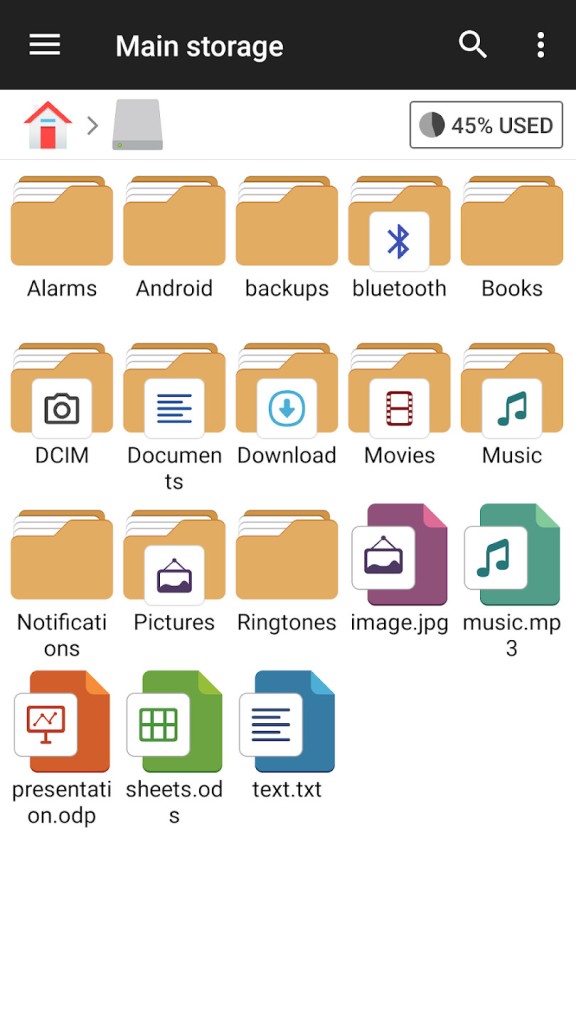
File Manager + is a complete file explorer for Android devices that lets you manage files and folders across all storage locations in one place. It includes the full range of essential operations such as copy, cut, paste, rename, delete, transfer, compress, decompress, and organize. With File Manager +, you can view and manage files not only on your device but also across remote servers and cloud accounts. That means you can connect to FTP servers, SMB shares, NAS devices, and major cloud services like Google Drive, Dropbox, OneDrive, Box, and Yandex without leaving the app.
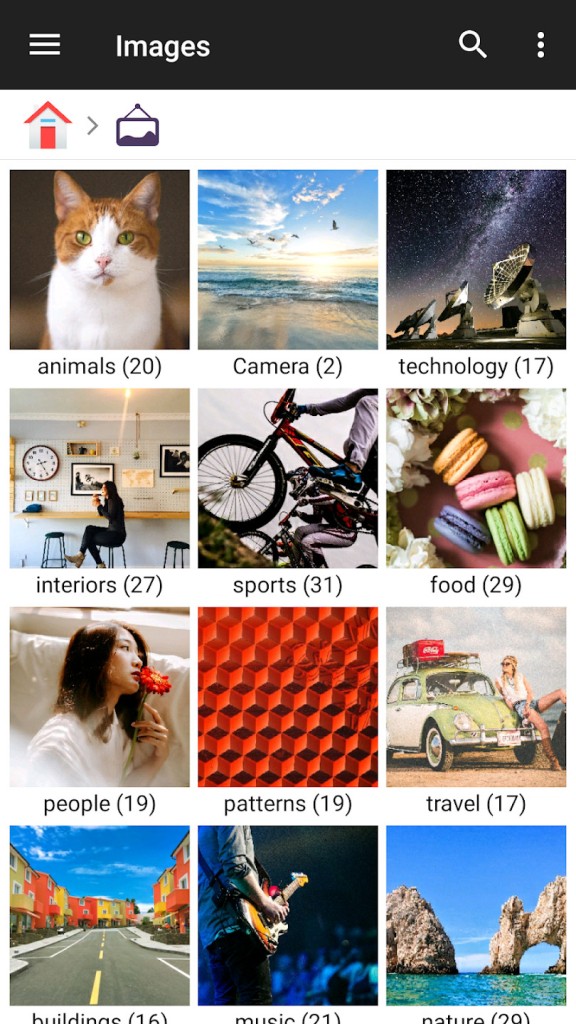
The design of File Manager + makes it simple to use while offering advanced control for users who need it. When you open the app, you immediately see how many files and apps are stored on your device. Content is automatically grouped into categories such as images, audio, videos, documents, and new files. This quick overview helps you locate data faster without needing to scroll through long lists of folders.
File Manager + also has built-in viewers and players, so you can open content directly. Images can be viewed, text files can be edited, and audio can be played without switching to another app. Archive management is included, so you can compress files into zip archives and extract from zip, gz, xz, and tar formats. Applications installed on your device are also visible, so you can check what is running and manage app data from the same interface.
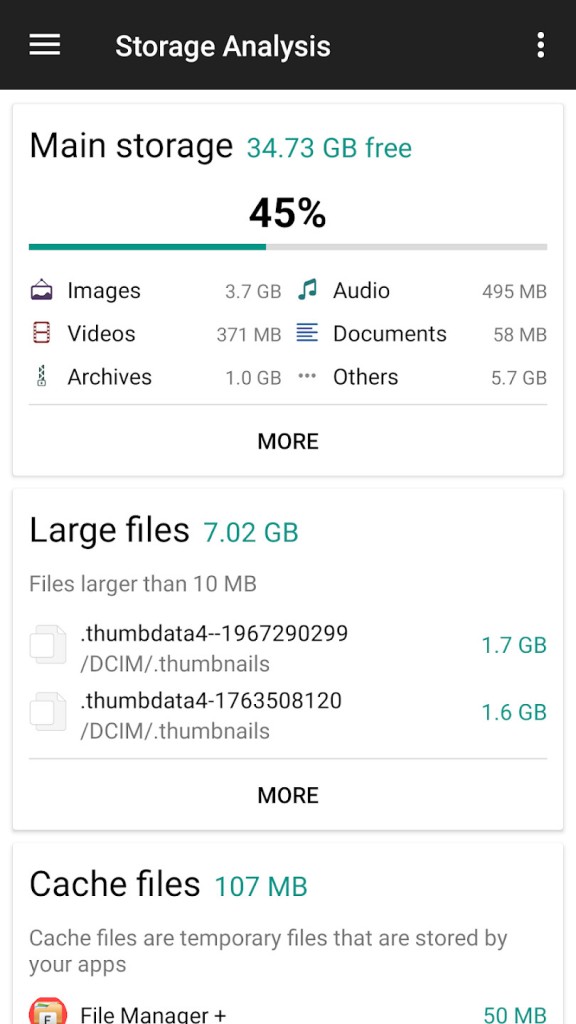
The app is designed for speed and reliability. It runs smoothly even when handling large volumes of files, and because it is focused on Android, it integrates well with the system. It supports internal storage, SD cards, and USB OTG drives. You can also connect your Android device to a computer and manage files remotely through FTP, which makes it useful if you need to transfer data quickly between phone and PC. Storage analysis tools are included as well, showing which files take up the most space so you can clear out unnecessary data and free up memory.
Why Should I Download File Manager +?
File Manager + should be downloaded if you want a simple and direct way to manage files without complications. Many default file systems on devices are limited, but this app provides complete control over every part of your storage. You can open it and immediately see what is taking up space, where your photos are stored, or which applications are installed. The automatic library sorting means you do not waste time digging through directories because your files are already grouped into useful categories.
It is designed to be approachable but also powerful. Beginners can open the app and manage files with ease because the interface is clear, while advanced users can link cloud accounts and servers for wider control. This makes it suitable for casual use as well as professional work where files are spread across multiple platforms. Performance is another key reason to download it. File Manager + is lightweight, fast, and optimized to run smoothly even when performing heavy tasks like moving large folders or decompressing archives.
The built-in tools make it practical. You do not need separate apps for images, audio, or text because File Manager + has its own viewers and editors. If you want to quickly open an image, listen to a song, or edit a text file, you can do it directly inside the app. The archive features also mean you can handle compressed files instantly, which is especially useful when dealing with downloads. For users who work with both local and online storage, the ability to connect to cloud accounts and servers from within the same app makes File Manager + a central hub for file management.
Is File Manager + Free?
File Manager + is free to download and use on Android. The free version lets you manage local storage, connect to network shares, link cloud accounts, check space, and use the built-in tools, so you can start working with files right away.
The app shows ads and offers optional in-app purchases, including an ad-free upgrade. You can keep using the free version if that’s all you need.
Because it’s easy to install and start, many Android users rely on it for everyday file tasks. Updates keep it working with recent Android versions, which makes it a practical long-term choice.
What Operating Systems Are Compatible with File Manager +?
File Manager + is compatible with Android. It is developed specifically for Android devices and is optimized to work across phones and tablets that run the operating system. The app integrates with Android storage systems, app management, and device connections to deliver a smooth and reliable experience. It supports internal memory, SD cards, and USB OTG devices, ensuring that all standard storage types on Android are covered.
Since it is focused entirely on Android, File Manager + is tuned to the way Android organizes and handles files. Updates continue to align the app with newer versions of Android, making sure it runs well on the latest devices while still supporting older versions where possible. The user interface is designed for touch controls, and the performance is balanced to keep the app lightweight while maintaining access to all its features.
What Are the Alternatives to File Manager +?
Another file manager that has more focus on integrating with downloading capabilities is Amerigo. It is renowned for combining file management with applications, allowing you to save and organize online material. Should you prefer an application that handles local files and, at the same time, makes it easy to handle web downloads, then Amerigo can be an option that would offer those two features together.
The other alternative is Files by Google, which is already installed in most Android phones. It is easy, neat, and efficient in aiding you to clear space. It will automatically delete files, find duplicates, and recommend a cleanup. Google has also introduced Files, which also has a sharing option that enables you to transfer files offline across the gadgets in your vicinity. Its greatest advantage is that it manages its space and is easy to use by common Android users.
Cx File Explorer is also a good competitor in this category. It has the latest design and a focus on simplicity and easy navigation. Similar to File Manager +, it allows local and cloud storage, as well as access to the network. It also has storage analysis tools so that you can be able to keep track of how your memory is utilized. Cx File Explorer is especially attractive to those users who require a simple interface with advanced cloud account and network device management functions.