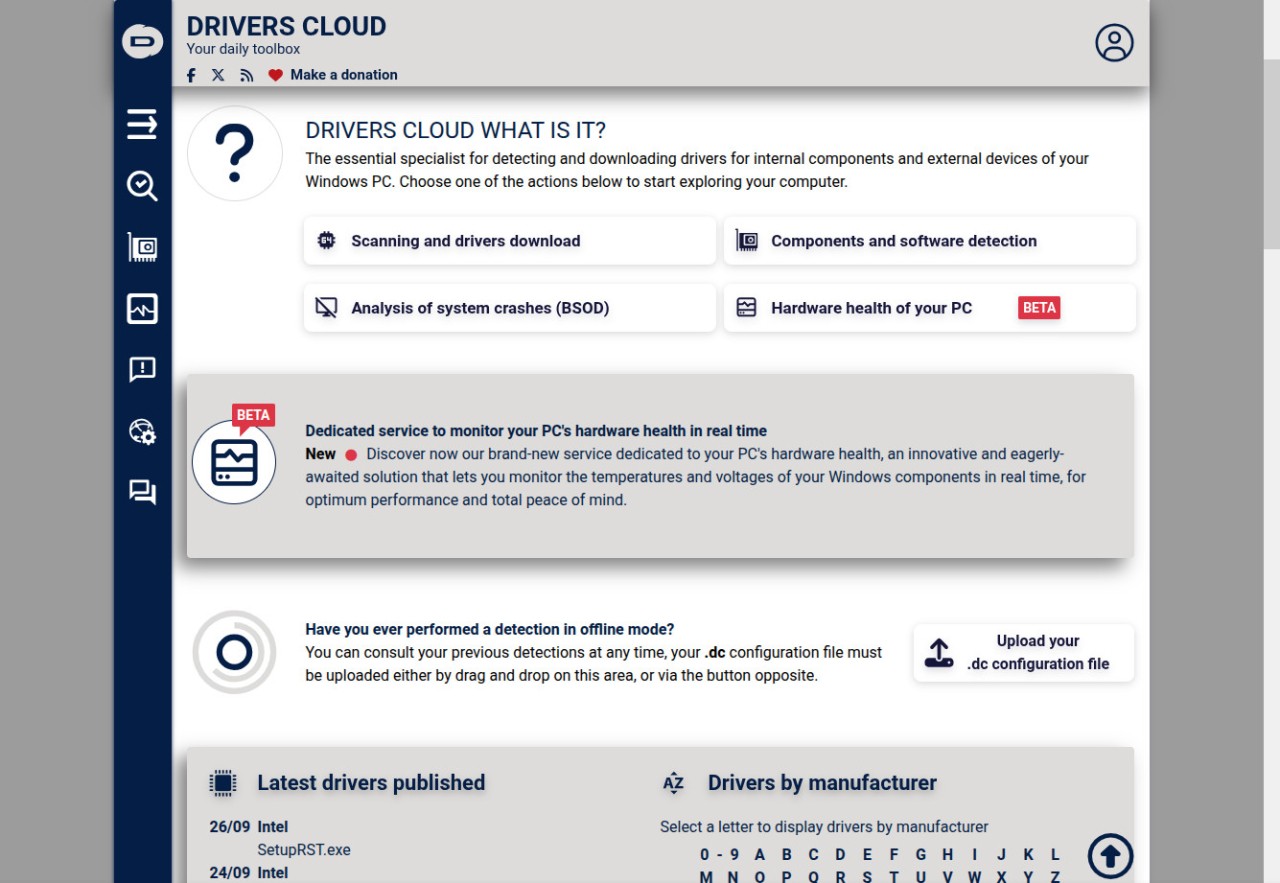
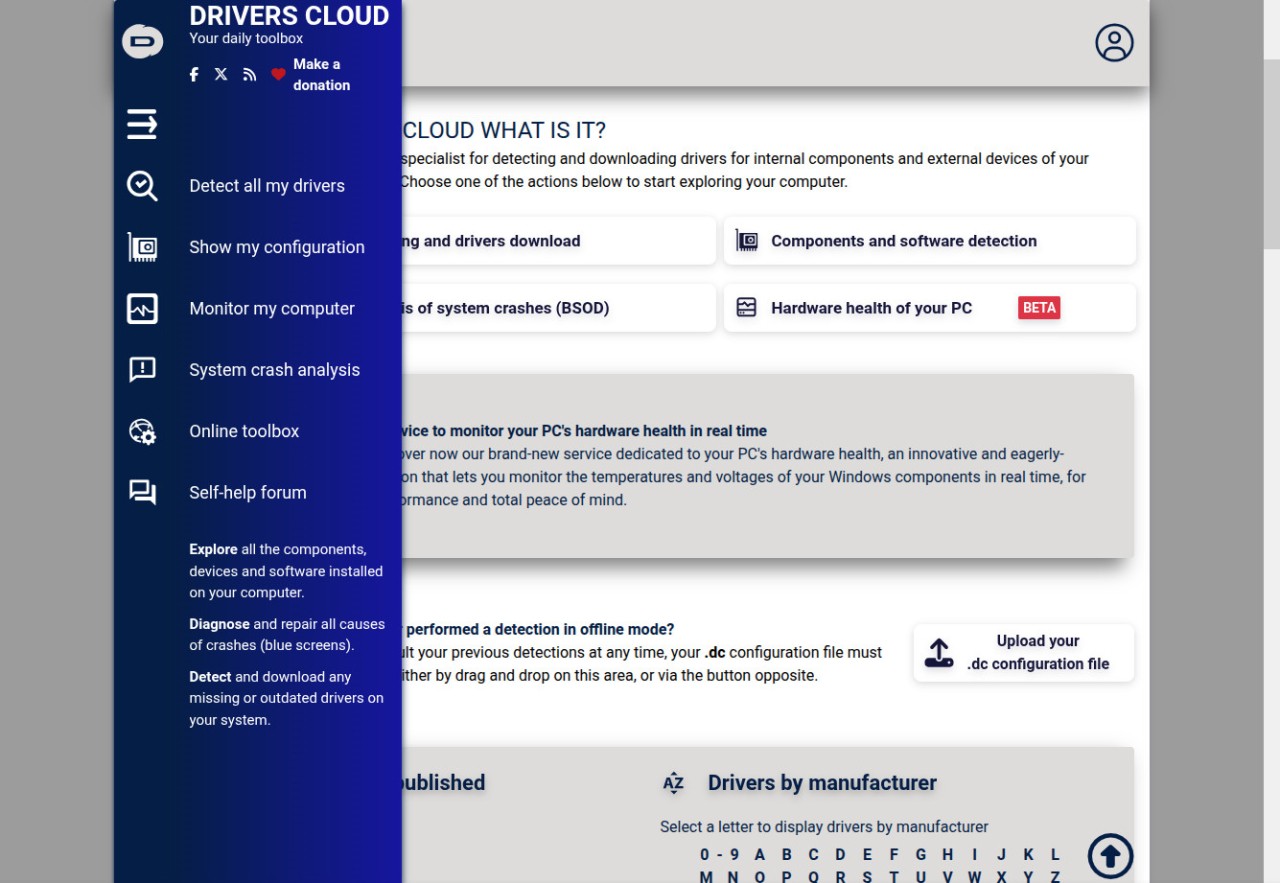
DriversCloud is a driver detection and update tool for Windows that works online by scanning your computer, identifying missing or outdated drivers, and offering direct official links to update them. It uses two different methods to carry out this process. You can run a scan directly through the web interface without needing to download anything, which makes it quick and simple when you want to get an overview of the state of your drivers.
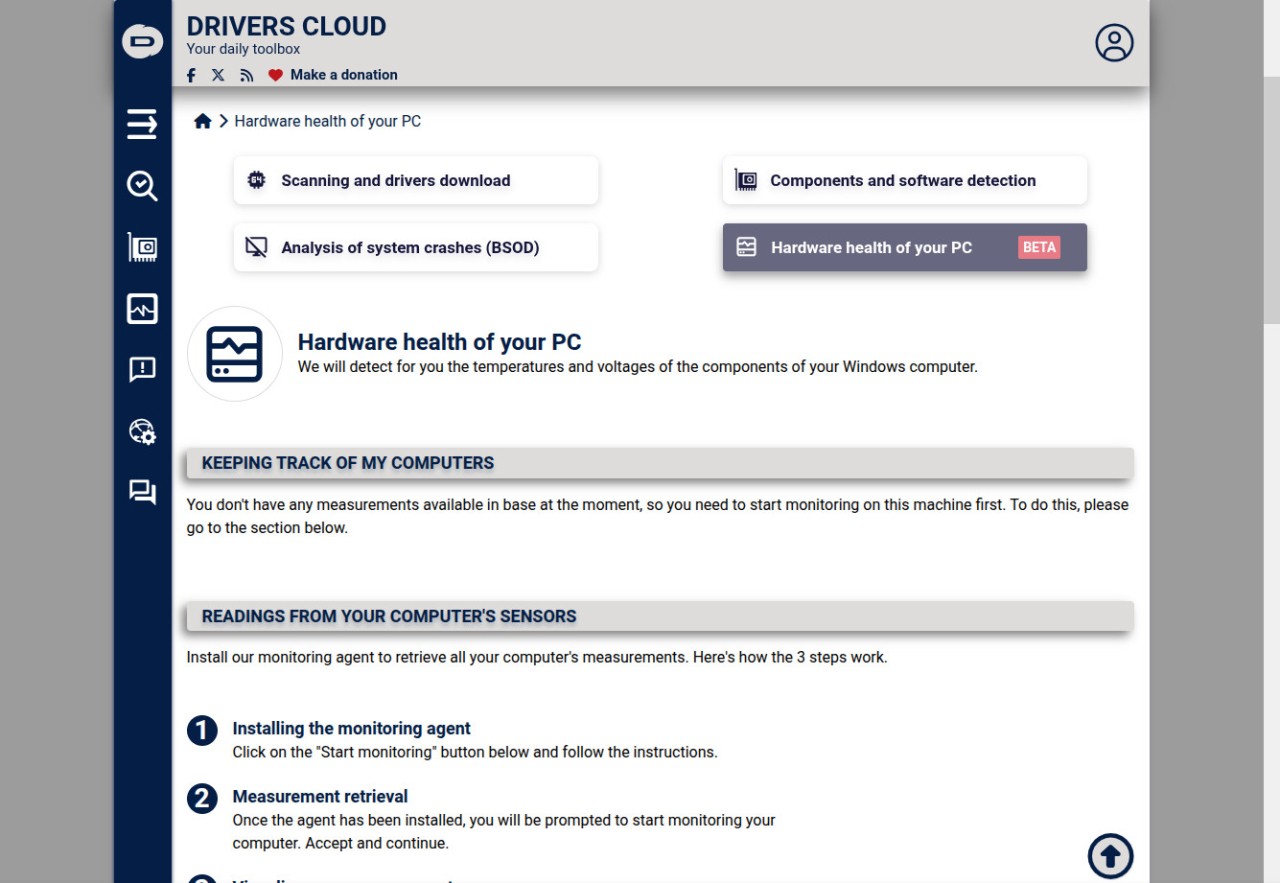
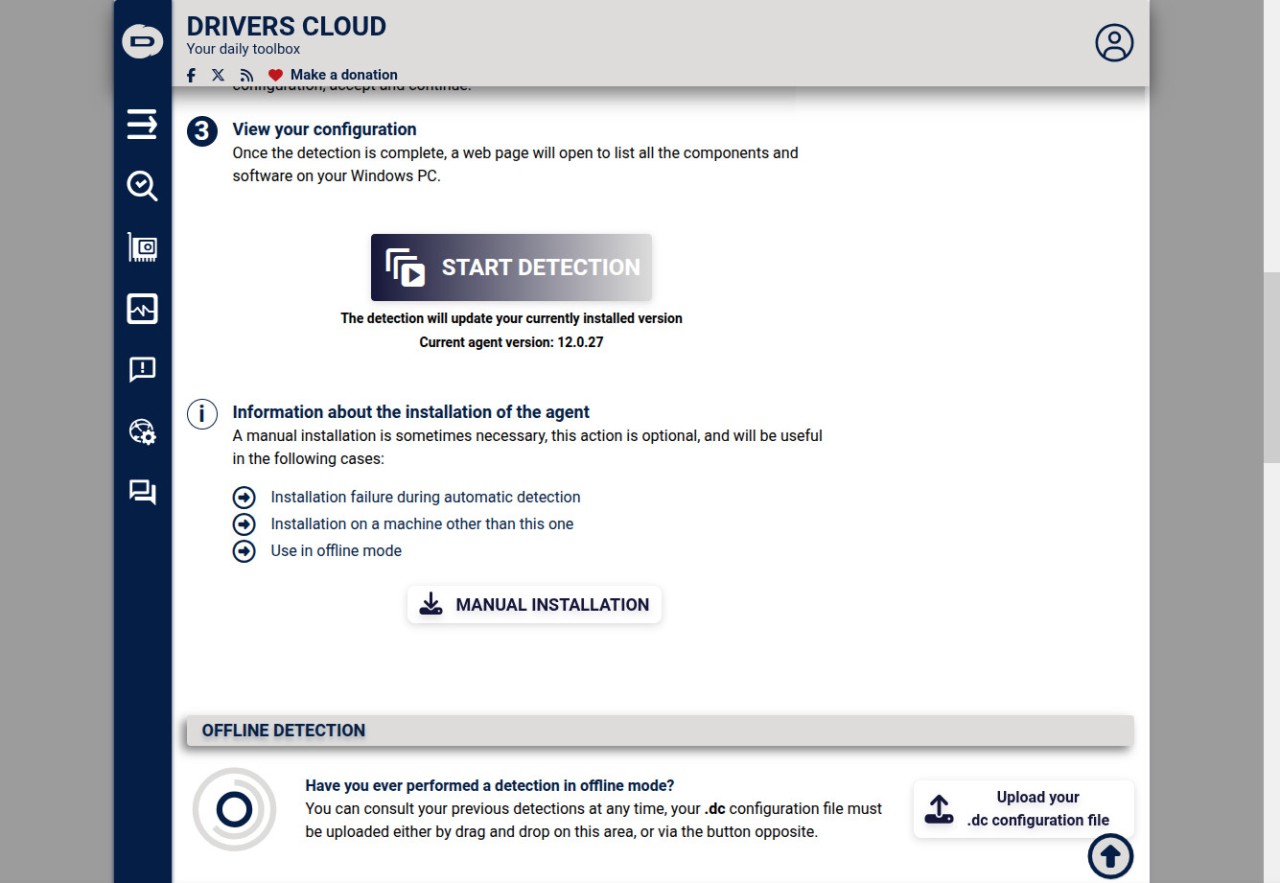
If you want a more thorough result or to use it on another computer, you can download and install a small program on your system called the local agent. This agent goes deeper into the hardware and delivers a complete report about every driver installed on the machine, without the need of an internet connection. With this report, you can see not only which drivers are outdated, but also which ones are faulty or missing entirely.
The combination of an online tool and a downloadable agent makes DriversCloud stand out because it provides flexibility. Some users prefer not to install extra programs, and for them the browser scan works well. Others require a precise and detailed check, so the agent provides exactly that. Both methods connect to the same database of drivers and link you back to official updates, which reduces the chance of downloading anything unreliable. This is a way to keep your computer stable and running properly without spending hours looking around different websites.
Why Should I Download DriversCloud?
Drivers are essential for keeping hardware working as it should. When a driver is missing, outdated, or broken, the system can become unstable. You might notice slower performance, crashes, or even hardware components that stop working altogether. DriversCloud is designed to avoid that by giving you an automatic and trustworthy way to detect issues before they cause problems. Instead of searching manually for drivers that may or may not be correct, the software builds a detailed profile of your system and points you toward the right version.
This approach saves time and helps prevent mistakes that come from installing drivers that are not suited to your hardware. Many computer issues arise from small mismatches in driver versions, and correcting them often resolves bigger issues that seemed unrelated. DriversCloud reduces the risks by guiding you directly to official updates. The fact that it provides both online scanning and a local agent means you are not locked into one method. If you are comfortable with a simple online check, you can do that immediately. If you want the security of a full system analysis, you can download the agent and get a report that covers every part of your system.
Using this software regularly helps maintain smooth operation, avoiding long downtimes caused by sudden hardware conflicts. It becomes easier to keep everything up to date because the process is centralized. You do not need to visit each manufacturer’s website to check for updates individually. Everything is detected and shown in one place, making the update process straightforward.
Is DriversCloud Free?
DriversCloud is free to use. You can run the online scan from the official website and receive a report without paying for the service. The same applies to the downloadable agent. You can install it, run detailed scans, and access driver reports without limitations.
The idea is to provide users with a reliable and open tool that improves computer performance without adding extra costs. By remaining free, it stands out in a field where many tools require subscriptions or limited free versions. Here, you get the complete functionality without restriction.
This makes it practical for anyone who wants to maintain their computer without committing to paid services. Whether you are an advanced user managing several systems or someone who simply wants their personal machine to run better, DriversCloud works in both cases.
What Operating Systems Are Compatible with DriversCloud?
DriversCloud is compatible with Windows operating systems. You can install the local agent on both 32-bit and 64-bit versions. The agent works with Windows 10 and Windows 11, ensuring that it is suitable for modern systems. The online scan is also run through a browser on Windows, meaning you do not need to install the agent if you prefer a simpler approach.
The availability of both methods means that users across different versions of Windows can still rely on the service. For those running older versions, the focus is on Windows 10 and Windows 11, as these are the operating systems that DriversCloud officially supports.
What Are the Alternatives to DriversCloud?
Another driver management program is Driver Genius. Similar to DriversCloud, it can scan your system, identify outdated or missing drivers, and update them. It also has capabilities to back up and restore drivers, which comes in handy during an operating system re-installation or in installing a new computer. Though it takes up a lot of the same territory, its design deals more with having a driver library to restore with, as well as updating.
Driver Talent is a device that aims to find and update drivers, with some possibilities to repair them. It examines the drivers and the problems associated with it and seeks to address the frequent post-updates problems. With a combination of detection and repair, it is not just a driver updater anymore. This is why it is attractive to those users who would want only one program to take them through various processes of taking care of their drivers.
Other popular substitutes include Snappy Driver Installer. It is a portable tool, i.e., you can put it on a USB stick and execute it without installing. It provides you with huge collections of drivers and can be utilized when you are offline after downloading the packages. It is especially helpful to technicians or individuals who deal with many machines and do not always have access to the internet. Although its interface is not as refined as the others, its advantage is its capacity to process big driver updates at a fast rate and on numerous systems.