Phone by Google is Google’s official calling app for Android devices. It can replace the default dialer of your phone with something that tries to feel a bit smarter and less noisy. You open it, you see a proper list of recent calls and contacts, and you get extra help spotting spam or unknown callers. It keeps familiar things where you expect them—keypad, contacts, voicemail—but wraps them in features that aim to cut down on interruptions and make calls easier to manage.
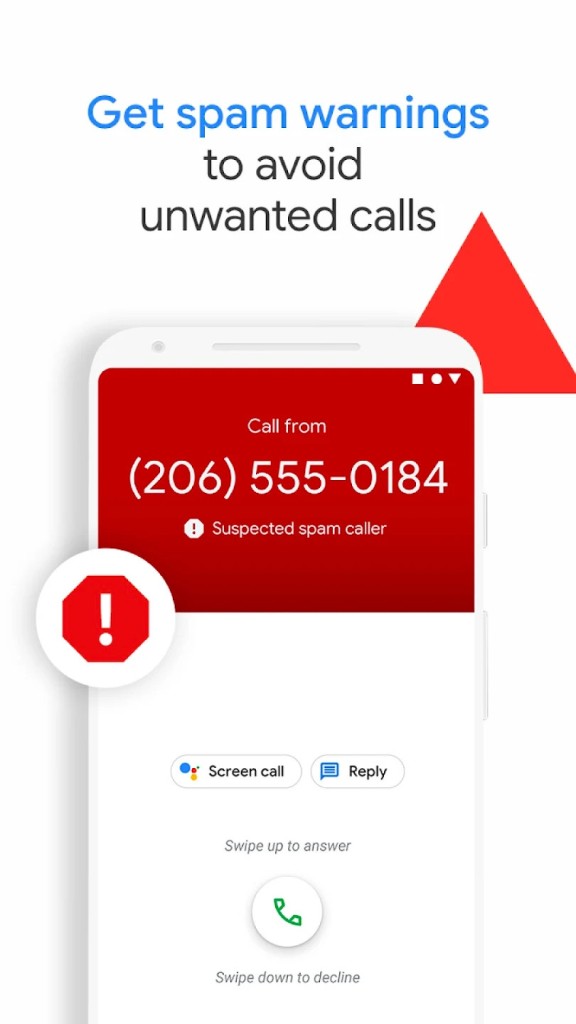
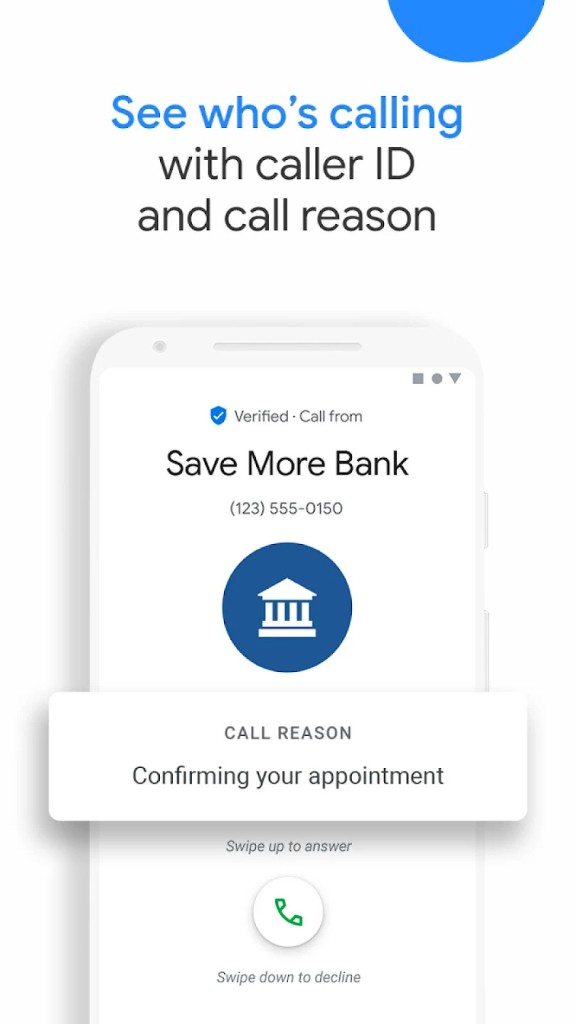
The app leans on Google’s data to label business numbers, show caller details, and present warnings when calls look suspicious. That’s the main point: you don’t have to guess who’s calling. There are tools to screen unknown callers, read voicemail transcriptions, record calls if you want to keep a copy, and even let Google Assistant (now Gemini) wait on hold for you. It’s built to sit quietly in the background until you need it, then be helpful without getting in the way.
Design-wise, it’s straightforward. Dark mode is an option. The layout doesn’t push extra features in your face. If your phone came with Phone by Google pre-installed, you’ll find it slots into the system neatly. If not, you can download it where your device supports it and let it handle calls the way a modern dialer should.
Why Should I Download Phone by Google?
If you want a dialer, or phone app that does more than just connect a call, Phone by Google is worth a look. It’s not flashy, but it reduces friction. Spam protection is useful in daily life; the app flags likely scam or telemarketing numbers so you can skip them. That saves time and keeps you from answering calls you don’t want. Caller ID for businesses means fewer surprises when a company rings; you see a label and decide whether to pick up.
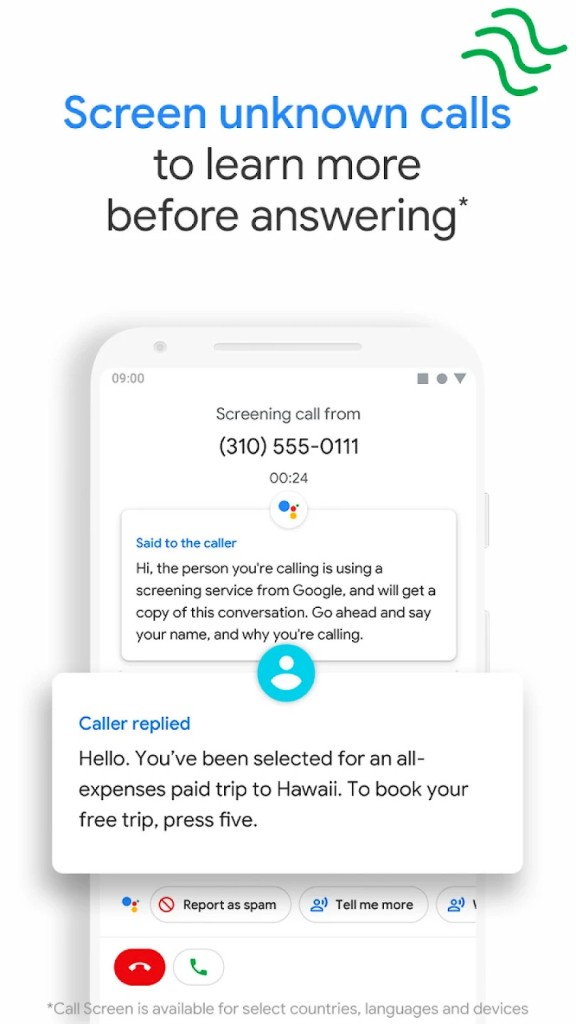
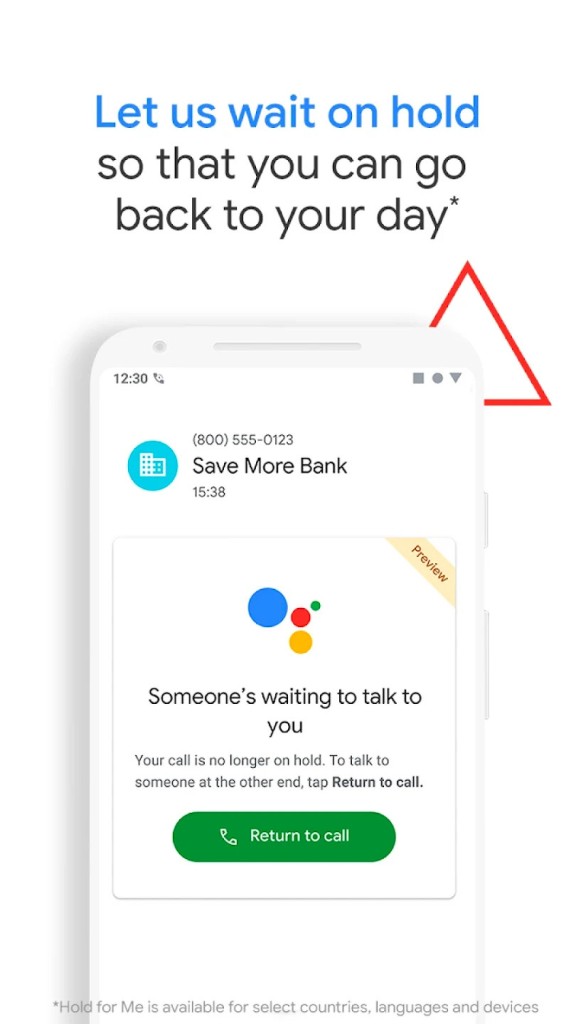
Call Screen is handy for unknown numbers. It answers for you, asks who’s calling and why, and shows you what the caller says. You can then decide to pick up or hang up. Hold for Me is another practical tool: an assistant waits on hold with a business and alerts you when someone returns. It’s one of those small commodities that actually saves minutes in your day.
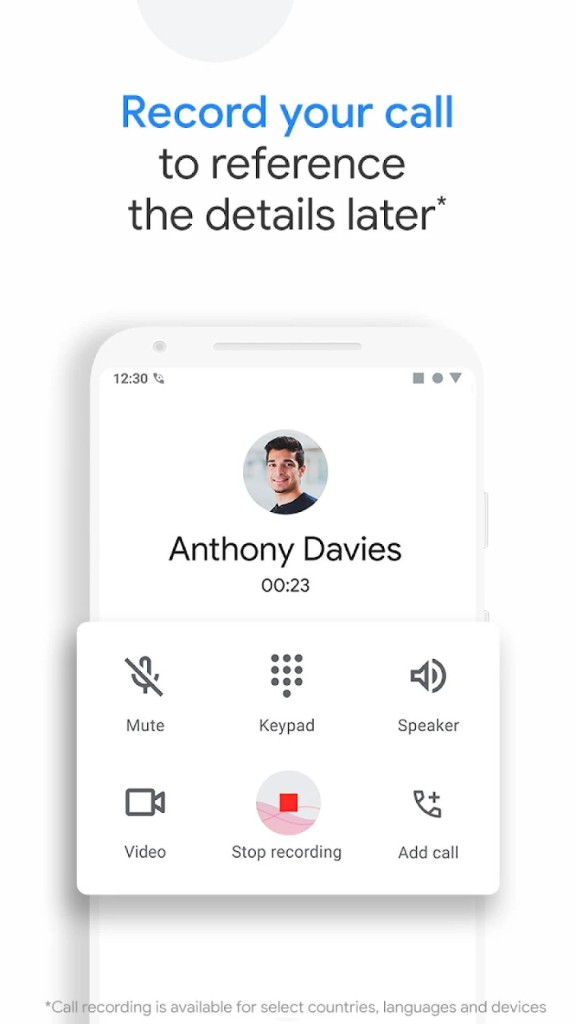
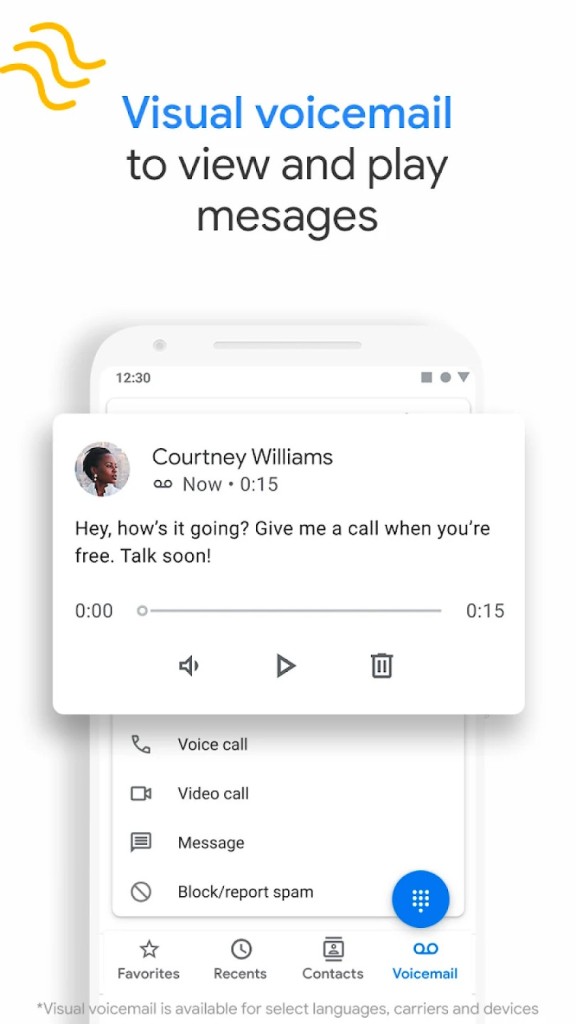
Visual voicemail and transcription let you scan messages instead of dialing into voicemail. You can play messages in any order and read a quick transcription to find what matters. Call recording is available on devices that support it; a disclosure plays, so everyone on the call hears about the recording, and files are saved locally. Emergency support shares your location with operators for extra clarity when you call for help. Overall, it’s a dialer that tries to make routine tasks less irritating and more reliable.
Is Phone by Google Free?
Phone by Google is free to download and use. Many Android phones that come with Google services already include it as the default dialer, while others can install it directly from Google Play. You don’t need to pay anything to use its core features, and all updates are provided automatically through the Play Store, like other Google apps.
What varies is which features are available depending on your region or device. Some advanced options—such as Call Screen, Hold for Me, and voicemail transcription—are limited to specific countries, languages, or Pixel models. For instance, automatic call screening is currently available in the United States in English, while certain voicemail transcription tools work only in select regions. These differences don’t make the app paid; they just reflect Google’s gradual rollout of supported features. The essential calling tools—caller ID, spam protection, blocking, and voicemail—remain completely free for everyone.
What Operating Systems Are Compatible with Phone by Google?
Phone by Google is compatible with Android devices running Android 9.0 (Pie) or later. It’s built for Android only and not available for iOS. Any phone that supports Google Play Services and meets the version requirement can install it from the Play Store. On Google Pixel phones, the app usually comes pre-installed, serving as the default dialer, while other Android brands can use it where the manufacturer or carrier allows installation.
Wear OS devices are also supported for call management, so you can answer, reject, or mute calls directly from your compatible smartwatch when it’s connected to your phone. Some enhanced features depend on hardware and regional availability—for example, Hold for Me and certain versions of Call Screen only work on specific Pixel models or in select languages and countries. For everyday functions such as making calls, checking caller ID, blocking spam, and accessing voicemail, Phone by Google works reliably across all supported Android devices.
What Are the Alternatives to Phone by Google?
The alternative that is often used is Hiya, which is devoted to identifying the ID of the caller and spam. Carriers use it, and some phones come with the use of Hiya services. Hiya is rather successful in spam detection and automated call blocking, and the app is targeted at individuals who are willing to have a simple spam detection solution without bells and whistles. The user interface is old-fashioned, yet the essence of junk call filtering is good.
Truecaller is another competitor that operates on a different dimension, as it relies on its users to identify the caller. It displays names and even profile pictures of non-contact numbers and also contains functions such as spamming, blocking messages, and searching for contacts. Truecaller provides a wider social layer, which some of its users appreciate, as it may recognize more numbers as a result of crowdsourced information. There are optional features of some advanced Truecaller features that might be upgraded, yet the rudimentary identification and blocking are free.
Whoscall has a reputation for working even when you are offline, using a huge local database of numbers. The app can be used in case you do not always have access to the internet and need a fast ID to identify incoming calls. It is simple, aims at identifying scams and robocalls, and is helpful where the connection is unstable.