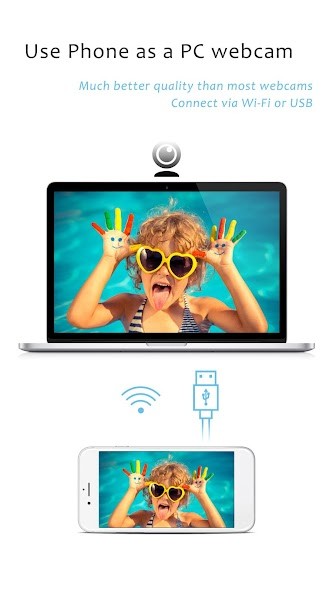
iVCam Webcam turns your phone or tablet into an HD webcam for Windows. Instead of spending money on a separate camera, you can simply use the one that’s already in your pocket. The process is simple enough: install the iVCam app on your device, set up the client software on your computer, and connect both through Wi-Fi or a USB cable. Within seconds, your phone acts as a live webcam for your PC.
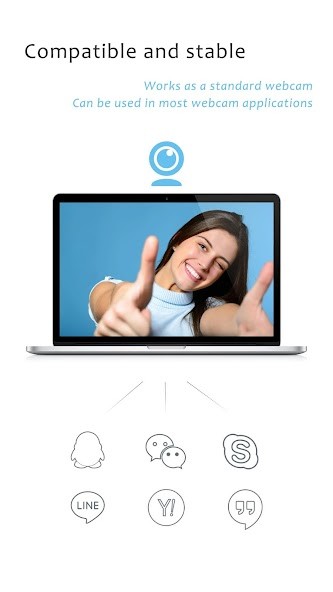
It delivers sharp, real-time video with very little delay. The picture quality is far better than what most built-in laptop cameras can offer, which makes it useful for meetings, streaming, or any recording setup. Once it’s running, it behaves like a normal webcam—recognized by Zoom, Skype, OBS Studio, and most other software.
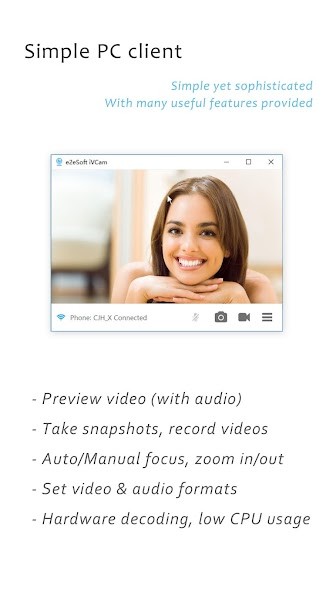
Beyond that, it’s flexible. You can record video straight to your computer, which helps when your phone is low on storage. It even works as a baby monitor or a quick home security view if that’s what you need. You get manual camera controls for exposure, zoom, focus, ISO, and white balance. Switching between front and rear cameras is instant, and you can change orientation from portrait to landscape anytime. If your phone supports wide or telephoto lenses, those are available too. Everything feels responsive, and you get smooth video at the resolution you pick—from 360p up to 4K if your setup allows it.
Why Should I Download iVCam Webcam?
If you’ve ever looked at your laptop webcam and thought the image looked dull or grainy, iVCam is the easiest fix. You already have a phone with a great camera—this app lets you use it for your PC. It gives a professional, high-definition feed without the cost of extra gear. For creators, streamers, or remote workers, that single change can make a noticeable difference.
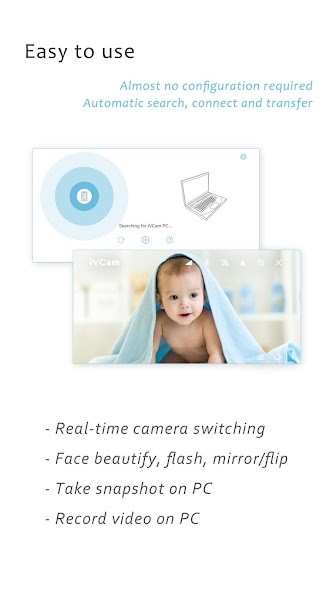
The setup doesn’t need technical steps or long tutorials. The app detects your PC automatically, so you don’t spend time with network configurations or cables unless you want to. You can connect wirelessly over Wi-Fi or plug in via USB for faster, stable transmission. Once it’s running, you can record directly to your PC—ideal for longer sessions where phone storage would normally run out.
You also get a surprising amount of control. You can change resolution or frame rate based on what your computer can handle, adjust brightness or focus, and even replace your background with blur, bokeh, mosaic, or green-screen effects. The app supports audio too, letting you use your phone’s microphone as a wireless mic for your computer. It feels like an all-in-one webcam and mic package that just happens to come from your phone.
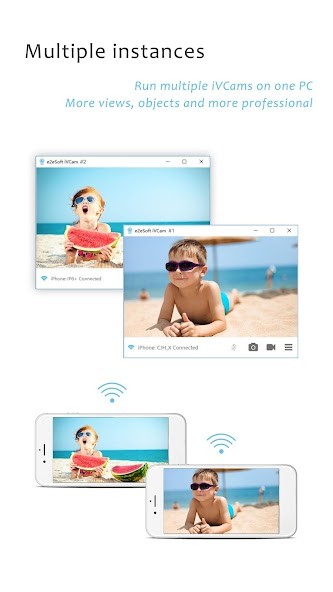
For people who multitask or use multiple cameras, iVCam allows several phones to connect to the same computer. That’s handy when you want to show different angles during a stream or record from more than one spot. It’s flexible, stable, and simple enough for daily use.
Is iVCam Webcam Free?
iVCam Webcam can be downloaded and used for free. You can install it on your mobile device, connect it to your computer, and start streaming in real time without paying anything upfront. The free version already includes HD video output, automatic connection, and smooth performance that’s stable enough for calls, streams, or online meetings.
Getting started is straightforward. You install it on your phone, set it up on your PC, and the two connect automatically within seconds. Once it’s running, your mobile instantly turns into a functional webcam. It replaces the need for a physical USB camera while still keeping the quality high.
The app is actively updated, which means it doesn’t stay stuck at its first version. Recent updates improved image tone, reduced connection delays, added echo cancellation for clearer sound, and introduced shortcuts for easier camera control. Even in its free form, it works like a complete tool rather than a restricted trial.
What Operating Systems Are Compatible with iVCam Webcam?
iVCam Webcam is designed to work with Windows as the host system. You can use any compatible iPhone, iPad, or Android device as your camera source, and the connection runs through the iVCam client on your PC. Once configured, the link stays stable and responsive, even over Wi-Fi, as long as both devices share the same network.
The video decoding process runs mainly on your computer’s graphics card to keep playback smooth. If your GPU supports hardware decoding, the image remains crisp and fluid. If not, it falls back to CPU decoding, which still works but may use more processing power.
To enable background removal or visual effects, your computer needs to run Windows 10 or newer with DirectX 12 support. Modern NVIDIA, AMD, and Intel GPUs can handle this without issue. Keeping your drivers updated improves stability and visual quality.
The app does not currently support macOS. It’s built specifically for Windows, which means all connection, streaming, and feature support is centered on that platform. If your Wi-Fi isn’t stable, using a USB cable gives an even faster and lag-free connection.
What Are the Alternatives to iVCam Webcam?
Another popular substitute option is DroidCam which allows you to use your smartphone as a webcam, similarly to iVCam. It is compatible with Android and iOS platforms and compatible with Windows and Linux operating systems. It is capable of connecting using Wi-Fi or USB, and it has stable, low-latency video which can be used to stream and conferencing. You can also pass the microphone of your phone, and it also has one set up for both audio and video. Its interface is easy to use, and users like the fact that it does not have a lot of configuration.
The other option that is good is Camo - webcam on Mac and PC, which boasts of very high-quality images when using iPhones and iPads. Camo is all about being in control and precise; you can use the app to adjust focus, exposure, color, and framing directly in the app. It is compatible with macOS and Windows and can be integrated with such platforms as Zoom, Google Meet, and OBS Studio. It is favored by professionals who require professional-like consistency and clarity to record or stream, and achieves almost studio-like results with a phone camera.