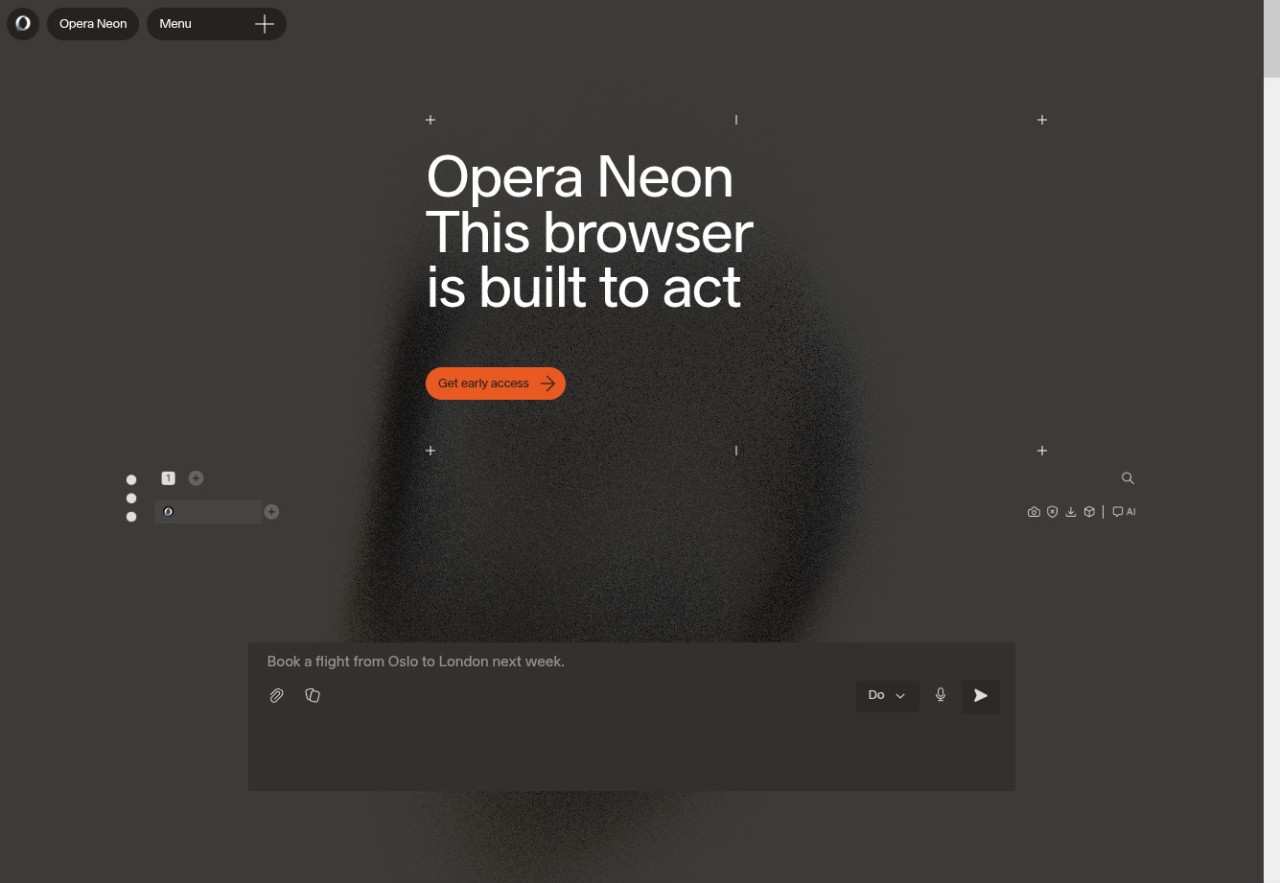
Opera Neon is a web browser that does not want to be just a window on a screen, but it is more of a tool that adapts itself to what you do on the Internet. Neon, which is made by the same company as the regular Opera browser, Opera, adds automation and AI that will accelerate the work. Neon will read the structure of web pages, grasp their content, and then leave you to do with them instead of clicking on them, searching, organizing, and repeating all over again. It is aimed at having a browser to get you done with the tasks you came online to accomplish — be it filling a form or gleaning information across multiple sites.
Its interface is also lighter, image-based and fluid as opposed to the traditional browsers. Neon reads pages and summarizes them using AI, compares information, and does minor tasks like locating receipts or organizing text snippets. It does not impose new habits; it even adds some shortcuts to yours. Others consider it a preview of what browsers will be like in the future, whereas others use it primarily to conduct research and to manage their tasks. In brief, Neon does not sleep, but acts.
Why Should I Download Opera Neon?
You do not download Opera Neon because of its flashy features. You install it because you need a browser that actually works on your behalf rather than loading a page. Neon monitors the way you utilize pages and eliminates redundant procedures.
When comparing prices on websites regularly, researching, or browsing multiple tabs, the Neon AI can handle it. It summarizes long articles in a single instance, extracts data in multiple pages, and cleanses information, thus saving you the tedious work of copying and pasting data. The greatest advantage goes to the people who work with emails, receipts, digital files, or web research.
The other reason why one must download Opera Neon is that it has a system of cards. Cards are mini reusable modules that hold workflows as opposed to long to-do lists or bookmarks. Imagine everyday things, replying to an email, locating an old confirmation, filling out a certain form, checking a trend, Neon makes each of them a single step. It eliminates friction that is normally not taken into consideration by browsers. It is also useful to those users who move across pages regularly. Neon knows page designs and is able to navigate or scrape information with fewer button presses.
Neon remains a regular browser; do whatever you require it to be; however, its primary use is to enable you to do things, not simply to read pages. When you need to achieve many minor online tasks, and they add up to something, you realize the value of Neon as you use it.
Is Opera Neon Free?
Opera Neon is free to use and download. The AI tools do not have any paid levels, restricted features, or a subscription. Neon has all the features that are free. The additional extras could be added to Opera in the future, but the basic experience remains free.
What Operating Systems Are Compatible with Opera Neon?
Opera Neon is mostly compatible with desktop users and is built on the latest web technologies that are compatible with its modern operating systems. It is based on Windows and macOS, which deal with the AI functionality and interface appropriately. It is simple to install and does not require any additional frameworks or special setup. The browser is in the process of development, and therefore, modifications and compatibility corrections are frequent.
Neon is yet to have an official mobile version. Neon is not intended to be a small-screen browsing application, but a desktop-oriented, agentic tool, the mobile browsers of which already exist in Opera. Even when you are heavily dependent on mobile workflows, you might have to open the phone with another browser. On desktop, though, Neon is a graphical and smooth operating web browser, which follows the same web standards that larger browsers adhere to; hence, it works with most websites and web applications.
What Are the Alternatives to Opera Neon?
Dia AI Browser is a test browser, which rearranges information appearance, but not the behavior of the browser. It organizes content in visual blocks or timelines, as opposed to placing tabs at the top, and offers a way back to past tasks. It eliminates the sound of switching between numerous windows or tabs. This layout is liked by users who study or alternate between different subjects based on the topic, as Dia ensures that all the information from a session is readily available. It is also a modest automation, but not as action-oriented as Neon. The ability of Dia to provide browsing history context and structure rather than giving it as a long list to never go through again is its strong point. You can download Dia anytime if you want to see how its visual timelines change the way your browsing sessions feel.
ChatGPT Atlas is an internet-based navigation layer, as opposed to a normal browser. It employs AI to lead users through the topics, pages, or questions by listing the results of the search and providing summaries. You talk to Atlas in the form of a discussion of what you are trying to find, not by entering keywords into a search box. Atlas recalls numerous sources, juxtaposes concepts, and shows you a trim summary without making you go through numerous links. It is particularly helpful to users who find it annoying to open numerous tabs or want to read the information on a higher level without having to dig and find the information manually. It does not substitute a browser, but is rather a smart research tool that accelerates the process of collecting information. You can download Atlas to try its conversational search approach and see if it fits your research style.
Driven by Perplexity is Comet Browser, which is an AI-driven browsing tool. As opposed to heading to a page, you usually begin by asking Comet a question, and it will provide answers provided by citation. There, you can open sources, explore further, or narrow down your query. The browser integrates search, answer engines, and web pages on a single workflow. This is attractive to those users who prefer to read synthesized information quickly, as opposed to wasting time on the lengthy pages. It is particularly useful when one has to do research-intensive work or compare technical specifications. The normal browsing experience is still present in Comet, but the true advantage is that it can convert complicated search queries into articulated results that have been sourced. You can download Comet Browser to experience its quick, citation-based answers in place of traditional searching.