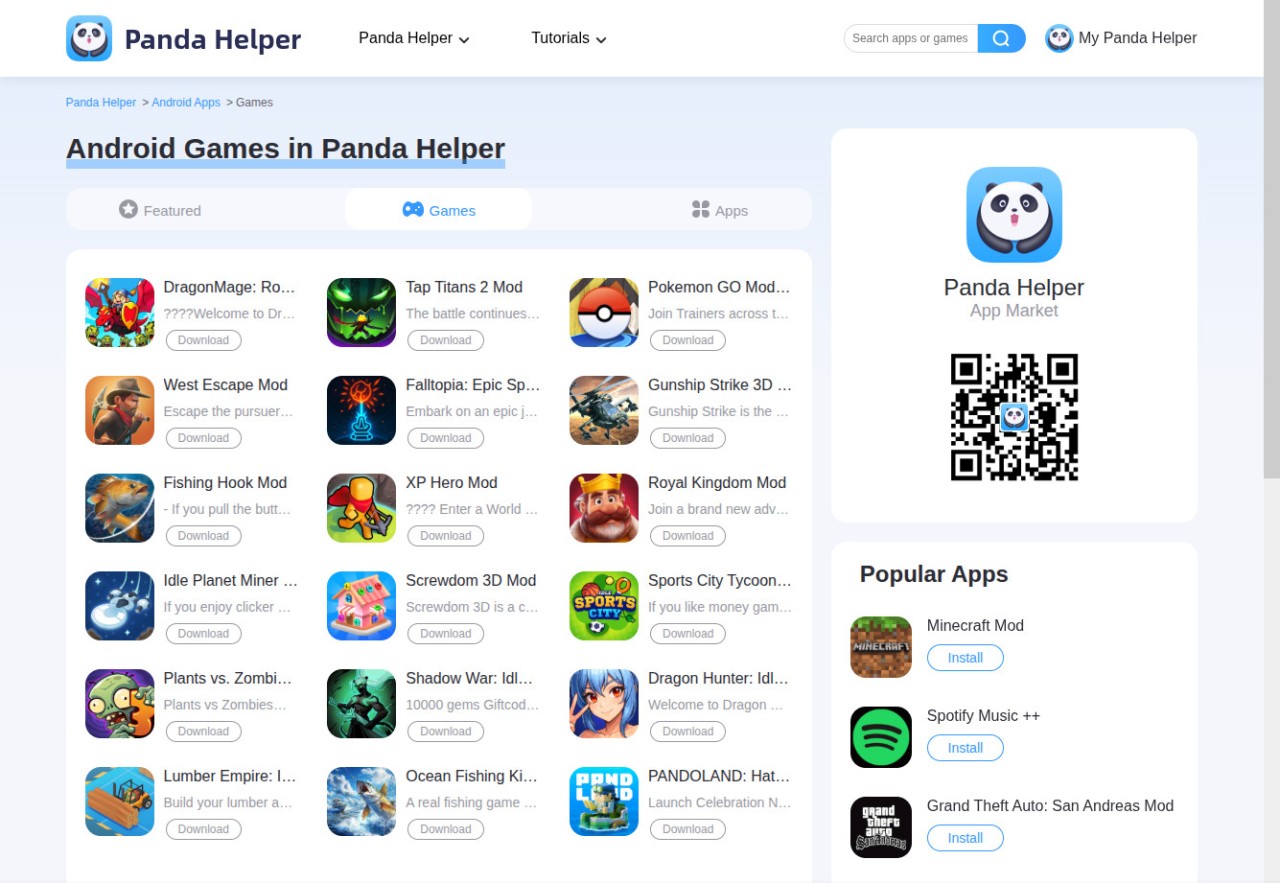
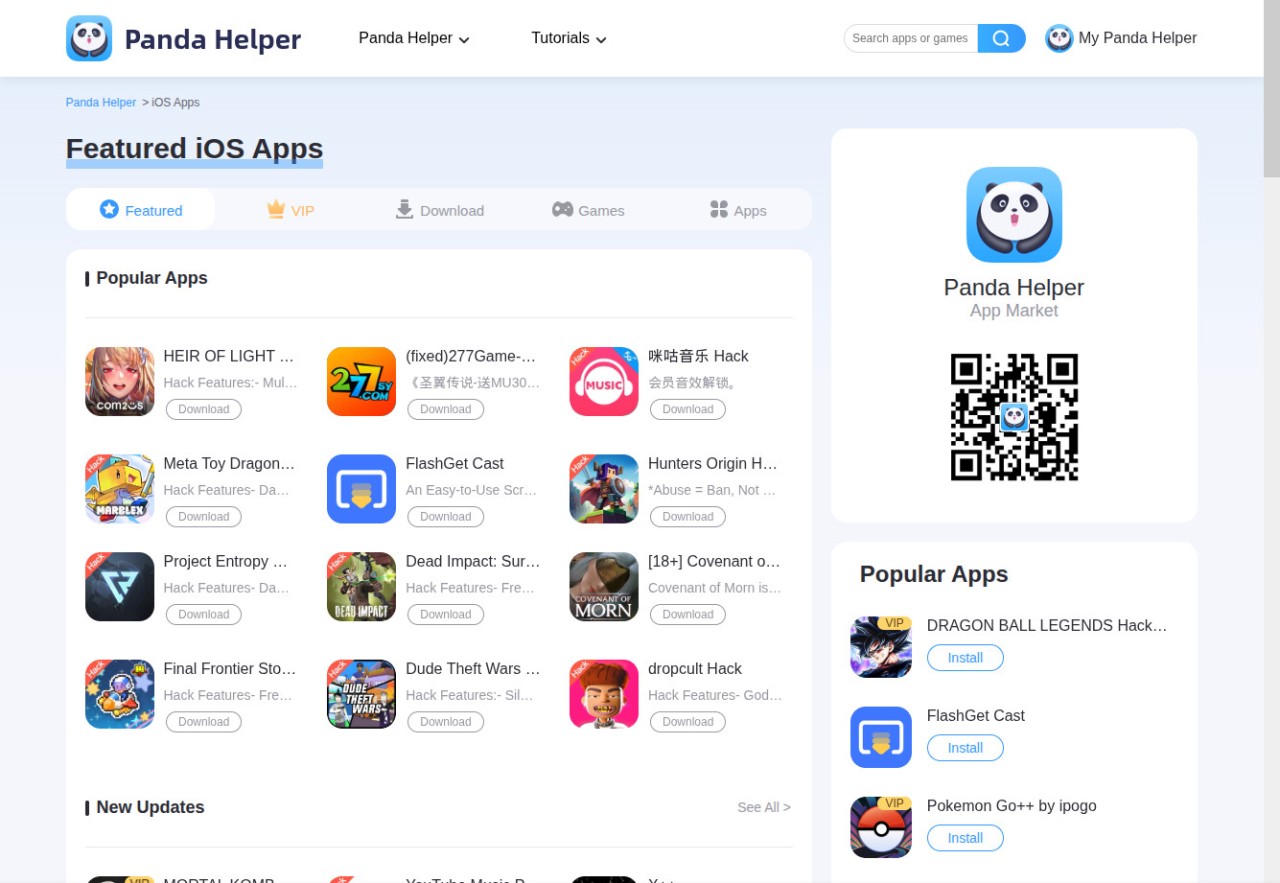
Panda Helper is a third-party application installer that enables downloading applications not always allowed in official stores. It is a kind of library where you will get modified apps, older apps, and tools uploaded by developers or ordinary users. You do not need to search the web for APKs and IPA files; just open Panda Helper, select a category, and look through a list of clean apps. The interface is basic, just like the old download hubs that list everything in lists and collections.
Panda Helper is used by many people since some apps have been blocked in some regions or deleted from regular app stores. It is a convenient workaround, but it is also unofficial, so users need to verify what they are downloading to make sure it is the right file. It is not only for games, but there are also file managers, video downloaders, and customization applications. In case the default stores cannot give you what you want, Panda Helper is a more convenient solution, and rooting and jailbreaking are not required.
Why Should I Download Panda Helper?
Of course, the official app store for your mobile device, Android or iOS, is the better place to download apps securely. But occasionally it can be restrictive. If you are in a region where an app is unavailable, for example, or if you have an old device, you may not be able to find what you need in the official stores.
Panda Helper can help you find, download, and install apps that are not available in official stores. You can even test new tools, updates, and niche apps. You do not have to go to random, unsafe sites to find what you require.
The service offers customization without jailbreaking or rooting. Panda Helper has a moderate approach: you do not need to alter the entire system to install a couple of apps.
Users are also attracted by the diversity of apps. A game can come with a range of versions, like older, newer, or modified. Hobbyists and students like having one convenient, hassle-free application store for various apps. Even though it is not flawless and certain apps might require reinstalling, in general, it provides users with more options beyond the official ecosystem.
Is Panda Helper Free?
Panda Helper is available in a free and paid version. The basic version provides access to many tweaked apps and hacked games, but the downloads can be slow, and installations are not always successful on the first attempt because it relies on common certificates that may get revoked. The paid version is much easier to install, has fewer advertisements, and includes additional functionality. The free version is acceptable to most people as it meets basic needs.
What Operating Systems Are Compatible with Panda Helper?
Android and iOS are the leading platforms that Panda Helper uses. With Android, you need to enable unknown sources, and then you can install the APK; the installer will warn you because it is not from the Play Store, which is normal. On iOS, a configuration profile is used and may require certificate trust permissions, and you might need to re-trust the profile if a certificate is revoked. There is no jailbreak involved, and this is a key attraction to many.
What Are the Alternatives to Panda Helper?
Another popular third-party installer is TutuApp, which provides access to older and modified applications. Its interface is intuitive and makes browsing categories easy. You can install it without many certificate issues, unlike other installers, but, as with all unofficial stores, there are times when an installation is unsuccessful. TutuApp is great because the user does not need to play with system settings to access a wide range of content in a short period. Many users choose TutuApp when they want to download certain older or modded apps quickly without dealing with complicated steps.
Setapp operates differently. Instead of offering mobile applications or hacks, it is a hand-picked software subscription for both macOS and iOS. Subscribers get a collection of quality and vetted apps for productivity, systems utilization, writing, and creativity. Setapp should be used by users who trust well-maintained software that is frequently updated. It is not targeted at tweaked or experimental applications, and it is ideal for users who prefer secure, well-kept software with an efficient installation procedure. Setapp is useful for people who want to download reliable, curated apps instead of searching through unknown or risky options.
Aptoide was designed as an alternative to the Google Play Store. You download and install the store app as an APK, and then you’ll be able to access the full catalog, and the apps will even update themselves. But that’s not all; Aptoide also offers to download iOS apps (mostly games). This new feature may not be available worldwide yet, but it is expanding.