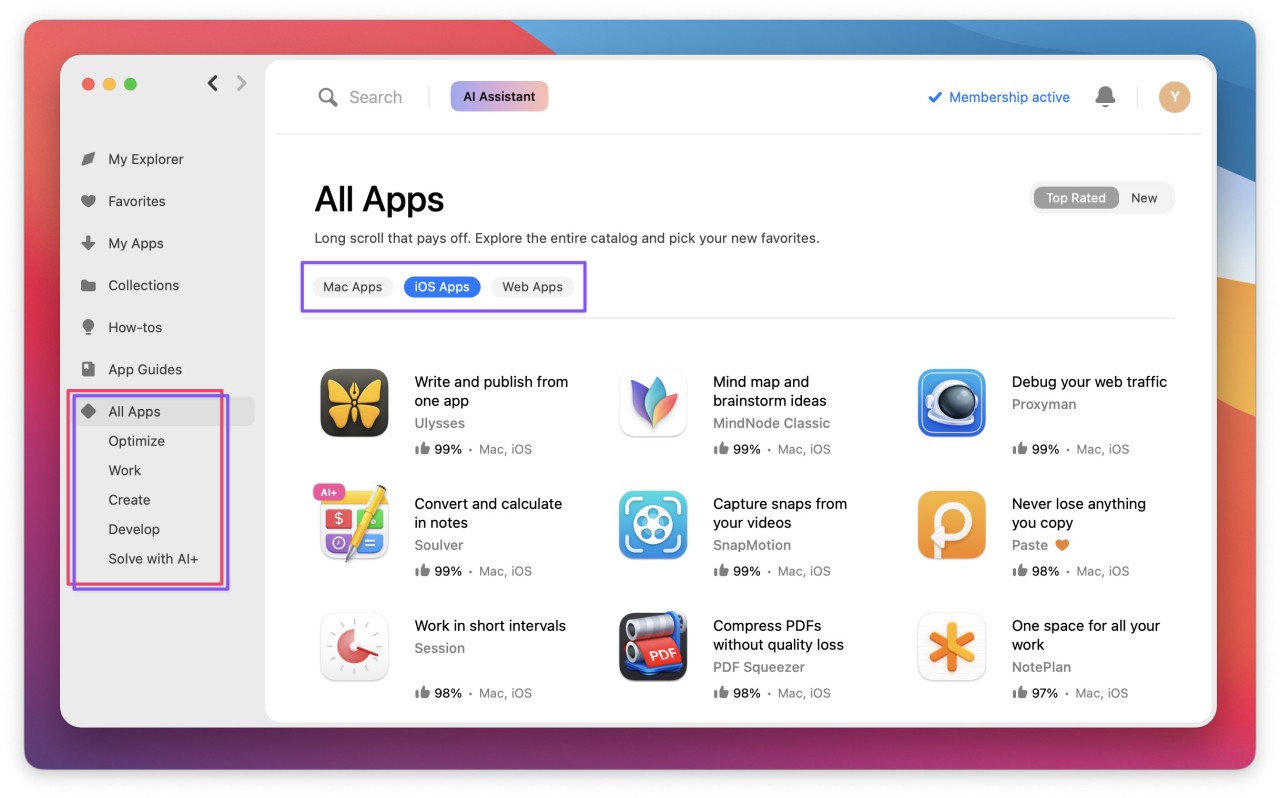
Setapp is not an isolated software application; instead, it is a shelf of apps for Apple in a subscription service that can be downloaded, used, swapped, and re-downloaded every time you require it. Rather than purchasing individual apps, you pay a subscription fee every month or year that grants access to hundreds of tools simultaneously.
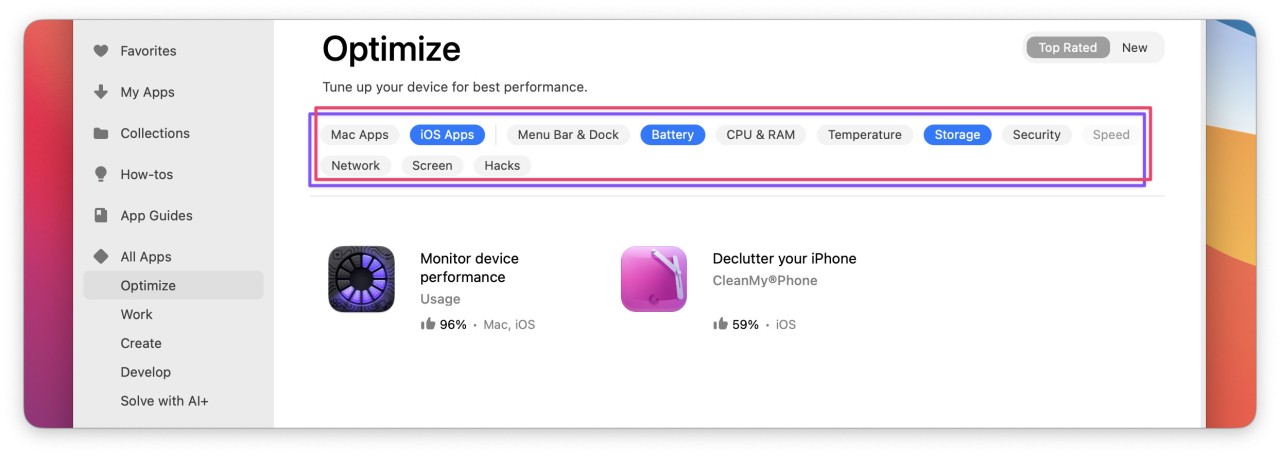
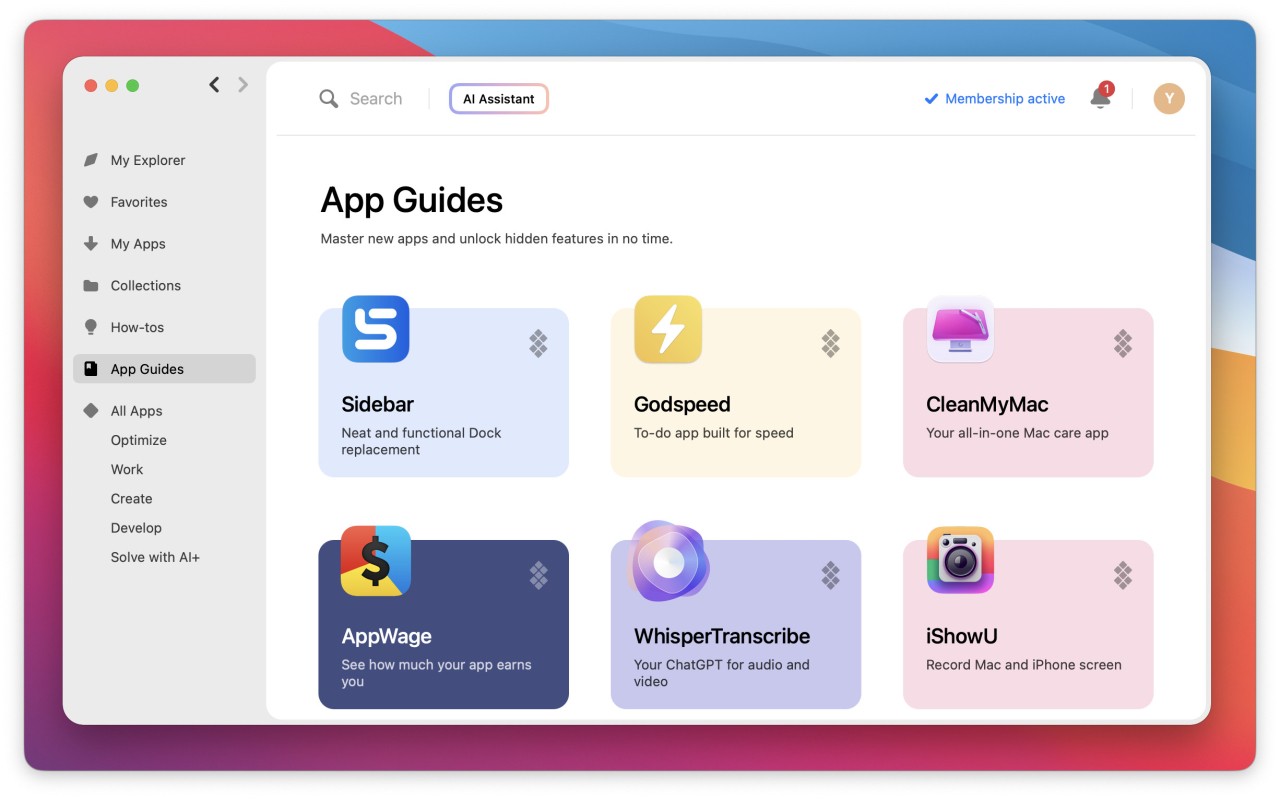
The library has writing utilities, productivity applications, screen-recording apps, file management tools, note-taking applications, AI-assisted writing apps, organization utilities, developer applications, system cleaning tools, and creative brainstorming applications. On a Mac or iPhone, you scroll through categories, download what fits your work routine, and uninstall it without any problems should it not be useful anymore.
It is more like a toolbox than a one-product entity. It is a place where you do not need to browse the internet and find new apps or worry about licenses; all is included in a single membership, according to many users. Apps automatically update; thus, you do not have to update them manually. Setapp offers that in case you would prefer being in an environment where you can test various tools without having to pay separately. To the point, it is an app subscription library.
Why Should I Download Setapp?
A user may get Setapp because it may get tiresome to manage numerous subscriptions, licenses, trials, and upgrades. You do not need to purchase every application separately. A significant number of Mac and iOS apps are available through this subscription-based service.
Someone who writes every day may install a dedicated writing tool; one who wants to organize files may install a sorter; and one who wants their work summarized by AI, or seekers of note-generators, can do that as well. You do not have to guess and pay to install, test, retain, or uninstall any software without the pressure to commit to one software.
Setapp is effective for people who multitask. Students may open study aids, project managers may utilize planning boards and reminders, coders may utilize development aids, and freelancers may utilize a timer and invoicing software. The greatest advantage is this flexibility. Setapp will save time and effort if you move between various tools every month.
It is even more attractive with the introduction of AI applications. It is possible to get through tasks such as summarizing documents, writing an email, mastering concepts, or creating routines. An uninitiated person in digital work who does not understand what tools to choose can safely experiment within a safe library rather than spending hours wandering through the Internet. To sum it up, Setapp is an option that is offered to those people who want to be convenient, varied, and comprehensive.
Is Setapp Free?
No, Setapp is not free. It is subscription-based, i.e., you have to pay monthly or even yearly to have full access to the library of Apple apps. Some new users may be allowed to use features on trial or as an offer, but they should pay to use them further. After a subscription period, the usage of all included applications ceases, and it should be evaluated whether the use is worth the price.
What Operating Systems Are Compatible with Setapp?
Setapp is mostly targeted at the Apple ecosystem. Their main platform is the macOS operating system, and numerous library applications can be used with iPhones and iPads with iOS. This enables a user to use a desktop and a mobile without changing accounts in Apple. Desktop tools tend to be more feature-rich than their mobile counterparts, and therefore, in heavy productivity work situations, a user is likely to experience the same behavior, with macOS being the best.
Setapp does not work for Windows users. The catalog and system are Mac- and iPhone-workflow-friendly. Linux users are also not compatible. Thus, a person who intends to use Setapp must consider the daily usage of Apple products. In case your workflow is Mac-based with the use of an iPhone and you like combining the tools on different devices, the compatibility is on your side. This subscription might not be feasible if you mostly work on Windows.
Setapp apps can be automatically updated, and there is no need to manually download them. This assists those users who do not like keeping up with the versioning of software themselves. Installations, syncing, account verification, and updates require an internet connection that is stable, but most apps can be used offline once installed. Overall, the home environment of Setapp and its toolkit is made up of macOS and iOS.
What Are the Alternatives to Setapp?
Aptoide is a self-standing application market that is famous in the Android ecosystem but now works for iOS systems as well. Aptoide, unlike Setapp, allows users to install applications on their device either for free or paid; hence, it is better suited to users who do not want to pay a monthly fee and can access applications not in the official store. Users who prefer freedom over subscriptions can download Aptoide to explore apps without a long-term commitment.
AltStore PAL publishes applications that are not accessible on regular stores. It does not need a subscription to unlock hundreds of apps, but it is more based on sideloading, which is the ability to install software outside the boundaries of the iOS marketplace. It targets users who require greater control and experimentation and users who desire to run non-approved applications. Yet, it is not packaged and refined in productivity suites and needs additional manual labor by people who are willing to dig deeper. People willing to experiment beyond official stores often download AltStore PAL to sideload apps freely.
Panda Helper is a third-party mobile application store in which users download modified or tweaked or premium-styled versions of applications, mostly on iOS and Android. Setapp works with professional workflow applications, whereas Panda Helper is famous for games, mods, and applications with unlocked features. They both have access to apps, though they have different purposes. Panda Helper is aimed at individuals who want to be diverse and experiment, and Setapp is appropriate for workflows that revolve around productivity and subscriptions. Those who like modded apps or unlocked game builds typically download Panda Helper for variety.
Another substitute is TutuApp, an unofficial market that sells modded builds and other tools outside the official store restrictions. It is not based on the subscription principle or productivity-first policy of Setapp but on a big library. A person interested in being free, using experimental applications, or listening to music on their phone could prefer TutuApp to a formal, curated service such as Setapp. It substitutes the membership toolbox with an open shelf on which browsing and installing are the key values. Users who want access to experimental tools may download TutuApp to explore non-store software.