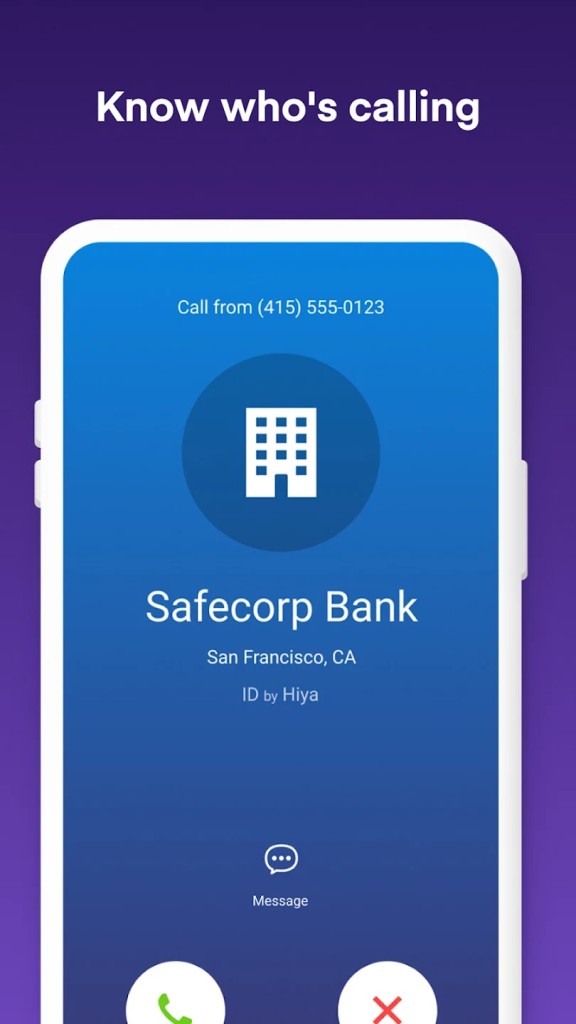
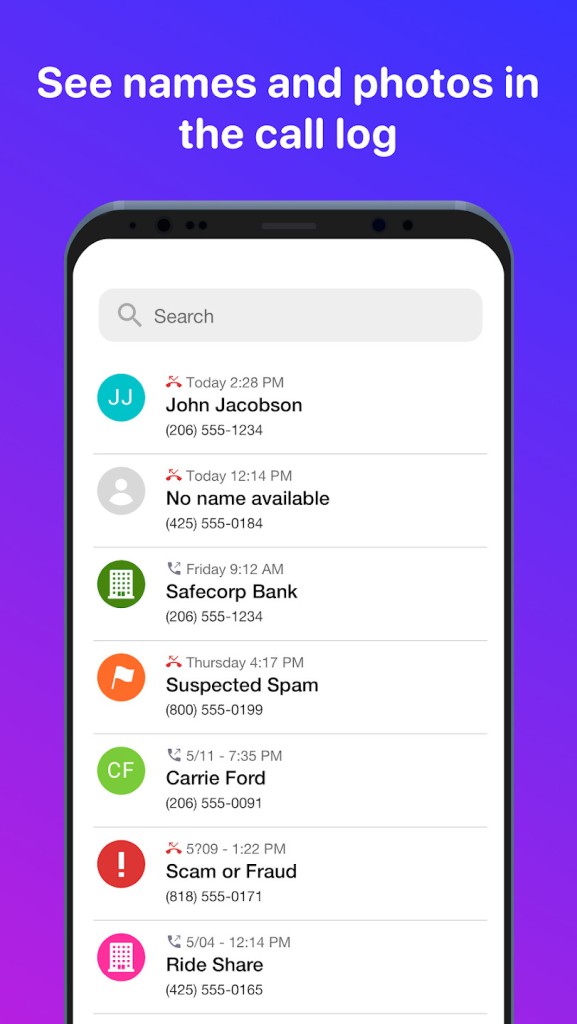
Hiya is an app that makes sense of the unknown calls everyone receives by enabling people to identify their callers and block spam. The majority of the phones display only a number, and you can only guess whether it is a bank, a deliveryman, or a fraud.
The app works on top of your dialer, and it goes through calls in real time, checking massive lists of known scams, user comments, and carrier histories to decide whether a call is real or a scam. It is to ensure that making phone calls again feels safe, particularly after spam and robocalls have aggravated the situation across most of the world.
Hiya provides sufficient information so that you do not have to answer all the inquiries that you do not know. It displays names of businesspeople in addition to displaying names of the callers and allows reporting of suspicious numbers, as well as allowing flagging of spoofed numbers.
Ordinary phone users use Hiya, and it is also associated with numerous mobile carriers in most parts of the world, both of which enhance the accuracy of its data. All in all, it is a device that gives its users greater power and insight into whoever is attempting to contact them.
Why Should I Download Hiya?
In case you are fed up with receiving spam calls frequently or have missed many important calls as you are always afraid of calling unfamiliar numbers, then Hiya may be of use to you. Not all realize the number of legitimate calls made with unrecognized numbers by doctors, banks, riders of delivery, recruiters, customer care departments, etc.
It is not always feasible to ignore all the unknown calls. Hiya classifies calls as spam, scam, telemarketing, or safe based on user reports and other data. That is to say that you can choose when to pick up.
Reverse number lookup enables you to verify a number that you have called but could not get hold of, and how it was rated by other people as an unsafe number. Robocallers are difficult to detect, but with Hiya, it is possible to block them under the suspected spam or send them directly to voicemail. In case someone continues to call using various numbers, Hiya might become aware of the trend since scam callers seldom spend long using the same number.
It is not flawless, and sometimes false recognitions do occur, but it still lowers a tremendous proportion of noise than the simplest caller ID. Generally, it is a good safety filter in case you are overwhelmed with random calls or simply wish to get more peace when your phone rings.
Is Hiya Free?
The free version of Hiya offers basic coverage of caller ID, spamming, and number search. It also has a paid subscription that provides access to more in-depth spam detection, automatic blocking, and features like enhanced voicemail protection. The free version satisfies the majority of users, yet some users choose the paid version due to better number recognition and blocking.
What Operating Systems Are Compatible with Hiya?
Hiya can be found on Android and iPhone. On Android, the application is compatible with the majority of devices across a wide range of Android versions and can be downloaded from the Google Play Store. Android system access permits such functionality of the phone as automatic call block and caller identification to integrate seamlessly, but may depend on the individual phone model or manufacturer settings. On iOS, Hiya is distributed in the Apple App Store and implements the CallKit framework to recognize and block calls.
The majority of the major features are functional, even though some of the more sophisticated filters may seem constrained due to the lack of access to the dialer on iOS. Hiya is compatible with iPhones using iOS 14 and above. Carriers that are collaborating with the service enhance accuracy, depending on the country and the network. With an Android device or an iOS device, Hiya works with relative ease.
What Are the Alternatives to Hiya?
The largest competitor is likely to be Truecaller. It possesses a massive user-created database that acts fast to update the spam counts and the names of the callers. Truecaller is preferred by many as it recognizes personal callers, but it is also dependent on the contacts uploaded by the users. Truecaller is also an SMS filter, call recorder (on Android devices), and a social interface. It is even more popular with wider recognition outside of business. If someone wants to try it themselves, they can simply download the app and see how it compares in daily use.
Another spam blocker/caller id application is Whoscall. It is also oriented to offline caller ID functionality with a local database to search suspicious numbers without the internet. It is useful in situations where mobile data is not always reliable. Whoscall provides information on numbers of unknown origin, blocks high-risk callers, and also allows you to create your own block list. The interface is minimalistic and is not heavily dependent on cloud sync, which makes it attractive to users who attach importance to privacy. Many users download Whoscall specifically for its offline database, which feels more reliable in low-network areas.
On most Android devices, you can use Phone by Google. The app includes caller identification and spam protection provided by Google. It is generally compatible with Android without any additional configuration because it is closely coupled with it. Google provides a confirmed business caller ID that indicates logos and call purposes of some companies and sends unwanted calls to voicemail. It does not have a community-based model like Truecaller or carrier-based data like Hiya, but it provides good Android spam protection, which is lightweight. Since it comes pre-installed on many devices, users don’t always need to download it manually, but the option still exists on the Play Store.