OpenMPTCProuter, often shortened to OMR, is built on OpenWrt and is designed to transform standard routers or virtual machines into advanced multipath systems. Instead of relying on one internet connection, it can merge DSL, fiber, cable, and 4G/5G networks, making the total speed higher and the overall connection more stable. This is especially useful in households or businesses where one ISP alone cannot provide enough bandwidth or is unreliable.
Unlike traditional tools for balancing load, which split different sessions across connections, OpenMPTCProuter bonds all links together at the packet level. This means that even a single download or video stream can use all available connections at the same time. If one connection drops, the others automatically keep traffic moving, so your session will never break.
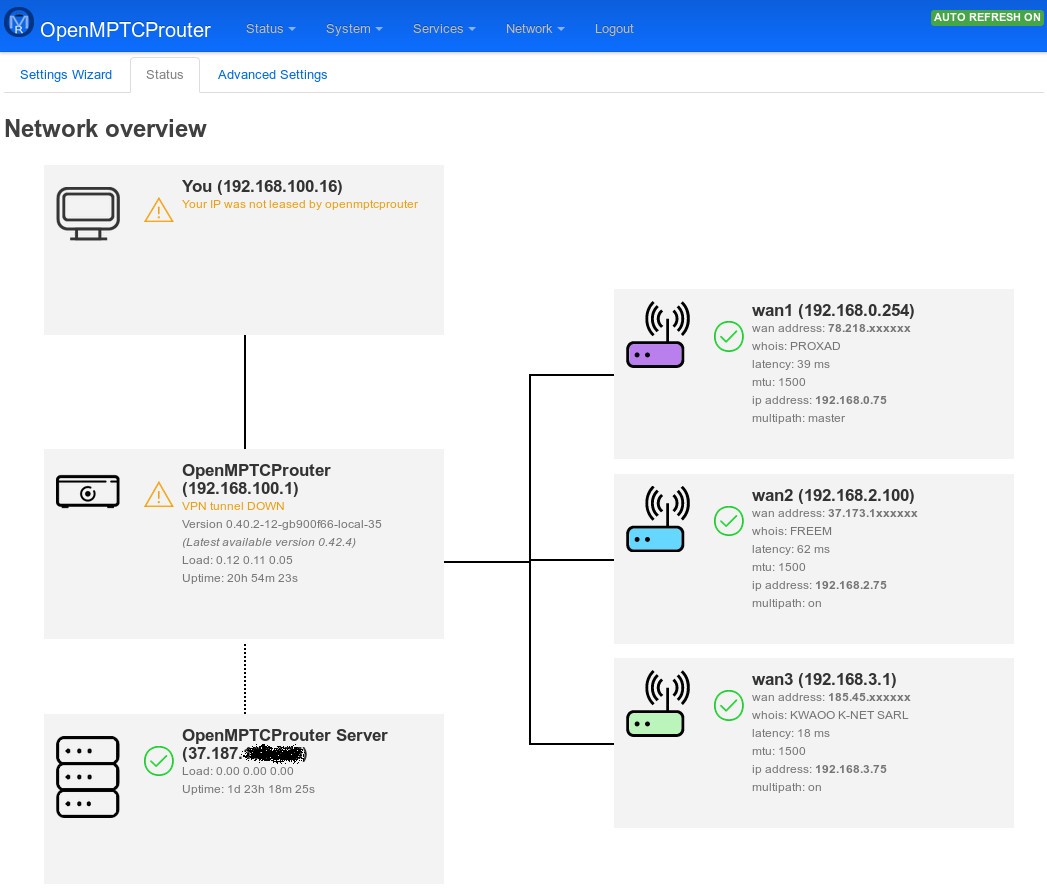
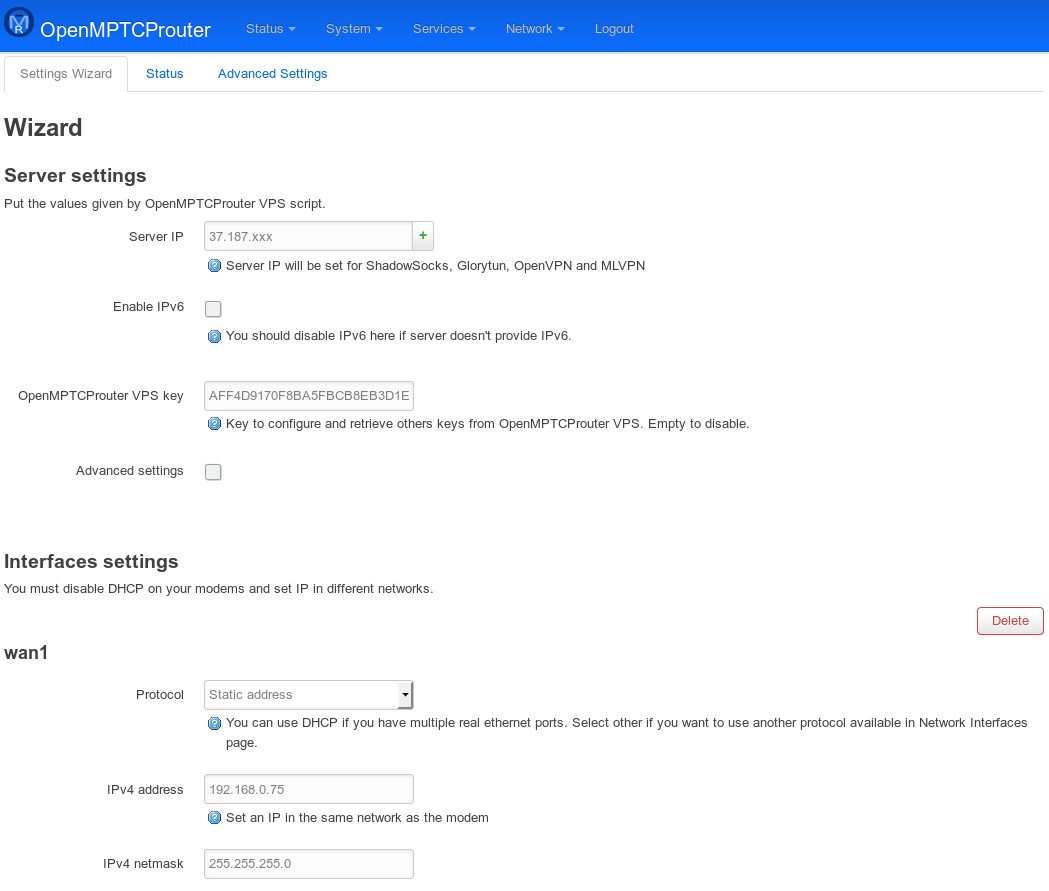
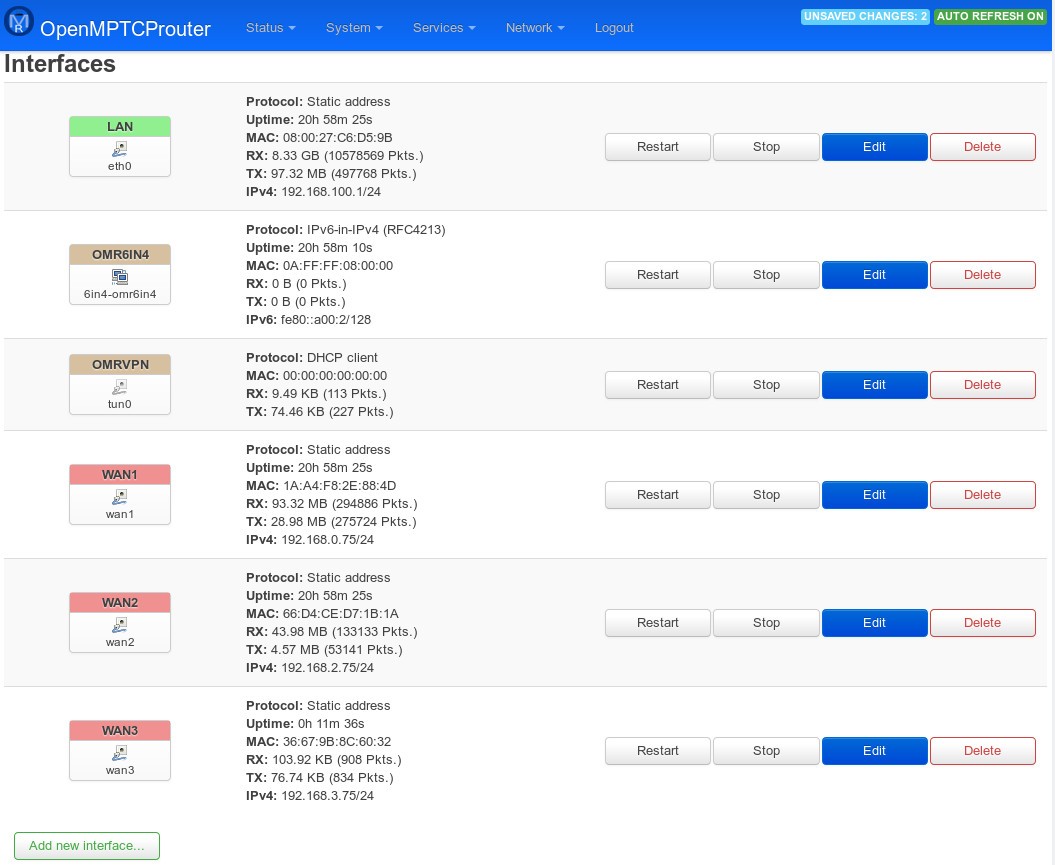
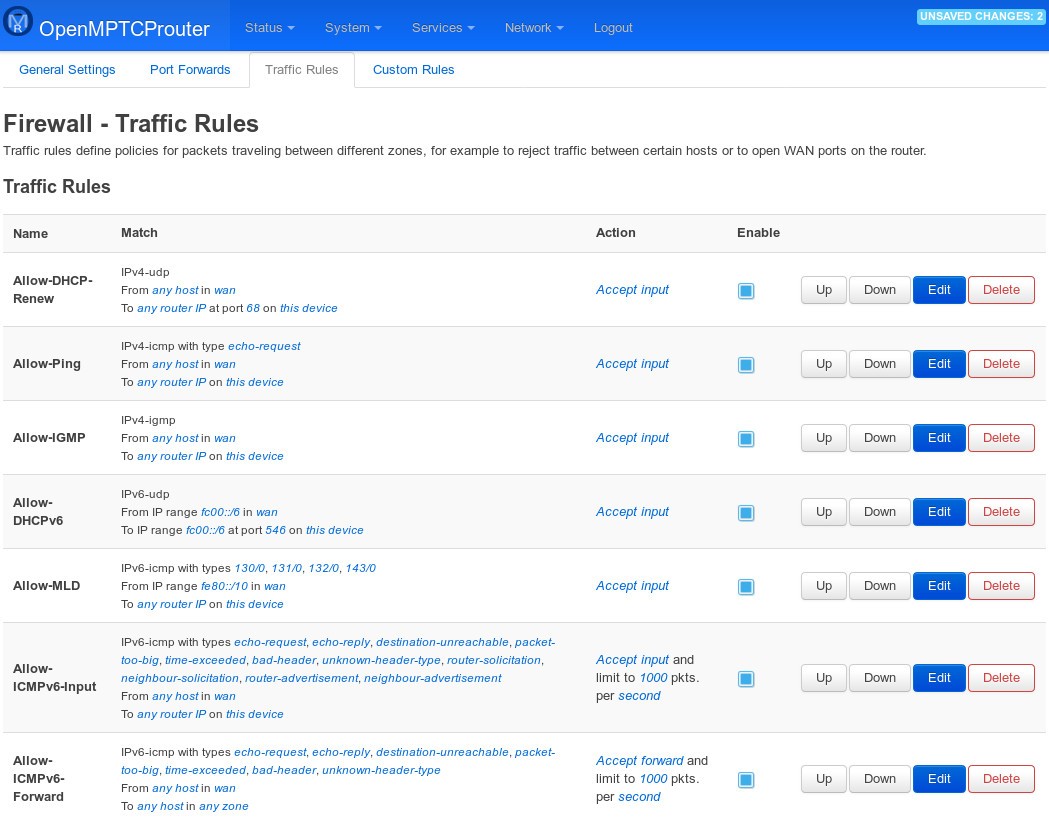
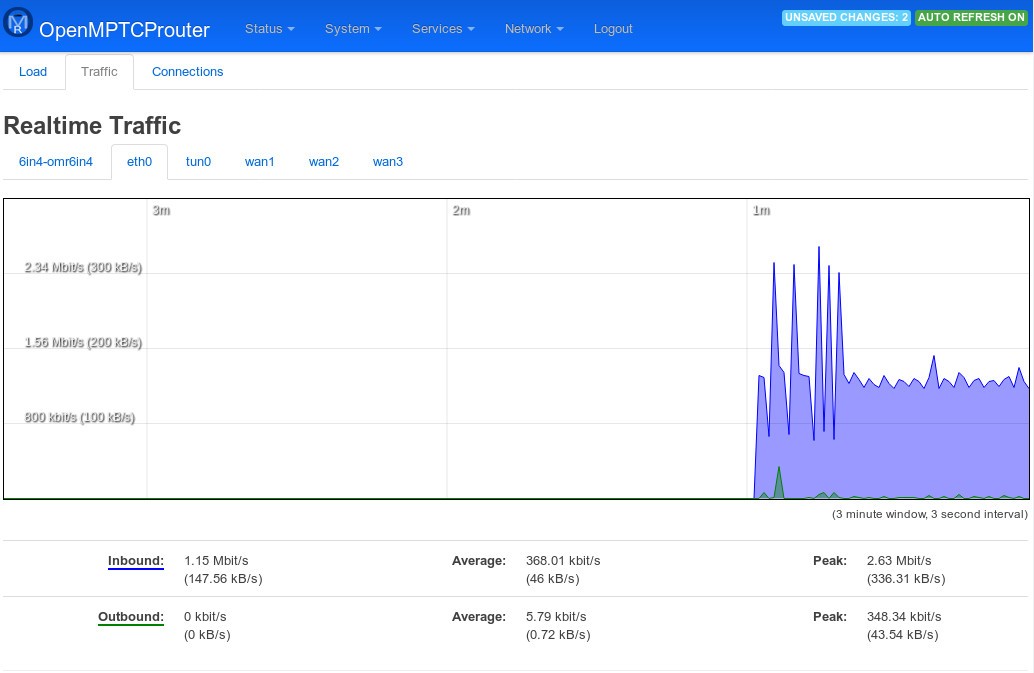
You can use OpenMPTCProuter through a web-based dashboard where you’re able to monitor bandwidth usage, see latency, and check the health of each connection. It also supports VPN tunneling, ensuring that all bonded traffic is secure and encrypted. This firmware is very flexible and lets you prioritize certain types of traffic, set rules for fallback behavior, or limit bandwidth for specific devices. You can download OpenMPTCProuter for free, as it comes from an open-source project, and the tool is constantly updated by the community of developers around it.
Why Should I Download OpenMPTCProuter?
If you’re looking for a free and reliable tool that can merge multiple connections into one, then OpenMPTCProuter is the best option for you, especially if you live in an area with limited bandwidth. The tool effectively combines DSL with 4G or 5G to create a usable high-speed line. It’s also great if you’re running a business and want to make sure you have fewer connection outages, so even if one internet service provider (ISP) goes down, the others keep the network alive.
OpenMPTCProuter is a great tool if you need to ensure a stable connection for critical applications. Online gaming, live streaming, and video conferencing all depend on reliable networks, and with OpenMPTCProuter, you get minimized packet loss and prevent sudden drops in service. Even if your Wi-Fi falters, bonded mobile data keeps the stream alive, ensuring there are fewer interruptions.
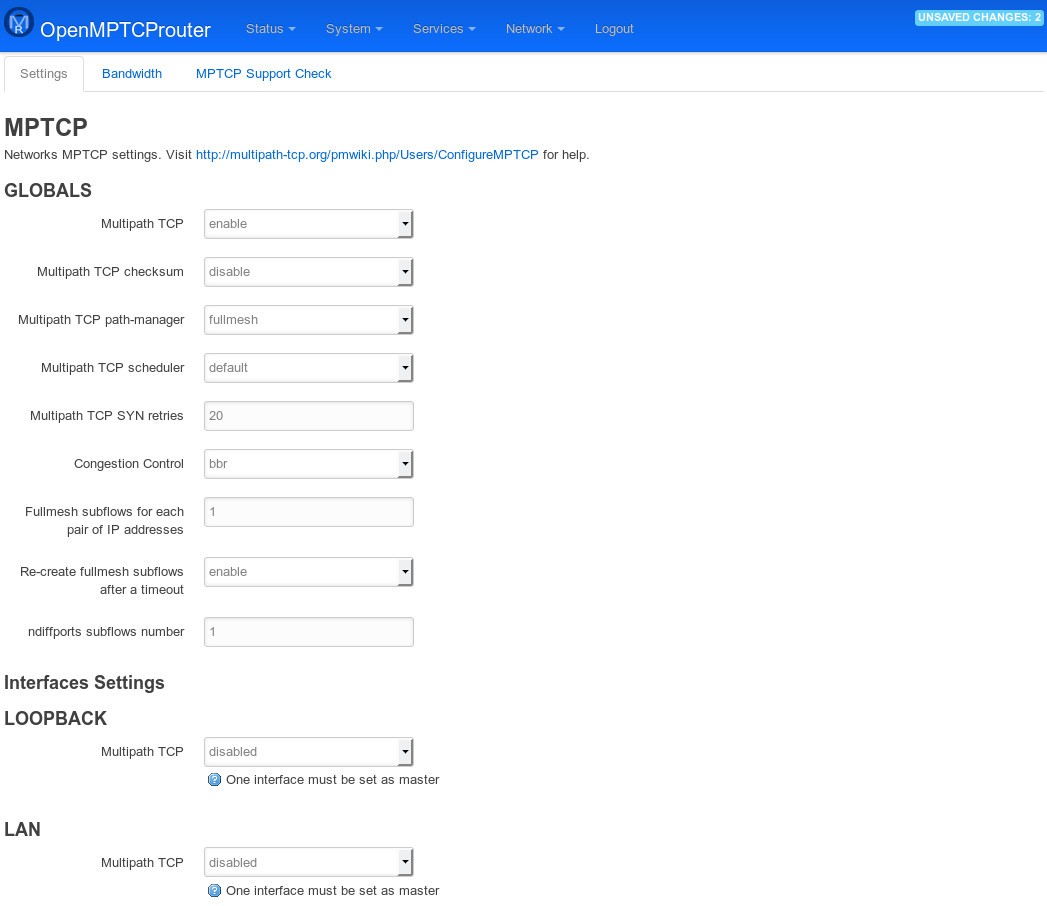
Because OpenMPTCProuter uses VPN tunneling, the data from all bonded links remains encrypted. This ensures that your privacy is protected, whether you are mixing fixed-line internet with mobile data or routing through public connections. OpenMPTCProuter also has a lot of customization options, which are great for advanced users, as you can fine-tune routing policies, prioritize gaming or voice packets, or enforce data caps for specific devices. Unlike commercial solutions that often limit control, OMR gives you detailed oversight of your traffic and access to all settings.
You can install OpenMPTCProuter on supported routers, run it on an old PC, or deploy it in a virtual machine. This means you don’t need specialized equipment to set up a bonding solution; you can simply build the system around what you already own, scaling it as your needs grow.
Since OpenMPTCProuter is community-driven and open source, it doesn’t require subscriptions or paid licenses. You can use all updates, learn from others, and get better internet performance without any cost.
Is OpenMPTCProuter Free?
Yes, OpenMPTCProuter is entirely free as it comes from an open-source project, so there are no hidden charges, subscriptions, or feature restrictions. You can download it, install it on compatible hardware or a virtual machine, and start combining internet connections. You can donate to the firmware creators if you want, but that is optional.
What Operating Systems Are Compatible with OpenMPTCProuter?
OpenMPTCProuter is based on OpenWrt, so it is compatible with routers and systems that can run OpenWrt firmware. It can also be deployed on Linux-based virtual machines, but please note this is not a tool you just install on your laptop, PC, or mobile device.
The software works at the router level, which means that once you are connected to the OpenMPTCProuter-powered network, any device, whether it’s running Windows, macOS, Linux, Android, or iOS, automatically benefits from the bonded connection.
What Are the Alternatives to OpenMPTCProuter?
Speedify is one of the most well-known commercial network bonding solutions. It merges multiple connections into one stream while doubling as a VPN service. It is easy to set up and popular with streamers and remote workers who want bonding without complex configuration or setup. It’s a paid tool for which you need to get a subscription, and it’s available for Windows, macOS, Linux, iOS, and Android.
TripMode is a tool for macOS that helps you control which apps can use the internet when you’re using limited data. This makes it useful for travelers who need to connect laptops to mobile hotspots. Use it to limit background traffic, reduce data usage, and get clear stats on how much internet data each app consumes. It’s a paid solution, but you can try it out during a free trial period.
NetOptimizer focuses on optimizing a single internet connection rather than merging several sources together. It works by adjusting system-level TCP and DNS settings to reduce latency and improve throughput. It doesn’t bond multiple connections, but it can make an existing connection more responsive, particularly for gaming and browsing. It’s a paid tool developed only for Windows.