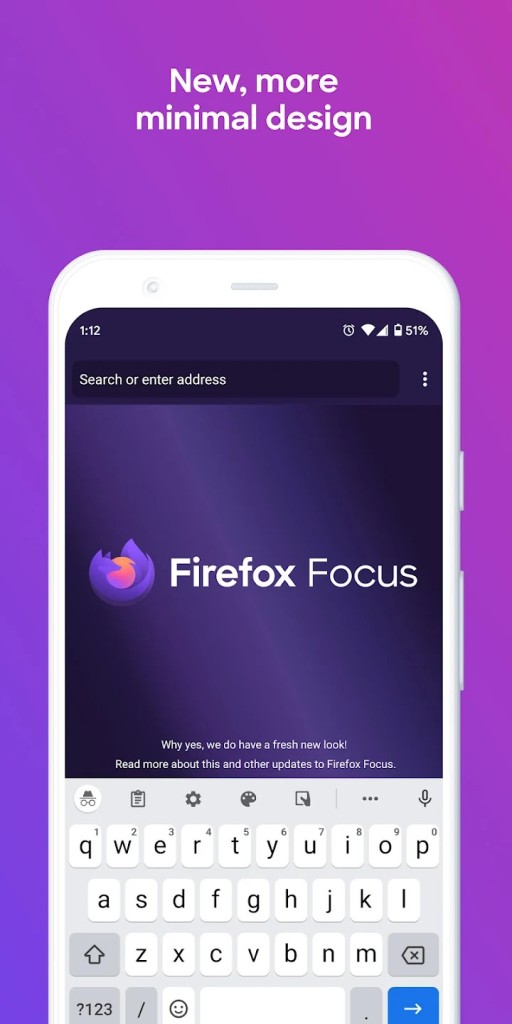
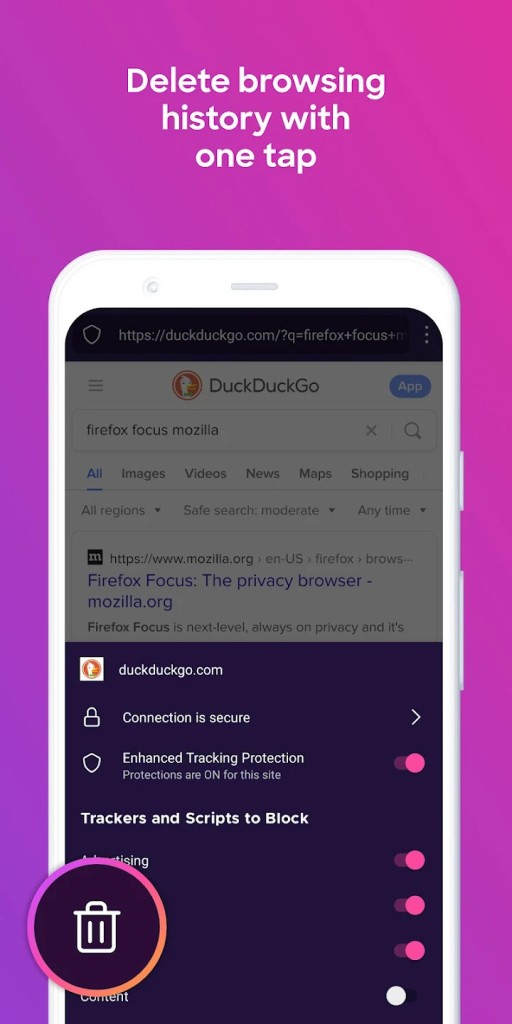
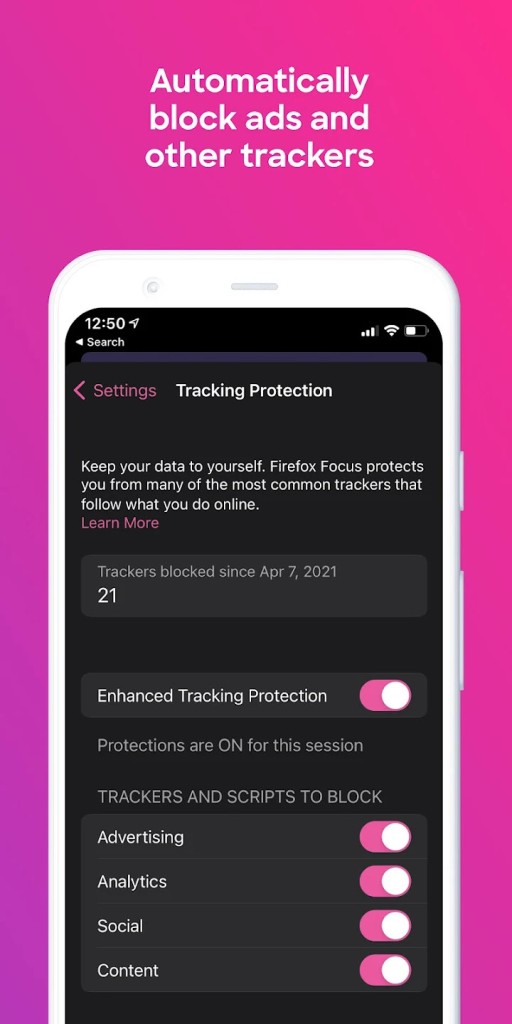
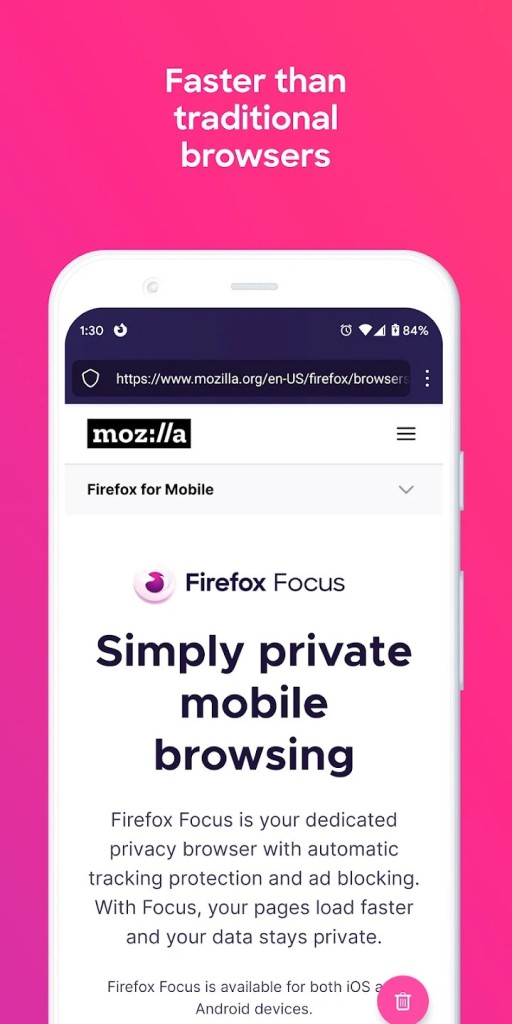
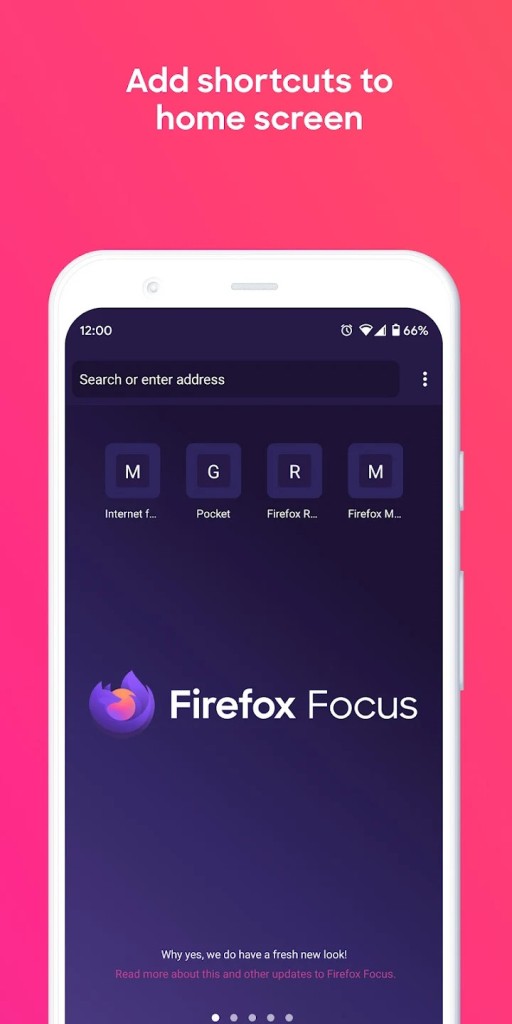
Firefox Focus is a dedicated privacy browser for mobile, with automatic tracking protection switched on from the start. You can open a page, get what you came for, and clear your traces with a single tap using the erase button in the search field. Focus blocks a broad range of common trackers, such as social trackers and the sticky ones that come from ads, so pages carry less baggage and load faster. You can keep attention on the task because the interface stays minimal and direct.
Pages render without the usual noise, forms behave as expected, and the session ends cleanly when you decide to erase it. You can place a small set of shortcuts on the home screen for the sites you visit most, which removes extra typing and keeps quick checks simple. Focus is made by Mozilla, a non-profit that presents privacy as a user right and builds products to reflect that stance. The idea here is straightforward: private by default, light in feel, and clear in control. You do not hunt through menus to find a mode. You open, browse, erase, and move on.
Why Should I Download Firefox Focus?
You download Firefox Focus when you want privacy and speed without configuration work. From the first launch, tracking protection is active, so many background requests never start, pages need less data, and results appear sooner. You can sign in where a site requires it and still clear history, passwords, and cookies as soon as you are done, which is useful for searches you prefer to keep separate and for accounts you only need briefly. The rhythm is consistent: open, check what matters, tap erase, and leave. That removes the chance of forgetting to clean up later.
Private browsing in many browsers limits itself to not saving local history; Focus pushes further by blocking a large slice of common trackers by default. The effect shows up in two ways you can feel. First, fewer scripts load, so the page often feels lighter. Second, you reduce the retargeting that tends to follow you after ordinary sessions. You can pin up to four shortcuts on the home screen, so your frequent pages are one tap away, which turns Focus into a neat launcher for recurring tasks. You can keep another browser for long sessions and switch to Focus for focused moments, or you can use Focus every day and keep the same clean habit.
Is Firefox Focus Free?
Firefox Focus is free to download and use on mobile, with tracking protection and a one-tap erase button enabled by default. The product is presented as a mobile privacy browser from Mozilla with automatic tracking protection, faster loading where trackers are removed, and one-tap erasure of history, passwords, and cookies. You can install it on a supported device and use it whenever you want a strong privacy baseline without extra setup.
The controls that matter sit in plain view. The erase action is not a buried toggle; it is built into the main field so you can end a session without friction. You can browse normally, complete a sign-in when a site asks for it, and still return to a clean slate right after. The promise is not about stacking features; it is about making the private path the default path and keeping the experience steady from first run onward.
What Operating Systems Are Compatible with Firefox Focus?
Firefox Focus is compatible with iOS and Android. You can download the app on iPhone from the App Store and on Android from Google Play. The core behavior is the same on both platforms. Tracking protection is on by default, the interface stays lean, and the erase control sits where you can reach it immediately.
You can use Focus as your everyday browser on a phone, or you can keep it next to another browser and switch to it for specific tasks that you prefer to keep separate. You can add a few shortcuts on the home screen for the pages you visit most often, so routine checks stay quick. If you change devices, you can install Focus again and keep the same pattern without learning new steps. The design assumes you are on the move, so the actions you need are close at hand, and the session can be cleared in one tap.
What Are the Alternatives to Firefox Focus?
Opera Mini positions itself as a small mobile browser that focuses on mobile network speed and efficiency. You may select it when your initial requirement is fast loading of the pages and a simple interface on phones. It is all about remaining light to browse daily and remaining responsive when bandwidth is limited. That places it in the path of a general browser optimized for performance, and not the path of a browser that takes the lead with tracker blocking and one-tap erasure. When you just require a quick, no-frills feel to your normal routine, Opera Mini can provide that dimension and can be matched with habits that are based on brief sessions.
DuckDuckGo Browser is a privacy-focused browser that has privacy features by default. You can shop enabling tracking protections, the moment you get there, and keep a greater portion of your activity private across websites with no need to craft up a complicated setup. The idea resembles Firefox Focus in ethos, as privacy is put first, and the necessary controls are easily accessible on both products. DuckDuckGo Browser is a natural choice in case you are going to use a daily browser with a firm default position on privacy. It makes the concept simple: open the application, search or visit a page, and use built-in safeguards to reduce the level of tracking of your session.
Phoenix Browser is a speedy and lightweight daily Android browser with quicker rendering and a simplistic design. You can choose it when you desire a general browser that is comfortable to use with daily activities and loads web pages quickly. The focus lies on speed and easy navigation, making it more similar to Opera Mini as a light and functional option for everyday use. Firefox Focus is the one that has tracker blocking built in and an erase control that is visible and can be erased on command. In case you can comfortably use a browser that is fast and familiar to you in general use and wish you had a simple interface when viewing the daily pages, Phoenix Browser is the simple way to go, and leaves the experience clean and free of clutter when you just need to check and read.