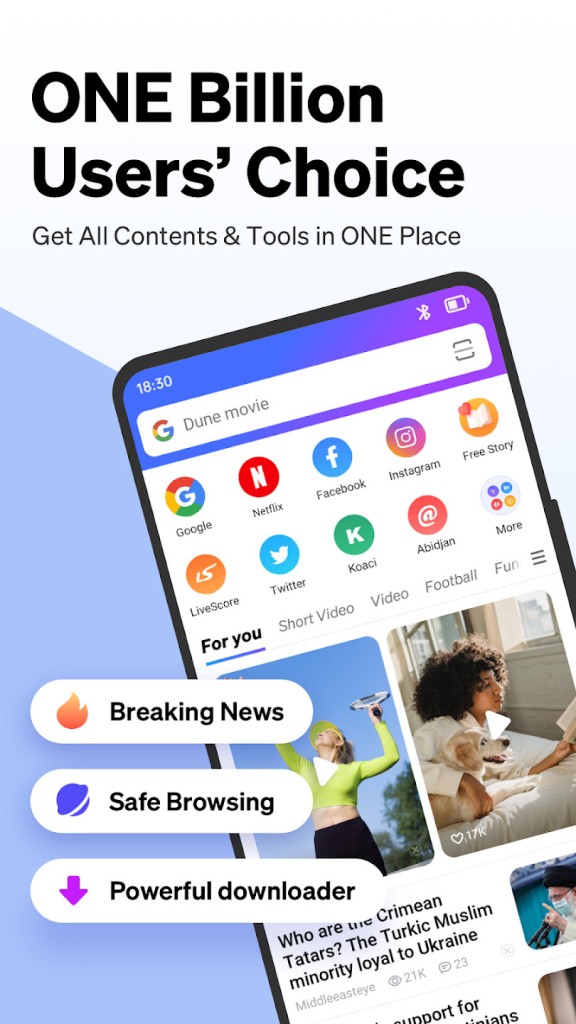
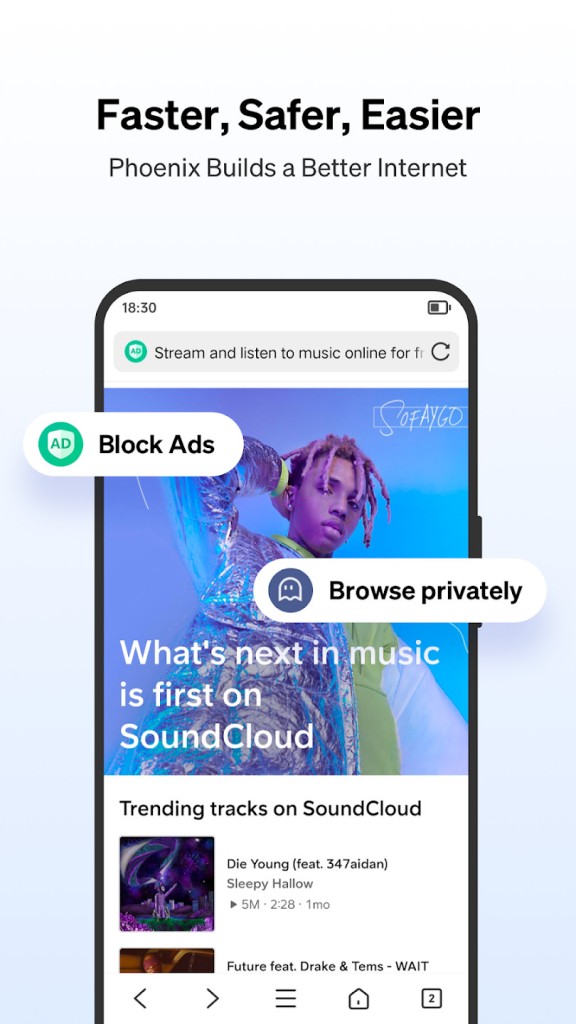
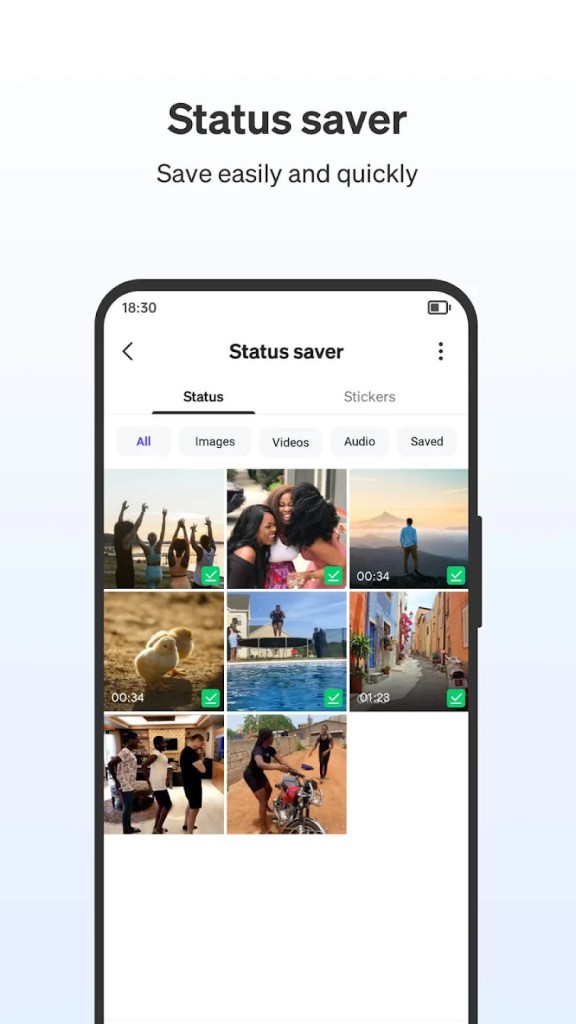
Phoenix Browser is a mobile-first web browser designed to deliver speed, convenience, and efficiency, especially for users who rely heavily on their smartphones for browsing. Unlike many default browsers that come pre-installed on devices, Phoenix offers a much wider set of tools. It’s not only about visiting websites—it’s about creating a smooth, all-in-one online experience where you can read, watch, download, and manage files without juggling multiple apps.
One of its most notable features is the built-in video downloader. For people who often find themselves saving videos for offline viewing, Phoenix makes the process simple. You don’t need to copy links into a third-party app or pay for premium downloaders. Just tap and save directly from the browser.
Phoenix Browser also emphasizes data efficiency. Its compression technology reduces the amount of data used when loading web pages, which is ideal for anyone with a limited mobile plan or in areas where connections are unstable. Pair that with an integrated file manager, incognito browsing, customizable news feeds, and a clean, responsive interface, and you’ve got a browser that’s built with real-world needs in mind.
Why should I download Phoenix Browser?
The biggest reason to download Phoenix Browser is its balance of speed and functionality. Many browsers are either lightweight but stripped of useful features, or they’re feature-packed but slow and resource-heavy. Phoenix manages to strike the middle ground. It’s quick and responsive, yet still gives you tools like video downloads, file management, and offline access.
If you’re the type of person who likes saving videos to watch later, this browser will feel like a lifesaver. Social platforms, news clips, or short videos can be stored locally with a single tap, letting you enjoy them when you don’t have internet access. For commuters, travelers, or people in areas with unreliable networks, this feature alone is worth the download.
Data-saving is another major advantage. With Phoenix, you don’t have to worry about websites draining your mobile plan. The compression works in the background, meaning you use less data without even noticing a difference in browsing quality. For users in regions where mobile data is expensive, this makes a practical difference day-to-day.
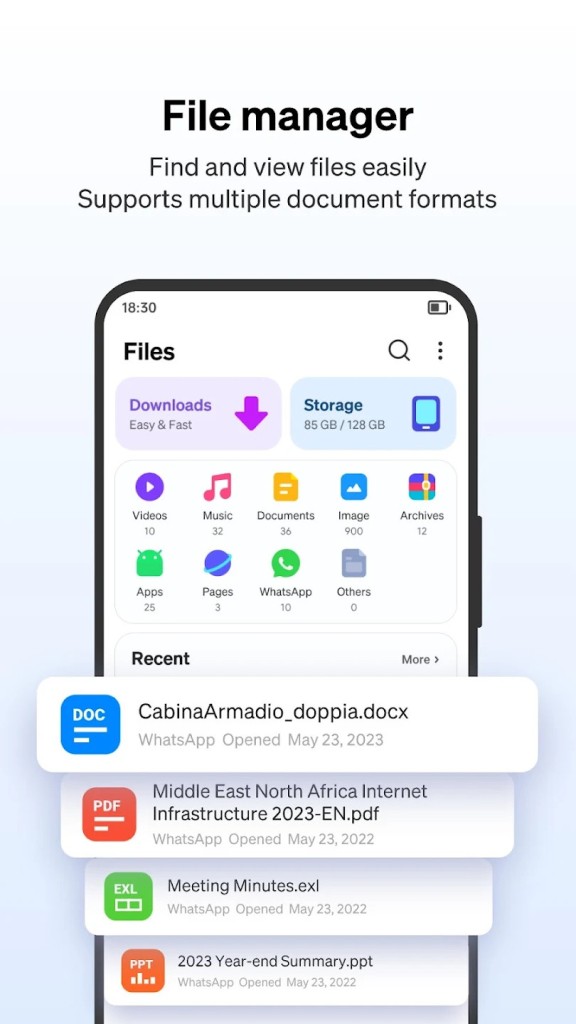
There’s also the convenience of having a built-in file manager. Instead of needing a separate app to handle downloads or move files around, Phoenix lets you do it right inside the browser. You can organize documents, videos, and other files without ever leaving the app.
And let’s not forget privacy. Phoenix comes with an incognito mode that wipes browsing history and cookies after each session. While it doesn’t make you invisible online, it does give you peace of mind if you’re using a shared device or simply want to keep your searches private.
Lastly, the smart news feed brings trending stories, sports updates, and entertainment directly to your home screen. While some might view this as extra clutter, it can be handy if you enjoy having quick access to headlines without switching apps.
Is Phoenix Browser free?
Yes, Phoenix Browser is free to download and use. You can grab it directly from the Google Play Store without paying a cent. All the major features—video downloads, data compression, incognito browsing, and the file manager—are included in the free version.
The app does include ads, which is how the developers keep it free. Some users don’t mind, while others find the ads distracting. Still, considering how many features are packed into the app, most people accept this trade-off. The important point is that you don’t have to deal with hidden paywalls or limited “trial” features. Everything you need is available from the start.
The free model also makes Phoenix Browser more accessible globally. In regions where paying for premium browsers or add-ons isn’t practical, Phoenix levels the playing field by giving everyone access to tools that would normally cost money elsewhere.
What operating systems are compatible with Phoenix Browser?
Phoenix Browser is primarily built for Android devices. It’s available on the Google Play Store and works across a wide range of Android versions. Whether you’re running the latest flagship phone or an older budget device, the browser is optimized to perform smoothly. Its lightweight design means it doesn’t demand a lot of resources, which is a huge advantage if your phone doesn’t have the latest hardware.
Currently, Phoenix Browser isn’t officially available on iOS, Windows, or macOS. Its focus remains squarely on Android users, which makes sense given the dominance of Android in mobile markets worldwide. By concentrating on a single platform, the developers can fine-tune performance and ensure stability rather than spreading resources too thin.
That said, its compatibility within the Android ecosystem is wide enough to serve most of its intended audience. From high-end smartphones to more affordable devices, Phoenix Browser works well without slowing down your phone or hogging memory.
What are the alternatives to Phoenix Browser?
Although Phoenix Browser is a good alternative, it is always prudent to consider the other options in order to decide the browser that best suits you.
One of the nearest rivals is Opera Mini. It is known to be aggressive in terms of data saving features and speed, particularly with slow networks. Similar to Phoenix, it has an intelligent news feed, and it compiles data in the background. Opera Mini is not a newcomer and has gained a good reputation over the years.
DuckDuckGo Browser follows a different path since its main concern is privacy. It prevents trackers, prefers encrypted connections when available, and provides you with information about how websites use your data. DuckDuckGo may suit you better in case you are more interested in anonymity and less online tracking. Nevertheless, it does not have video download and file manager functions that make Phoenix so useful.
Another option is Vivaldi. It has a reputation as a customized one. You are able to customize virtually everything, including tab functionality and layout. Although it is prone to desktop use, Vivaldi also has robust customizations when used on the mobile platform. It is also heavier than Phoenix, but might not run as well on low-end devices.