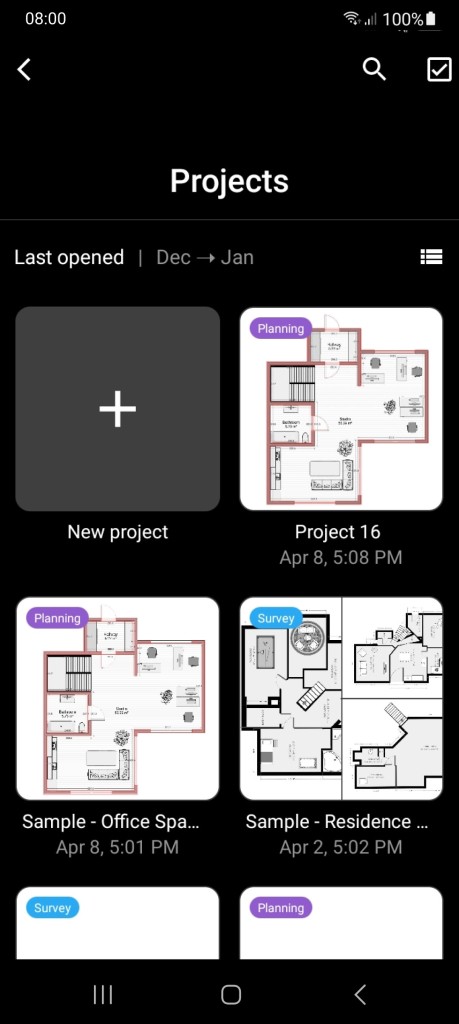
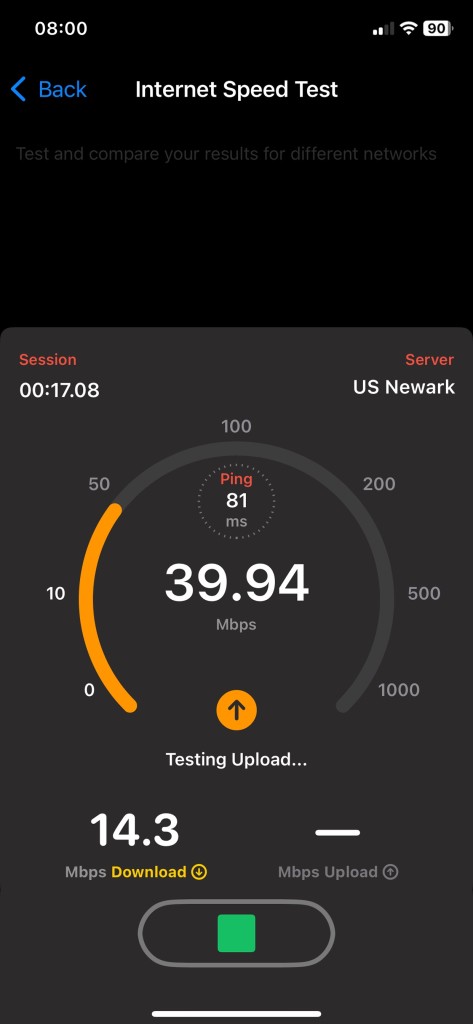
NetSpot is a Wi-Fi analysis and survey tool that takes the guesswork out of figuring out your wireless network. If you’ve ever walked into a room where the Wi-Fi drops for no apparent reason, or you’ve struggled with video calls that keep freezing, you know how frustrating weak or inconsistent signals can be. NetSpot helps solve that by showing you exactly what’s happening with your Wi-Fi coverage. It turns something invisible—wireless signals—into clear, easy-to-understand maps and charts.
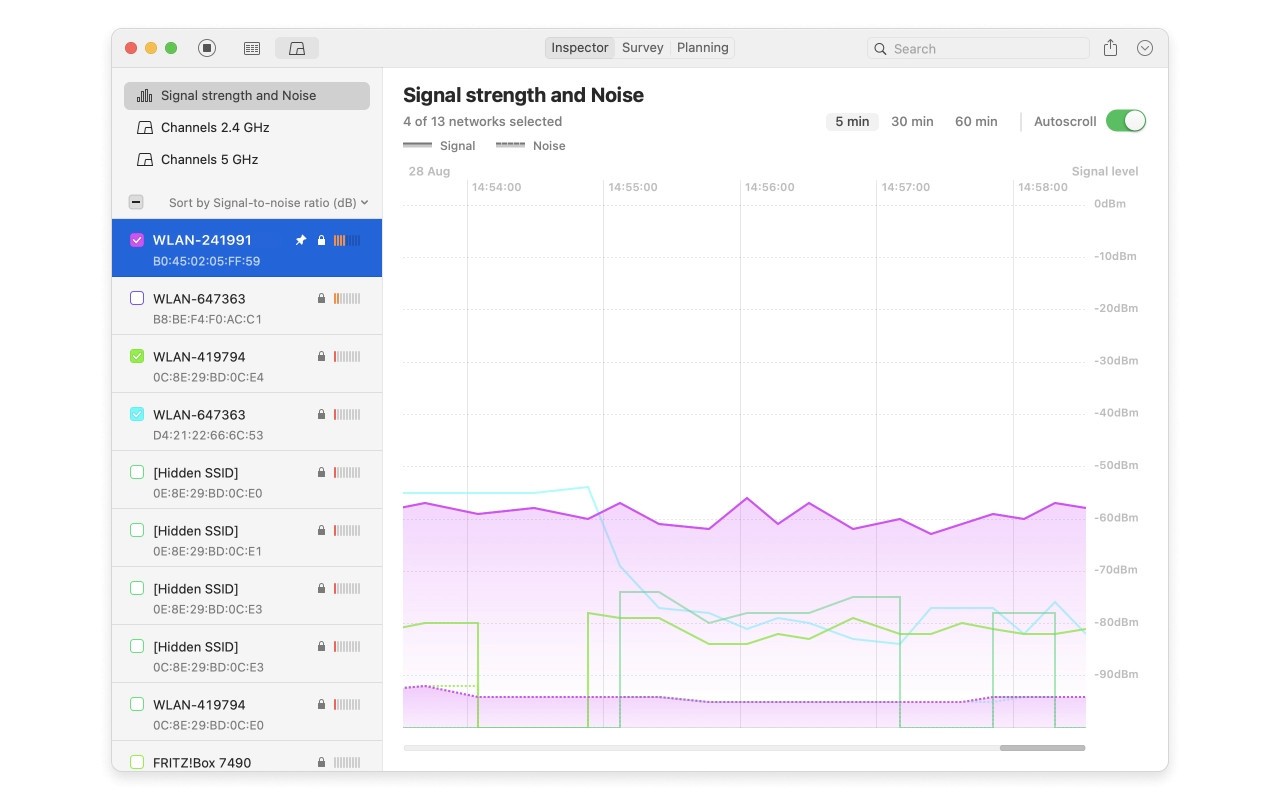
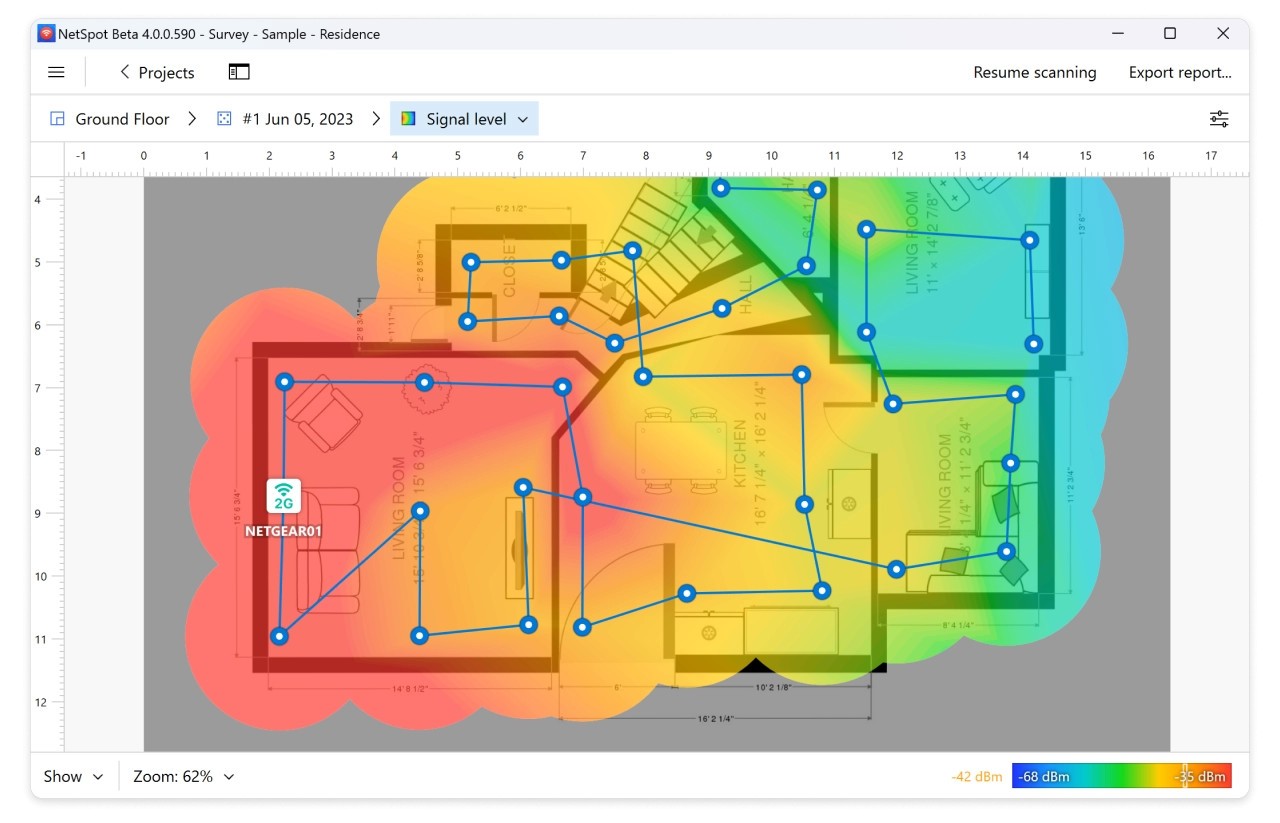
The app has two main modes: discovery and survey. Discovery mode quickly scans available networks around you, giving you real-time details like signal strength, channel usage, and interference. Survey mode goes a step further. You load a map of your home, office, or building and walk around with your laptop while NetSpot collects data. The result is a heatmap that shows you strong and weak coverage areas. Suddenly, those Wi-Fi dead zones aren’t a mystery anymore—you can see where the signal fades and plan solutions.
What’s especially nice about NetSpot is that it’s not just for IT pros. Sure, network engineers can use it for large-scale projects, but regular home users can also run it without needing advanced knowledge. The interface is straightforward, and the results are displayed visually instead of burying you in jargon. Whether you’re trying to get smoother Netflix streaming in your bedroom or planning a reliable setup for a small office, NetSpot gives you the tools to make smart adjustments.
Why should I download NetSpot?
The biggest reason to download NetSpot is simple: reliable Wi-Fi matters. In today’s world, almost everything depends on it. Work-from-home setups collapse without steady connections, gamers rage when lag ruins matches, and families can’t even watch a movie together if the stream keeps buffering. NetSpot gives you insight and control so you’re not just guessing why your Wi-Fi acts up.
Imagine you’ve set up your router in the living room, but your kids complain they can’t get a signal in their rooms upstairs. Instead of buying random extenders and hoping for the best, you can use NetSpot to do a site survey. It will show you exactly how strong the signal is in each room and whether walls, floors, or competing networks are causing issues. With that info, you can move the router, add an extender where it’s actually needed, or even change your Wi-Fi channel to avoid interference.
Another reason to grab NetSpot is its ability to detect interference from other devices. Many people don’t realize their Wi-Fi competes with things like cordless phones, microwaves, and, of course, all the neighbors’ routers crammed onto the same channel. NetSpot’s discovery mode lays this out clearly, showing which channels are congested and which are open. Switching your router to a less crowded channel can dramatically improve speed and stability, and it only takes a few clicks once you know what’s wrong.
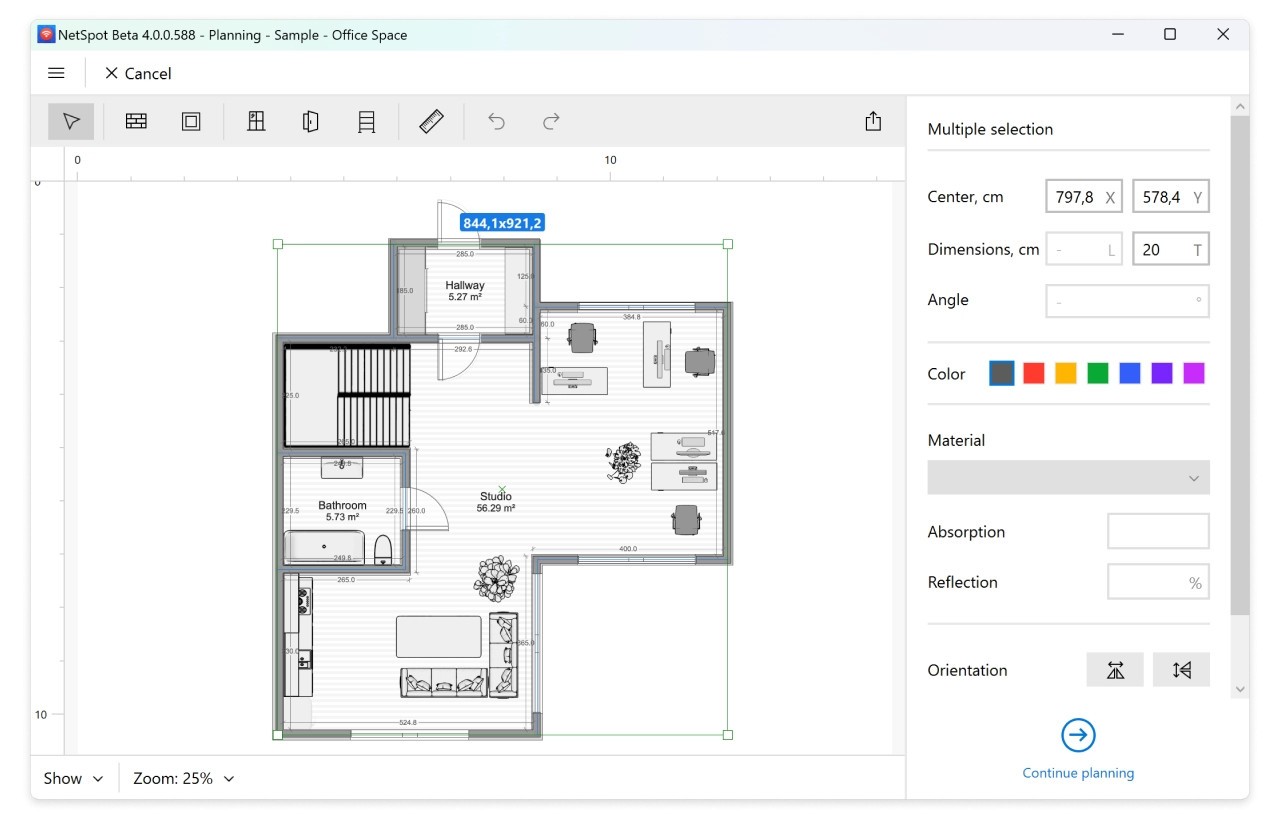
For small businesses, NetSpot is even more valuable. An unreliable connection means frustrated employees, dropped client calls, and wasted time. With NetSpot, you can design your network properly from the start, making sure the coverage is strong across the entire office. Preventing downtime is always easier (and cheaper) than fixing it later.
Is NetSpot free?
Yes, NetSpot does have a free version, which makes it accessible to just about anyone who wants to give it a try. The free edition includes essential scanning and survey features, perfect for checking your home Wi-Fi and getting a feel for how the software works. You can see where your network shines and where it struggles, without spending a dime.
That said, NetSpot also offers paid versions with advanced features. These are geared toward professionals or businesses that need detailed reporting, multi-project support, or advanced troubleshooting tools. If you’re an IT administrator managing large spaces like offices, schools, or warehouses, those features are worth the upgrade.
For most home users, though, the free edition is more than enough. You can run a heatmap of your home, figure out where the weak spots are, and make practical changes. The fact that NetSpot doesn’t lock its most useful features behind a paywall is a big reason it stands out. You’re free to try it, use it, and only upgrade if you need more.
What operating systems are compatible with NetSpot?
NetSpot is compatible with Windows and macOS, and thus, regardless of the system you are using, you can exploit it. That is a big thing since most Wi-Fi tools are based on a single platform, and some users cannot access them. In this case, both the major operating systems are compatible, and the experience is almost the same between the two.
It’s lightweight, too. You do not require a powerful computer or even special hardware. NetSpot is compatible with any laptop as long as it has a Wi-Fi adapter to conduct surveys and scans. This portability is particularly useful, as you can walk around your house, office, or building with only your laptop and take in data in real time.
It is also versatile, given the cross-platform compatibility. In case you are collaborating with other individuals and some are on Windows, others on Mac, then everybody will be able to use the same tool. Such uniformity is convenient to businesses and comforting to normal people who simply need something that functions without any further elaborations.
What are the alternatives to NetSpot?
NetSpot is a very strong tool, although it is not the sole Wi-Fi analyzer. There are some alternatives that are worth considering as far as you require something.
WLAN Optimizer is one option. It is a lightweight program that is more concerned with the reduction of lag, which is achieved through the reduction of wireless interference. It is often popular among gamers as it can be used to smooth out online play, which reduces latency. It does not, however, provide as detailed visual maps as NetSpot does and thus is more of a band-aid solution than a permanent one.
Another good alternative is WIFI SCANNER. It is very good at identifying the nearby networks and displaying what channels they are using, as well as assisting you in determining the level of congestion in the surrounding area. In case the neighbors are the main problem you have, WiFi Scanner may assist you in choosing a less crowded channel. However, it is not as powerful as the site survey capabilities, so you will not have an equivalent of the big picture view of what your coverage is.
Real WiFi is a less complex application for monitoring your connection speed, stability, and strength. It is simple and practical in times when you simply need to understand whether your Wi-Fi is in good operation or not. It will not be as detailed as NetSpot, but a simple way of getting fast diagnostics without digging too deep.