If you feel like web browsers haven't really changed in the last twenty years and you're tired of juggling a million tabs, you have to see what Arc is doing. Developed by The Browser Company, Arc adds a whole new way of thinking about how we use the internet. It's available as a desktop browser, Arc Browser, and as mobile apps called Arc Search. The whole idea is to move beyond the static, horizontal row of tabs and create a more organized, efficient, and intelligent workspace.
The Arc Browser for desktop completely redesigns the traditional browser layout and uses a dynamic vertical sidebar to manage everything from your tabs and bookmarks to built-in tools like notes and web clippings. It aims to help you organize your work and personal life into different contexts called "Spaces," making it easier to focus on one thing at a time.
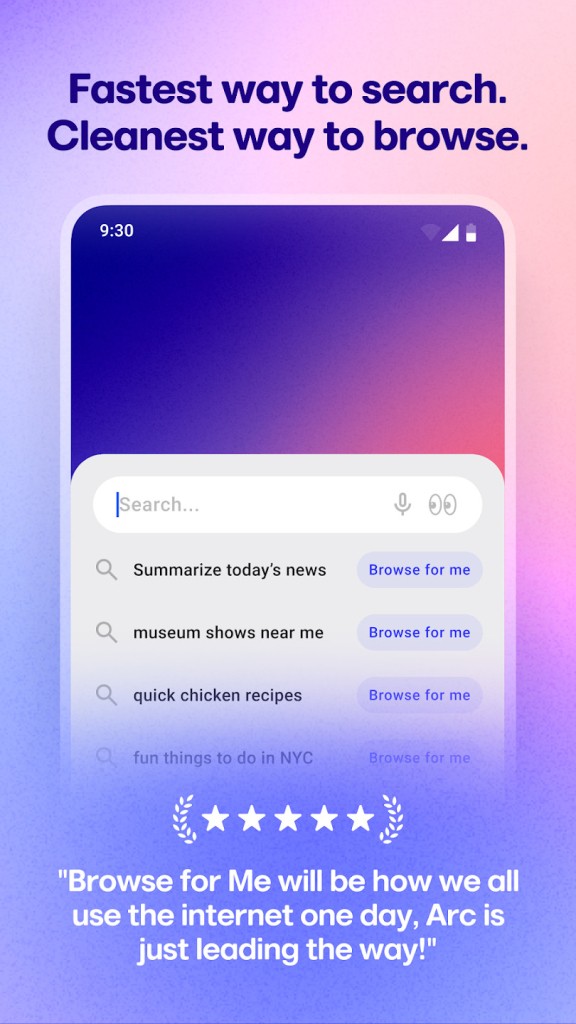
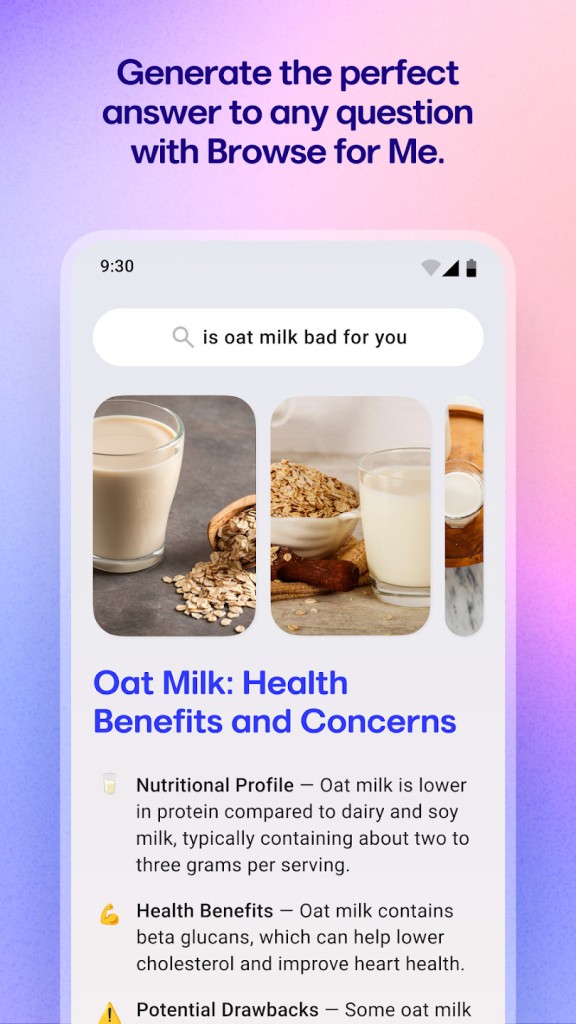
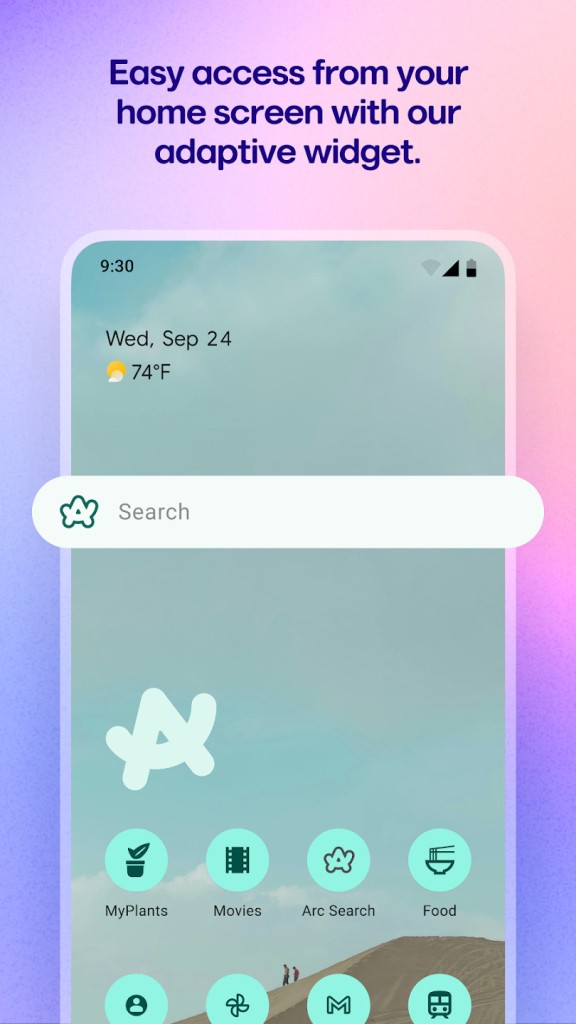
On the mobile, Arc Search reinvents the search experience with a powerful AI feature called "Browse for Me." Instead of just giving you a list of links, Arc Search takes your query, analyzes multiple websites, and then builds a brand new, clean webpage that directly answers your question, complete with summaries, key information, and links to the sources. It's a faster and smarter way to find what you're looking for on the go. You can download the Arc browser on Windows, Linux, iOS, and Android.
Why should I download Arc Browser?
Arc browser changes the typical browser layout and moves everything to the side in order to declutter your view and provide a more organized way to navigate the web. Your pinned favorite sites, current tabs, and different workspaces are all arranged in one place. It takes a little getting used to, but once you do, it makes managing your tabs and browsing much more intuitive and less chaotic than a traditional browser.
In Arc, you get different "Spaces," which, in a way, replace traditional tab bars. You can create different dedicated workspaces for different types of online activity. For example, you could have a "Work" space with your email, project management tool, and documents, a "Personal" one for your social media and hobbies, and a "School" space for your research and online classes. Switching between these spaces is seamless and helps you mentally separate your different tasks and stay focused.
The Arc mobile app has an innovative "Browse for Me" AI feature. When you type in a question, like "What are the best tips for growing tomatoes?" you can tap "Browse for Me." The AI then reads several of the top search results for you and builds a brand new, beautifully designed webpage from scratch that summarizes the information, organizes it into sections, and gives you the key takeaways, saving you the time and effort of sifting through multiple websites yourself.
Arc has a built-in Split View, so you can easily view two tabs side by side in a single window. This is great when taking notes from a YouTube video, comparing two products, or referencing a document while you write an email. You can drag and drop tabs into a split view and resize the panels as needed, making it a powerful productivity tool built right into the browser.
You can also use Arc to clean up your tabs for you, where it automatically archives your unused tabs after a set period, like 12 hours or 24 hours. This prevents you from accumulating a massive collection of old tabs that you'll never look at again. You can still search through archived tabs to find something later, so you don't lose anything important. Arc is available for free on Windows, macOS, Android, and iOS.
Is Arc Browser free?
Yes, both the Arc Browser for desktop and the Arc Search mobile app are completely free to download and use. The company's mission states that its business model will not be based on selling user data or charging for the browser itself. There are no ads, subscription tiers, or premium features locked behind a paywall, so you get all its features at no cost.
What operating systems are compatible with Arc Browser?
The main Arc Browser for desktop is available for macOS 13.0 or later and Microsoft Windows 10 and 11. The Arc Search mobile app works on iOS 16.0 or newer and Android 12.0 or higher.
What are the alternatives to Arc Browser?
Zen Browser is a minimalist web browser that is designed for focus and privacy. It has a clutter-free interface, a built-in focus mode to block distractions, and powerful privacy settings. It's a great option if you're looking for a simple and lightweight browser that gets out of your way and makes it easier to focus on your work. Zen Browser is free, comes from an open source project, and you can get it on Windows and macOS.
Opera Air is a lightweight browser from Opera that is also focused on productivity and privacy. It has many of the standard features of the main Opera browser, like a built-in VPN, native ad blocker, and AI sidebar tools, but it also has a section for exercises, guided meditations, and breathing. You can download Opera Air on Windows, macOS, and Linux, and there's no version for mobile devices.